
Ruzivo Rwakakosha Chekuchengetedza
Please read and understand all instructions before using the laminator. Keep this manual for future reference.
- Usashandise laminator kana tambo yemagetsi kana chivhariso chakakuvara.
- Keep the laminator away from water or other liquids.
- Do not insert metal objects into the laminator.
- Iva nechokwadi chekuti mhepo inofefetera zvakanaka pamuchina panguva yekushanda.
- Bvisa laminator kana isiri kushandiswa kana usati wachenesa.
- Chishandiso ichi hachina kuitirwa kuti chishandiswe nevanhu (kusanganisira vana) vane masimba emuviri, pfungwa kana pfungwa dzakadzikira, kana kushaya ruzivo neruzivo, kunze kwekunge vapihwa tarisiro kana kuraira maererano nekushandiswa kwemudziyo nemunhu ane mutoro wekuchengetedza kwavo.
Product Overview
The Amazon Basics 9-Inch Thermal Laminator is designed for home, office, or classroom use, providing high-quality lamination for various document sizes.
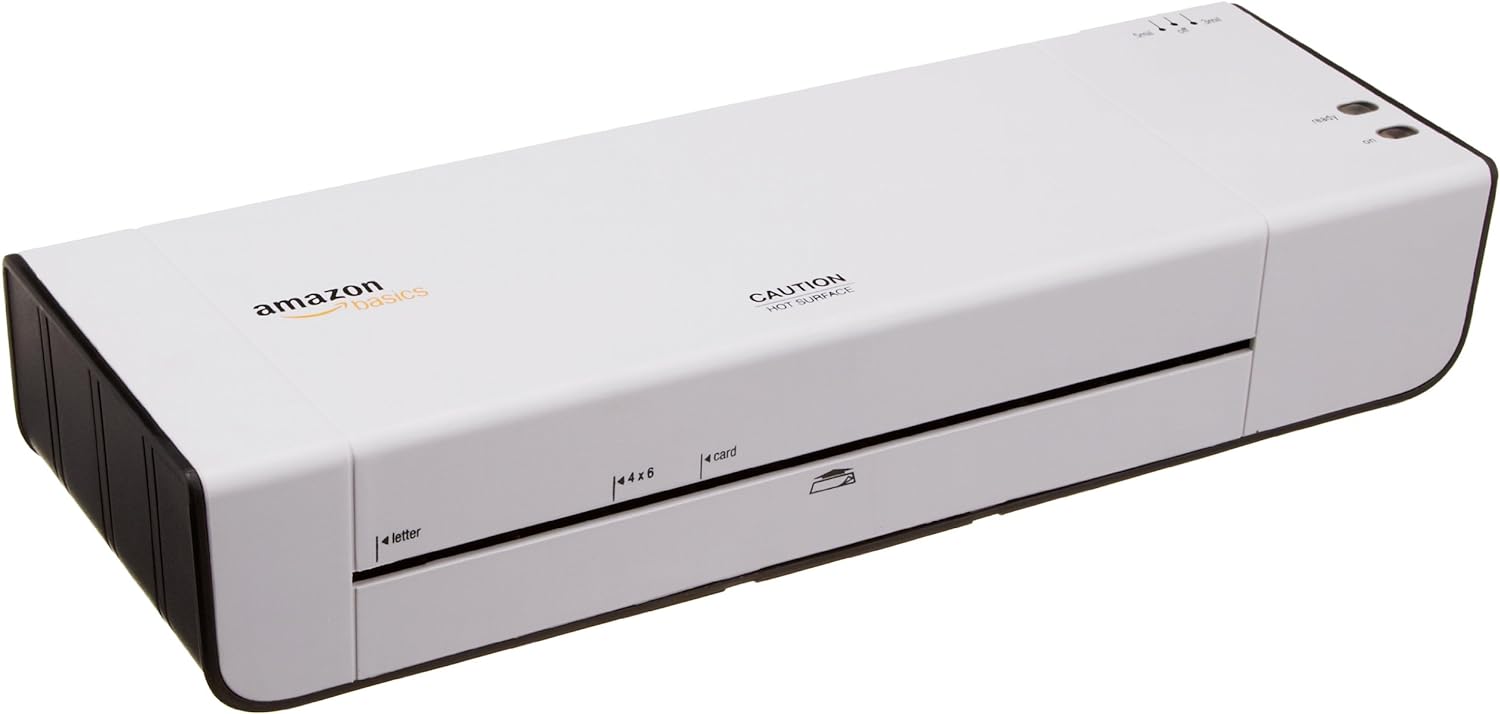
Mufananidzo 1: Mberi view of the Amazon Basics 9-Inch Thermal Laminator Machine, showing the feed slot and branding.
Zvinokosha:
- Laminates documents up to 9 inches wide.
- Two heat settings: 3 mil and 5 mil.
- Quick 4-minute warm-up time.
- Jam release lever for easy clearing.
- Compact design.
Gadzirira
Kuburitsa:
Carefully remove the laminator from its packaging. Retain the packaging for future storage or transport.
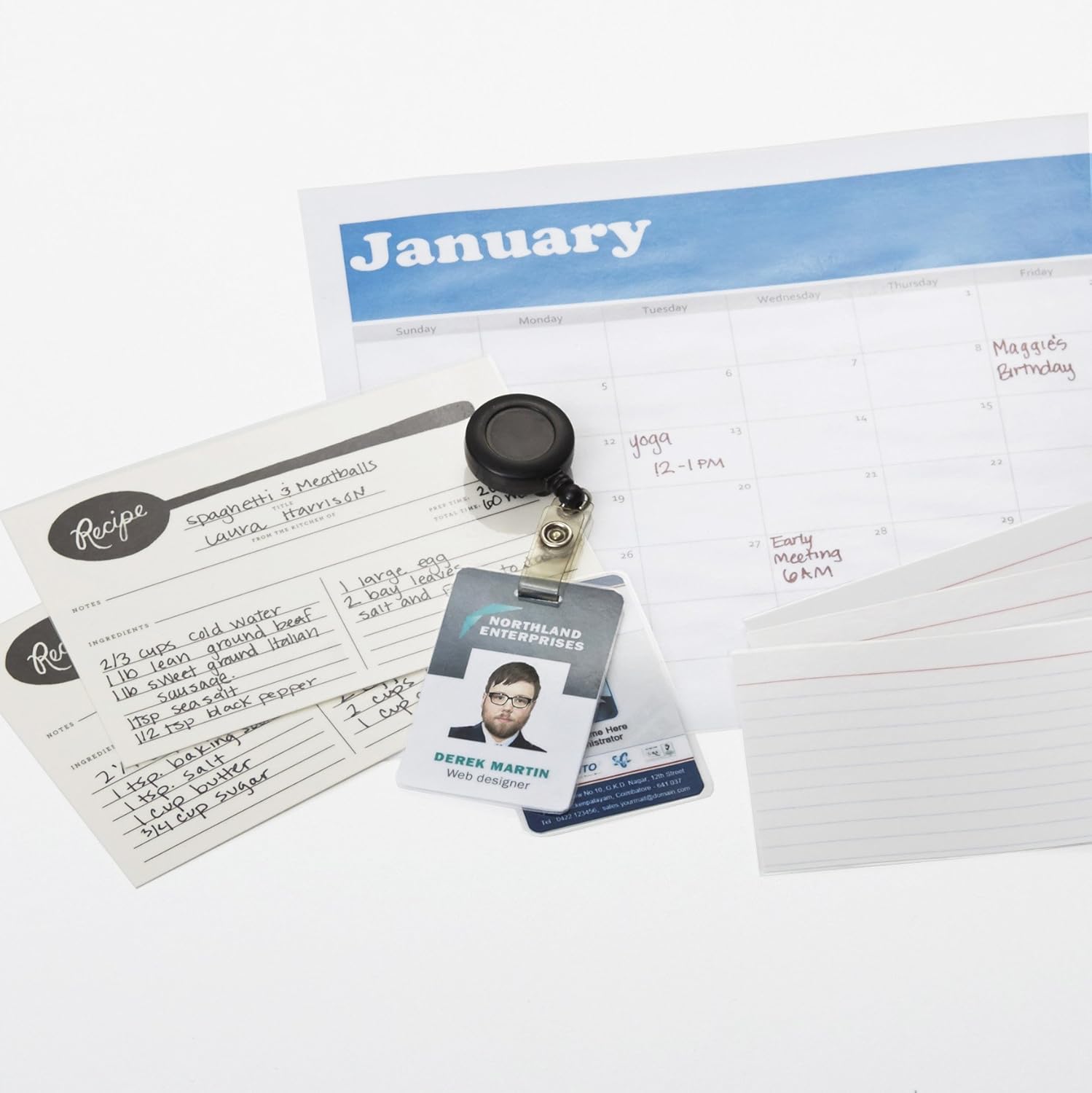
Figure 2: The laminator machine as it appears inside its frustration-free packaging.
Kuiswa:
Place the laminator on a flat, stable, and heat-resistant surface. Ensure there is adequate space around the machine for proper ventilation and for documents to exit the rear.
Power Connection:
Plug the power cord into a standard electrical outlet. The power switch is located on the side of the unit.

Mufananidzo 3: Pedyo-kumusoro view of the power switch, 3mil/5mil heat settings, and release lever on the side of the laminator.
Operating Instruction
Laminating a Document:
Kubatidza uye Kudziisa:
Turn the power switch to the "On" position. The "Ready" indicator light will illuminate once the machine has warmed up (approximately 4 minutes).
Sarudza Heat Setting:
Choose the appropriate heat setting based on the laminating pouch thickness:
- 3 mil: For normal documents, photos, and card stock.
- 5 mil: For thinner papers.
Gadzirira Gwaro:
Place the document inside a laminating pouch, ensuring it is centered and there is an even border around the edges. Use the included 3 mil thick, 8.9 by 11.4 inch laminating pouches or any compatible 3 mil or 5 mil pouch.

Mufananidzo 4: Example of laminating recipe cards, showing the document being fed into the laminator.
Insert Pouch:
Carefully insert the sealed edge of the laminating pouch into the laminator's feed slot. The machine will automatically pull the pouch through.

Figure 5: A calendar page being laminated, demonstrating the machine's ability to handle various document types.
Retrieve Laminated Document:
Once the pouch exits the rear of the machine, allow it to cool on a flat surface before handling to ensure proper sealing.

Figure 6: A collection of laminated items, including recipe cards, ID badges, and a calendar, showcasing the versatility of the laminator.
Maintenance
Kuchenesa:
Iva nechokwadi chekuti laminator haina plug uye inotonhorera zvachose usati waichenesa. Pukuta kunze kwayo nejira rakapfava, damp jira. Usashandise abrasive cleaners kana solvents.
Roller Cleaning (Optional):
Periodically, you may run a cleaning sheet (available separately) through the laminator to remove any adhesive residue from the rollers.
Kuchengeta:
Store the laminator in a cool, dry place when not in use. Ensure the power cord is neatly wrapped and not kinked.
Kugadzirisa matambudziko
| Dambudziko | Zvinogona Kukonzera | Solution |
|---|---|---|
| Laminator does not turn on. | Haina kubatirwa mukati; dzima simba; hapana simba pakubuda. | Check power cord connection; ensure power switch is "On"; test outlet with another device. |
| Kuzadza kwepochi mumuchina. | Pouch inserted incorrectly; pouch too thick; foreign object. | Press the kusunungura lever to clear the jam. Ensure pouch is inserted sealed edge first and is within specified thickness (3 or 5 mil). |
| Lamination is cloudy or bubbly. | Incorrect heat setting; machine not fully warmed up; low-quality pouch. | Ensure correct heat setting (3 mil for normal, 5 mil for thinner); wait for "Ready" light; use high-quality laminating pouches. |
| Lamination is not sealed properly. | Incorrect heat setting; machine not fully warmed up; document too thick for pouch. | Verify heat setting; wait for "Ready" light; ensure document fits pouch with adequate border. |
Zvinotsanangurwa
| Feature | Detail |
|---|---|
| Model Number | PL9-US |
| Laminating Width | Kusvika ku9 inches |
| Heat Settings | 3 miriyoni, 5 miriyoni |
| Nguva yekudziya | Anenge maminitsi makumi maviri |
| Nhamba yeRoller | 2 |
| Kurema | 1.2 kg |
| Magetsi | Standard AC |
Warranty uye Support
For warranty information and customer support, please visit the official Amazon Basics webwebhusaiti kana kuti bata Amazon zvakananga.
Rutsigiro rwepamhepo: Chitoro cheAmazon Basics
Note: Reading the full user manual is recommended prior to the first use of this product.