
Ikea 40250855
Ikea LILLHULT USB Type C to USB Cable User Manual
Muenzaniso: 40250855
Nhanganyaya
This user manual provides essential information for the safe and efficient use of your Ikea LILLHULT USB Type C to USB cable. Please read this manual carefully before using the product and retain it for future reference.
Setup Instructions
The Ikea LILLHULT cable is designed for connecting devices with a USB Type C port to a power source or another device with a standard USB-A port for charging and data transfer.
- Ziva Vanobatanidza: Locate the USB Type C connector (smaller, reversible) and the standard USB-A connector (larger, rectangular).
- Batanidza kuChishandiso: Insert the USB Type C connector into the compatible port on your smartphone, tablet, or other USB-C enabled device. Ensure it is fully seated.
- Batanidza kuPower/Data Source: Insert the USB-A connector into a compatible USB wall adapter, power bank, computer USB port, or other USB-A enabled charging/data port.
- Verify Connection: Confirm that your device indicates it is charging or connected for data transfer.
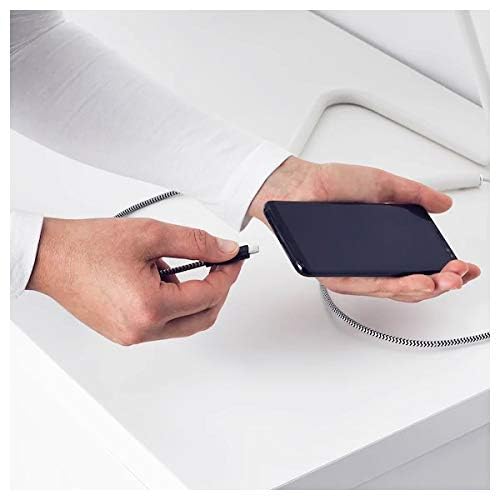
Image: A person connecting the USB Type C end of the cable to a smartphone. This illustrates the initial connection step.
Operating Instruction
Kuchaja Devices
Once properly connected to a power source, the cable will facilitate charging of your USB Type C device. Charging speed may vary depending on the power adapter and the device's charging capabilities.
Data Transfer
This cable supports data transfer at speeds up to 0.48 Gigabits Per Second. To transfer data, connect the USB-A end to a computer's USB port and the USB Type C end to your device. Your device may prompt you to select a connection mode (e.g., "File Transfer" or "MTP").
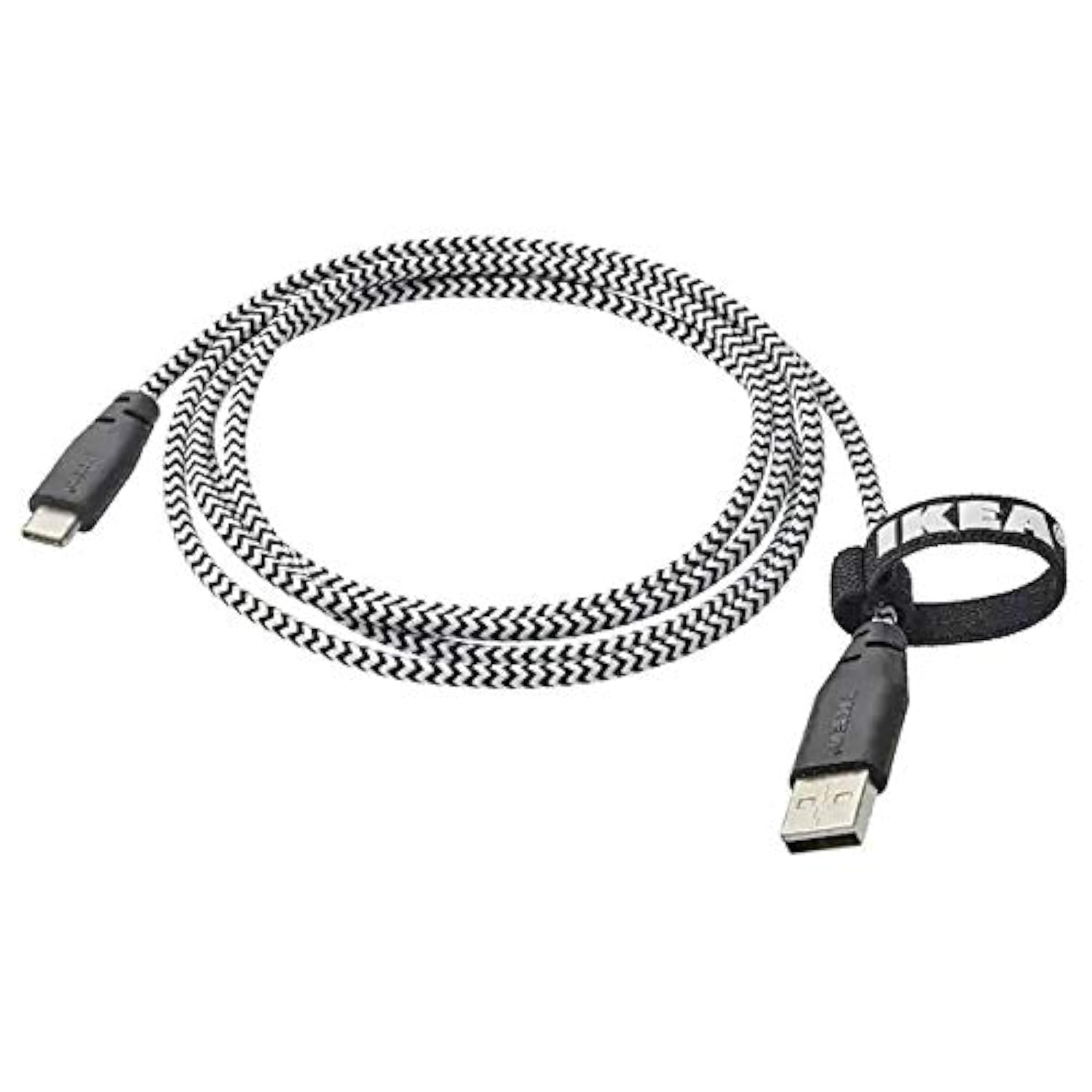
Image: The Ikea LILLHULT cable in use, connecting a smartphone to a charging base, with a laptop in the background. This demonstrates the cable's function in a typical setup.
Maintenance and Care
- Kuchenesa: Wipe the cable with a dry, soft cloth. Avoid using harsh chemicals or abrasive cleaners.
- Kuchengeta: When not in use, coil the cable loosely. Avoid sharp bends or kinks, especially near the connectors, to prevent internal wire damage. The integrated cable tie can be used for neat storage.
- Kubata: Gara uchibata imba yekubatanidza paunenge uchidhonza kana kuburitsa tambo, pane kudhonza tambo pachayo.
- Environment: Chengeta waya kure nekupisa kwakanyanya, chiedza chezuva chakananga, uye hunyoro.
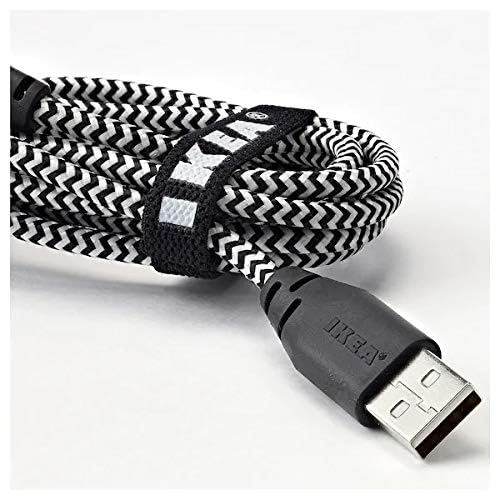
Mufananidzo: Kuvhara view of the coiled Ikea LILLHULT cable, secured with its integrated cable tie, showing the durable braided design and the USB-A connector with the Ikea logo. This highlights the cable's design for easy storage and durability.
Kugadzirisa matambudziko
| Dambudziko | Zvinogona Kukonzera | Solution |
|---|---|---|
| Mudziyo hauchaji. | Loose connection, faulty power adapter, incompatible device. | Ensure both ends of the cable are securely connected. Try a different power adapter or USB port. Verify device compatibility. |
| Kuchaja zvishoma nezvishoma. | Low-power USB port, power adapter not sufficient, background apps on device. | Shandisa yakakwirira-wattage power adapter. Close unnecessary applications on your device. Ensure the USB port provides adequate power. |
| Kuendesa data hakusi kushanda. | Incorrect device settings, driver issues on computer, loose connection. | Check your device's USB connection settings (e.g., select "File Transfer"). Ensure computer drivers are up to date. Reconnect the cable firmly. |
Zvinotsanangurwa
- Brand: Ikea
- Muenzaniso: 40250855
- Type yekubatanidza: USB Type C to USB-A
- Cable Type: USB
- Urefu: 1.5 meters (4 feet 11 inches)
- Zvishandiso Zvinoenderana: Charging Adapter, USB Type C enabled devices
- Special Feature: Durable rakarukwa dhizaini
- Data Transfer Rate: Up to 0.48 Gigabits Per Second
- Ruvara: Nhema
- Chimiro Chimiro: Round
- Mugadziri: Ikea
Warranty uye Support
For information regarding warranty, returns, or customer support, please refer to the purchase documentation or visit the official Ikea website. Chengetedza humbowo hwako hwekutenga kune chero vimbiso yewaranti.
Zvekushandisa Pamhepo:
- Official Ikea Websaiti: www.ekrai.com
- Product Support Page (if available): Refer to the Ikea website for specific product support pages.
Ask a question about this manual
Ask about setup, troubleshooting, compatibility, parts, safety, or missing instructions. Manuals+ will review the question and use this page’s manual context to help answer it.