
Anker Soundcore K20i
Anker Soundcore K20i True Wireless Earbuds User Manual
Model: K20i | Brand: Anker Soundcore
1. Nhanganyaya
The Anker Soundcore K20i are true wireless earbuds designed for comfortable, extended listening. They feature Bluetooth 5.3 connectivity, IPX5 water resistance, and up to 36 hours of total playback with the charging case. Enjoy powerful bass and clear calls with AI noise reduction.

Image: Anker Soundcore K20i earbuds and charging case in black, white, purple, and blue.
2. Package Zviri mukati
Ita shuwa kuti zvinhu zvese zviripo mune yako chigadzirwa package:
- Soundcore K20i True Wireless Earbuds
- Kuchaja Case
- USB-C & USB-A Charging Cable
- Safety Manual & Quick Start Guide

Image: The Anker Soundcore K20i earbuds, their charging case, and the included USB-C charging cable.
3. Setup
3.1. Kuchaja
Usati washandisa kekutanga, chaja zvese zviri munzeve nebhokisi rekuchaja.
- Place the earbuds into the charging case. Close the case to begin charging the earbuds.
- Batanidza kesi yekuchaja kune sosi yemagetsi uchishandisa yakapihwa USB-C tambo.
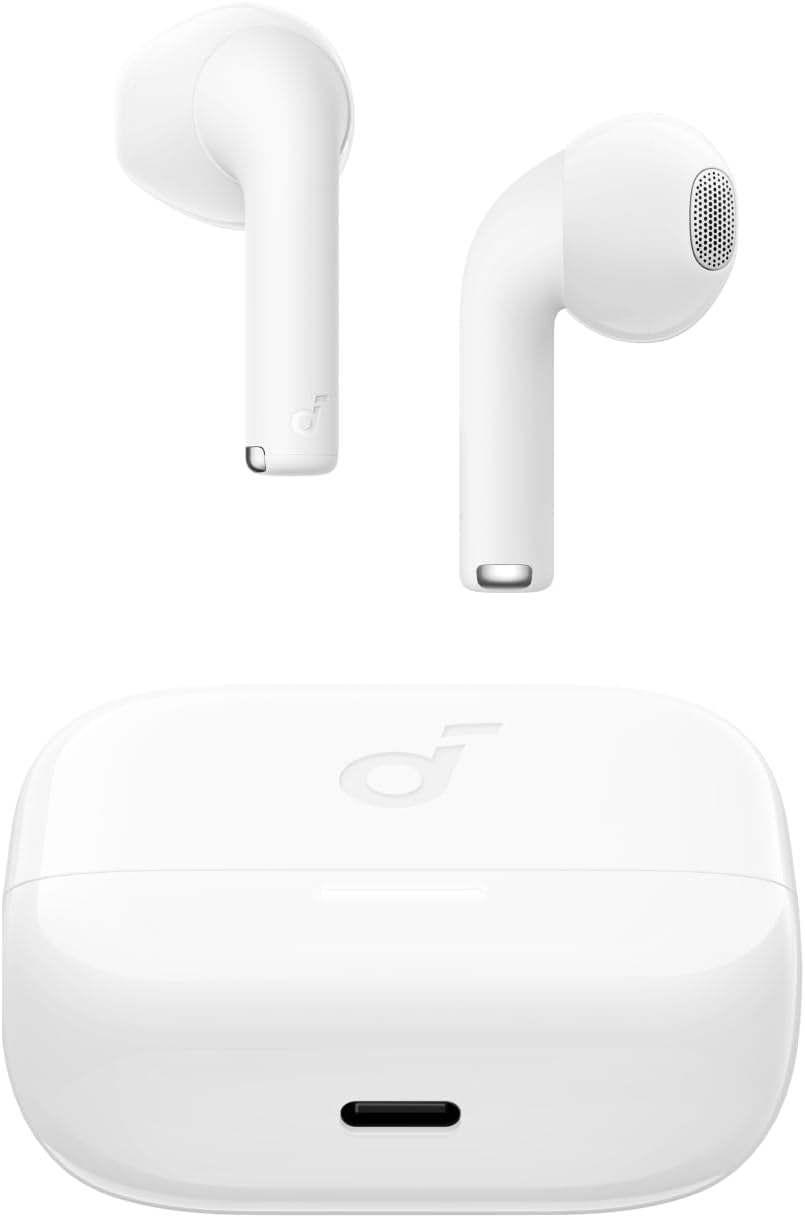
Image: The Anker Soundcore K20i earbuds resting in their open charging case, with the USB-C charging port visible at the front of the case.
3.2. Kubatanidza
Tevedza nhanho idzi kubatanidza maearbud ako neBluetooth-inogonesa mudziyo:
- Open the charging case. The earbuds will automatically enter Bluetooth pairing mode.
- On your device (smartphone, PC), enable Bluetooth and search for 'Soundcore K20i'.
- Select 'Soundcore K20i' to connect.
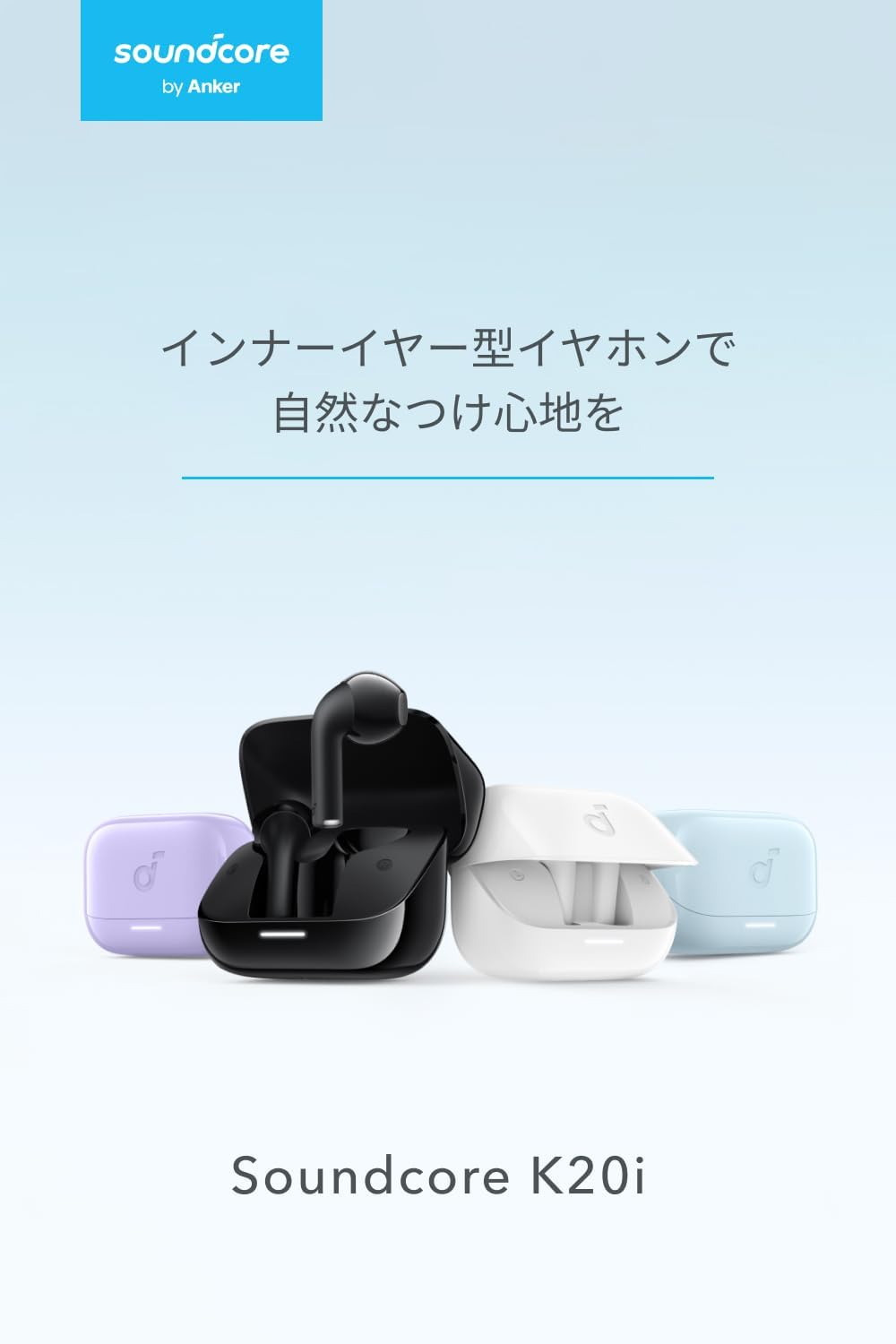
Image: The Anker Soundcore K20i earbuds removed from their charging case, indicating they are ready for Bluetooth pairing.
4. Operating Instructions
4.1. Kupfeka maEarbuds
Kuti uwane kunyaradza kwakanyanya uye ruzha rwemhando, ita shuwa kuti maearbuds akanyatsogadzika munzeve dzako.
- Insert the earbuds into your ears and gently rotate them until they fit snugly and comfortably.
- Each earbud weighs approximately 3.3g, designed for extended comfortable wear without ear tips.

Image: A diagram illustrating the correct way to position the Anker Soundcore K20i earbud in the ear canal for a secure and comfortable fit.
4.2. Basic Controls
The Soundcore K20i earbuds feature touch controls for various functions. Specific actions for single, double, or triple taps can often be customized via the Soundcore app.
4.3. Soundcore App
Enhance your listening experience by downloading the Soundcore app. The app allows you to:
- Customize sound settings and adjust the equalizer.
- Locate your earbuds if misplaced.
- Gadziridza earbud firmware.

Image: A user interacting with the Soundcore application on a smartphone, displaying various sound customization options for the earbuds.
5. Kuchengeta
5.1. Kuchenesa
Kugara kuchenesa kunobatsira kuchengetedza kuita kwakaringana uye hutsanana:
- Regularly clean the earbuds and charging case with a dry, soft, lint-free cloth.
- Dzivisa kushandisa makemikari ane hasha kana abrasive zvinhu.
5.2. Kuramba Mvura (IPX5)
The earbuds are IPX5 water-resistant, meaning they can withstand splashes and sweat. This makes them suitable for workouts and light rain. Usazvinyudza mumvura.

Image: Two Anker Soundcore K20i earbuds covered in water droplets, illustrating their IPX5 water-resistant design.
5.3. Kuchengeta
Store the earbuds in their charging case when not in use to protect them from damage and ensure they remain charged.
6. Kugadzirisa matambudziko
If you encounter issues with your Soundcore K20i earbuds, try the following solutions:
- Maearbuds haana kubatanidza: Ensure both earbuds are charged and within range of your device. Turn off and on your device's Bluetooth.
- Only one earbud plays sound: Try placing both earbuds back into the charging case, closing it for a few seconds, then reopening. Refer to the quick start guide for specific earbud reset instructions.
- Hunhu husina kunaka: Ensure the earbuds are properly seated in your ears. Try adjusting equalizer settings in the Soundcore app.
- Kuchaja nyaya: Iva nechokwadi chekuti tambo yekuchaja yakabatana zvakanaka nekesi uye panobva magetsi. Iva nechokwadi chekuti macontacts ekuchaja ari pama earbuds nemukati mekesi akachena.
7. Zvinotsanangurwa
| Feature | Tsanangudzo |
|---|---|
| Model Name | Soundcore K20i |
| Kubatana Technology | Wireless (Bluetooth 5.3) |
| Kuiswa Nzeve | Munzeve |
| Headphone Style | Munzeve |
| Impedance | 16 Ohms |
| Noise Control | None (AI Noise Reduction for calls) |
| Nguva Yekutamba (Earbuds) | Kusvikira kumaawa makumi maviri nemashanu |
| Yese Yekutamba Nguva (neNyaya) | Kusvikira kumaawa makumi maviri nemashanu |
| Fast Charging | 10 minutes charge for approx. 2 hours playback |
| Earbud Weight (per earbud) | Approx. 3.3g |
| Product Weight | 42.6g |
| Kuramba Mvura | IPX5 |
| Mugadziri Model Number | A3994 |
| Inowirirana Devices | Smartphones, PCs, and other Bluetooth-compatible devices |
8. Warranty uye Tsigiro
Anker Soundcore K20i comes with an 18-mwedzi chigadzirwa waranti from the date of purchase. For registered members, an additional 6-month extended warranty is provided, totaling 24 months of coverage.
For product or delivery-related inquiries, please contact customer support. Anker provides dedicated Japanese customer support.

Image: Details on Anker's 18-month product warranty, an additional 6-month extended warranty for members, and information for contacting Japanese customer support.
Ask a question about this manual
Ask about setup, troubleshooting, compatibility, parts, safety, or missing instructions. Manuals+ will review the question and use this page’s manual context to help answer it.