
Nhanganyaya
This manual provides comprehensive instructions for the JBL PartyBox Club 120 portable wireless speaker. It covers essential information regarding product setup, operation, maintenance, and troubleshooting to ensure optimal performance and longevity of your device. Please read this manual thoroughly before using the speaker.
Chii chiri muBhokisi
Pakuburitsa zvinhu, iva nechokwadi chekuti zvinhu zvinotevera zviripo:
- 1 x JBL PartyBox 120 Portable Wireless Speaker
- 1 x AC Simba Tambo
- 1 x Auxiliary Cable
- 1 x Microfiber Cloth

Mufananidzo: Mberi view of the JBL PartyBox Club 120 speaker, showcasing its grille and illuminated JBL logo.
Gadzirira
1. Kubhadharisa Mutauri
Before initial use, fully charge the speaker. Connect the provided AC power cord to the speaker's power input and then to a wall outlet. The charging indicator will show the battery status. A full charge provides approximately 12 hours of playtime.
2. Powering On / Off
- To power on: Press the Power button located on the control panel.
- To power off: Press and hold the Power button until the speaker shuts down.
3. Bluetooth Kubatanidza
- Ita shuwa kuti speaker yakabatidzwa.
- Dzvanya bhatani reBluetooth pane sipika. Iyo Bluetooth chiratidzo ichapenya, ichiratidza kuti iri mukuita pairing mode.
- On your mobile device (smartphone, tablet, or laptop), enable Bluetooth and search for available devices.
- Select "JBL PartyBox Club 120" from the list of devices.
- Once paired, the Bluetooth indicator will glow solid, and you will hear a confirmation sound.
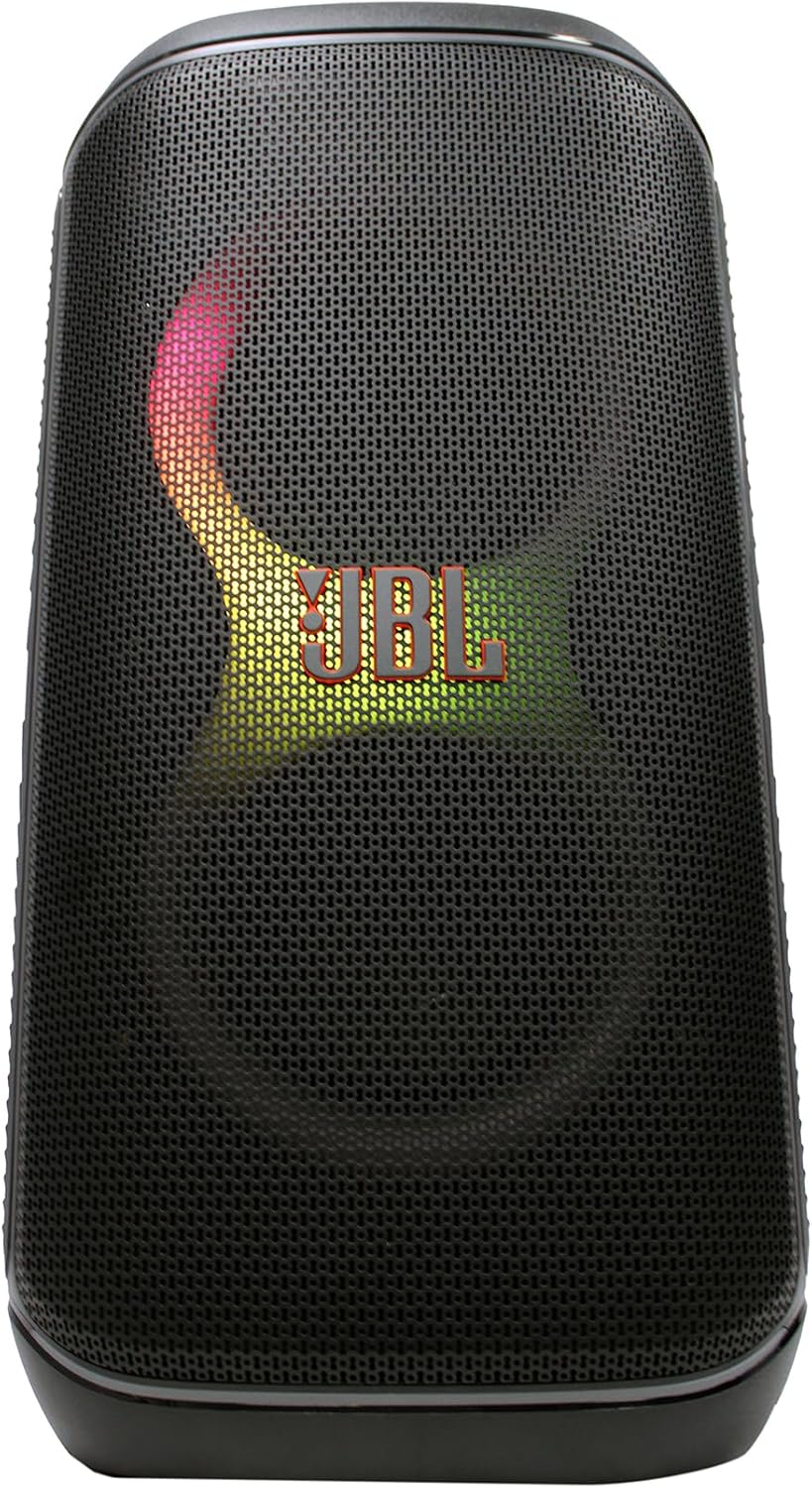
Mufananidzo: Mberi view of the JBL PartyBox Club 120 speaker, displaying dynamic multi-color lighting effects.
4. AUX Connection
To connect an audio device via the auxiliary input:
- Connect one end of the provided auxiliary cable to the AUX IN port on the speaker.
- Batanidza imwe magumo eiyo tambo yekubatsira kune headphone jack kana odhiyo kubuda kwechishandiso chako.
- The speaker will automatically switch to AUX input mode, or you may need to select it manually using the input source button.
Operating Instruction
1. Audio Kutamba
- Kudzora inzwi: Use the volume up (+) and volume down (-) buttons on the speaker or your connected device to adjust the audio level.
- Tamba/Kumbomira: Press the Play/Pause button to start or stop audio playback.
- Tevera Navigation: Use the skip forward and skip backward buttons to change tracks.
2. Light Show Features
The JBL PartyBox Club 120 features dynamic LED lighting effects that synchronize with your music. Use the dedicated Light Mode button on the speaker to cycle through different light patterns or turn the lights off.
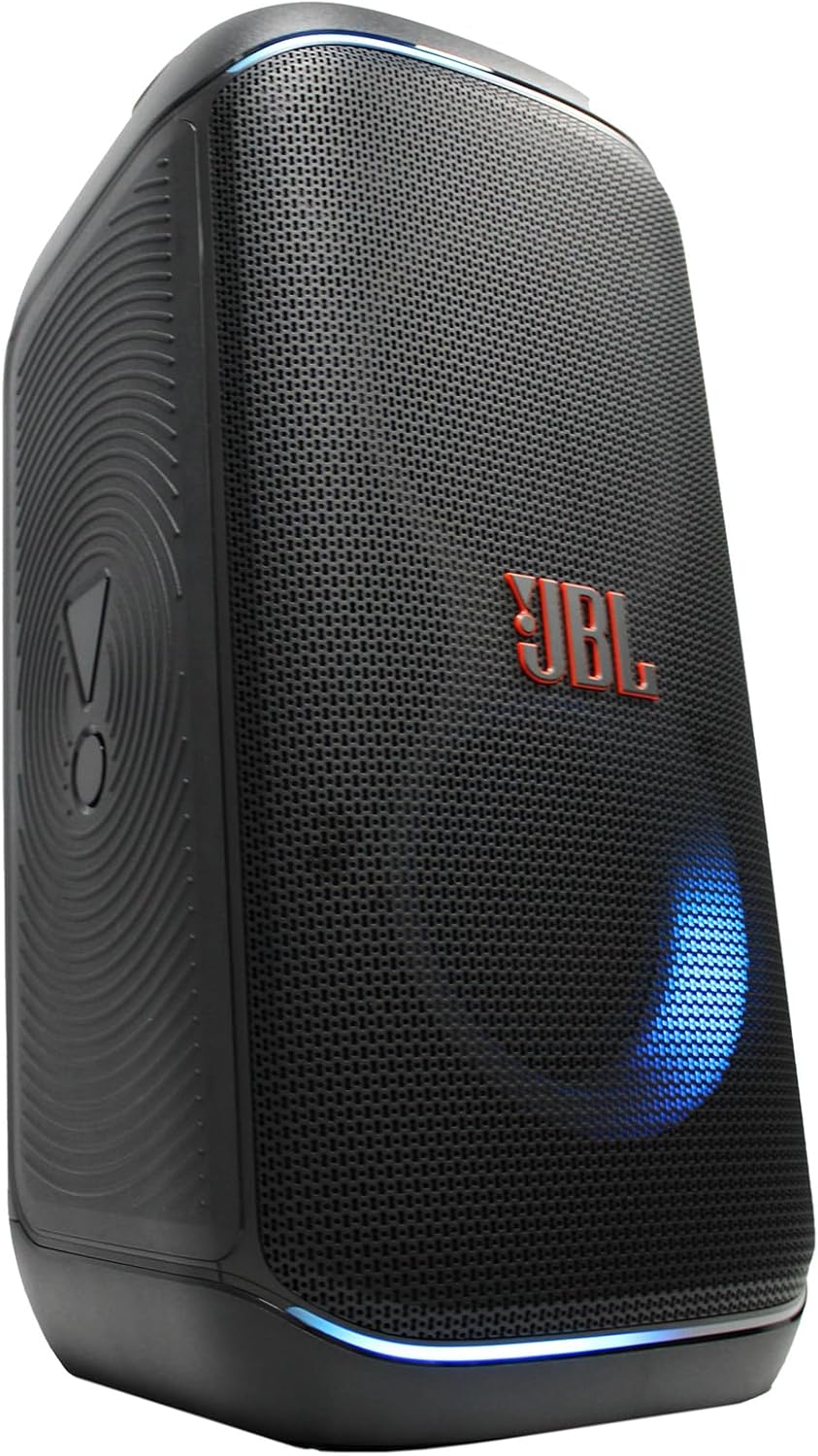
Mufananidzo: Side view of the JBL PartyBox Club 120 speaker, showing its robust design and a blue light effect.
3. Splash Proof Design
The speaker is designed to be splash-proof, making it suitable for outdoor use and near water. However, it is not fully waterproof and should not be submerged in water. Ensure all port covers are securely closed to maintain splash resistance.
Maintenance
- Kuchenesa: Use the provided microfiber cloth or a soft, damp cloth to clean the speaker's exterior. Avoid using abrasive cleaners or solvents.
- Kuchengeta: Chengetedza mukurukuri munzvimbo inotonhorera, yakaoma kure nechiedza chezuva uye tembiricha yakanyanyisa.
- Battery Care: Kurebesa bhatiri, dzivisa kuburitsa bhatiri zvakazara nguva zhinji. Chaja mukurukuri nguva dzose, kunyange kana isiri kushandiswa kwenguva yakareba.
Kugadzirisa matambudziko
| Dambudziko | Zvinogona Kukonzera | Solution |
|---|---|---|
| Hapana simba | Bhatiri rapera; Tambo yemagetsi haina kubatana | Charge the speaker; Ensure power cord is securely connected to speaker and outlet |
| Hapana ruzha | Volume too low; Incorrect input source; Device not playing audio | Increase volume on speaker and device; Select correct input source (Bluetooth/AUX); Ensure audio is playing on connected device |
| Bluetooth haina kubatana | Chipika hachisi mumodhi yekubatidza; Bluetooth yemudziyo yadzimwa; Kure zvakanyanya nechipika | Press Bluetooth button to enter pairing mode; Enable Bluetooth on device; Move device closer to speaker (within 30 feet) |
| Chiratidziro chechiedza hachisi kushanda | Light mode off; Speaker malfunction | Press Light Mode button to activate; Contact support if issue persists |
Zvinotsanangurwa
| Brand | JBL |
| Model Number | JBLPARTYBOX120AM |
| Output Wattage | 160 Watts |
| Kubatana Technology | AUX, Makaralı |
| Simba Source | Battery Powered, Corded Electric |
| Bhatiri Type | Rechargeable |
| Zviyero (L x W x H) | 11.6 x 11.8 x 22 inches |
| Item Weight | 25 Pondo |
| Color | Nhema |
| Material | Plastiki, Rubber |
| Inowirirana Devices | Smartphone, Tablet, Laptop |
| Mounting Type | Tabletop |
| UPC | 094148647852 |
Warranty uye Support
Kuti uwane rumwe ruzivo rwakadzama nezvewarandi, ndapota tarisa kadhi rewarandi riri muchigadzirwa chako kana shanyira JBL yepamutemo. website. For technical support, product registration, or service inquiries, please contact JBL customer support through their official channels.
Note: This manual provides general guidance. Specific features and operations may vary. Always refer to the latest information available from the manufacturer.