Nhanganyaya
Welcome to the user manual for your Zeblaze Btalk 2 Lite Smartwatch. This guide provides comprehensive instructions to help you set up, operate, and maintain your device, ensuring you get the most out of its features. The Btalk 2 Lite is designed to enhance your daily life with advanced health monitoring, fitness tracking, and convenient communication capabilities.
Product Overview
The Zeblaze Btalk 2 Lite smartwatch combines style with functionality, offering a range of features to support your health and connectivity needs.
- Ratidza: Large 1.39-inch HD IPS Color Display
- Kubatana: Bluetooth V5.2 for phone calls
- Kutariswa Kwehutano: 24/7 Heart Rate, SpO2 (Blood Oxygen), Sleep Tracking, Women's Health
- Fitness: Over 100 workout modes
- Customization: Over 300 professional watch faces, custom photo watch faces
- Hupenyu hwebhatiri: Up to 14 days (220 mAh battery)
- Smart Features: Offline Voice Assistant, Call, SMS, Gmail, and App Notifications
- Dhizaini: Super slim and light, curved glass with anti-fingerprint coating
- Kuenderana: Android 4.4 kana iOS 8.0 uye pamusoro
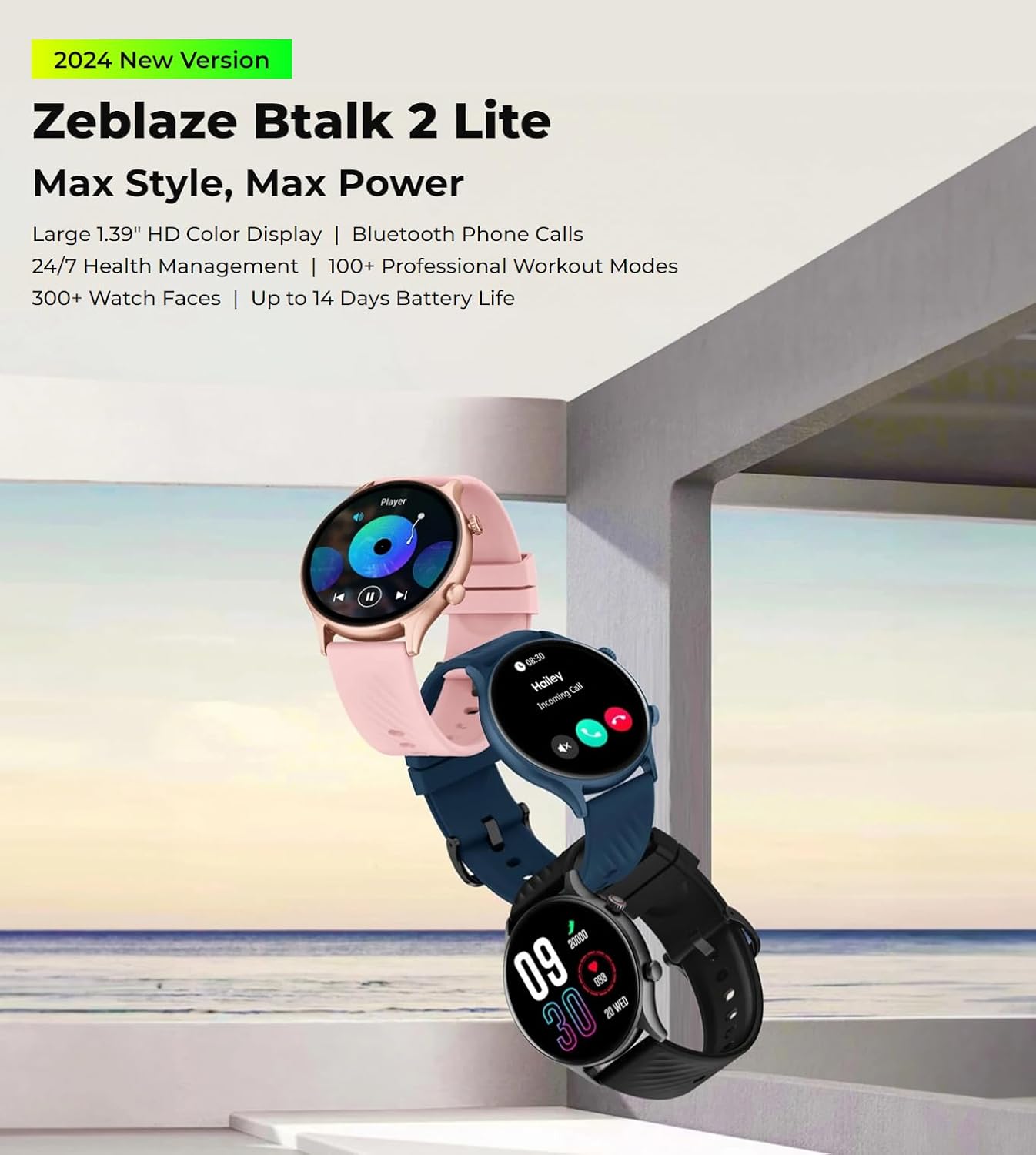
The Zeblaze Btalk 2 Lite smartwatch, available in various colors, featuring a large 1.39-inch HD display and comprehensive health and fitness tracking.
Gadzirira
1. Kuchaja Chishandiso
Before initial use, fully charge your Zeblaze Btalk 2 Lite smartwatch. Connect the magnetic charging cable to the charging contacts on the back of the watch and plug the USB end into a power adapter (not included) or a computer's USB port. A full charge typically takes approximately 2 hours.

Illustration of the Zeblaze Btalk 2 Lite's battery performance, showing up to 14 days in typical usage, 7 days in heavy usage, 20 days in battery saver mode, and 325 minutes of continuous voice calling.
2. Kubatanidza neSmartphone Yako
- Dhaunirodha App: Scan the QR code in the watch's settings or search for the 'Da Fit' app in your smartphone's app store (Google Play Store for Android, Apple App Store for iOS).
- Vhura Bluetooth: Ita shuwa kuti Bluetooth yakagoneswa pane yako smartphone.
- Vhura App wobva wabatanidza: Open the 'Da Fit' app, navigate to the device section, and follow the on-screen instructions to search for and connect to your Zeblaze Btalk 2 Lite. Confirm the pairing request on both your phone and watch.
Operating Instruction
1. Basic Navigation
- Touchscreen: Swipe left/right to access different features, swipe up/down to view notifications or quick settings. Tap to select.
- Side Button/Crown: Press to wake the screen, return to the home screen, or access the app menu. Rotate the crown (if applicable) to scroll through menus.

A close-up of the Zeblaze Btalk 2 Lite smartwatch display, highlighting the 1.39-inch screen and the classic navigation crown on the side.
2. Bluetooth Phone Calls
Once paired with your phone, the Btalk 2 Lite allows you to make and receive calls directly from your wrist.
- Kufona: Access the dial pad or contact list on your watch to initiate a call.
- Kutambira mafoni: Kana foni yapinda, unogona kuipindura kana kuiramba zvakananga kubva pachiratidziro chewachi.

A user interacting with the Zeblaze Btalk 2 Lite smartwatch to manage phone calls, demonstrating its Bluetooth calling capability.
3. Offline Voice Assistant
The watch features an offline voice assistant. Activate it through the watch menu and use voice commands for various functions without needing an internet connection.
4. Zviziviso
Receive alerts for incoming calls, SMS messages, Gmail, and other app notifications directly on your watch. Configure which app notifications you wish to receive via the 'Da Fit' app on your smartphone.
5. Kuongorora Utano
The Btalk 2 Lite provides comprehensive health tracking features.
- Chiyero chemoyo: Inotarisa kurova kwemoyo wako 24/7. View ruzivo rwenguva chaiyo pawachi kana mafambiro akadzama ari muapp.
- SpO2 (Okisijeni Yeropa): Measure your blood oxygen saturation levels on demand.
- Kutsvaga Kurara: Inoona otomatiki maitiro ako ekurara, kusanganisira kurara kwakadzika, kurara kwakareruka, uye nguva dzekumuka.
- Utano hwevakadzi: Provides tracking and reminders for menstrual cycles (configure in the app).

Visual representation of the Zeblaze Btalk 2 Lite's health monitoring features, including wrist-based heart rate, SpO2 (blood oxygen) level measurement, breathing training, and blood pressure monitoring.
6. Workout Modes
Choose from over 100 professional workout modes to track your physical activity. Select your desired activity from the watch's menu to start tracking metrics like duration, calories burned, and heart rate.

A cyclist wearing the Zeblaze Btalk 2 Lite smartwatch, illustrating its support for over 100 workout modes for various fitness activities.
7. Customizing Watch Faces
Personalize your watch with a wide selection of watch faces.
- Pre-installed Faces: Browse and select from over 300 professional watch faces directly on the watch or through the 'Da Fit' app.
- Zviso Zvakagadzirwa Nemunhu: Upload your favorite photos via the 'Da Fit' app to create unique watch faces.

A collection of diverse watch faces available for the Zeblaze Btalk 2 Lite, showcasinsarudzo dzekugadzirisa zvinhu.
Maintenance
1. Kuchenesa
Gara uchichenesa wachi yako uye tambo kudzivirira kushatirwa kweganda uye kuchengetedza kushanda. Shandisa nyoro, damp jira rekupukuta sikirini netambo. Dzivisa makemikari ane hukasha kana zvinhu zvinokwesha.
2. Kuramba Mvura
The Zeblaze Btalk 2 Lite features IP68 water resistance. This means it is protected against dust and can withstand immersion in water up to 1.5 meters for up to 30 minutes. It is suitable for daily use, such as hand washing or light rain, but not recommended for swimming, diving, or hot showers.
3. Battery Care
To prolong battery life, avoid exposing the watch to extreme temperatures. Charge the device fully before long periods of inactivity. If the watch will not be used for an extended time, charge it to about 50% before storing.
Kugadzirisa matambudziko
- Watch not kubatidza: Ita shuwa kuti wachi yachajiwa zvizere. Isungirire pachaja kweinenge maminitsi makumi matatu.
- Haikwanise kubatanidzwa nefoni: Make sure Bluetooth is enabled on your phone and the watch is within range. Restart both the watch and your phone, then try pairing again through the 'Da Fit' app.
- Mashoko ehutano asina kururama: Ita shuwa kuti wachi yakapfekwa zvakanaka paruoko rwako, kwete yakanyanya kusimba kana kuregedzera. Chenesa sensor kuseri kwewachi.
- Zviziviso hazvina kugamuchirwa: Check app settings on your phone to ensure notifications are enabled for the 'Da Fit' app and for individual apps you wish to receive alerts from. Ensure the watch is connected via Bluetooth.
- Upfupi bhatiri hupenyu: Reduce screen brightness, disable unnecessary features, and ensure the watch is fully charged.
Zvinotsanangurwa
| Feature | Detail |
|---|---|
| Model Name | Btalk 2 Lite |
| Brand | Zeblaze |
| Screen Size | 1.39 inches |
| Shape | Round |
| GPS | Hapana GPS |
| Wireless Kutaurirana Standard | Bluetooth |
| Kubatana Technology | Cellular (Bluetooth calls) |
| Battery Capacity | 220 mAh |
| Special Features | Chiitiko Tracker, Heart Rate Monitor |
| Operating Systems | Android 4.4 kana iOS 8.0 uye pamusoro |
| Item Model Number | Btalk 2 lite |
| Product Dimensions | 17.2 x 8.7 x 2.2 masendimita; 90 gramu |
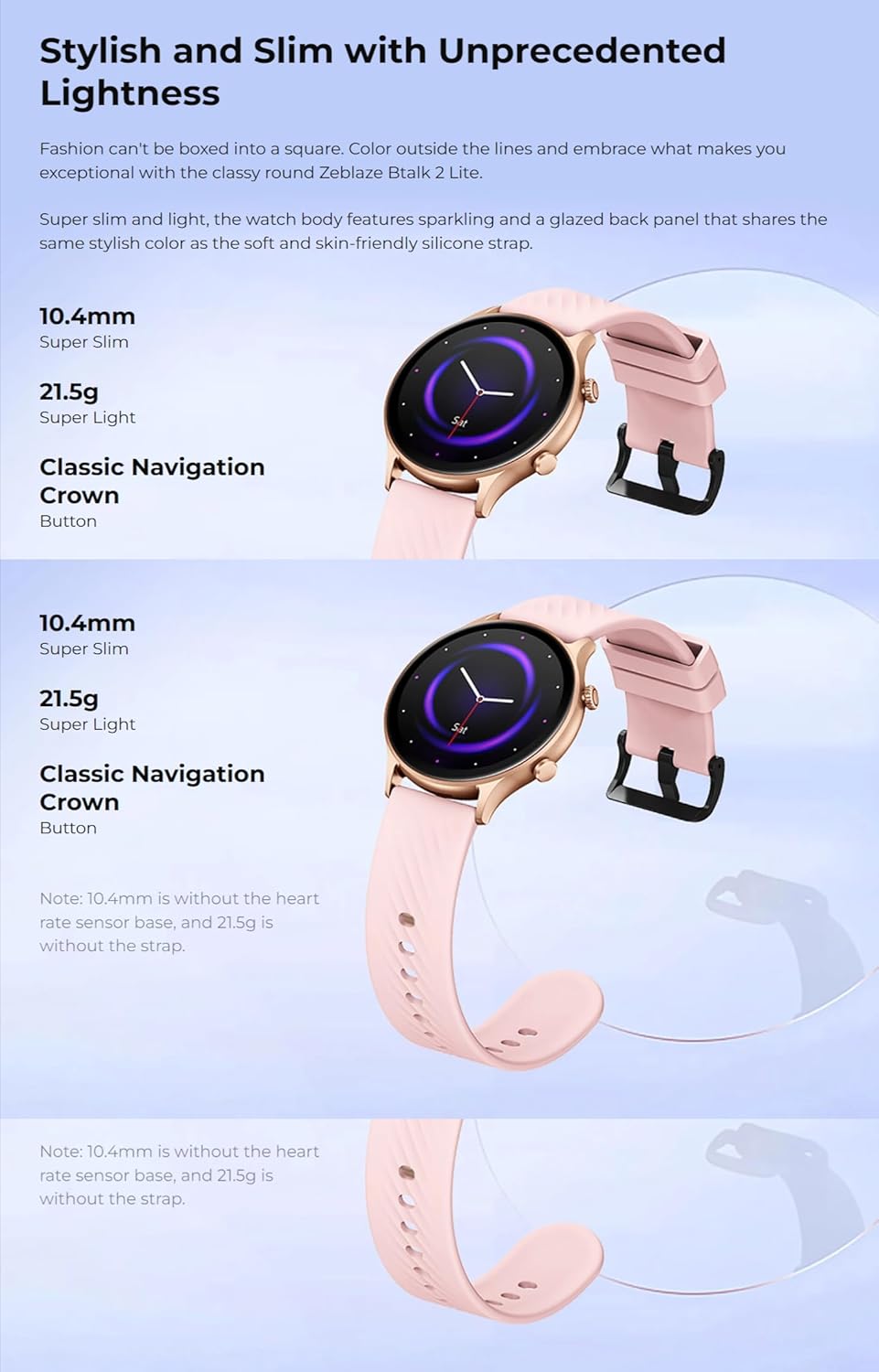
A pedyo-up view of the back of the Zeblaze Btalk 2 Lite smartwatch, showing the advanced PPG biometric sensor for accurate health data collection.
Warranty uye Support
For warranty information, please refer to the documentation included with your purchase or visit the official Zeblaze website. For technical support or further assistance, please contact Zeblaze customer service through their official channels.