
amazon basics AB-IBT-82ANC
Amazon Basics Pro Series Wireless Noise Cancelling ANC Over Ear Headphone
Model: AB-IBT-82ANC
Nhanganyaya
This manual provides detailed instructions for the setup, operation, maintenance, and troubleshooting of your Amazon Basics Pro Series Wireless Noise Cancelling ANC Over Ear Headphones. Please read this manual thoroughly before using the product to ensure proper function and longevity.

Image: The Amazon Basics Pro Series Wireless Noise Cancelling ANC Over Ear Headphone in black, showcasing dhizaini yayo inoyevedza.
Package Zviri mukati
Tarisa uone kuti zvinhu zvese zviripo mupakeji:
- Amazon Basics Pro Series Wireless Noise Cancelling ANC Over Ear Headphone
- USB Type-C Yekuchaja Cable
- 3.5mm AUX Cable
- Mushandisi Chinyorwa (gwaro iri)
Gadzirira
1. Kutanga Kuchaja
Before first use, fully charge the headphones. Connect the supplied USB Type-C charging cable to the headphone's charging port and the other end to a USB power source (e.g., computer USB port or wall adapter). The LED indicator will show charging status and turn off or change color when fully charged.
A full charge provides up to 74 hours of playback at 50% volume with ANC off, or 34 hours with ANC on.
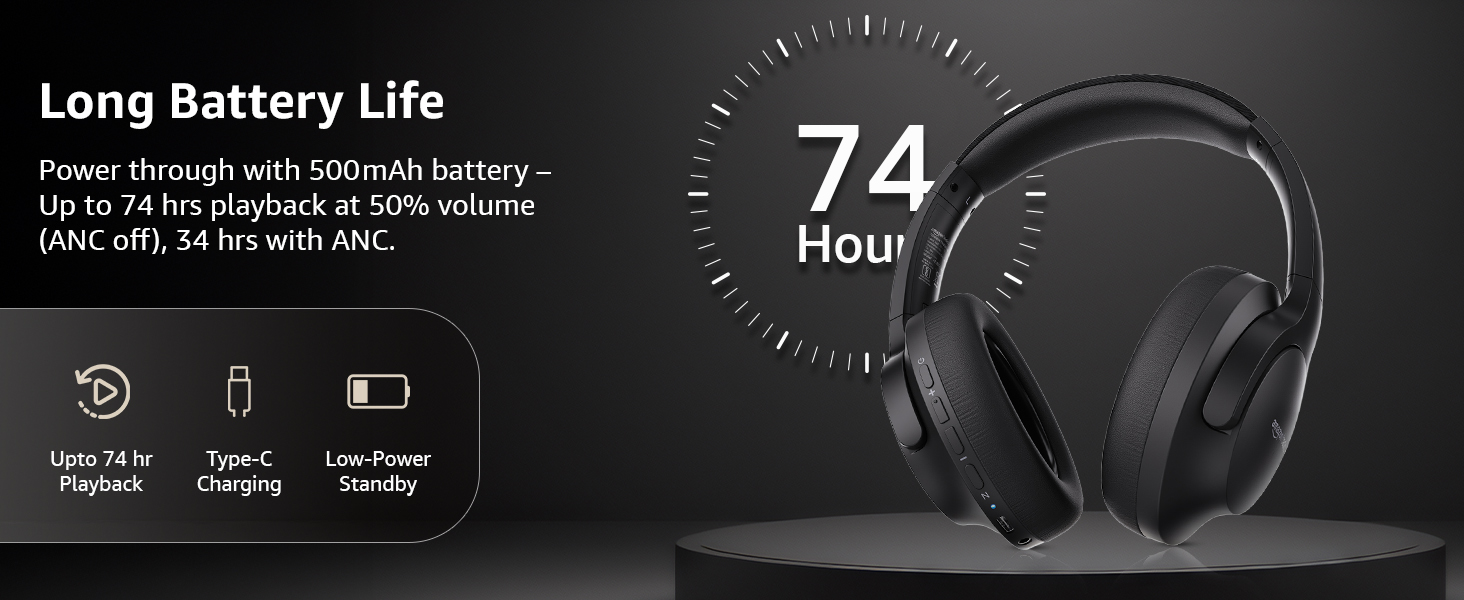
Image: An illustration highlighting the long battery life of the headphones, indicating up to 74 hours of playback.
2. Bluetooth Kubatanidza
- Iva nechokwadi chekuti mahedhifoni akadzimwa uye achangochajwa.
- Dzvanya uye ubate bhatani remagetsi kusvika chiratidzo che LED chapenya bhuruu uye tsvuku, zvichiratidza pairing mode.
- Pamudziyo wako (smartphone, piritsi, laptop), shandisa Bluetooth uye tsvaga zvishandiso zviripo.
- Select "AB-IBT-82ANC" from the list of found devices.
- Kana yabatanidzwa, chiratidzo che LED chinoshanduka kuita bhuruu kana kupenya zvishoma nezvishoma.
The headphones support dual pairing, allowing connection to two devices simultaneously for seamless switching.

Image: The headphones shown connected to both a smartphone and a laptop, illustrating the multi-pairing capability.
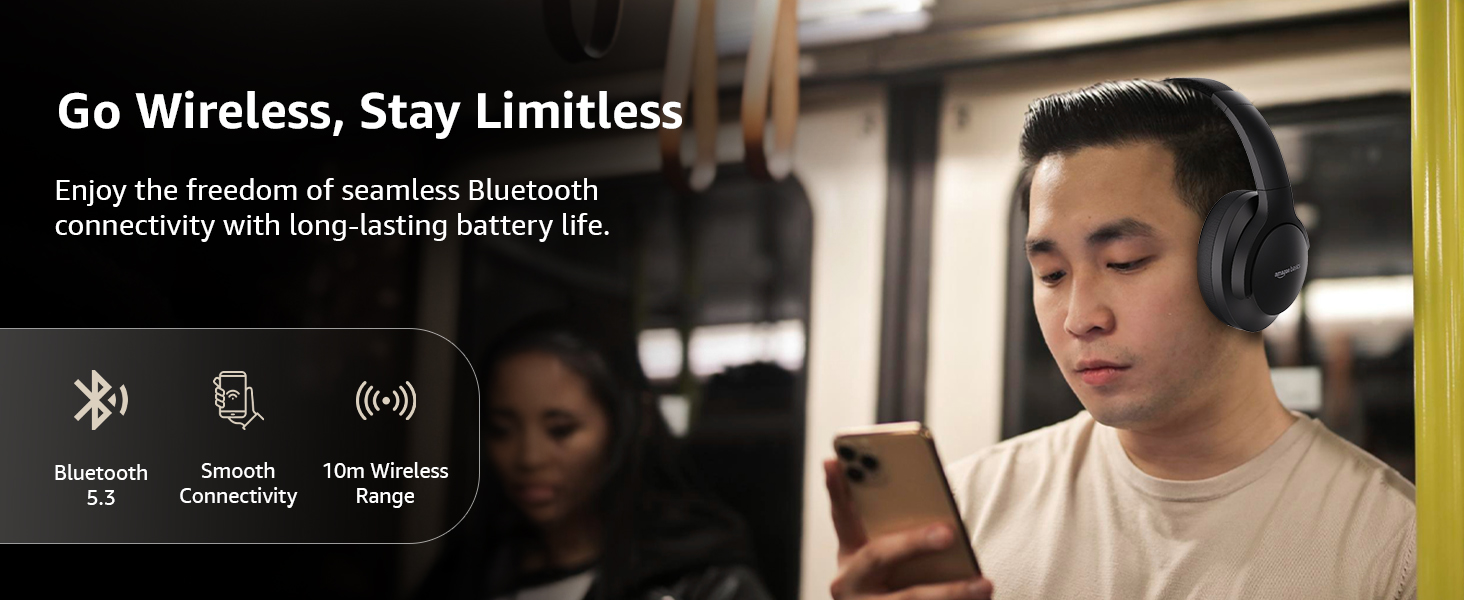
Image: A visual representation of the wireless capabilities, including Bluetooth 5.3 and a 10-meter wireless range.
3. Wired Connection (AUX Mode)
For a wired connection, plug the 3.5mm AUX cable into the headphone's AUX port and the other end into your audio device's 3.5mm jack. This mode does not require battery power.
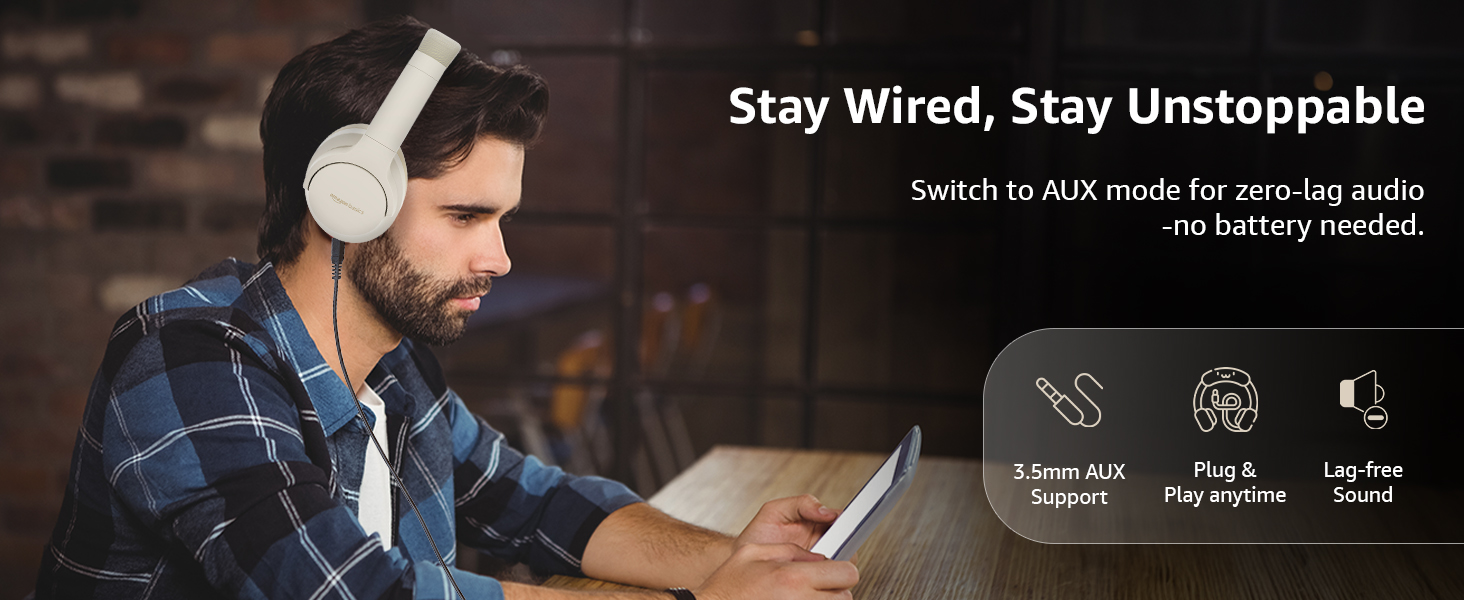
Image: A user demonstrating the wired AUX connection, emphasizing lag-free audio without needing battery power.
Operating Instruction
1. Simba On / Off
- Power On: Dzvanya uye bata bhatani remagetsi kweanenge masekonzi maviri.
- Power Off: Dzvanya uye bata bhatani remagetsi kweanenge masekonzi maviri.
2. Accessible Controls
The headphones feature intuitive controls located on the earcups:
- Vhoriyamu Kumusoro / Inotevera Track: Kudzvanya kupfupi kukwidza vhoriyamu, dzvanya kwenguva refu kune inotevera track.
- Vhoriyamu Pasi / Yakapfuura Rondedzero: Dzvanya kwenguva pfupi kuti vhoriyamu ideredzwe, tinya kwenguva refu kuti uone rwiyo rwekare.
- Tamba/Misa/Pindura Kufona: Single dzvanya bhatani re-multi-function.
- Pedzisa Kufona: Dzvanya bhatani rine mabasa akawanda kamwe chete panguva yekufona.
- Ramba Kufona: Dzvanya bhatani remabasa akawanda kwenguva refu panguva yekufona kuri kuuya.
- Shandisa Voice Assistant (Siri/Google Assistant): Dzvanya kaviri bhatani re-multi-function.
- ANC Yakabatidzwa/Kudzima: Dedicated ANC button to toggle Active Noise Cancellation.
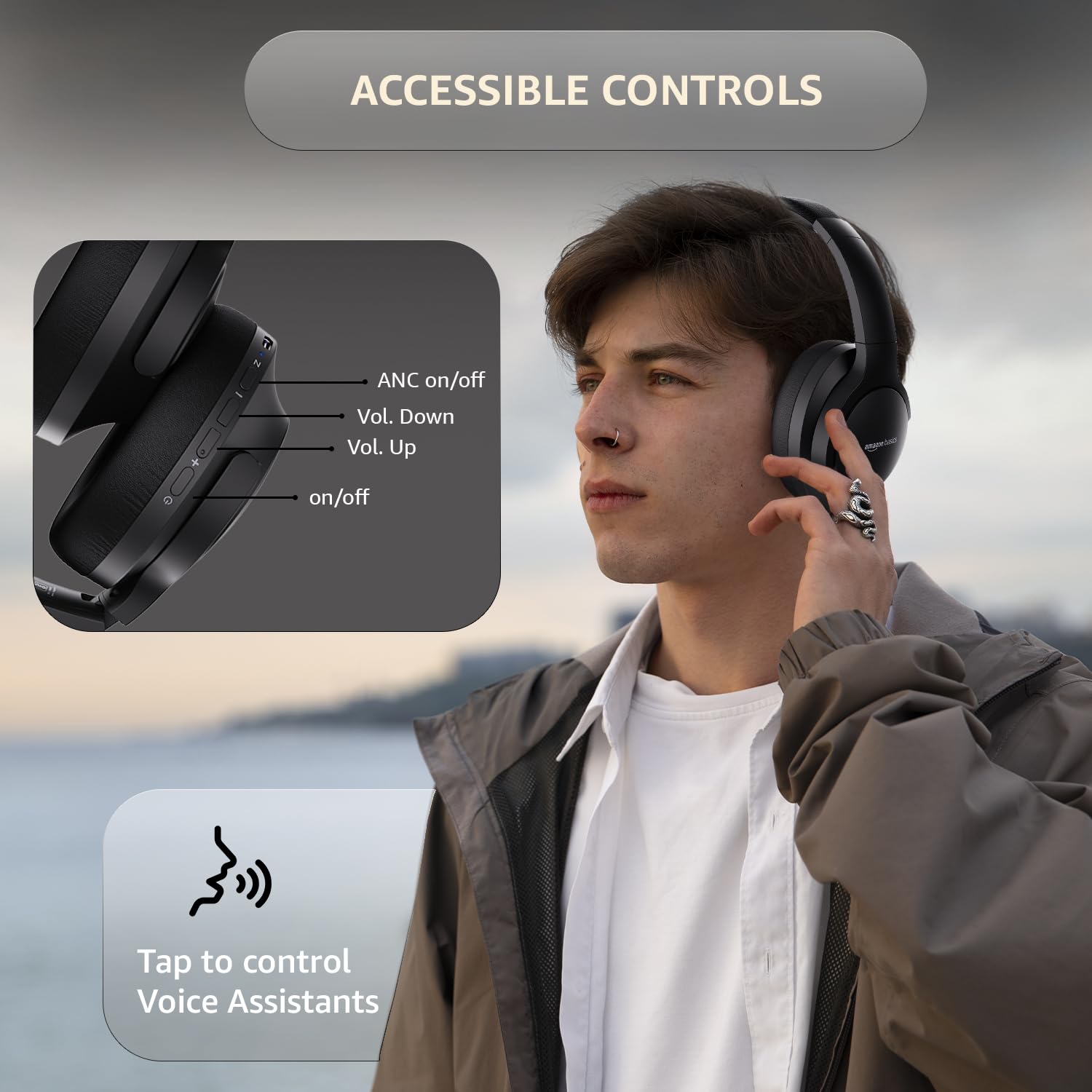
Image: A detailed diagram illustrating the location and function of the accessible controls on the headphone earcup.
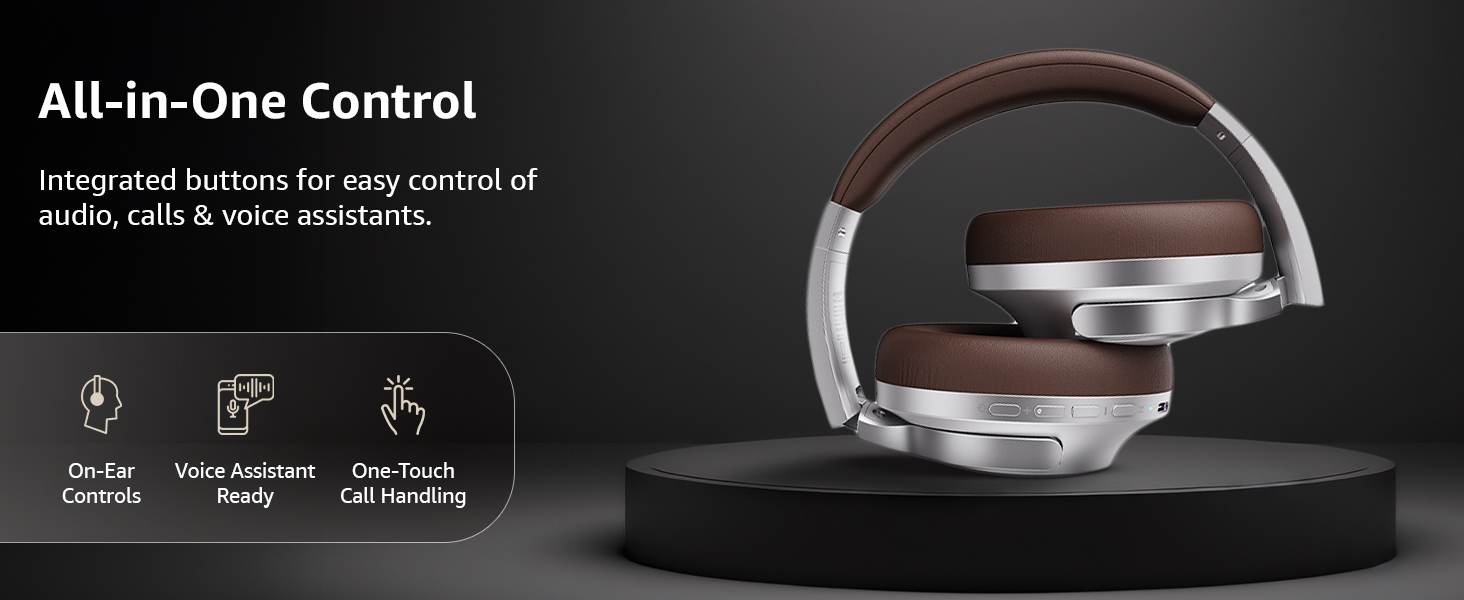
Mufananidzo: Kupfuuraview of the integrated controls, highlighting ease of use for audio, calls, and voice assistants.
3. Active Noise Cancellation (ANC)
The Active Noise Cancellation feature reduces ambient noise, providing a more immersive listening experience. Press the dedicated ANC button to activate or deactivate this feature. Note that ANC functionality may slightly reduce overall battery life.

Image: A person wearing the headphones in a public setting, illustrating the effectiveness of Active Noise Cancellation in reducing distractions.
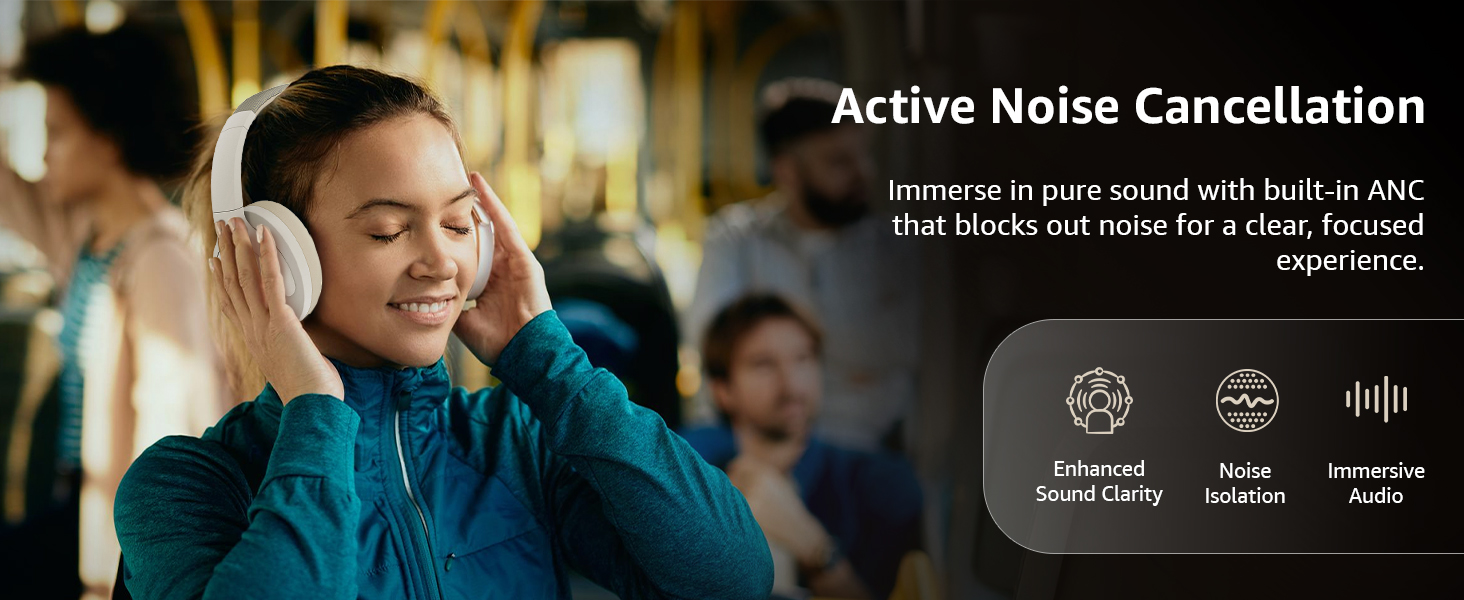
Image: A graphic emphasizing the benefits of Active Noise Cancellation, including enhanced sound clarity and immersive audio.
4. Audio Quality and Drivers
The headphones are equipped with 40mm drivers, designed to deliver rich bass, clear mids, and precise highs for a balanced audio experience.
Mufananidzo: Yakaputika view diagram illustrating the 40mm drivers, which are responsible for the headphone's sound output.
Maintenance
1. Kuchenesa
- Pukuta mahedhifoni nemucheka wakapfava, wakaoma, usina lint.
- Usashandise zvinochenesa zvinogumbura, zvinonyungudutsa, kana zvinopfapfaidza zvakananga pamahedhifoni.
- Clean the ear cushions gently with a damp cloth if necessary, and allow them to air dry completely before use.
2. Kuchengeta
When not in use, store the headphones in a cool, dry place, away from direct sunlight and extreme temperatures. The headphones feature a sleek and foldable design for convenient storage and portability.
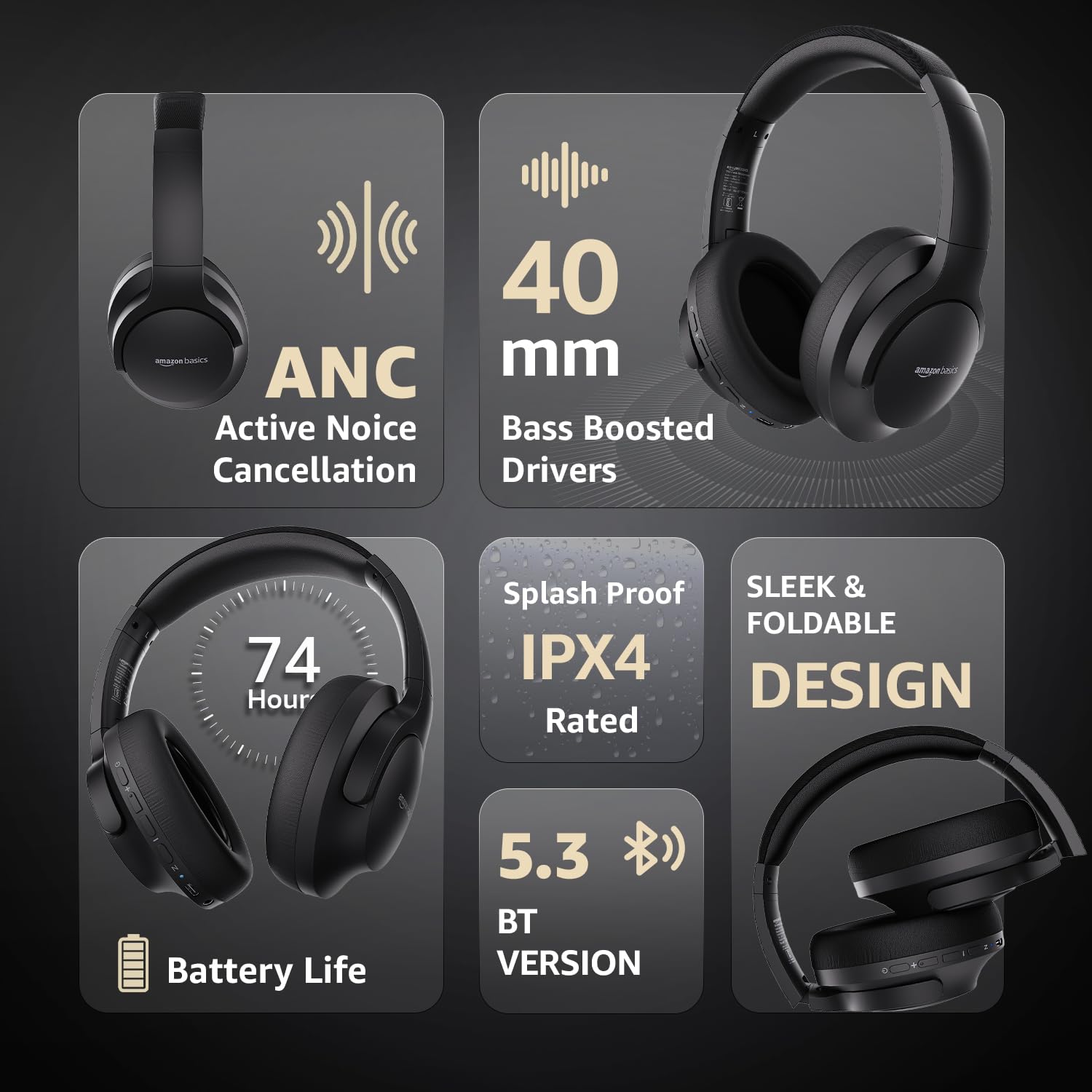
Image: An infographic highlighting key features, including the sleek and foldable design of the headphones for easy storage.
3. Battery Care
- Dzivisa kuburitsa bhatiri zvakazara nguva zhinji.
- Chaja mahedhifoni nguva dzose, kunyangwe kana asingashandiswe kwenguva yakareba, kuti bhatiri rirambe rakanaka.
- Usafumure bhatiri kune tembiricha yakakwira.
Kugadzirisa matambudziko
| Dambudziko | Zvinogona Kukonzera | Solution |
|---|---|---|
| Mahedhifoni haabatike. | Bhatiri rakaderera. | Charge the headphones fully using the supplied USB Type-C cable. |
| Haikwanise kubatanidza kuburikidza neBluetooth. | Mahedhifoni asiri mukuita pairing mode; mudziyo Bluetooth wadzima; kure kwazvo kubva mudziyo. | Ensure headphones are in pairing mode (flashing blue/red). Turn Bluetooth on your device. Move headphones closer to the device (within 10m). |
| Hapana ruzha. | Vhoriyamu yakadzikira zvakanyanya; inzwi risiri iro; mahedhifoni haana kubatana. | Increase volume on headphones and device. Verify correct audio output on device. Re-pair Bluetooth or check AUX cable connection. |
| ANC haisi kushanda nemazvo. | ANC not activated; environmental noise too high. | Press the ANC button to activate. ANC is most effective against low-frequency, constant noise. |
Zvinotsanangurwa
| Feature | Detail |
|---|---|
| Model Number | AB-IBT-82ANC |
| Kubatana Technology | Waya isina waya (Bluetooth 5.3), Yakabatana newaya (3.5mm AUX) |
| Kukura Kwemutyairi | 40 mm |
| Battery Capacity | 500 mAh Lithium Polymer |
| Hupenyu hwebhatiri (ANC Off) | Kusvika kumaawa 74 (pa50% vhoriyamu) |
| Hupenyu hwebhatiri (ANC Yakabatidzwa) | Up to 34 hours (at 100% volume), 62 hours (at 50% volume) |
| Kuchaja Port | USB Type-C |
| Wireless Range | Kusvika 10 metres |
| Water Resistance Rating | IPX4 (Splash Proof) |
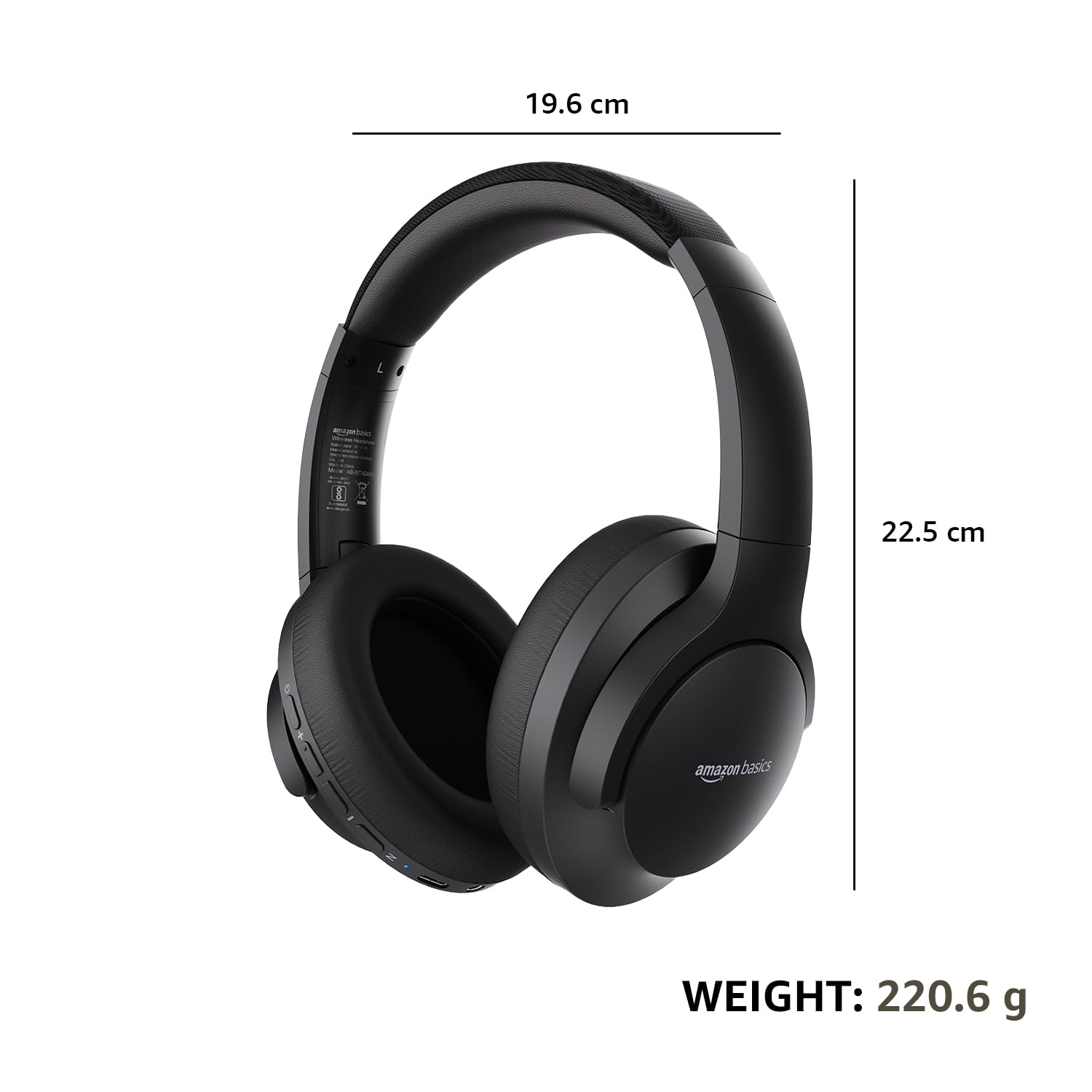
| Dimensions (Headphone) | 19.61 x 22.5 x 8.72 cm |
| Huremu (Headphone) | 220.6 g |
| Material | Plastic, Polyurethane (PU) |
| Inowirirana Devices | Nharembozha, Makonsoro Emitambo, Malaptop, Mapiritsi |

Image: A visual representation of the headphone's dimensions and weight for reference.
Nyaradzo uye Dhizaini
The headphones are designed for extended wear with an over-ear fit, soft ear cushions, and an adjustable headband, ensuring comfort during long listening sessions.

Image: A person wearing the headphones, demonstrating the comfortable over-ear fit.
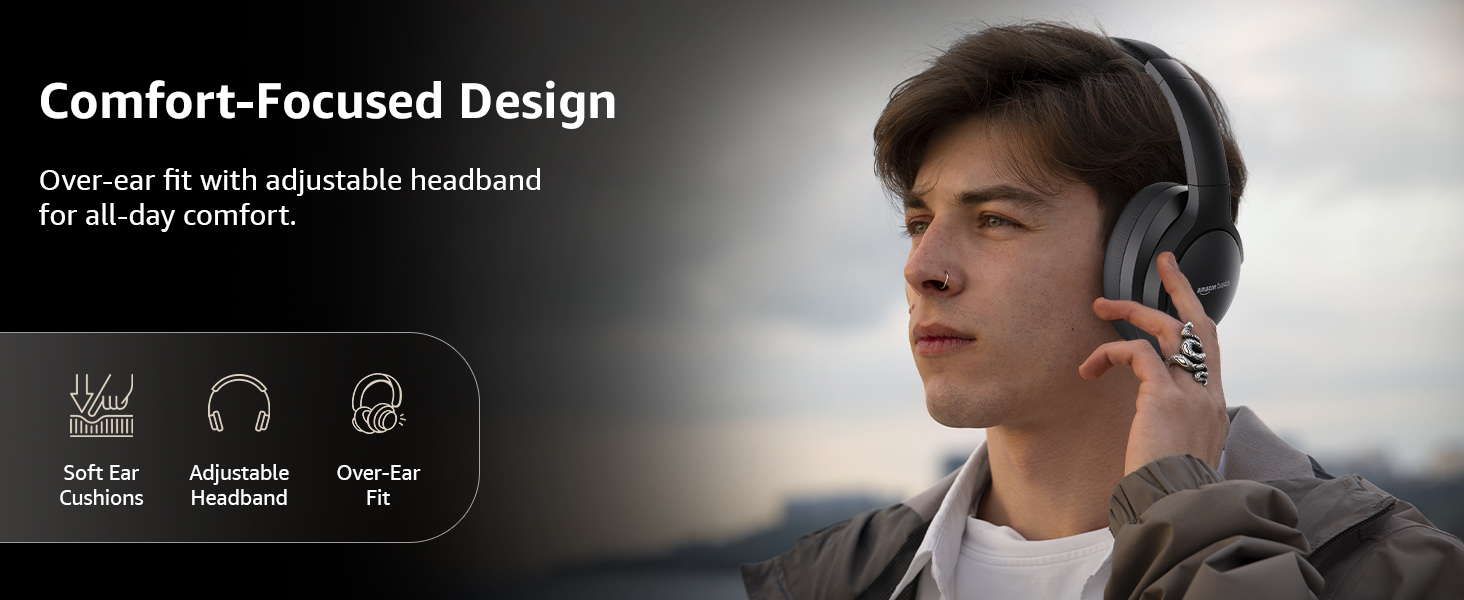
Image: A graphic detailing the comfort-focused design elements, including soft ear cushions and an adjustable headband.
Warranty uye Support
Warranty information for your Amazon Basics Pro Series Wireless Noise Cancelling ANC Over Ear Headphones is typically provided with the product packaging or can be found on the Amazon Basics official website. For technical support or warranty claims, please refer to the contact information provided with your purchase or visit the Amazon Basics support page.
Ndapota chengetedza humbowo hwekutenga kune chero mibvunzo ine chekuita newaranti.