Nhanganyaya
Thank you for choosing the Bloomfold 20L Dehumidifier. This appliance is designed to efficiently remove excess moisture from the air, creating a more comfortable and healthier environment in your home. It features a 20L/day dehumidification capacity, a laundry drying function, and is suitable for various rooms including living rooms, bedrooms, and bathrooms. Please read this manual thoroughly before operating the dehumidifier to ensure safe and optimal performance.
Yakakosha Mirayiridzo Yekuchengetedza
Kuti uderedze njodzi yemoto, kuvhunduka kwemagetsi, kana kukuvara paunenge uchishandisa dehumidifier yako, tevera matanho aya ekutanga ekudzivirira:
- Verenga mirairo yese usati washandisa mudziyo.
- Only use the dehumidifier on a stable, level surface.
- Usashandise dehumidifier netambo yakakanganisika kana plug.
- Chengetedza mudziyo kure nezvinopisa uye zuva rakananga.
- Iva nechokwadi chekuti mhepo inofefetera zvakanaka kutenderedza mudziyo; usavhare mapillow kana ma outlet emhepo.
- Usanyudze mudziyo, tambo, kana kuisa mvura kana zvimwe zvinwiwa mumvura.
- Bvisa dehumidifier usati wachenesa kana kuita chero kugadzirisa.
- Chishandiso ichi hachina kuitirwa kuti chishandiswe nevanhu (kusanganisira vana) vane masimba emuviri, pfungwa kana pfungwa dzakadzikira, kana kushaya ruzivo neruzivo, kunze kwekunge vapihwa tarisiro kana kuraira maererano nekushandiswa kwemudziyo nemunhu ane mutoro wekuchengetedza kwavo.
Product Overview
Familiarize yourself with the main components of your Bloomfold Dehumidifier.
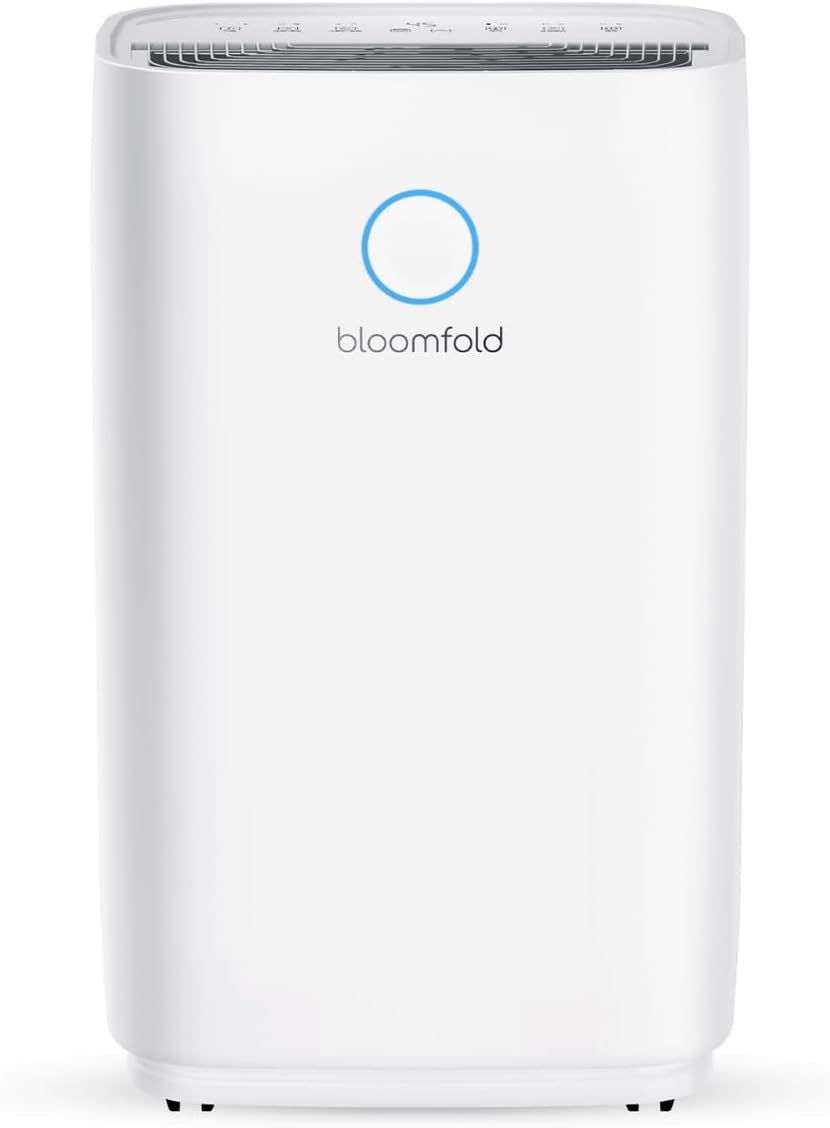
Mufananidzo 1: Mberi view of the Bloomfold 20L Dehumidifier, showcasing its sleek white design and the Bloomfold logo with a blue indicator light.

Figure 2: Close-up of the dehumidifier's control panel, showing buttons for Speed, Sleep/Reset, Lock, Humidity, Timer, and Mode, along with a digital display.

Figure 3: Illustration of the 4L water tank being manually emptied into a sink, highlighting the ease of removal and disposal of collected water. The image also indicates the option for continuous drainage with the included hose.
Gadzirira
1. Kusunungura
- Nyatsobvisa dehumidifier kubva pakurongedzerwa kwayo.
- Bvisa zvese zvinhu zvekurongedza, matepi, uye mafirimu ekudzivirira.
- Tarisa pane chero kukanganisa panguva yekufambisa. Kana yakanganiswa, usashande uye ubate rutsigiro rwevatengi.
2. Kugadzwa
Place the dehumidifier on a firm, level surface in the desired room. Ensure there is at least 20 cm (8 inches) of space around all sides of the unit for proper airflow. The dehumidifier is suitable for use in living rooms, bedrooms, bathrooms, and basements.

Figure 4: The dehumidifier positioned in a bathroom next to a bathtub, illustrating its suitability for moisture-prone areas.
3. Simba Connection
- Ensure the power cord is fully extended.
- Batanidza tambo yemagetsi mudura remagetsi rakadzika nevolyumu chaiyotage (tarisa kune zvakatemwa).
4. Sarudzo dzeKudhonza Mvura
Dehumidifier ine nzira mbiri dzekubvisa humidity:
- Manual Drainage: The collected water accumulates in the 4-liter water tank. When the tank is full, the unit will automatically shut off and an indicator light will illuminate. Carefully remove the tank and empty it.
- Continuous Drainage: For continuous operation without needing to empty the tank, attach the included drainage hose to the continuous drainage port on the back of the unit. Route the hose to a suitable drain (e.g., floor drain, large bucket). Ensure the hose is sloped downwards to allow gravity drainage.
Operating Instruction
1. Simba On / Off
- Press the Simba bhatani () kubatidza kana kudzima unit.
2. Mode Selection
Press the Mode button to cycle through available operating modes:
- Dehumidify Mode: Standard operation to remove moisture from the air.
- Basa reKuomesa Machira: Designed to quickly dry clothes indoors by providing continuous powerful dehumidification.
3. Humidity Setting
Press the Humidity bhatani () to adjust the desired humidity level. The unit will operate until the set humidity is reached, then cycle on and off to maintain it.

Figure 5: The intelligent humidity sensor display, showing different color indicators for humidity levels: Blue (Under 45%), Green (45% to 65%), and Red (Over 65%).
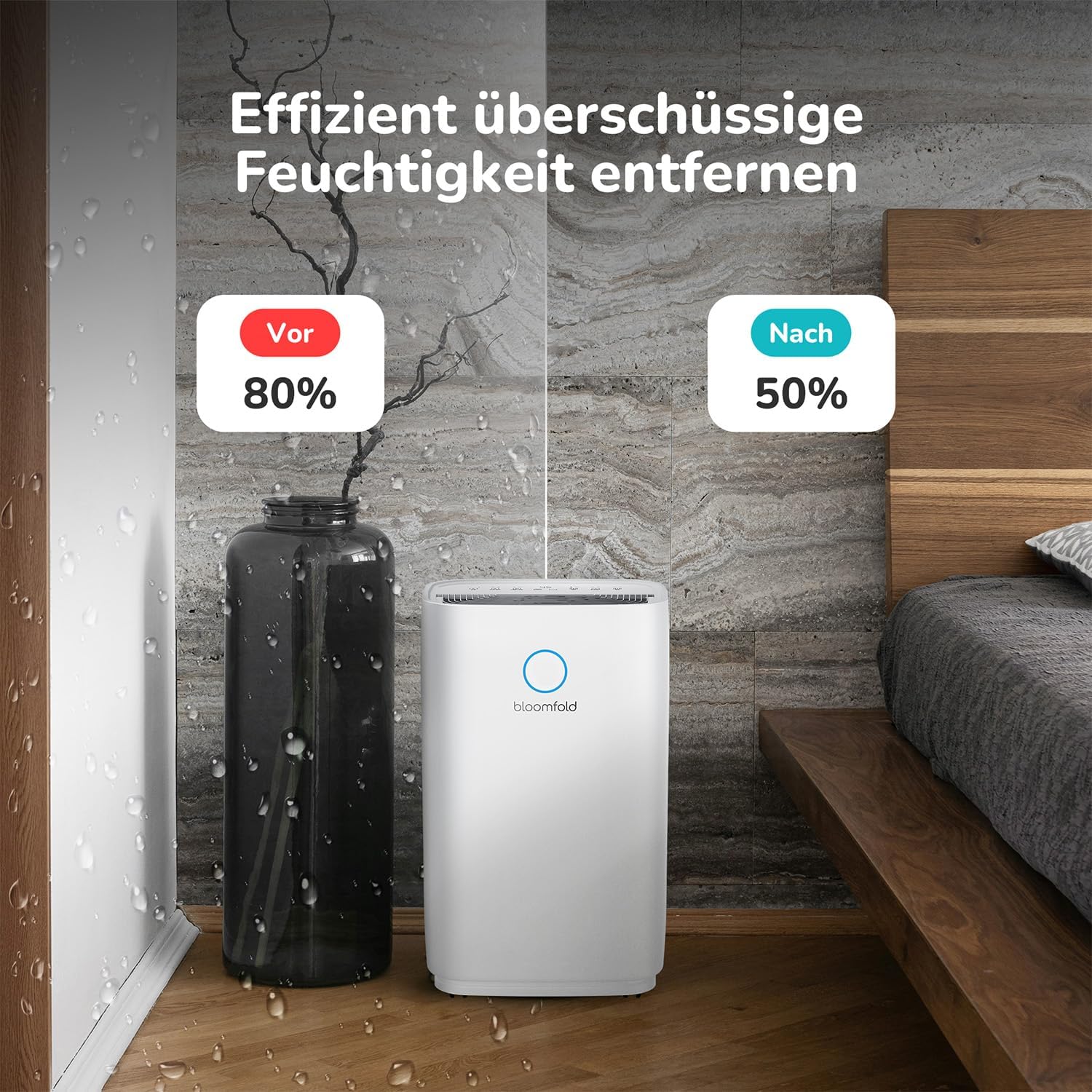
Figure 6: A graph illustrating the intelligent humidity control, showing the dehumidifier starting operation when humidity rises above a set point and stopping when it falls below, maintaining optimal levels.

Figure 7: A visual comparison showing a room with 80% humidity (before) and 50% humidity (after) using the dehumidifier, demonstrating its effectiveness in removing excess moisture.
4. Timer Rinoshanda
Press the Timer bhatani () to set a delay for the unit to turn on or off. Each press increases the time by one hour, up to 24 hours.
5. Kumhanya kweFani
Press the Speed bhatani () to adjust the fan speed (e.g., Low, High). Higher fan speed results in faster dehumidification but may produce more noise.

Figure 8: A comparison chart showing the dehumidifier's quiet operation at 45dB, similar to normal conversation (50dB) and much quieter than vacuuming (75dB).
6. Kiyi yemwana
Dzvanya uye ubate iyo Lock bhatani () for a few seconds to activate or deactivate the child lock function. When activated, the control panel buttons will be disabled to prevent accidental changes.
7. Sleep Mode
Press the Kurara/Kugadzirisazve bhatani () to activate Sleep Mode. In this mode, the fan speed will be reduced, and display lights dimmed for quieter operation during nighttime.
Maintenance
Kugadziriswa nguva dzose kunovimbisa kugara kwenguva refu uye kushanda zvakanaka kwe dehumidifier yako.
1. Kuchenesa Mhepo Sefa
- It is recommended to clean the air filter every two weeks or more frequently if the unit is used in a dusty environment.
- Dzima uye bvisa dehumidifier.
- Tsvaga wobvisa firita yemhepo (kazhinji iri kumashure kana kurutivi).
- Geza sefa nemvura inodziya ine sipo. Sukurudza zvakanaka wosiya kuti iome zvachose usati waisazve.
- Usashandise dehumidifier pasina sefa.
2. Kudurura Tangi Yemvura
- When the water tank is full, the unit will stop operating and an indicator will light up.
- Bvisa tangi remvura kubva muchigadzirwa nokungwarira.
- Dururira mvura yakaunganidzwa.
- Dzorera tangi risina chinhu panzvimbo yaro kusvika radzvanya zvakanaka.
3. Cleaning the Unit Exterior
- Pukuta kunze kwe dehumidifier nekanyoro, damp jira.
- Usashandise makemikari ane hasha, abrasive cleaners, kana zvinonyungudutsa.
4. Kuchengeta
- Kana muchichengeta mudziyo kwenguva yakareba, iva nechokwadi chekuti tangi remvura harina chinhu uye rakachena.
- Chenesa sefa yemhepo.
- Cover the unit to protect it from dust.
- Chengetedza munzvimbo inotonhorera, yakaoma.
Kugadzirisa matambudziko
Usati wabata rutsigiro rwevatengi, ndapota tarisa kune anotevera akajairika nyaya uye mhinduro:
| Dambudziko | Zvinogona Kukonzera | Solution |
|---|---|---|
| Dehumidifier haibatike. | Hapana magetsi; Tambo yemagetsi haina kubatanidzwa; Tangi remvura rakazara kana kuti harina kugara zvakanaka. | Check power outlet; Ensure power cord is securely plugged in; Empty and re-seat the water tank correctly. |
| Unit iri kushanda asi isiri kuchera mvura. | Room temperature too low; Humidity level already low; Air filter clogged; Unit size too small for room. | Dehumidifiers work best above 5°C (41°F); Check current humidity and desired setting; Clean the air filter; Consider if the unit is appropriate for the room size. |
| Chikwata chine ruzha. | Air filter clogged; Unit not on a level surface; Obstruction in fan. | Clean the air filter; Place the unit on a flat, stable surface; Check for any foreign objects. |
| Mvura inodonha kubva muyuniti. | Water tank not properly seated; Continuous drainage hose kinked or blocked. | Re-seat the water tank; Check the drainage hose for kinks or blockages and ensure proper slope. |
Zvinotsanangurwa
| Feature | Detail |
|---|---|
| Model Number | BF005 |
| Dehumidification Kugona | 20 Liters/Zuva |
| Mvura Tangi Kugona | 4 litres |
| Rated Power (Wattage) | 330 Watts |
| Zviyero zveChigadzirwa (L x W x H) | 23.7 x 34.3 x 57 cm |
| Product Weight | 14.65 makirogiramu |
| Inokurudzirwa Coverage Area | Kusvika ku40 Square Meters |
| Noise Level | Approx. 45dB |
Warranty uye Support
Bloomfold products are manufactured to the highest quality standards. For warranty information or technical support, please refer to the warranty card included with your purchase or visit the official Bloomfold website. Please have your model number (BF005) and purchase details ready when contacting support.
Kuti uwane rumwe rubatsiro, unogona zvakare kushanya kune Bloomfold Store on Amazon.