
1. Nhanganyaya
Thank you for choosing the DEVAISE ASJZ026 L-Shaped Electric Standing Desk. This manual provides essential information for the safe assembly, operation, and maintenance of your new adjustable height desk. This desk is designed to offer a versatile workspace, allowing seamless transitions between sitting and standing positions to promote a healthier work environment.
Please read this manual thoroughly before assembly and use, and retain it for future reference.
2. Mirayiridzo Yekuchengetedza
- Ensure all components are present and undamaged before assembly. Do not use if any parts are missing or damaged.
- Keep children and pets away from the desk during operation to prevent injury from moving parts.
- Do not place hands or other body parts near the lifting columns or crossbars during height adjustment to avoid pinching.
- Ensure the power cord is properly connected and not damaged. Do not operate the desk with a damaged cord or plug.
- The maximum weight capacity for this desk is 220 lbs (100 kg). Do not exceed this limit.
- Dzivisa kuisa mvura zvakananga pa control panel kana pedyo nezvinhu zvemagetsi.
- Bvisa simba usati wachenesa kana kuita chero kugadzirisa.
- This desk is intended for indoor use only.
3. Package Zviri mukati
Verify that all the following components are included in your package. If any parts are missing or damaged, please contact customer support.
- Desktop Panels (L-shaped, typically 2-3 sections)
- Lifting Columns (Legs with motors)
- Foot Pads/Adjustable Feet
- Crossbars/Frame Components
- Bhokisi Rokudzora
- Control Panel
- Power Adapter & Cable
- Headphone Hooks (x2)
- Cable Clips
- Assembly Hardware (screws, Allen wrenches, etc.)
4. Setup uye Gungano
Assembly typically requires two people. Follow the included graphical instructions for detailed steps. Ensure you have adequate space for assembly.
4.1 Kusunungura uye Kugadzirira
- Bvisa zvese zviri mukati nokungwarira wozviisa panzvimbo yakachena uye yakapfava kuti zvisakwenya.
- Sarudza zvikamu zvese zvichienderana nerunyorwa rwezviri mupakeji.
4.2 Frame Assembly
- Attach the lifting columns to the crossbars and frame components using the provided hardware. Ensure all connections are secure.
- Install the adjustable feet onto the bottom of the lifting columns. These can be adjusted later to level the desk.
4.3 Kuiswa kweDesktop
- Carefully place the desktop panels onto the assembled frame. The L-shaped design allows for flexible left or right orientation during installation to suit your workspace.
- Secure the desktop panels to the frame using the designated screws.
4.4 Kubatanidzwa kweMagetsi
- Connect the motor cables from the lifting columns to the control box.
- Connect the control panel cable to the control box.
- Connect the power adapter to the control box, then plug the power cable into a wall outlet.
4.5 Accessory Kuiswa
- Attach the headphone hooks to the underside of the desk as desired.
- Use the provided cable clips to manage and organize power and peripheral cables, ensuring a tidy and safe workspace.
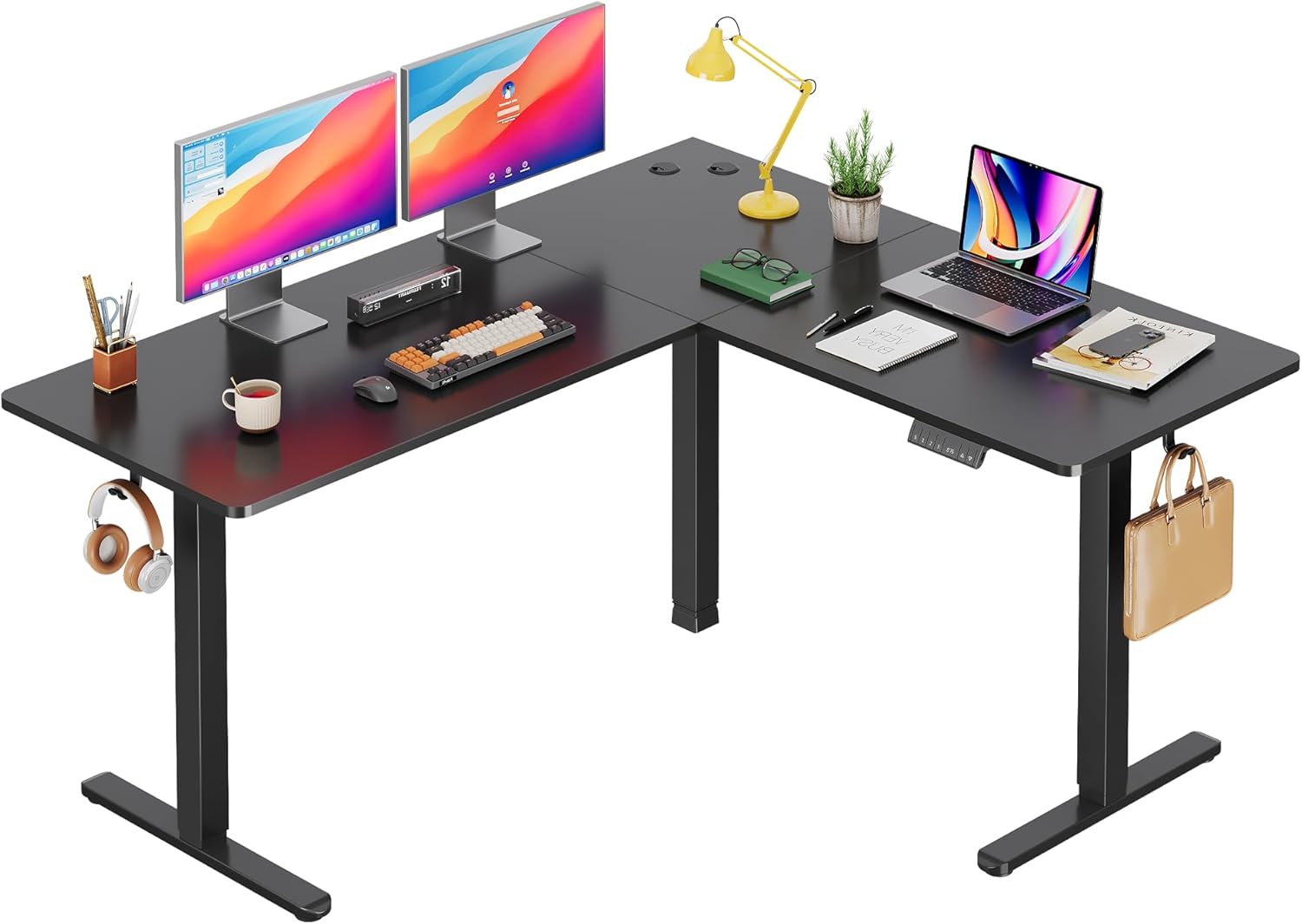
Image: The DEVAISE ASJZ026 L-Shaped Electric Standing Desk fully assembled in a modern home office environment, showcasing its spacious design and functionality.

Image: A detailed diagram illustrating the desk dimensions (63x55 inches) and its load capacity of up to 180 lbs, highlighting the robust construction.

Image: Visual representation of the desk's adjustable height feature, showing the range from a minimum of 28.35 inches to a maximum of 46.45 inches, suitable for various user preferences.
5. Operating Instructions
5.1 Control Panel Pamusoroview
The desk is operated via a multi-function control panel, typically located on the front edge of the desk. It features an LED display, up/down buttons, and memory preset buttons.

Mufananidzo: Yakadzama view of the desk's control panel, highlighting the 'S' button for saving presets, three memory height buttons (1, 2, 3), the LED display showing current height, and the up/down adjustment buttons.
5.2 Kugadzirisa Urefu
- Kumusoro / Kuderera Mabhatani: Dzvanya uye ubate iyo kumusoro (▲) or Pasi (▼) button to raise or lower the desk to your desired height. Release the button to stop movement. The LED display will show the current height.
5.3 Zvigadziriso zveMemory
The desk allows you to save up to three preferred height settings for quick adjustments.
- Kuchengetedza Preset: Gadzirisa dhesiki kuti risvike pakukwirira kwaunoda uchishandisa mabhatani eKumusoro/Kudzika. S button, then immediately press one of the memory buttons (1, 2, kana 3). The LED display will confirm the setting is saved.
- To Use a Preset: Dzvanya bhatani rendangariro rinoenderana (1, 2, kana 3). The desk will automatically move to the saved height.
5.4 Anti-Collision Feature
The desk is equipped with an anti-collision system. If the desk encounters an obstruction during height adjustment, it will automatically stop and reverse slightly to prevent damage or injury.
5.5 USB Yekuchaja Port
Some models may include a USB charging port on the control panel for convenient charging of small electronic devices.

Mufananidzo: Yemukati view diagram highlighting the dual motor system, which provides stable and efficient power for the desk's height adjustment mechanism.
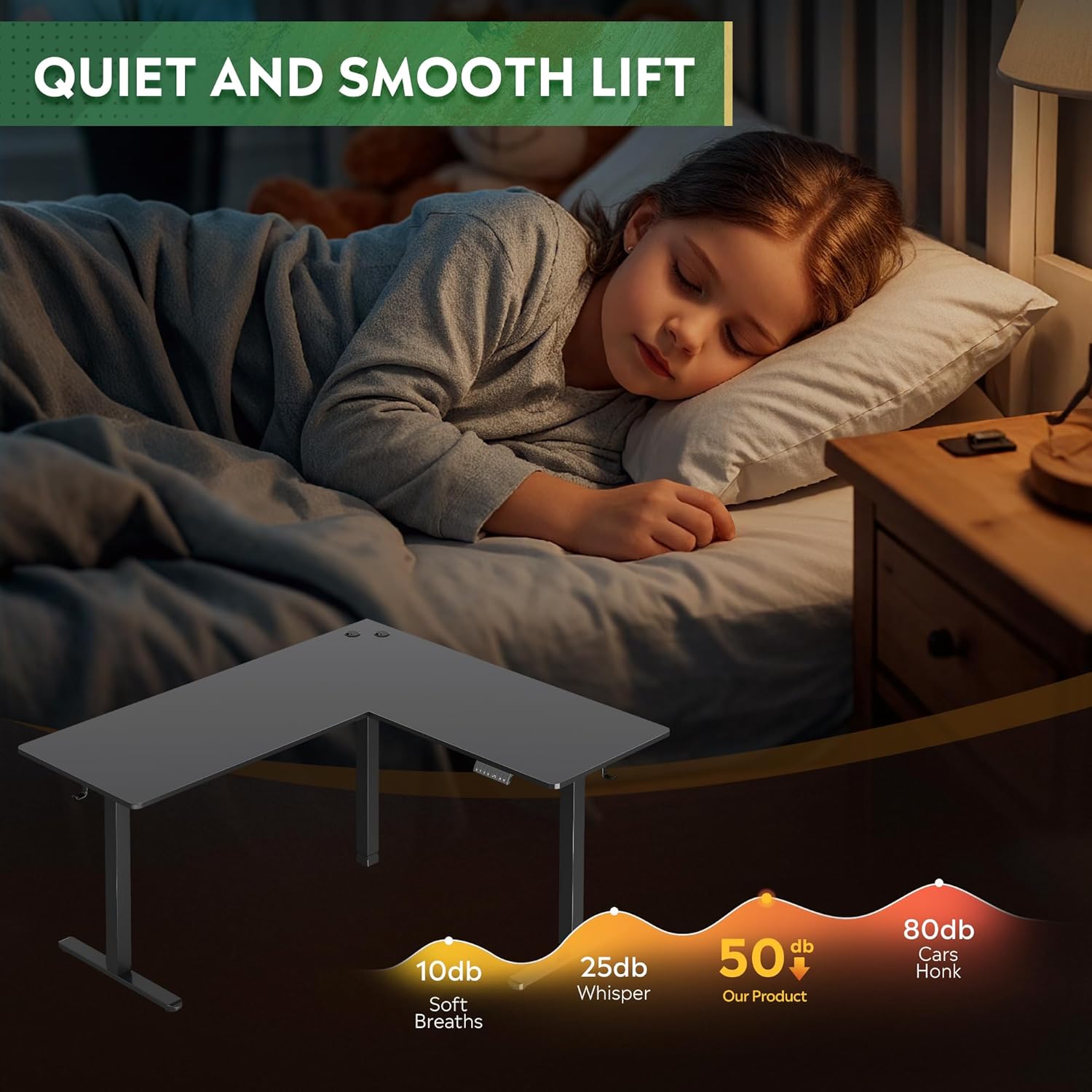
Mufananidzo: Zvakadzama views of additional features: two desk hooks for headphones or bags, adjustable feet for leveling on uneven surfaces, and cable clips for organized cable management.
6. Kuchengeta
- Kuchenesa: Pukuta pamusoro pedhesiki uye furemu nekanyoro, damp cloth. Avoid harsh chemicals or abrasive cleaners. Ensure the desk is unplugged before cleaning.
- Kuongorora: Nguva nenguva tarisa masikuruu ese nezvinobatidzwa kuti uve nechokwadi chekuti zvinoramba zvakabatirira. Sungazve kana zvichidikanwa.
- Cable Management: Regularly check power and motor cables for any signs of wear or damage. Ensure cables are not pinched or tangled.
7. Kugadzirisa matambudziko
If you encounter issues with your DEVAISE ASJZ026 desk, refer to the following common problems and solutions:
| Dambudziko | Zvinogona Kukonzera | Solution |
|---|---|---|
| Desiki harifambi. | Power cable disconnected; motor cables loose; control box malfunction. | Check all power and motor connections. Ensure the power outlet is functional. Reset the desk by unplugging for 30 seconds and plugging back in. |
| Desk rinofamba zvisina kuenzana kana kuita ruzha rusina kujairika. | Uneven load; loose connections; obstruction. | Ensure weight is evenly distributed. Check all frame connections for tightness. Clear any obstructions. Perform a reset. |
| LED display shows an error code (e.g., E01, E02). | Overload; motor fault; sensor issue. | Refer to the specific error code in the detailed manual (if provided) or perform a reset. Reduce desk load if an overload is suspected. |
| Anti-collision feature is too sensitive or not working. | Sensor calibration issue; obstruction. | Ensure no constant pressure is applied to the desk. Perform a reset. If adjustable, refer to the full manual for sensitivity settings. |
If these solutions do not resolve the issue, please contact DEVAISE customer support.
8. Zvinotsanangurwa
- Brand: DEVAISE
- Model Number: ASJZ026
- Zviyero zvechigadzirwa: 23.62"D x 62.99"W x 25.84"H
- Adjustable Height Range: 28.5" to 47.2" (Minimum Height: 28.5 Inches, Maximum Height: 47 Inches)
- Top Material Type: Engineered Wood
- Base Material: Iron
- Weight Capacity: 220 lbs (Maximum Weight Recommendation: 2.2E+2 Pounds)
- Mota Type: Dual Motor Electric
- Special Features: Adjustable Height, Electric, L-shaped, Anti-collision Technology, Cable Management, Headphone Hook
- Chinhu Weight: 80.74 Pondo
- Ruvara: Nhema
- Gungano Rinodiwa: Ehe
9. Warranty & Tsigiro
The DEVAISE ASJZ026 L-Shaped Electric Standing Desk comes with a Lifetime Warranty, as specified by the manufacturer. This warranty covers defects in materials and workmanship under normal use.
For warranty claims, technical assistance, or any questions regarding your product, please contact DEVAISE customer support through their official channels. Please have your model number (ASJZ026) and proof of purchase available when contacting support.