
Nhanganyaya
Welcome to the instruction manual for your Dubstep Buzz X8 Wireless Earbuds. These earbuds are designed to provide a high-quality audio experience with advanced features. This manual will guide you through the setup, operation, and maintenance of your device.
Chii chiri muBhokisi
Iyo package ine zvinhu zvinotevera:
- Wireless Earbuds
- Wireless Charging Case
- Type-C Cable
- User Manual
- Ear Cushions (hukuru hwakasiyana)

Image: Contents of the Dubstep Buzz X8 Earbuds box, showing the earbuds, charging case, Type-C charging cable, and additional ear cushions.
Product Overview
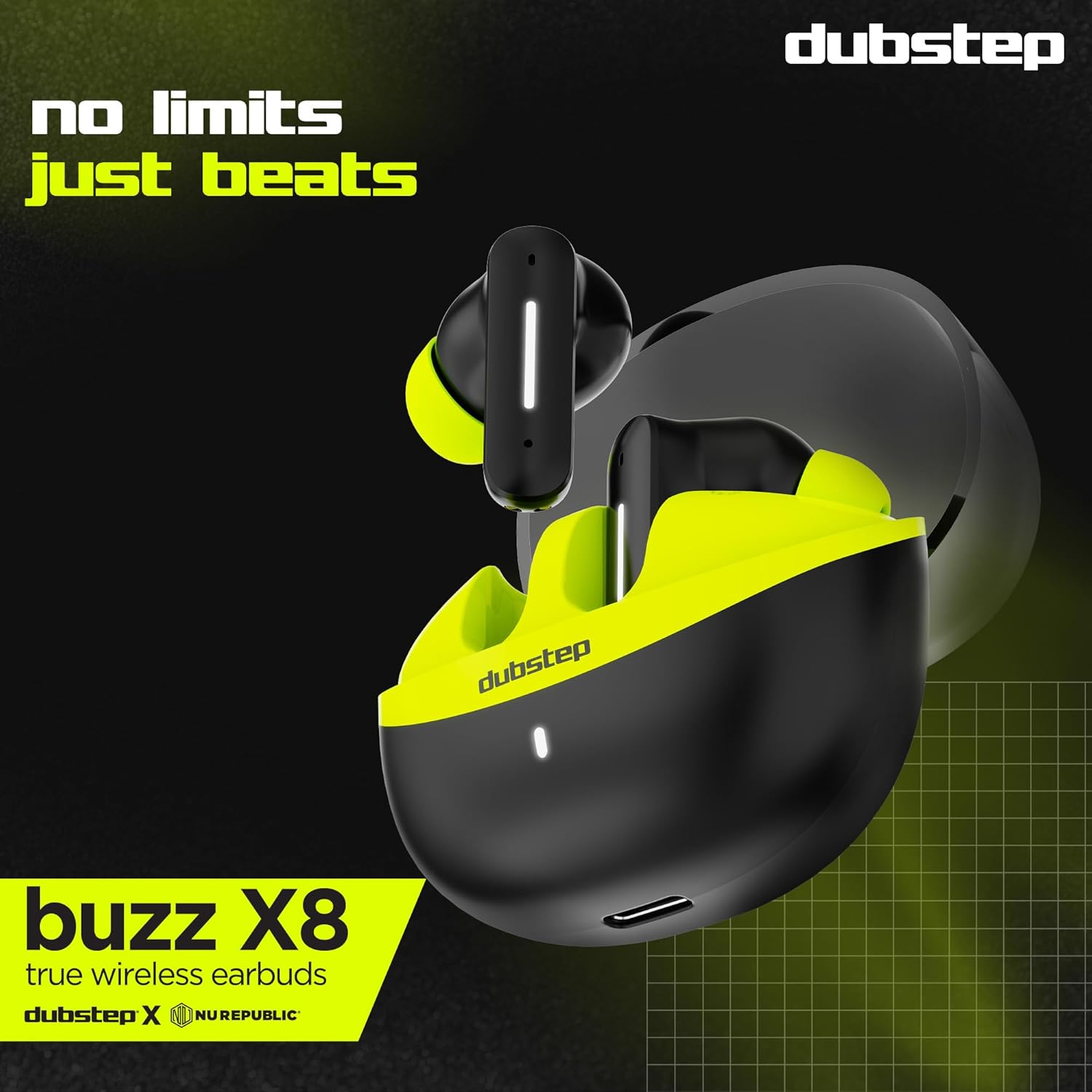
The Dubstep Buzz X8 Wireless Earbuds feature a sleek design and are equipped with 13mm dynamic drivers for powerful sound. The charging case provides extended battery life and convenient storage.

Image: Dubstep Buzz X8 Wireless Earbuds in Neon Green, placed within their open charging case.
Zvikamu zveEarbud
- Bata Kudzora Nzvimbo: Zvekutarisira kutamba, kufona, uye izwi mubatsiri.
- Maikorofoni: Dual microphones with Environmental Noise Cancellation (ENC) for clear calls.
- Nzeve Mazano: Silicone ear tips for a comfortable and secure fit.
Mufananidzo: Zvakadzama view of the earbuds and charging case, illustrating their internal and external features.
Gadzirira
1. Kuchaja maEarbuds uye Case
Before first use, fully charge the earbuds and the charging case. Connect the provided Type-C cable to the charging port on the case and a compatible USB power source. The LED indicator on the case will show charging status.
- A 15-minute quick charge provides approximately 200 minutes of playtime.
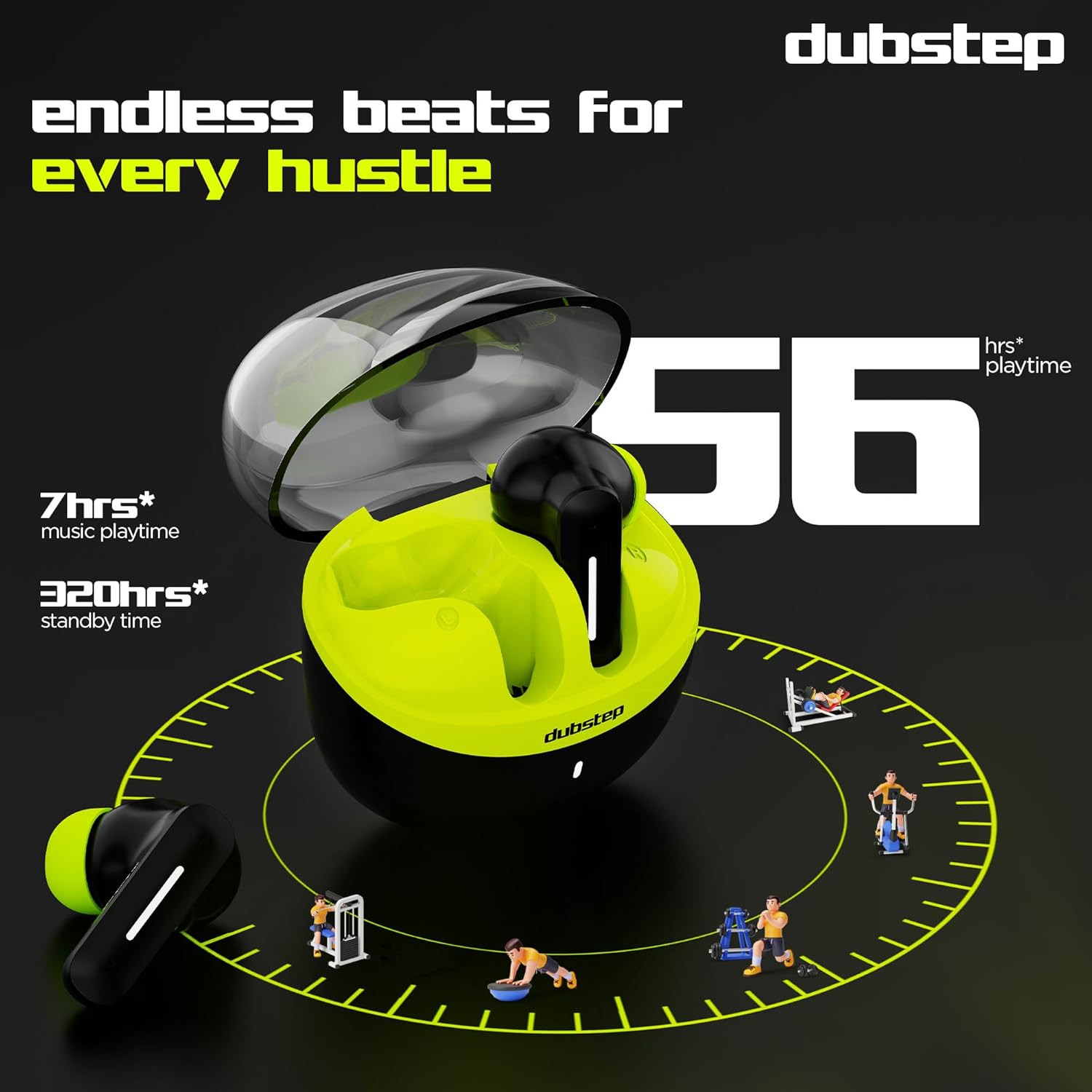
- Total playtime with the charging case is up to 56 hours.
- Earbuds provide 7 hours of continuous music playback on a single charge.

Image: The charging case of the Dubstep Buzz X8 earbuds connected to a Type-C cable for charging.
2. Kubatanidza neChishandiso Chako
- Vhura kesi yekuchaja. Maearbuds anozopinda otomatiki maitiro ekubatanidza.
- Pamudziyo wako (smartphone, piritsi, laptop), shandisa Bluetooth.
- Tsvaga "Dubstep Buzz X8" in the list of available Bluetooth devices.
- Select "Dubstep Buzz X8" to connect. Once connected, you will hear an audio prompt.
- The earbuds feature Bluetooth v5.3 for stable and efficient wireless connectivity.

Image: A smartphone displaying the Bluetooth connection screen, showing the Dubstep Buzz X8 earbuds successfully paired.
Operating Instruction
Touch Controls
The Dubstep Buzz X8 earbuds feature intuitive touch controls on each earbud. Refer to the following table for common functions:
| Chiito | Function |
|---|---|
| Single Tap | Tamba / Imbomira mimhanzi, Pindura / Pedza kufona |
| Tap kaviri | Kukwidza Vhoriyamu (+) / Kudzikisa Vhoriyamu (-) |
| Triple Tap | Yapfuura Track / Inotevera Track |
| Long Press | Activate / Deactivate Voice Assistant |
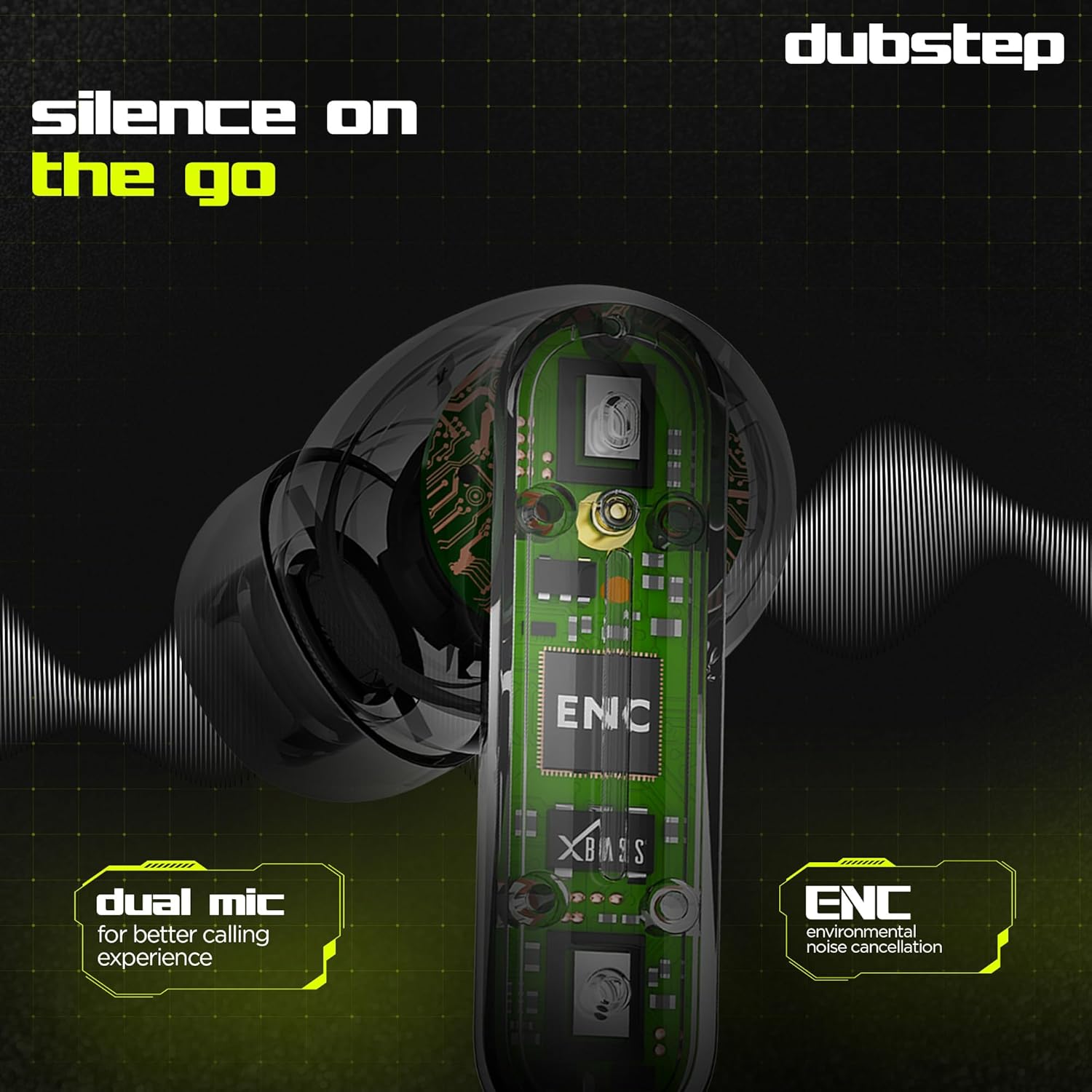
Image: Visual guide to the touch control gestures on the earbuds and their corresponding functions.
Environmental Ruzha Kanzura (ENC)
The earbuds are equipped with ENC technology and dual microphones to reduce ambient noise during calls, ensuring clear communication.
Mufananidzo: Yemukati view of the earbud highlighting the ENC technology and dual microphone system.
Maintenance
To ensure the longevity and optimal performance of your Dubstep Buzz X8 Wireless Earbuds, follow these maintenance guidelines:
- Kuchenesa: Garai kuchenesa maearbud nekesi yekuchaja nejira rakapfava, rakaoma, risina lint. Usashandise makemikari ane hasha kana abrasive zvinhu.
- Nzeve Mazano: Remove and clean the ear tips periodically with water and mild soap, then dry thoroughly before reattaching.
- Kuramba Mvura: The earbuds are splash and sweat resistant, making them suitable for workouts. However, they are not waterproof. Avoid submerging them in water.
- Kuchengeta: Kana isiri kushandiswa, chengeta maearbuds mukesi yavo yekuchaja kuti uzvidzivirire uye ugare wakachajwa.
- Tembiricha: Dzivisa kuisa maearbuds pakupisa kwakanyanya (kunopisa kana kutonhora) kana kuti pazuva rakananga kwenguva yakareba.
Kugadzirisa matambudziko
If you encounter issues with your Dubstep Buzz X8 Wireless Earbuds, refer to the following common solutions:
| Dambudziko | Solution |
|---|---|
| Maearbuds haasi kubatanidza | Ita shuwa kuti maearbuds akachajwa. Dzima uye vhura Bluetooth pane chako kifaa. Isa maearbuds kumashure kana, vhara, wobva wavhura kuti upinde zvakare pairing mode. |
| Hapana ruzha kubva kune imwe earbud | Check battery level of both earbuds. Try re-pairing the earbuds with your device. Clean earbud mesh for any blockages. |
| Inzwi rakaderera | Adjust volume on both your device and the earbuds. Ensure ear tips provide a good seal. |
| Kuchaja kesi kwete kubhadharisa | Verify the Type-C cable is properly connected to both the case and the power source. Try a different cable or power adapter. |
| Mubatsiri wezwi haasi kudaira | Ensure the earbuds are connected to your device. Check your device's settings for voice assistant activation. Perform a long press on the earbud touch area. |
Zvinotsanangurwa
| Feature | Detail |
|---|---|
| Model Name | Buzz X8 |
| Kubatana Technology | Bluetooth 5.3 |
| Audio Driver Size | Mamirimita gumi |
| Total Playtime | Kusvikira maawa makumi maviri (ine kuchaja kesi) |
| Nguva yekutamba neEarbud (inochaja kamwe chete) | 7 maawa |
| Standby Time | 320 maawa |
| Fast Charging | 15 mins kuchaja = 200 mins nguva yekutamba |
| Kuchaja Port | Type-C |
| Noise Control | Environmental Ruzha Kanzura (ENC) |
| Maikorofoni | Dual Maikorofoni System |
| Control Type | Touch Control, Voice Assistant |
| Mvura Resistance Level | Splash and Sweat Resistant |
| Item Weight | 40 magiramu |
| Product Dimensions | 3.5 x 2.5 x 4.5 cm |
Warranty uye Support
Your Dubstep Buzz X8 Wireless Earbuds come with a standard brand warranty. For detailed warranty information, troubleshooting guides, and further support, please visit the official user manuals page: