1. Chigadzirwa Pamusoroview
The Generic TK16 Smart Watch is designed to assist you in monitoring various health and fitness metrics. It features step counting, temperature tracking, heart rate monitoring, and an alarm clock function. This manual provides detailed instructions for setup, operation, and maintenance of your device.
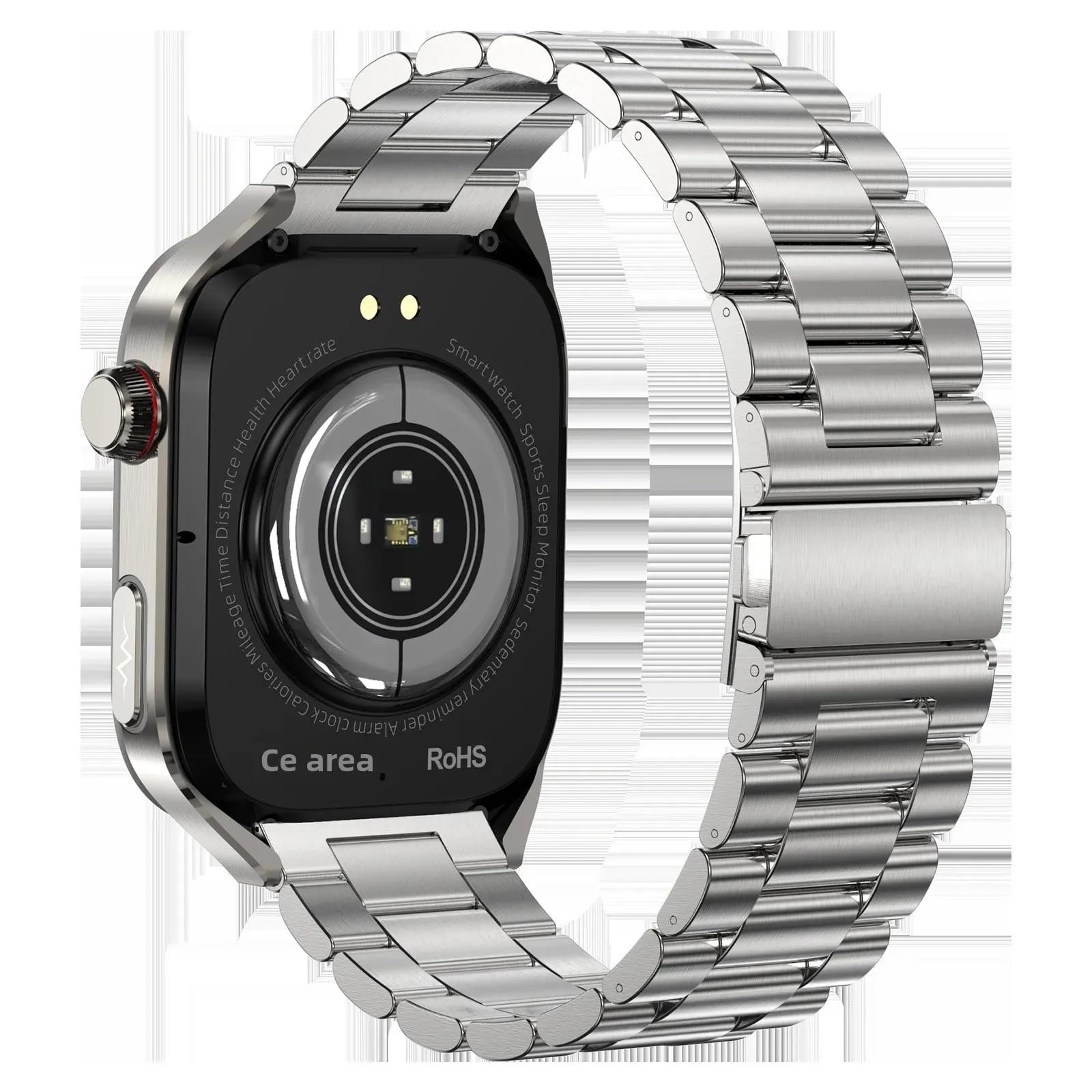
Image: The TK16 Smart Watch, featuring a silver casing and a steel band, displaying a digital watch face.
2. Setup
2.1 Unboxing uye Yekutanga Kuchaja
Paunenge uchivhura package, ita shuwa kuti zvese zvikamu zviripo:
- TK16 Smart Watch
- Chaja Cable
- Vadivelu Comedy
- Mushandisi Chinyorwa (gwaro iri)
Before first use, fully charge the smart watch. Connect the charging cable to the charging port on the back of the watch and plug the USB end into a compatible power adapter (not included) or a computer's USB port. The watch display will indicate charging status.
2.2 Kubatanidza Bhendi reWachi
Align the pins on the watch band with the corresponding holes on the watch casing. Gently push the pin inwards and slide the band into place until the pin locks securely. Repeat for the other side of the watch band.
2.3 Kuiswa kweApp uye Pairing
The TK16 Smart Watch operates with a companion application on your smartphone. Tsvaga the recommended app (refer to packaging or quick start guide for app name) in your device's app store (Google Play Store for Android, Apple App Store for iOS). Install the app and follow the on-screen instructions to pair your watch via Bluetooth. Ensure Bluetooth is enabled on your smartphone.
3. Operating Instructions
3.1 Basic Controls
- Bhatani reSimba: Press and hold to power on/off. Short press to wake the screen or return to the watch face.
- Touchscreen: Swipe left/right, up/down to navigate menus and features. Tap to select options.
3.2 Kufambisa iyo Interface
From the main watch face:
- Swipe pasi to access quick settings (e.g., brightness, do not disturb).
- Swipe up ku view zviziviso.
- Swipe ruboshwe to access main menu applications (e.g., health monitoring, activity tracking, alarm).
- Swipe rudyi ku view widgets or frequently used features.
3.3 Mamiriro Akakosha
3.3.1 Fitness Tracking (Step Counting, Calorie Stopwatch)
The watch automatically tracks your daily steps and estimates calorie expenditure. Access the activity tracking interface by swiping through the main menu. The calorie stopwatch feature allows you to monitor calories during specific activities.

Image: The smart watch screen displaying activity rings, showing progress for steps, calories burned, and distance covered.
3.3.2 Health Monitoring (Heart Rate, Temperature, Women's Health)
The TK16 Smart Watch includes sensors for heart rate and temperature monitoring. To take a reading, navigate to the respective health monitoring app on the watch. Ensure the watch is snug on your wrist for accurate measurements. The watch also supports women's health monitoring features, accessible through the companion app after initial setup.

Image: The smart watch display showing various health metrics including heart rate, blood oxygen levels, and daily step count.
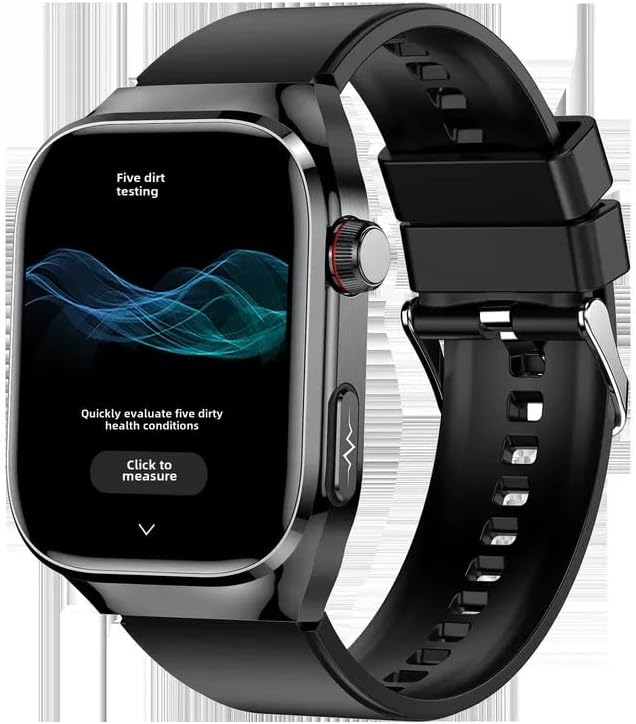
Image: A smart watch screen displaying a health assessment interface with a prominent 'Click to measure' button, indicating a health check function.
3.3.3 Alarm Clock
Set alarms directly on the watch or through the companion app. Navigate to the 'Alarm' function in the watch's menu, then add or modify alarm times. The watch will vibrate to alert you at the set time.
3.3.4 Zvimwe Zvimiro
The TK16 Smart Watch also includes an Always On Display, audio recording capabilities, and an accelerometer for motion tracking. These features can be configured and accessed via the watch's settings or the companion app.
4. Kuchengeta
4.1 Kuchenesa
Regularly clean your smart watch to ensure optimal performance and hygiene. Use a soft, lint-free cloth to wipe the screen and casing. Kune tsvina yakaoma, d zvishomaampen the cloth with water. Avoid using harsh chemicals or abrasive materials, as these can damage the device.
4.2 Kuchaja
Charge the watch using the provided charging cable. Ensure the charging contacts on the watch and cable are clean and dry before connecting. Avoid overcharging the device; disconnect once fully charged.
4.3 Kuchengeta
When not in use for extended periods, store the smart watch in a cool, dry place away from direct sunlight and extreme temperatures. It is recommended to charge the watch to about 50% before storing to preserve battery health.
5. Kugadzirisa matambudziko
- Watch isingabatike: Ensure the watch is fully charged. If it still doesn't power on, try holding the power button for 10-15 seconds.
- Haikwanise kubatana ne smartphone: Check that Bluetooth is enabled on your phone and the watch. Ensure the watch is within range. Try restarting both the watch and your phone. If issues persist, try reinstalling the companion app.
- Kuverenga kwehutano kusiri iko: Ensure the watch is worn snugly on your wrist, not too tight or too loose. Clean the sensor on the back of the watch. Avoid taking readings during intense physical activity.
- Sikirini haina kupindura: Try restarting the watch by holding the power button. If the screen remains unresponsive, ensure the battery is not completely drained.
6. Zvinotsanangurwa
| Feature | Tsanangudzo |
|---|---|
| Brand | Generic |
| Model | TK16 |
| Screen Size | 2.04 inches |
| Shape | Round |
| Operating System | Android Wear 1.0, 1.1, 1.3, 1.4, 1.5 |
| Memory Storage Capacity | 32 GB |
| Kubatana Technology | Bluetooth |
| Battery Capacity | 650 Amp Maawa |
| Special Features | Accelerometer, Activity Tracker, Alarm Clock, Always On Display, Audio Recording |
| GPS | Hapana GPS |
| Item Weight | 0.66 Pounds (10.6 ounces) |
| Package Dimensions | 5.91 x 3.94 x 1.57 inches |
| ASIN | B0F8MM2R86 |
| Zuva Rokutanga Kuwanikwa | Chivabvu 14, 2025 |
| Mugadziri | china |
7. Warranty uye Tsigiro
Kuti uwane ruzivo nezvewarandi uye rutsigiro rwehunyanzvi, ndapota tarisa magwaro akapihwa pakutenga kwako kana kuti bata mutengesi/mugadziri zvakananga. Chengeta humbowo hwekutenga kwako kune chero zvikumbiro zvewarandi.