
Nhanganyaya
This manual provides detailed instructions for the setup, operation, and maintenance of your Ratakee Digital Alarm Clock Radio H249. Please read this manual thoroughly before using the device to ensure proper functionality and to maximize your user experience. This device features a large LED display, dual alarms, AM/FM radio with presets, adjustable alarm volume, sleep timer, and display dimmer.

Mufananidzo: Mberi view of the Ratakee Digital Alarm Clock Radio H249, displaying the time 12:00 PM in blue LED digits.
Product Features Overview
- Yakakura LED Display: 6.6-inch screen with 1.6-inch blue LED numbers for clear visibility.
- Ma alarm maviri: Set two independent alarms with options for beep or radio wake-up.
- AM/FM Radio: Digital tuning with frequency ranges FM 87.5-108MHz and AM 520-1710KHz.
- Chiteshi Presets: Save up to 20 AM and 20 FM stations for quick access.
- Inogadziriswa Alarm Vhoriyamu: Alarm volume can be set from levels 5 to 15.
- Kurara Nguva: Program the radio to turn off automatically after 10-90 minutes.
- Ratidza Dimmer: Four brightness levels for the LED display.
- Snooze Basa: Provides an extra 9 minutes of sleep.
- Battery Backup: 2 AAA batteries (not included) preserve time and alarm settings during power outages.
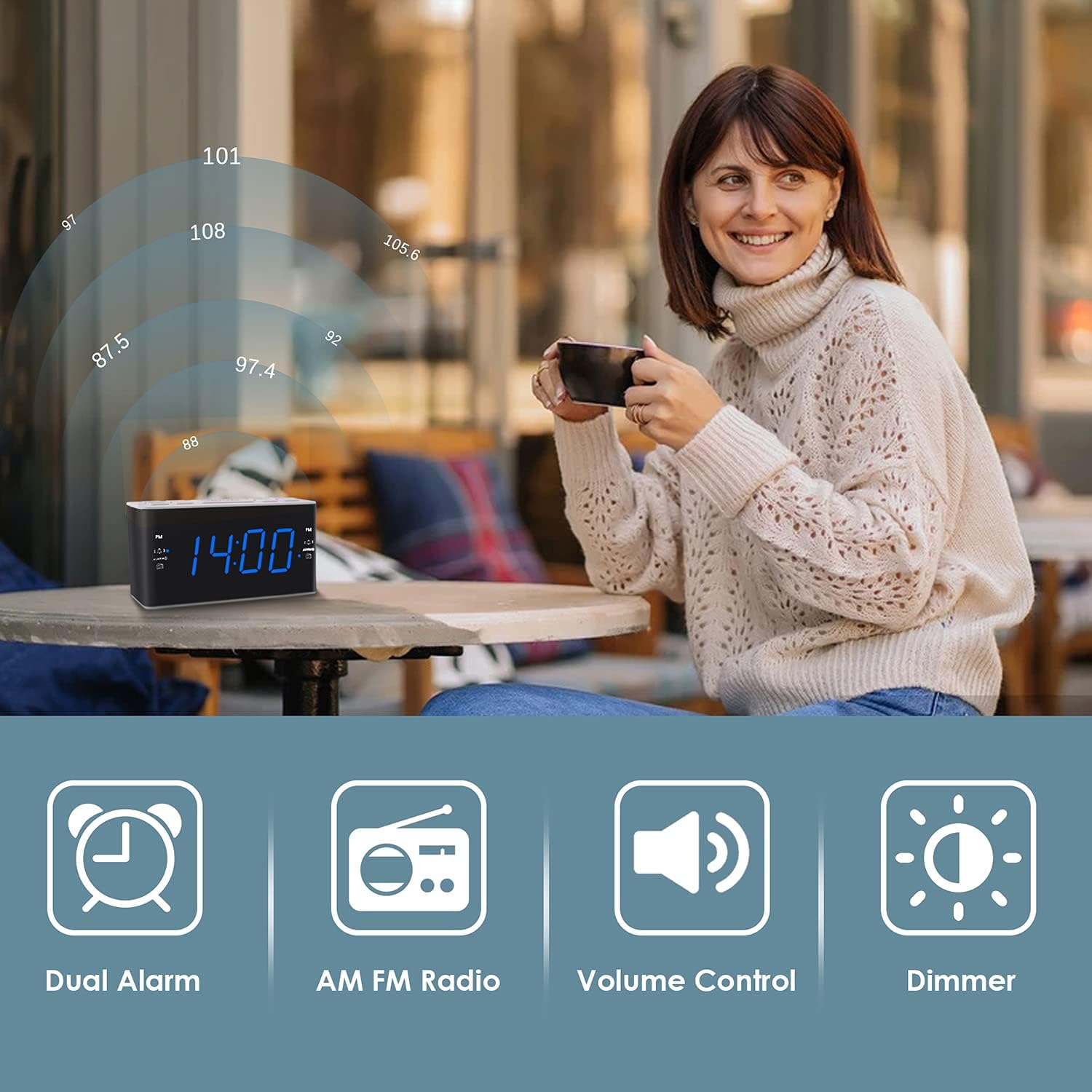
Image: Visual representation of the alarm clock's main features: Dual Alarm, AM FM Radio, Volume Control, and Dimmer, with a woman enjoying music in the background.
Gadzirira
1. Simba Connection
The Ratakee H249 operates on AC power. Connect the provided power cord to the clock radio and then plug it into a standard AC 120V 60Hz wall outlet. The display will illuminate once power is supplied.
2. Battery Backup Installation
For battery backup, insert two (2) AAA batteries (not included) into the battery compartment located on the bottom of the unit. The battery backup maintains time and alarm settings during a power interruption but does not power the clock display or radio functions.
3. Kuronga Nguva Yekutanga
- Dzvanya uye ubate iyo GADZIRA NGUVA bhatani. Manhamba eawa achatanga kupenya.
- Shandisa iyo VOL+ or VOL- buttons to adjust the hour. Pay attention to the PM indicator if setting a PM time.
- Press the GADZIRA NGUVA button again. The minute digits will flash.
- Shandisa iyo VOL+ or VOL- mabhatani ekugadzirisa maminetsi.
- Press the GADZIRA NGUVA bhatani kamwe chete kuti usimbise uye ubve pakugadzirisa nguva.
Operating Instruction
1. Kugadzirisa Maaramu (Ararm 1 neArarm 2)
The clock radio features two independent alarms. The process is identical for both.
- Dzvanya uye ubate iyo ALARM1 (kana ALARM2) button. The alarm hour digits will flash.
- Shandisa iyo VOL+ or VOL- buttons to set the desired alarm hour. Observe the PM indicator.
- Press the ALARM1 (kana ALARM2) button again. The alarm minute digits will flash.
- Shandisa iyo VOL+ or VOL- mabhatani ekugadzirisa maminitsi ealarm aunoda.
- Press the ALARM1 (kana ALARM2) button again to select the alarm source:
- Beep: A standard alarm tone.
- Redhiyo Wakes you up to the last tuned radio station.
- Press the ALARM1 (kana ALARM2) button one more time to confirm and activate the alarm. An alarm icon will appear on the display.
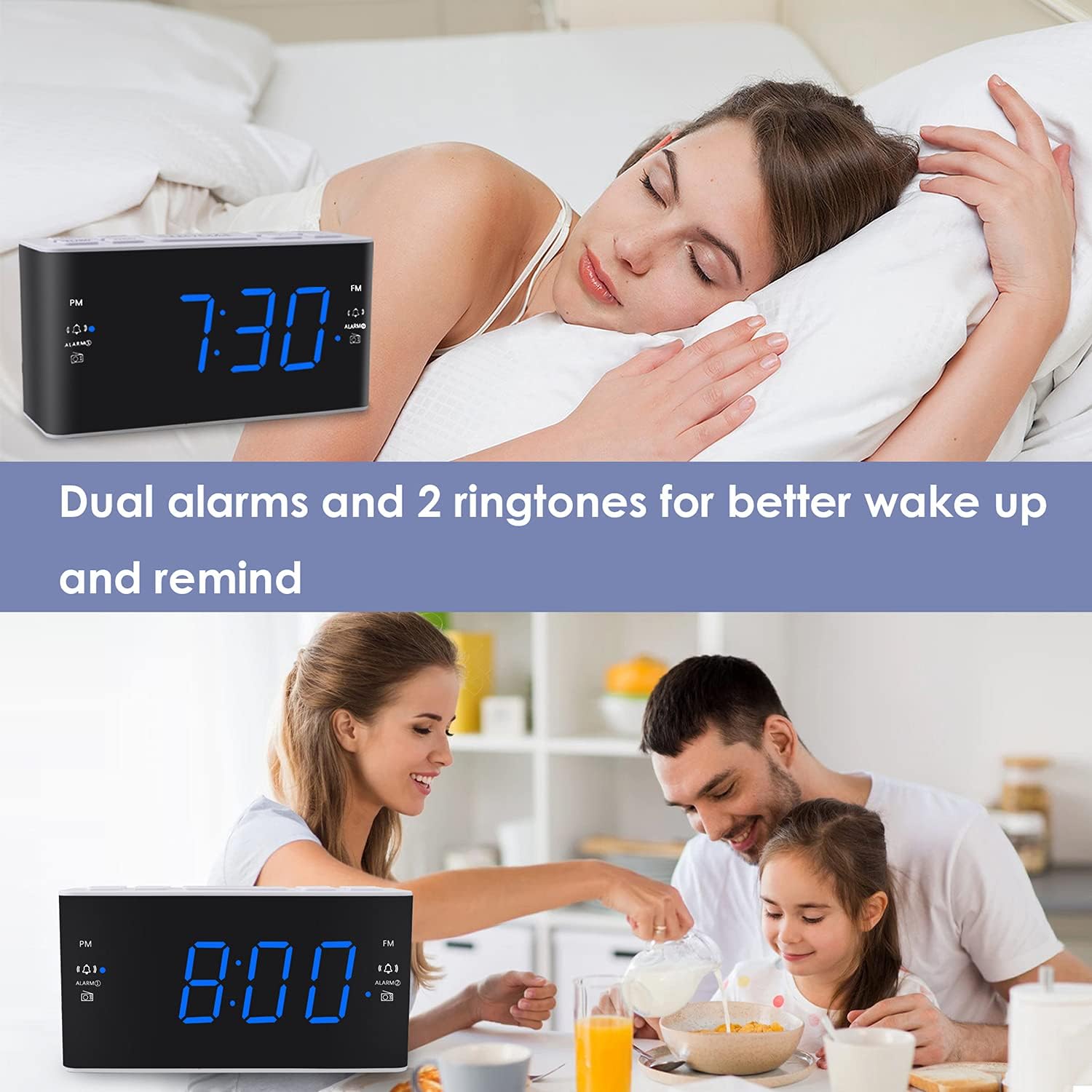
Image: The alarm clock displaying 7:30, with icons indicating dual alarms are set, positioned on a bedside table next to a person waking up.
2. Kugadzirisa Vhoriyamu yeAlarm
When an alarm is sounding, use the VOL+ or VOL- buttons to adjust the alarm volume between levels 5 and 15.
3. Snooze Basa
Kana alarm yarira, tinya bhatani guru SNOOZE / DIMMER button to temporarily silence the alarm for 9 minutes. The alarm will sound again after 9 minutes. This can be repeated up to 5 times. To cancel the alarm completely, press any other button (e.g., ALARM1, ALARM2, RADIO).
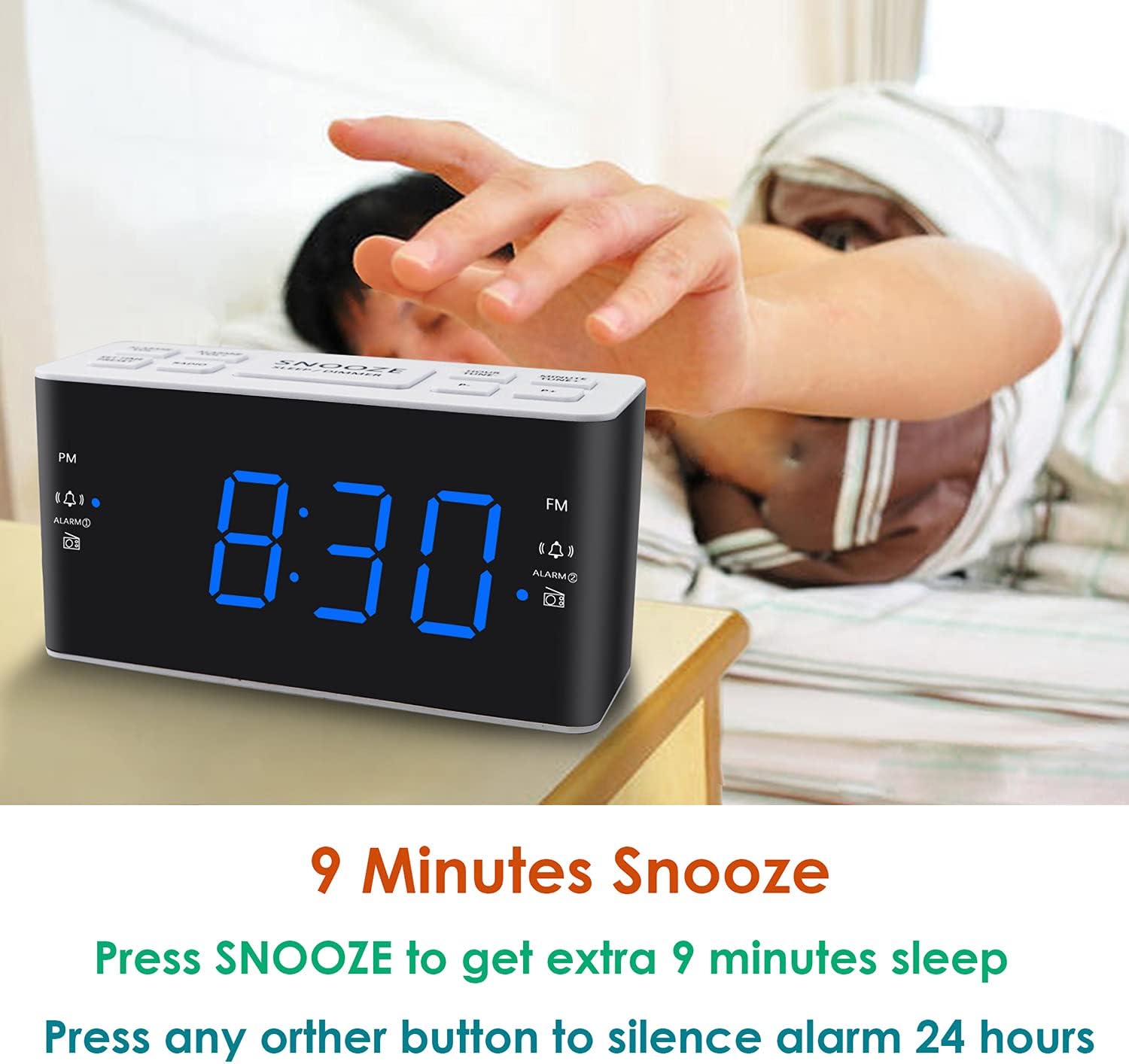
Image: A hand reaching to press the SNOOZE button on the alarm clock, which shows 8:30, illustrating the snooze function.
4. Kushanda kweRedhiyo yeAM/FM
- Press the RADIO bhatani rekuvhura kana kudzima redhiyo.
- To tune, press the VOL+ or VOL- buttons to manually adjust the frequency. Press and hold these buttons for automatic scanning to the next available station.
- Setting Presets: While listening to a desired station, press and hold the PRESET button. The preset number will flash. Use VOL+ or VOL- to select a preset slot (P01-P20 for AM/FM). Press PRESET zvakare kuponesa.
- Kuyeuka Presets: Muchidimbu dzvanya iyo PRESET bhatani rekutenderera nepakati pezviteshi zvakachengetwa.
- Adjusting Radio Volume: Shandisa iyo VOL+ or VOL- buttons when the radio is on to adjust the listening volume.
5. Kurara Nguva
Chinotora nguva yekurara chinobvumira redhiyo kurira kwenguva yakatarwa isati yadzima yega.
- Redhiyo ichiri kurira, dzvanya iyo RARA button (if available, otherwise use a combination like SNOOZE + RADIO, or refer to specific button if different).
- Dzokorora dzvanya iyo RARA button to cycle through available sleep times (e.g., 10, 20, 30, 60, 90 minutes).
- The radio will turn off automatically after the selected time.
6. Kuratidza Dimmer
Kuti ugadzirise kupenya kwechiratidziro che LED, tinya bhatani rekuti SNOOZE / DIMMER button (when the alarm is not sounding). Each press will cycle through the four available brightness levels (High, Medium, Low, Off).

Image: The alarm clock displaying 20:00 (8 PM) with a dimmed blue LED display, illustrating the dimmer function for nighttime use.
Maintenance
1. Kuchenesa
To clean the clock radio, gently wipe the surface with a soft, dry cloth. Do not use abrasive cleaners, waxes, or solvents as these can damage the finish. Ensure the device is unplugged before cleaning.
2. Battery Replacement (Backup)
If the time and alarm settings are not retained during a power outage, the AAA backup batteries may need to be replaced. Open the battery compartment, remove the old batteries, and insert two new AAA batteries, observing the correct polarity (+/-). Close the compartment securely.
Kugadzirisa matambudziko
| Dambudziko | Zvinogona Kukonzera | Solution |
|---|---|---|
| Chiratidziro chewachi chadzimwa kana kuti hachisi kushanda. | No AC power; power outage; display dimmer set to 'Off'. | Iva nechokwadi chekuti tambo yemagetsi yakabatanidzwa zvakanaka muchinhu chinoburitsa magetsi chiripo. Tarisa kana paine magetsi aripotages. Press the SNOOZE / DIMMER button to adjust display brightness. |
| Time/Alarm settings are lost after a power outage. | Backup mabhatiri akafa kana kuti haana kuiswa. | Install two fresh AAA batteries or replace existing ones in the battery compartment. |
| Alarm hainzwi. | Alarm is not activated; alarm volume is too low; incorrect alarm time. | Ensure the alarm icon is visible on the display. Re-check alarm time and source. Adjust alarm volume (levels 5-15). |
| Kugamuchirwa kweredhiyo kusina kunaka. | Antenna not extended; interference; weak signal. | Fully extend the FM wire antenna. Reposition the clock radio to improve reception. Avoid placing near electronic devices that may cause interference. |
| Radio presets are not saved. | Incorrect saving procedure; power interruption without backup. | Ensure you press and hold the PRESET button to save, then press again to confirm. Ensure backup batteries are installed and functional to retain settings during power loss. |
Zvinotsanangurwa
| Feature | Detail |
|---|---|
| Brand | Ratakee |
| Model Number | H249 |
| Display Type | Digital LED (Blue) |
| Simba Source | Corded Electric (AC 120V 60Hz) |
| Battery Backup | 2 AAA batteries (not included) for settings retention |
| Product Dimensions | 6.14" W x 3.15" H x 2.17" D |
| Item Weight | 4 ounces (0.25 pounds) |
| Radio Frequency (FM) | 87.5-108 MHz |
| Radio Frequency (AM) | 520-1710 KHz |
| Special Features | Adjustable Brightness, Adjustable Volume, Dual Alarms, Radio, Sleep Timer |
| Material | Plastiki |

Image: Dimensional drawing of the alarm clock, indicating its width (6.14in), height (3.15in), and depth (2.17in).
Warranty uye Support
Warranty Information
This Ratakee Digital Alarm Clock Radio H249 comes with a 1-makore mashoma waranti kubva pazuva rekutenga. Uyezve, a 90-mazuva-yekudzoserwa mari garandi is offered. This warranty covers manufacturing defects and malfunctions under normal use. It does not cover damage caused by misuse, accidents, unauthorized modifications, or external factors.
Mutengi Support
For technical assistance, troubleshooting not covered in this manual, or warranty claims, please contact Ratakee customer support through the retailer's platform or the contact information provided with your purchase. Please have your model number (H249) and purchase date available when contacting support.