1. Nhanganyaya
The Sekonic 758DR DigitalMaster is an advanced light meter designed for precise exposure measurement in various photographic scenarios. It offers comprehensive features for both ambient and flash light, including camera sensor profiling, a 1-degree spot meter, and wireless triggering capabilities. This manual provides essential information for setting up, operating, and maintaining your device.
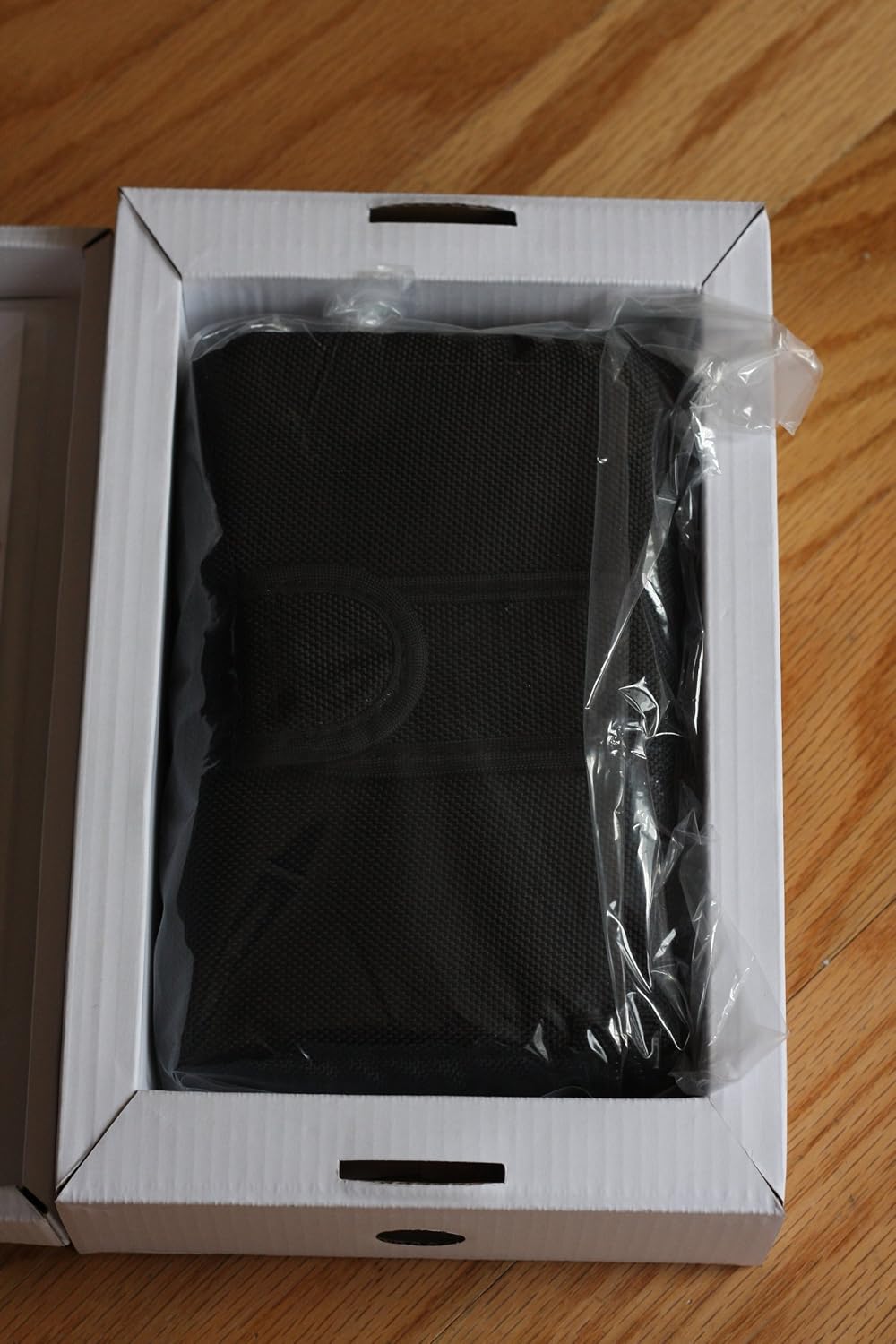
Figure 1.1: The Sekonic 758DR DigitalMaster Lightmeter, a professional tool for accurate exposure measurement.
2. Setup uye Kutanga Kushandisa
This section guides you through the initial setup of your Sekonic 758DR DigitalMaster light meter.
2.1 Unboxing the Device
Carefully unpack all components from the product box. Verify that all items are present:
- Sekonic 758DR DigitalMaster Lightmeter
- Soft kesi
- USB tambo
- Mutsipa tambo
- Battery (Lithium Metal)
- Data Transfer Software CD and Operating Manual

Mufananidzo 2.1: Kupfuuraview of the Sekonic 758DR DigitalMaster Lightmeter packaging contents, showing the meter case, software CD, and printed manual.
2.2 Kuiswa kwebhatiri
- Locate the battery compartment on the light meter.
- Insert the provided Lithium Metal battery, ensuring correct polarity.
- Vhara bhatiri kamuri zvakachengeteka.
2.3 Kuisa Software (Sarudzo)
The Sekonic 758DR supports camera sensor profiling using dedicated Data Transfer Software (DTS). This software allows you to calibrate the meter to your specific camera's imaging sensor for enhanced accuracy.
- Insert the Data Transfer Software CD into your computer's optical drive.
- Tevera mirairo yepa-screen kuti uise software.
- Connect the light meter to your computer using the supplied USB cable to transfer profiles.
Cherechedza: Ensure your operating system is compatible with the software version. Check the Sekonic website for the latest software updates and driver information.

Figure 2.2: The Sekonic Data Transfer Software CD and printed operating manual included with the light meter.
3. Operating Instructions
The Sekonic 758DR DigitalMaster offers various modes and functions for precise light measurement.
3.1 Basic Measurement Modes
- Ambient Light Measurement: Use the incident dome for general scene illumination or the 1-degree spot meter for specific areas.
- Flash Light Measurement: The meter can measure flash output, either corded or wirelessly.
3.2 Camera Sensor Profiling
This feature allows you to create custom exposure profiles for up to three different cameras. This ensures highly accurate readings tailored to your camera's specific dynamic range and sensitivity.
- Using the DTS software, create a profile for your camera by photographing a test target under controlled lighting.
- Transfer the generated profile to the 758DR light meter via USB.
- Select the appropriate camera profile on the meter before taking readings.
3.3 1-Degree Spot Meter
The built-in 1-degree spot meter allows for precise measurement of small areas within a scene. It features an adjustable diopter for clear viewing and is threaded for 30.5mm filters.
- Point the spot meter at the desired area to measure.
- Adjust the diopter for clear focus on the target.
- The meter will display the exposure value for that specific spot.
3.4 Exposure Averaging and Contrast Evaluation
The 758DR can store up to 9 readings, enabling you to average exposures or evaluate scene contrast in aperture and shutter priority modes.
- Take multiple readings from different parts of your scene.
- Use the meter's functions to calculate the average exposure or analyze the contrast range.
3.5 Kutangisa Pasina Waya
The 758DR supports wireless flash triggering, compatible with PocketWizard radio triggers. This allows for convenient remote triggering of studio strobes directly from the meter.
- Ensure your meter has the correct regional transmitter module for your PocketWizard system.
- Configure the meter and PocketWizard units to the same channel and zone.
- Use the meter's flash measurement mode to trigger and measure flash output.
4. Kuchengeta
Proper care and maintenance will ensure the longevity and accuracy of your Sekonic 758DR DigitalMaster.
- Kuchenesa: Use a soft, dry cloth to clean the meter's body. For the display and optical elements, use a lens cleaning cloth and solution designed for optics. Avoid abrasive materials or harsh chemicals.
- Kuchengeta: Store the meter in its protective soft case when not in use. Keep it in a cool, dry place away from direct sunlight, extreme temperatures, and high humidity.
- Bhatiri: Remove the battery if the meter will not be used for an extended period to prevent leakage.
- Calibration: For professional users, periodic calibration by an authorized service center is recommended to maintain optimal accuracy.

Figure 4.1: The protective soft case for the Sekonic 758DR DigitalMaster, designed for safe storage and transport.
5. Kugadzirisa matambudziko
This section addresses common issues you might encounter with your Sekonic 758DR DigitalMaster.
| Dambudziko | Zvinogona Kukonzera | Solution |
|---|---|---|
| Meter haina simba | Rafa kana kuti bhatiri rakaiswa zvisirizvo | Tsiva bhatiri kana tarisa polarity. |
| Kurava kusina kururama | Incorrect settings, dirty sensor, or uncalibrated profile | Verify settings (ISO, shutter, aperture), clean incident dome/spot meter lens, re-profile camera sensor if applicable. |
| Wireless triggering fails | Incompatible regional module, incorrect channel/zone, or dead PocketWizard battery | Ensure meter and PocketWizard units are compatible and set to the same frequency/channel. Check PocketWizard battery. |
| Software connection issues | Incorrect USB drivers, incompatible OS, or faulty cable | Install correct USB drivers, ensure OS compatibility, try a different USB port or cable. Refer to Sekonic support for specific driver issues. |
6. Zvinotsanangurwa
Key technical specifications for the Sekonic 758DR DigitalMaster Lightmeter:
- Model Number: 401-758
- Zviyero zvechigadzirwa: 6.7 x 3.5 x 1.9 inches
- Chinhu Weight: 1.6 makirogiramu
- Kunobva Simba: 1 Lithium Metal battery (required)
- Measurement Modes: Ambient (incident/reflected), Flash (cord/cordless)
- Spot Meter: 1-degree, adjustable diopter (-2.5 to 1.0d), 30.5mm filter thread
- Exposure Range: Accurate down to a tenth-of-a-stop in full-stop mode
- Memory: Stores up to 9 readings for averaging and contrast evaluation
- Kubatana: USB for data transfer, Wireless for flash triggering (PocketWizard compatible)
7. Rutsigiro uye Ruzivo rweWaranti
For technical assistance, software updates, or service inquiries, please contact Sekonic customer support. Refer to the official Sekonic website for the most current support contact information and warranty details applicable to your region.
While this specific model may be discontinued, Sekonic often provides resources and support for its legacy products. Always ensure you are using the correct regional version of the device, especially concerning wireless triggering functionalities.