1. Nhanganyaya
This manual provides detailed instructions for the safe and correct installation, operation, and maintenance of your RICOO R02 Tilting TV Wall Mount. Please read all instructions carefully before beginning installation to ensure proper setup and to prevent damage or injury. Keep this manual for future reference.
2. Safety Information
- Weight Capacity: Usapfuure hurefu hwekutakura huwandu hwe30 kg (66 lbs).
- Kukura Kwesikirini: Chigadziko ichi chakagadzirirwa maTV ane hurefu hwemasendimita ari pakati pe22 ne37.
- Rudzi rweMadziro: The included dowels are suitable for concrete walls only. For other wall types (e.g., wood stud, brick, drywall), consult a professional or purchase appropriate mounting hardware.
- Professional Installation: If you are unsure about the installation process, seek assistance from a qualified professional.
- Zvishandiso: Ensure you have all necessary tools before starting installation.
- Vana: Keep children away from the installation area during setup.
- Kukuvadza: Do not install if any parts are damaged. Contact customer support for replacement parts.
3. Package Zviri mukati
Tarisa kuti zvese zviriko zviripo uye hazvina kukuvara usati waenderera mberi nekuisa.
- Pre-assembled TV bracket
- Dowels (for concrete walls only)
- Screws for screen attachment (various sizes)
- Wall screws and other mounting accessories

Mufananidzo 3.1: Technical drawing showing the dimensions and movement capabilities of the R02 wall mount. All measurements are in millimeters.
4. Zvinotsanangurwa
| Brand | RICOO |
| Model Number | R02 |
| Inoenderana Screen saizi | 22 - 37 inches (56 - 94 cm) |
| Maximum Load Capacity | 30 kg (66 lbs) |
| VESA kuenderana | 75x75 mm, 100x100 mm, 200x100 mm, 200x200 mm |
| Tilt Angle | +/- 15 madhigirii |
| Swivel Angle | Up to 180 degrees (depending on screen width) |
| Kureba Kwemadziro | 68 mm - 450 mm |
| Material | Alloy Steel |
| Color | Nhema |
| Product Dimensions | 29 x 23 x 8 cm |
| Product Weight | 2.88 kg |

Mufananidzo 4.1: The RICOO R02 wall mount is designed to safely support televisions weighing up to 30 kg.
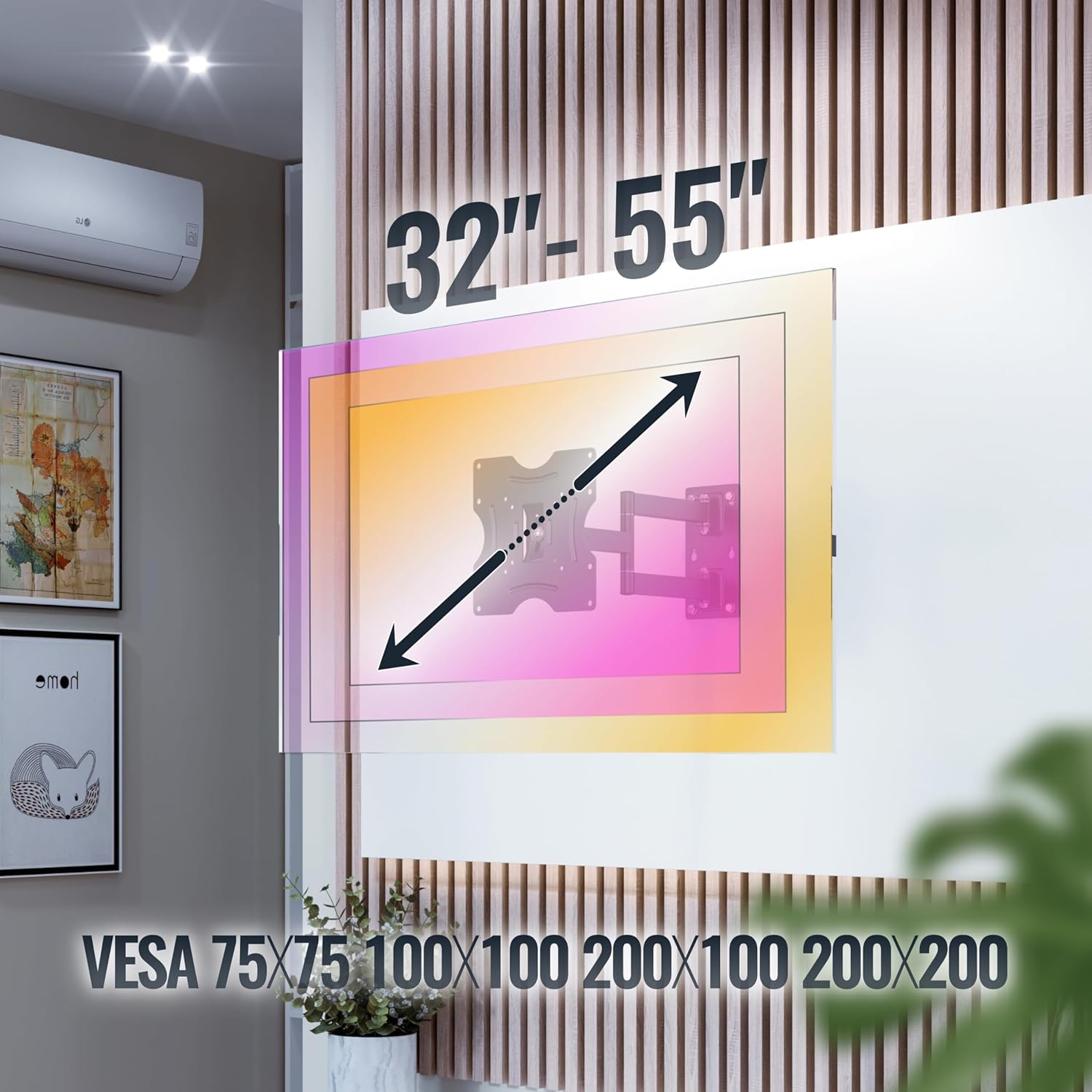
Mufananidzo 4.2: This image illustrates the VESA compatibility (75x75, 100x100, 200x100, 200x200 mm) and the recommended screen size range for the mount. Please note that while the image shows 32"-55", the product is specified for 22"-37" TVs.
5. Setup uye Kuiswa
Follow these steps carefully for a secure installation. It is recommended to have two people for installation.
- Gadzirira Wall:
- Identify the desired mounting location on your wall. Ensure the wall can support the weight of the mount and your TV.
- Use a stud finder to locate wall studs if mounting on a wood stud wall. For concrete walls, ensure there are no hidden pipes or electrical wires.
- Mark the drilling points for the wall plate using the mount as a template.
- Drill Holes:
- Drill pilot holes at the marked locations. The drill bit size will depend on your wall type and the provided screws/dowels.
- Insert the appropriate wall anchors (dowels for concrete walls) into the drilled holes.
- Batanidza Purati Yemadziro:
- Secure the wall plate of the mount to the wall using the provided wall screws. Ensure it is level and tightly fastened.
- Batanidza Mabhureki eTV paTV:
- Isa TV yako pasi zvinyoro nyoro panzvimbo yakachena uye yakapfava.
- Ziva maburi anokwira eVESA kuseri kweTV yako.
- Select the correct size screws from the provided hardware that fit your TV's VESA holes.
- Attach the TV brackets to the back of your TV using these screws. Do not overtighten.
- Isa TV kuWall Plate:
- Nerubatsiro, simudza TV nokungwarira uchishandisa mabhureki akabatanidzwa.
- Batanidza mabhureki eTV pamadziro. Iva nechokwadi chekuti TV yakagara zvakanaka pairi.
- Engage any safety locking mechanisms on the mount to prevent accidental dislodgement.
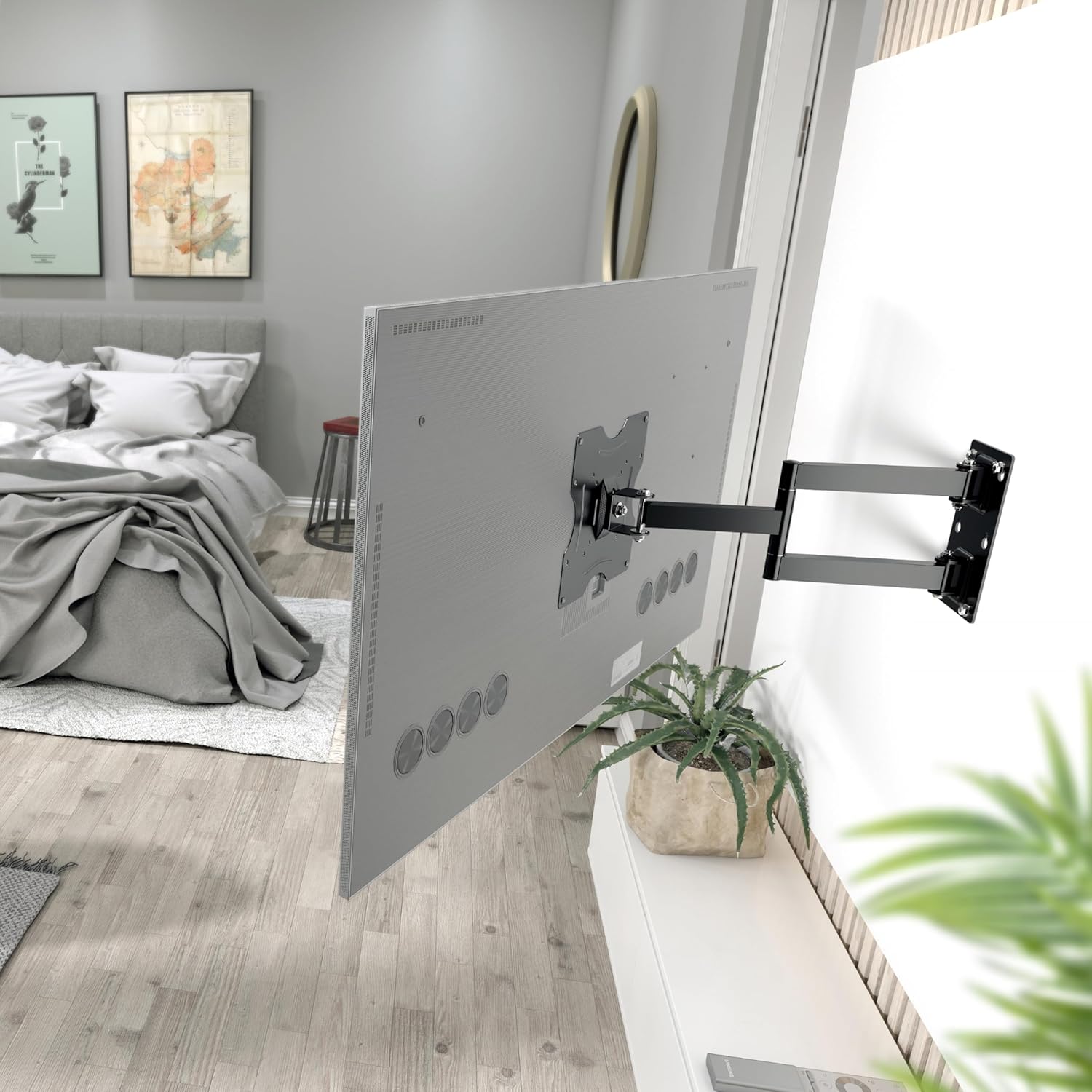
Mufananidzo 5.1: The RICOO R02 wall mount securely installed, holding a television at an extended position from the wall.
6. Operating Instructions
The RICOO R02 mount offers flexible viewing sarudzo:
- Tilting: Gently push or pull the top or bottom of the TV to adjust the tilt angle up to +/- 15 degrees. This helps reduce glare and optimize viewing.
- Swiveling: The mount allows for swiveling the TV up to 180 degrees horizontally. Carefully push the TV left or right to achieve the desired viewing angle. The maximum swivel range depends on the width of your TV and its distance from the wall.
- Extending/Retracting: The mount can extend the TV from the wall between 68 mm and 450 mm. Gently pull the TV forward or push it back towards the wall.

Mufananidzo 6.1: Illustration of the mount's tilt range (+/- 15 degrees) and swivel range (up to 180 degrees), allowing for optimal viewkubva munzvimbo dzakasiyana siyana.
7. Kuchengeta
Kugadziriswa nguva dzose kunovimbisa kugara kwenguva refu uye kushanda kwakachengeteka kweTV yako.
- Kuchenesa: Pukuta chigadziko nejira rakapfava, rakaoma. Dzivisa zvinochenesa zvinogumbura kana zvinonyungudutsa.
- Kutarisa Kusimba: Periodically check all screws and bolts to ensure they remain tight. Retighten if necessary, but do not overtighten.
- Movement Check: Occasionally move the TV through its full range of motion (tilt, swivel, extend) to ensure smooth operation.
- Kuongorora Kukuvadza: Inspect the mount for any signs of wear, damage, or corrosion. If any issues are found, discontinue use and contact customer support.
8. Kugadzirisa matambudziko
| Dambudziko | Zvinogona Kukonzera | Solution |
|---|---|---|
| TV haina kuenzana. | Wall plate not installed level. | Remove TV, adjust wall plate, and re-mount. Use a spirit level during installation. |
| Chigadziko chinonzwa chisina kugadzikana kana kuti chisina kugadzikana. | Screws are loose; incorrect wall anchors; wall material not strong enough. | Check and tighten all screws. Ensure correct wall anchors were used for your wall type. If the wall is insufficient, consult a professional. |
| Kuomerwa nekutsveyamisa kana kutenderedza TV. | Joints are too tight; TV is too close to the wall or other obstructions. | Check for adjustment screws on the mount's joints and loosen slightly if needed. Ensure sufficient clearance around the TV. |
| TV haina kukodzera pabhodhi. | Incorrect VESA pattern or TV size/weight. | Verify your TV's VESA pattern and weight against the mount's specifications (Section 4). Ensure your TV is within the 22-37 inch range and under 30 kg. |
9. Warranty uye Tsigiro
For warranty information or technical support, please contact RICOO customer service. Keep your purchase receipt as proof of purchase.
Mugadziri: ENZ Engineering GmbH
GTIN: 04260201860186
For further assistance, please visit the official RICOO websaiti kana kubata nzira dzavo dzekutsigira.


