Nhanganyaya
This manual provides detailed instructions for the Logilink ID-0062 Flat Style Slim USB Optical Mouse. Please read this manual thoroughly before using the device to ensure proper setup and operation. Keep this manual for future reference.
Package Zviri mukati:
- 1 x Logilink ID-0062 Flat Style Slim USB Optical Mouse
Gadzirira
The Logilink ID-0062 mouse is designed for easy installation with its Plug and Play functionality. No additional drivers are typically required for basic operation.
Kubatanidza Mouse:
- Tsvaga inowanikwa USB port pakombuta yako.
- Insert the USB connector of the Logilink ID-0062 mouse into the USB port.
- Your operating system (Windows or Apple MacOS) will automatically detect and install the necessary drivers. This process may take a few moments.
- Kana kuiswa kwapera, mbeva inenge yagadzirira kushandiswa.
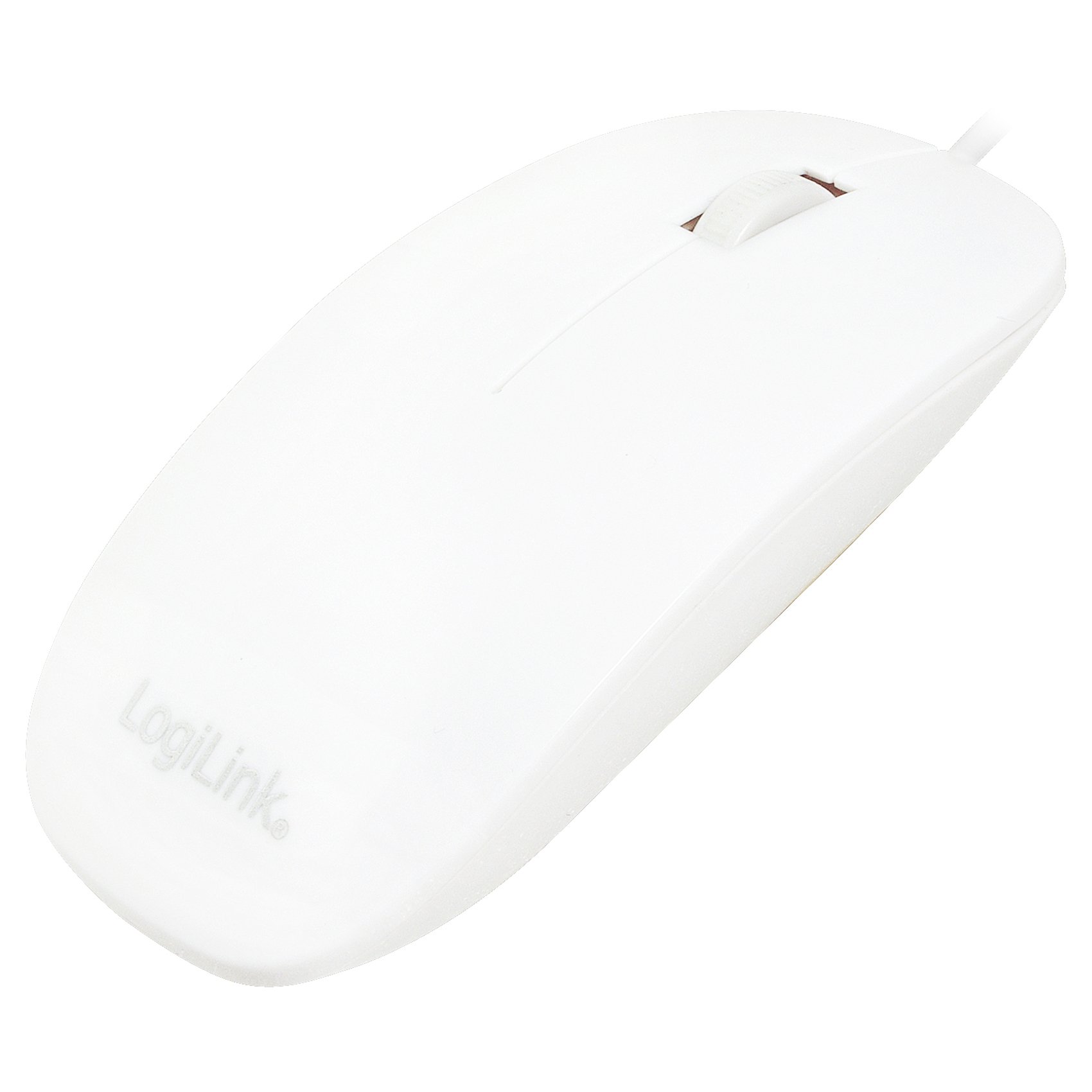
Figure 1: Logilink ID-0062 mouse in its retail packaging, showing the product as received.
Operation
The Logilink ID-0062 is a standard 3-button optical mouse with a scroll wheel, offering precise 1000 dpi movement resolution.
Basic Mabasa:
- Bhatani rekuruboshwe: Primary click function, typically used for selecting items, opening files, or activating links.
- Bhatani rekurudyi: Secondary click function, typically used to open context menus or access additional options.
- Mupumburu Wheel: Inoshandiswa pakuskorora magwaro zvakananga uye web pages. The scroll wheel also functions as a middle button when pressed.
- Optical Switch: The optical sensor on the underside of the mouse tracks movement on most surfaces, providing accurate cursor control.

Figure 2: The Logilink ID-0062 mouse, showcasing its slim profile uye marongerwo emabhatani.
Maintenance
Proper care and maintenance will extend the lifespan of your Logilink ID-0062 mouse.
Kuchenesa:
- Bvisa mbeva kubva pakombuta yako usati wachenesa.
- Shandisa yakapfava, zvishoma damp cloth to wipe the surface of the mouse. Avoid using harsh chemicals, abrasive cleaners, or excessive moisture.
- For the optical sensor, use a dry cotton swab to gently remove any dust or debris. Do not insert any objects into the sensor opening.
Kuchengeta:
- Store the mouse in a clean, dry environment away from extreme temperatures and direct sunlight.
- Dzivisa kukotama kana kupwanya tambo yeUSB zvakanyanya kudzivirira kukuvara.
Kugadzirisa matambudziko
If you encounter issues with your Logilink ID-0062 mouse, refer to the following common problems and solutions.
Mouse Haisi Kupindura:
- Tarisa USB Connection: Ensure the USB connector is fully inserted into the computer's USB port. Try unplugging and re-plugging the mouse.
- Edza Yakasiyana USB Port: Connect the mouse to another USB port on your computer to rule out a faulty port.
- Restart Computer: Sometimes, a simple computer restart can resolve connectivity issues.
- Edza pane Imwe Kombuta: If possible, test the mouse on a different computer to determine if the issue is with the mouse or your computer's setup.
Erratic Cursor Movement:
- Sensor Yakachena Yemaziso: Dust or debris on the optical sensor can interfere with tracking. Refer to the Maintenance section for cleaning instructions.
- Change Surface: The optical sensor may not track well on highly reflective, transparent, or uneven surfaces. Try using a mouse pad or a different surface.
Zvinotsanangurwa
| Feature | Tsanangudzo |
|---|---|
| Model | ID-0062 |
| Kubatana Technology | Wired, USB |
| Interface | 1 x USB - 4 PIN USB Type A |
| Kufambisa Kwekufamba | Optical |
| Movement Resolution | 1000 dpi |
| Buttons Quantity | 3 (Left, Right, Scroll Wheel/Middle) |
| Features | Scrolling wheel, Flat Style, Slim Design, Plug and Play |
| Zvinoenderana Nemitemo | Plug and Play, RoHS |
| Operating System Support | Apple MacOS, Microsoft Windows |
| Item Weight | 2.46 ounces (inenge 70 gramu) |
| Zviyero zveChigadzirwa (LxWxH) | 2.17 x 5.91 x 0.67 inches (approx. 5.5 x 15 x 1.7 cm) |
| Color | Chena |
| Simba Source | Corded Electric (kuburikidza ne USB) |
Warranty uye Support
For warranty information, please refer to the documentation provided with your purchase or contact your retailer. For technical support or further assistance, please contact Logilink customer service through their official website or the contact information provided with the product.


