Nhanganyaya
This manual provides detailed instructions for the installation, operation, and maintenance of your ANNKE 5MP Lite H.265+ 8CH Surveillance DVR and 1080p AHD Outdoor CCTV Wired PT Camera System. Please read this manual thoroughly before using the product to ensure proper setup and optimal performance. Keep this manual for future reference.
Safety Information
- Ensure all power connections are secure and correctly polarized to prevent electrical hazards.
- Do not expose the DVR or camera to extreme temperatures, humidity, or corrosive environments.
- Dzivisa kuisa DVR pachiedza chezuva chakananga kana pedyo nekupisa.
- Only use power adapters specified for this device.
- Do not attempt to disassemble or modify the product. Refer all servicing to qualified personnel.
- Keep cables organized to prevent tripping hazards and damage.
Product Overview
The ANNKE Surveillance System features an 8-channel DVR and 1080p Pan-Tilt (PT) cameras designed for comprehensive security monitoring. Key features include:
- AI Motion Detection 2.0: Advanced human and vehicle detection, line crossing, and region entrance detection for accurate alerts.
- H.265+ Video Format: Efficient video compression for extended recording times and reduced storage usage.
- 1080p Full HD Camera: Captures clear video with a 92° Field of View (FOV).
- Pan ye350° & Kurereka kwe90°: Remotely adjust camera view for wide area coverage.
- Kuona Kwehusiku kwe100ft IR: Kuwedzera kuoneka mumamiriro epasi-chiedza.
- IP65 Weatherproof: Suitable for both indoor and outdoor use, operating from -40°F to 140°F (-40°C to 60°C).
- Remote Access: Monitor your property from anywhere using the DVR's mobile application.
Gadzirira
1. Camera Installation and Wiring
Mount the PT camera in your desired indoor or outdoor location. Ensure the mounting surface is stable. The camera uses an advanced coaxial protocol, allowing video feeds and pan/tilt commands to be transmitted over a single cable.

Image: Easy Setup - This diagram illustrates how to connect the camera to the DVR using a single coaxial cable for both video and pan/tilt commands, along with power connections.
2. Kubatanidza DVR
Connect the coaxial cables from your cameras to the corresponding video input ports on the back of the DVR. Connect the DVR to a monitor using an HDMI or VGA cable. Connect a mouse to the DVR's USB port for navigation. Finally, connect the DVR to a power source.
3. Kuisa Hard Drive (Sarudzo)
While the system supports a 2TB hard drive, it may not be included. If you wish to install a hard drive for local storage, refer to the specific instructions provided with your DVR model for opening the casing and connecting the SATA data and power cables to a 3.5-inch mechanical hard disk.
4. DVR Compatibility
This camera is compatible with ANNKE DVRs that support coaxial protocol. It is not compatible with DVRs that support RS485 protocol only. Ensure your DVR model is listed as compatible.

Image: Wide ANNKE Compatibility - This image details the compatibility of the camera with various ANNKE DVR models (4CH, 8CH, 16CH, 32CH) and emphasizes the requirement for coaxial protocol support.
Operating Instruction
1. Kugadzika Kwekutanga uye Kugadzirisa
After connecting all components, power on the DVR. Follow the on-screen prompts to complete the initial setup, including setting up an administrator password, date/time, and network settings.
2. Kudzora Pan uye Kutsvedza
The camera offers 350° pan and 90° tilt capabilities. You can control the camera's movement directly through the DVR interface using the connected mouse, or remotely via the ANNKE mobile application on your smartphone.
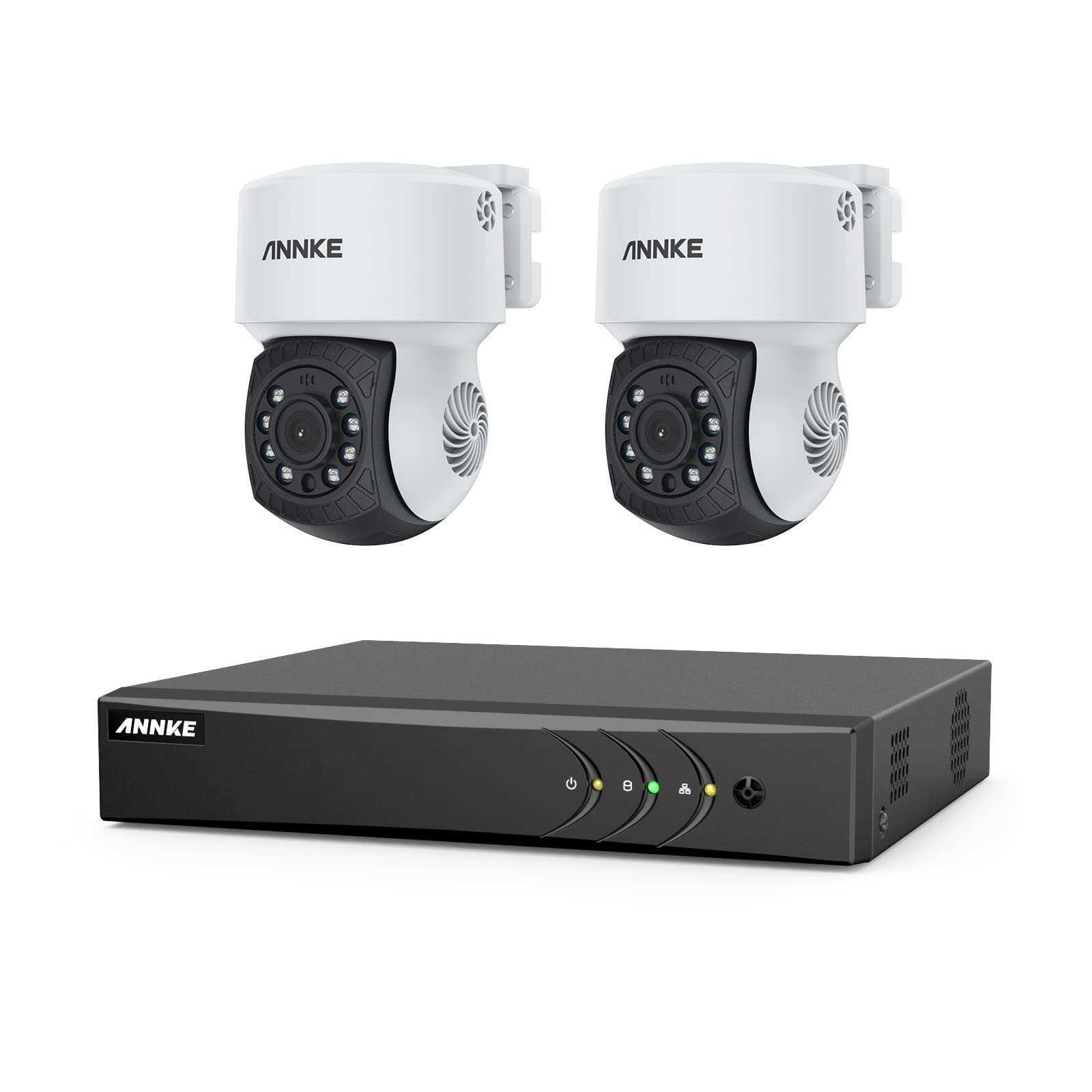
Image: Pan & Tilt, All Is Viewed - This image demonstrates the camera's ability to pan 350 degrees and tilt 90 degrees, allowing for comprehensive area monitoring.

Image: Check by Clicking / Taping - This image shows how to control the camera's pan and tilt functions and view rarama footage using the DVR's mobile application.
3. AI Motion Detection 2.0
Configure AI Motion Detection settings through the DVR menu. This feature allows for precise detection of human and vehicle movement, reducing false alarms. You can set up specific detection zones, line crossing alerts, and region entrance/exit detections. Smart search functions are available for quickly locating relevant events in recordings.
4. Night Vision
The camera automatically switches to infrared (IR) night vision mode in low-light conditions, providing clear black-and-white video up to 100 feet (30 meters).

Image: 100Ft IR Night Vision - This image highlights the camera's infrared night vision capability, providing clear surveillance up to 100 feet in darkness.
5. Remote Access
Download the official ANNKE mobile application from your device's app store. Follow the in-app instructions to add your DVR system, enabling live view, playback, and PT control from your smartphone or tablet.
Maintenance
1. Kuchenesa
Gara uchichenesa lenzi yekamera nekabati kayo uchishandisa soft, damp cloth. Do not use harsh chemicals or abrasive cleaners. Ensure the camera is powered off before cleaning.

Image: IP65 Weatherproof - This image illustrates the camera's IP65 rating, confirming its durability and ability to withstand outdoor weather conditions like rain.
2. Firmware Updates
Tarisa mukuru weANNKE website periodically for firmware updates. Keeping your DVR and camera firmware updated ensures optimal performance, security, and access to new features. Follow the provided instructions carefully when performing updates.
3. Kutarisira Hard Drive
If a hard drive is installed, ensure it is functioning correctly. The H.265+ compression helps maximize storage, but regular review of storage capacity and automatic overwriting settings is recommended. Back up important footage sezvinodiwa.
Kugadzirisa matambudziko
- Hapana Chiratidzo cheVhidhiyo: Check all cable connections (coaxial, power). Ensure the camera is powered on and the DVR input channel is correctly selected. Verify DVR compatibility with the camera's protocol.
- Haikwanise Kupinda Uri Kure: Ensure the DVR is connected to the internet. Check network settings on the DVR and your router. Verify the mobile app is correctly configured and updated.
- Kuona Kufamba Hakusi Kunokonzera: Review motion detection zone settings and sensitivity. Ensure the camera lens is clean and unobstructed.
- Kuona Zvisina Kunaka Husiku: Check for obstructions near the camera's IR LEDs. Ensure the camera is receiving adequate power.
- Pan/Kutsveyama Kusingapindure: Verify the coaxial cable connection is secure. Ensure the camera is receiving sufficient power. Check for any physical obstructions to camera movement.
Zvinotsanangurwa
| Feature | Detail |
|---|---|
| Brand | ANNKE |
| Model | 5MP Lite 8CH DVR & 1080p PT Camera System (B0759L8PBX) |
| Kamera Resolution | 1080p Yakazara HD |
| Pan/Tilt Range | 350° Pan, 90° Tilt |
| Video Compression | H.265 + |
| Night Vision Range | Kusvika 100 ft (30m) |
| Weatherproof Rating | IP65 |
| Operating Temperature | -40°F kusvika 140°F (-40°C kusvika 60°C) |
| Special Features | AI Motion Sensor (Human/Vehicle Detection), Night Vision, Remote Access |
| Nzira dzeDVR | 8 Channels |
| Hard Disk Tsigiro | 3.5-inch Mechanical Hard Disk (up to 2TB, not included) |
| Kubatana Technology | SATA (for HDD), Coaxial (for camera), Ethernet (for network) |
Warranty uye Support
ANNKE products come with a limited warranty. For specific warranty terms and conditions, please refer to the warranty card included with your product or visit the official ANNKE website. For technical support, troubleshooting assistance, or service inquiries, please contact ANNKE customer support through their official websaiti kana ruzivo rwekusangana rwunopihwa mune yako chigadzirwa kurongedza.
Official Websaiti: www.annke.com


