Nhanganyaya
This manual provides detailed instructions for the setup, operation, and maintenance of your 1MORE H1005 VR Gaming Headset. Designed for an immersive audio experience, this headset features 7.1 stereo surround sound, a dual-mic noise cancellation system, and customizable LED lighting. Please read this manual thoroughly to ensure proper use and to maximize your headset's performance.
Package Zviri mukati
Ona kuti zvinhu zvese zviripo mupasuru yako:
- 1MORE Spearhead VR Gaming Headset
- 3.5mm Audio Cable
- USB Cable
- Mushandisi Chinyorwa (gwaro iri)
- Soft Cary Bag

Mufananidzo: The 1MORE H1005 VR Gaming Headset displayed with its included accessories: a 3.5mm audio cable, a USB cable, and a soft carry bag.
Gadzirira
1. Connecting to a PC (USB)
- Connect the USB cable to the USB port on your 1MORE H1005 headset.
- Batanidza imwe mugumo wetambo ye USB mune inowanikwa USB port pakombuta yako.
- Your computer should automatically detect the headset. For optimal performance and to customize LED lighting, download and install the 1MORE gaming software from the official 1MORE website.
- Ensure the headset is selected as the default audio input and output device in your computer's sound settings.
2. Connecting to Other Devices (3.5mm Audio Jack)
- Connect the 3.5mm audio cable to the audio jack on your 1MORE H1005 headset.
- Plug the other end of the 3.5mm audio cable into the headphone jack of your device (e.g., smartphone, tablet, gaming console controller).
- Note that some advanced features like 7.1 surround sound and LED customization may not be available when connected via the 3.5mm audio jack, as these typically require a USB connection and specific software.

Mufananidzo: A kumberi view of the 1MORE H1005 VR Gaming Headset, highlighting its over-ear design and integrated microphone.
Operating Instruction
1. Kugadzirisa Kuti Uwane Nyaradzo
- Headband Adjustment: The headset features an adjustable headband. Gently slide the earcups up or down to find a comfortable fit that rests securely on your head without excessive pressure.
- Ear Pads: The memory-foam ear pads are designed for extended wear. Ensure they fully cover your ears for optimal sound isolation and comfort.
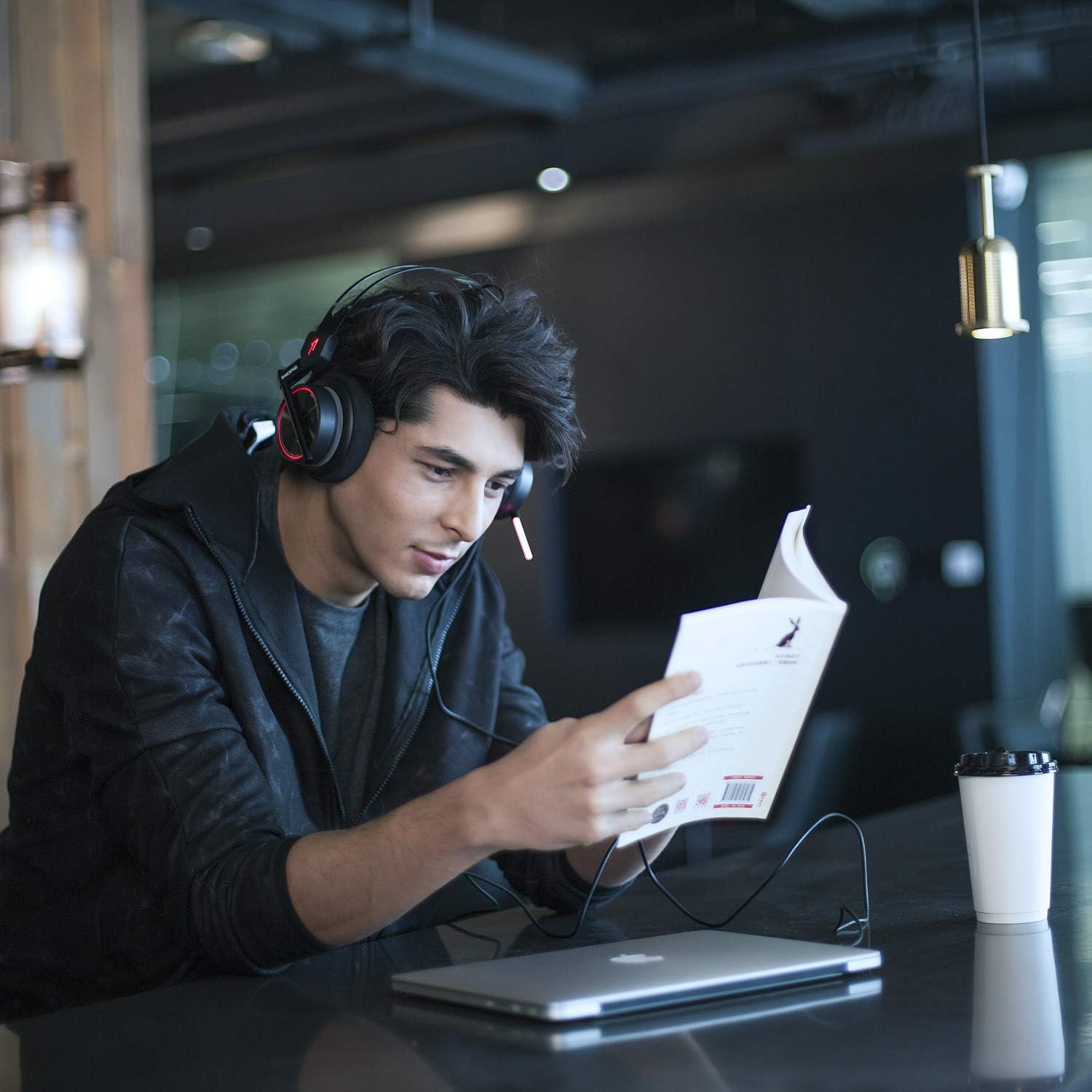
Mufananidzo: A person wearing the 1MORE H1005 VR Gaming Headset, demonstrating its comfortable fit during use.
2. Audio Kutonga
- Kudzora inzwi: Locate the volume wheel or buttons on the headset or inline control (if applicable) to adjust the audio output level.
- Maikorofoni Kunyarara: A dedicated button or switch on the headset allows you to mute or unmute the microphone.
3. Maikorofoni Kushandiswa
- The headset features a retractable microphone with dual-mic noise cancellation. Extend the microphone boom when speaking.
- Position the microphone approximately 1-2 inches from your mouth for clear voice pickup.
- Ita shuwa kuti maikorofoni haina kunyarara.
4. LED Lighting Customization
- When connected via USB to a PC, the LED lights can be customized using the 1MORE gaming software.
- The software allows you to select colors and twinkling modes to personalize your headset's appearance.
Maintenance
- Kuchenesa: Use a soft, dry cloth to wipe the headset. For ear pads, a slightly damp Jira rinogona kushandiswa, asi iva nechokwadi chekuti rakaoma zvachose usati washandisa. Usashandise makemikari akaomarara kana zvinochenesa zvinogumbura.
- Kuchengeta: Store the headset in the provided soft carry bag or a clean, dry place away from extreme temperatures and direct sunlight. Avoid placing heavy objects on the headset.
- Cable Care: Dzivisa kukotama kwakasimba kana kudhonza tambo zvakanyanya kuti usakuvare.
Kugadzirisa matambudziko
| Dambudziko | Zvinogona Kukonzera | Solution |
|---|---|---|
| Hapana ruzha kubva kumahedhifoni |
|
|
| Maikorofoni haisi kushanda |
|
|
| LED lights not working/customizing |
|
|
If you encounter issues not listed here or if the suggested solutions do not resolve your problem, please contact 1MORE customer support for further assistance.
Zvinotsanangurwa
| Model Name | H1005 |
| Kubatana Technology | Yakabatana newaya (USB, 3.5mm Jack) |
| Noise Control | Active Noise Cancellation (Dual-Mic) |
| Frequency Response | 20Hz - 20kHz |
| Impedance | 32 Ohm |
| Maheadphone Jack | 3.5 mm Jack |
| Inowirirana Devices | PC, PS4, XBOX, Smartphones |
| Material | Stainless Steel (frame) |
| Item Weight | 16 ounces (inenge 453 gramu) |
| Zviyero zveChigadzirwa (LxWxH) | 54 x 6 x 8 inches (Note: These dimensions may refer to packaging.) |
Ongorora: Magadzirirwo anogona kuchinja pasina ziviso.
Warranty uye Support
Your 1MORE H1005 VR Gaming Headset is covered by a limited warranty. For specific warranty terms and conditions, please refer to the warranty card included in your product packaging or visit the official 1MORE website.
For technical support, troubleshooting assistance, or to inquire about warranty service, please contact 1MORE customer support through their official websaiti kana ruzivo rwekusangana rwunopihwa mune yako chigadzirwa zvinyorwa.
Zvekushandisa Pamhepo: Shanyira Chitoro che1MORE paAmazon


