Nhanganyaya
This manual provides essential information for setting up, operating, and maintaining your Gigaset A170 digital cordless phone. Please read these instructions carefully to ensure proper use and to benefit from all features.

Image: The Gigaset A170 cordless phone, showing the handset docked in its base station.
Gadzirira
Follow these steps to set up your Gigaset A170 phone for the first time.
1. Kuburitsa zvinhu uye zvikamu
Usati watanga, iva nechokwadi chekuti zvese zviri mupakeji:
- 1 Gigaset A170 base station
- 1 Gigaset A170H handset
- 1 plug-in power adapter
- 1 telephone connection cable
- 2 rechargeable AAA batteries
- 1 battery compartment cover
- 1 user manual (this document)
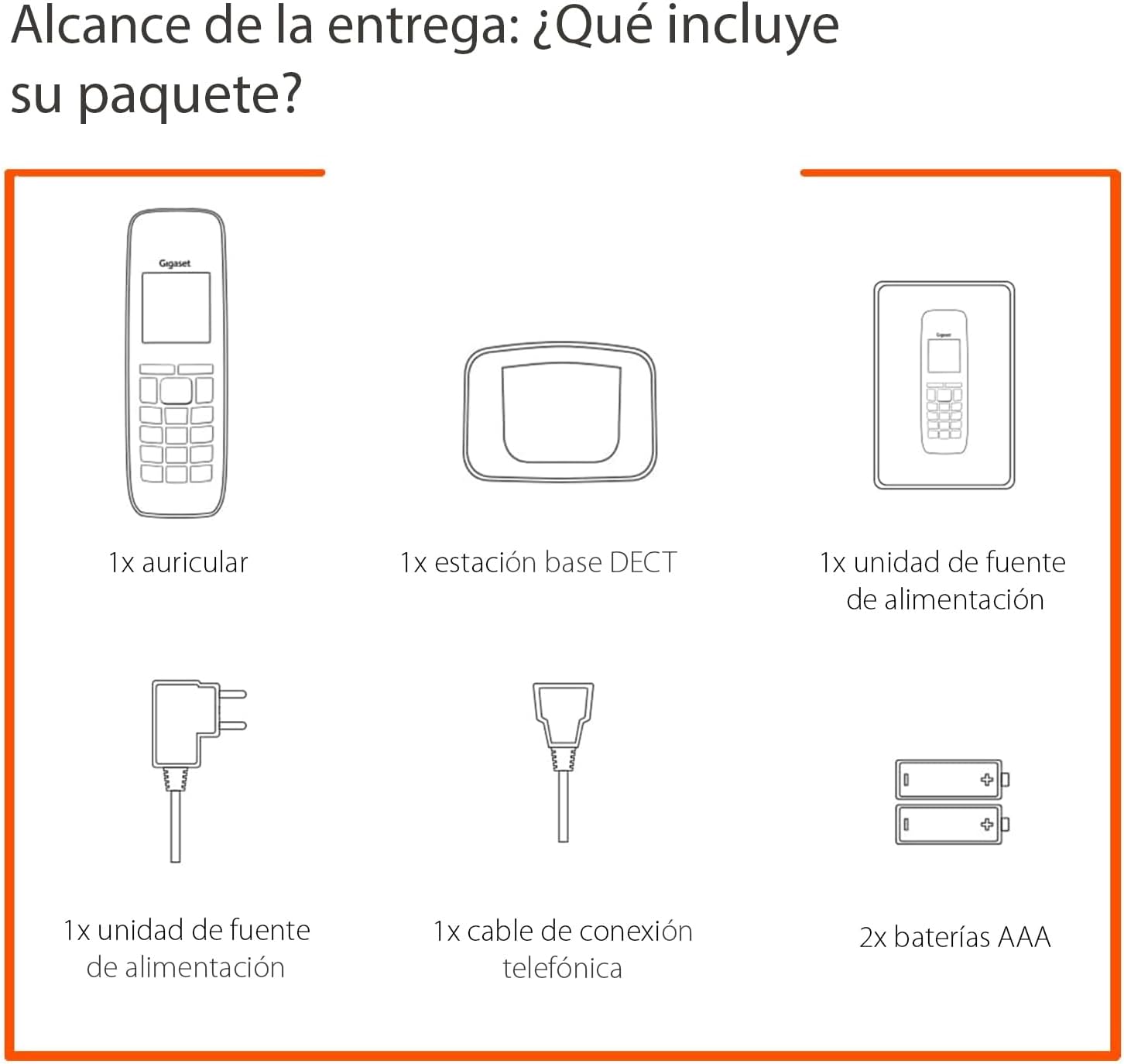
Image: Diagram illustrating the components included in the Gigaset A170 package, such as the handset, base, power adapter, phone cable, and batteries.
2. Kubatanidza Base Station
- Batanidza adapta yemagetsi: Batanidza adapta yemagetsi muchiteshi chepasi wobva waisa mugomba rekuburitsa magetsi pamadziro.
- Connect the telephone cable: Plug the telephone cable into the base station and then into your telephone wall socket.
3. Inserting Batteries into the Handset
- Remove the battery compartment cover on the back of the handset.
- Insert the two supplied AAA rechargeable batteries, ensuring correct polarity (+/-).
- Tsiva chivharo chebhatiri.
- Place the handset on the base station to charge. The handset display will indicate charging. Allow the batteries to charge for at least 6 hours before first use.
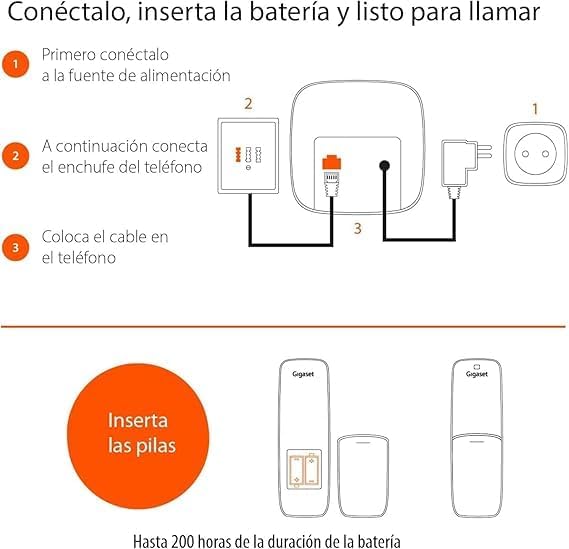
Image: A diagram showing the steps to connect the base station to power and the phone line, and how to insert batteries into the handset.
Operating Instruction
This section covers basic functions and how to navigate your Gigaset A170 phone.
1. Kuita uye kugamuchira mafoni
- Kufona: Dzvanya kiyi yegirini yekufona ☎, then dial the number. Alternatively, dial the number first and then press the call key.
- Kugamuchira kufona: When the phone rings, press the green call key ☎ kupindura.
- Kupedza kufona: Dzvanya kiyi yered end call ☒.
2. Adjusting Handset Volume
During a call, you can adjust the handset volume using the navigation keys. The A170 offers up to 5 adjustable volume levels.
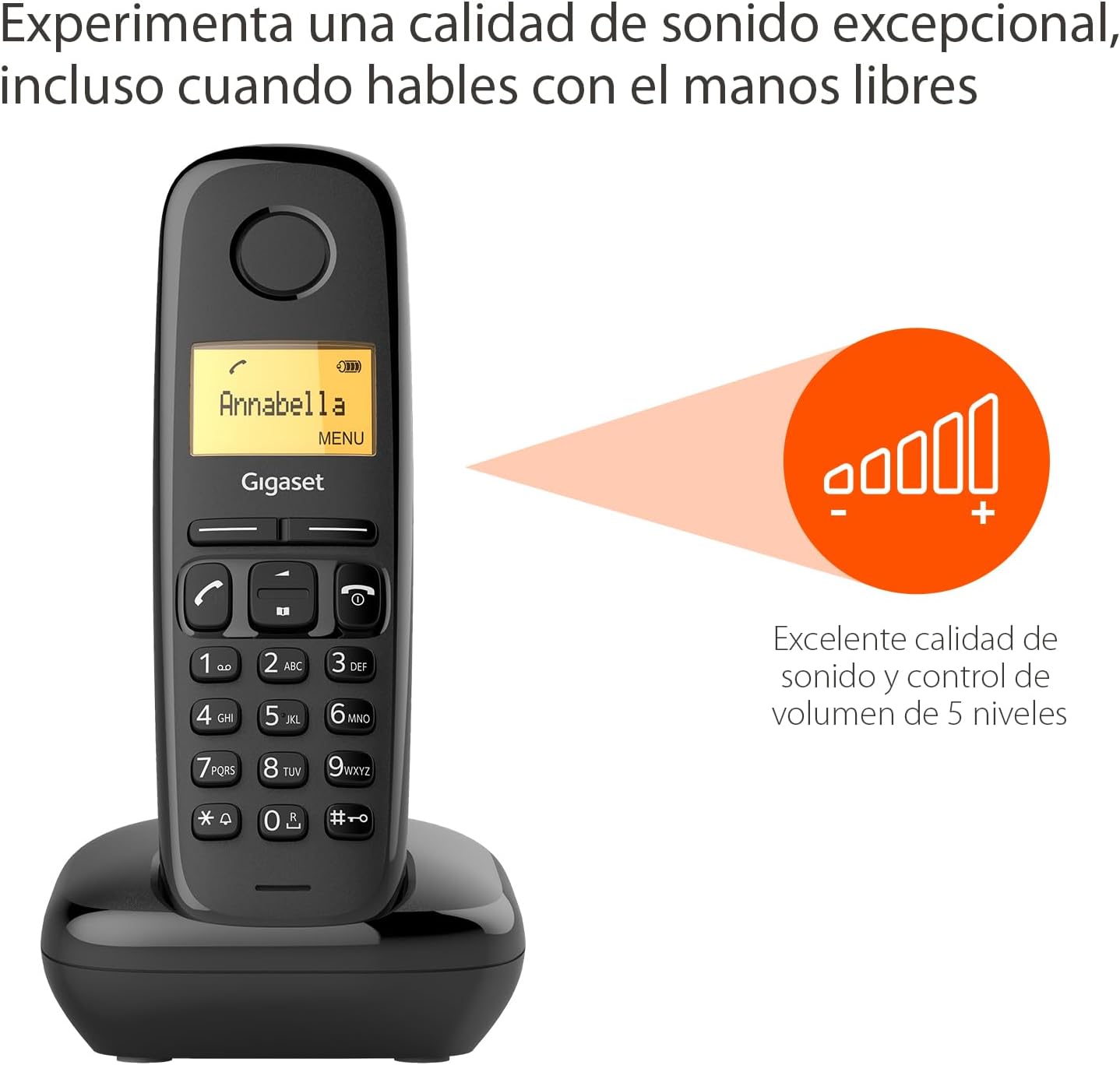
Image: The Gigaset A170 handset displaying an indicator for excellent sound quality and 5-level volume control.
3. Menu Navigation
The Gigaset A170 features an intuitive icon-based menu. Use the navigation keys to scroll through menu options and the central key to select.
- Kupinda menyu: Press the 'MENU' key (usually the central key when not in a call).
- Kufambisa: Use the up/down navigation keys to move through menu items.
- Kusarudza: Press the central key to confirm a selection.
- Kubuda: Dzvanya kiyi yered end call ☒ kubuda mumenyu.
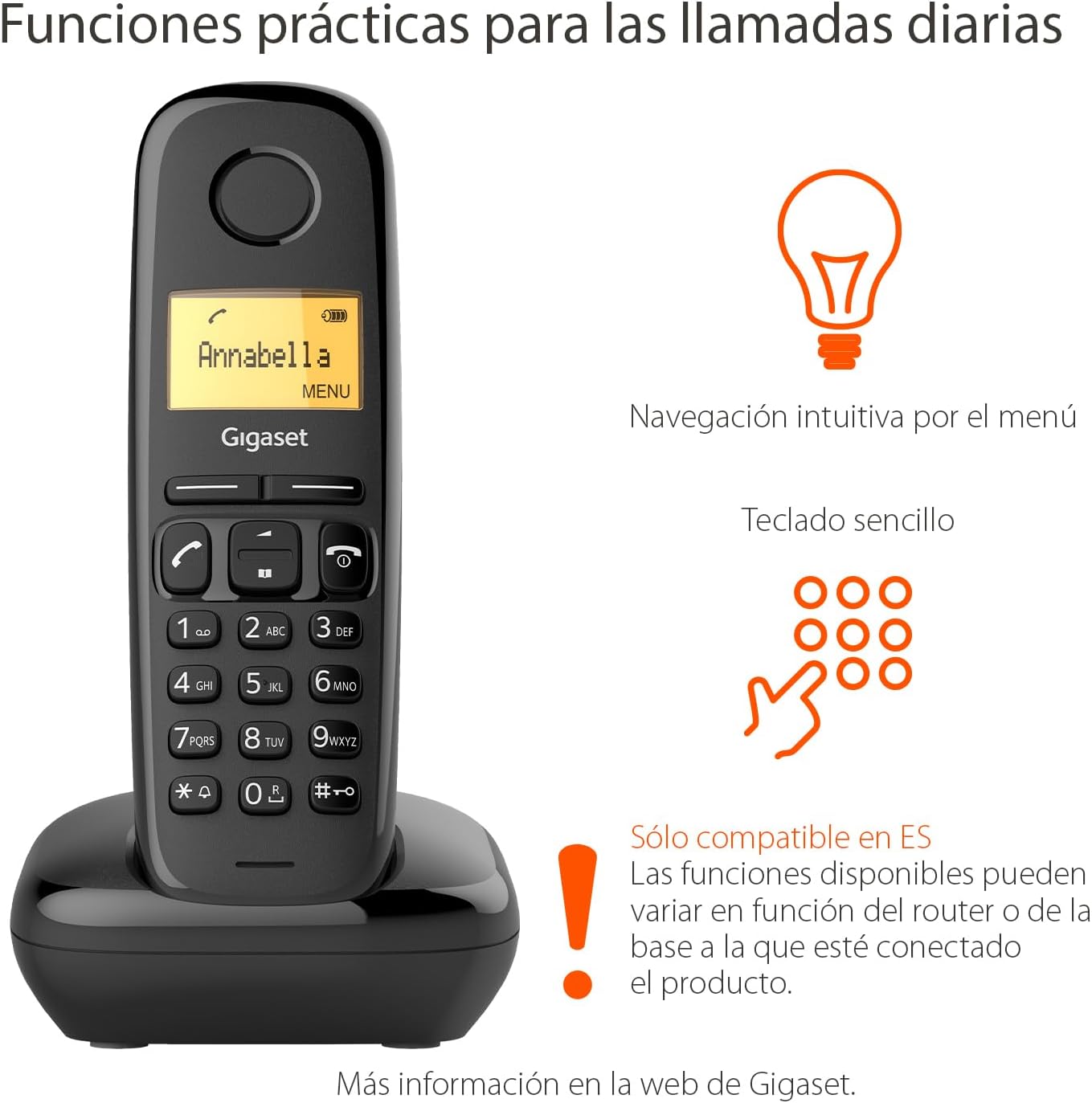
Image: The Gigaset A170 handset highlighting intuitive menu navigation and a simple keypad for practical daily calls.
4. Bhuku refoni
The phonebook can store up to 50 contacts. To add a contact:
- Go to the 'Phonebook' menu.
- Select 'New Entry'.
- Isa zita nenhamba uchishandisa keypad.
- Chengetedza chinyorwa.
5. Speed Dial Keys
The Gigaset A170 supports programmable speed dial keys for quick access to frequently called numbers. Refer to the on-screen menu for programming instructions.
Maintenance
Proper care ensures the longevity of your Gigaset A170 phone.
1. Kuchenesa
- Wipe the handset and base station with a damp jira.
- Do not use cleaning agents or solvents that could damage the surfaces.
2. Battery Care
- Only use the recommended rechargeable AAA batteries.
- Kana foni isingazoshandiswe kwenguva yakareba, bvisa mabhatiri kubva paruoko.
- Rasa mabhatiri ekare maererano nemitemo yemunharaunda.
Kugadzirisa matambudziko
If you encounter issues with your Gigaset A170, try these solutions:
| Dambudziko | Zvinogona Kukonzera | Solution |
|---|---|---|
| No display on handset | Mabhatiri haana kana kuiswa zvisizvo. | Check battery insertion and charge the handset on the base station. |
| Hapana dial toni | Telephone cable not connected or faulty. | Ensure the telephone cable is securely connected to the base station and the wall socket. Test with another phone if possible. |
| Haikwanise kuita/kugamuchira mafoni | Base station not powered or out of range. | Check power connection to the base station. Ensure handset is within range of the base. |
| Hunhu husina kunaka | Kukanganisa kana handset kure zvakanyanya kubva pachigadziko. | Svedera pedyo nechiteshi chepasi. Dzivisa kuisa hwaro pedyo nemimwe midziyo yemagetsi. |
Zvinotaurwa Nezvehunyanzvi
- Brand: Gigaset
- Model Number: A170
- Rudzi rwerunhare: DECT (Digital Enhanced Cordless Telecommunications)
- Ruvara: Nhema
- Material: Plastiki
- Kunobva Simba: Corded Electric (for base station)
- Mabhatiri: Mabhatiri mana eAAA anogona kuchajwazve (akabatanidzwa)
- Runharembozha Vanhu vanosvika zana vanobata navo
- Dialer Type: Imwe Keypad
- Kupindura System Type: Digital
- Product Dimensions (Handset): 48 x 32 x 156 mm (L x W x H)
- Item Weight (Handset): 108 magiramu
- Special Features: Adjustable handset volume (5 levels), DTMF/Pulse dialing, ECO DECT technology for reduced energy consumption.
Warranty uye Support
Gigaset products are designed and manufactured in Germany, ensuring high quality and durability.
Mabatiro evatengi
For product inquiries or technical assistance, please contact Gigaset customer service at 02871-912 912. Standard landline rates may apply depending on your service provider.
Ndapota chengetedza humbowo hwako hwekutenga kwezvichemo zvewaranti.


