1. Nhanganyaya
Thank you for choosing the Viotek NB27CB 27-Inch LED Curved Monitor. This monitor is designed to provide a vibrant and immersive visual experience for both work and entertainment. Featuring a bezel-less Samsung VA panel, 75Hz refresh rate, 1080P Full-HD resolution, and FreeSync technology, it offers exceptional clarity and smooth performance. This manual provides detailed instructions for setting up, operating, maintaining, and troubleshooting your new monitor.

2. Setup
2.1. Kusunungura Monitor
Carefully remove all components from the packaging. Ensure all items listed in the 'What's in the Box' section are present. Retain the original packaging for future transport or storage.
2.2. Kuunganidza Chigadziko
- Attach the stand neck to the monitor panel by aligning the grooves and gently pushing until it clicks into place.
- Secure the base to the stand neck using the provided screw.
- Isa iyo yakaungana monitor pane yakagadzikana, yakadzika pasi.
2.3. Kubatanidza kune Chishandiso
The NB27CB monitor supports both VGA and HDMI 1.4 connections. Choose the appropriate cable for your device and connect it to the corresponding port on the monitor. An HDMI cable is included with your purchase.
- HDMI Connection: Connect one end of the HDMI cable to the HDMI port on your computer or gaming console, and the other end to the HDMI port on the monitor.
- VGA Connection: Connect one end of the VGA cable to the VGA port on your computer, and the other end to the VGA port on the monitor.
- Power Connection: Connect the power adapter to the monitor's power input and then plug it into a power outlet.

2.4. Kuisa VESA (Sarudzo)
The NB27CB is VESA compatible (75x75mm), allowing you to mount it to a wall or a compatible monitor arm. Ensure you use appropriate VESA screws and mounting hardware (not included) that can support the monitor's weight.
3. Kushandisa Monitor
3.1. Simba On / Off
Dzvanya bhatani remagetsi riri pamonitor kuti ibatike kana kudzima. Chiedza chemagetsi chinovhenekera chinovhenekera kana iyo monitor ichishanda.
3.2. Pa-Screen Display (OSD) Menyu
Use the buttons on the monitor's bezel to navigate the OSD menu. This menu allows you to adjust various display settings such as brightness, contrast, color temperature, input source, and more.
3.3. Key Features
- 75Hz Refresh Rate & 5ms Nguva Yekupindura: Experience smoother visuals with a 75Hz refresh rate and a rapid 5ms response time, ideal for gaming and fast-paced content.
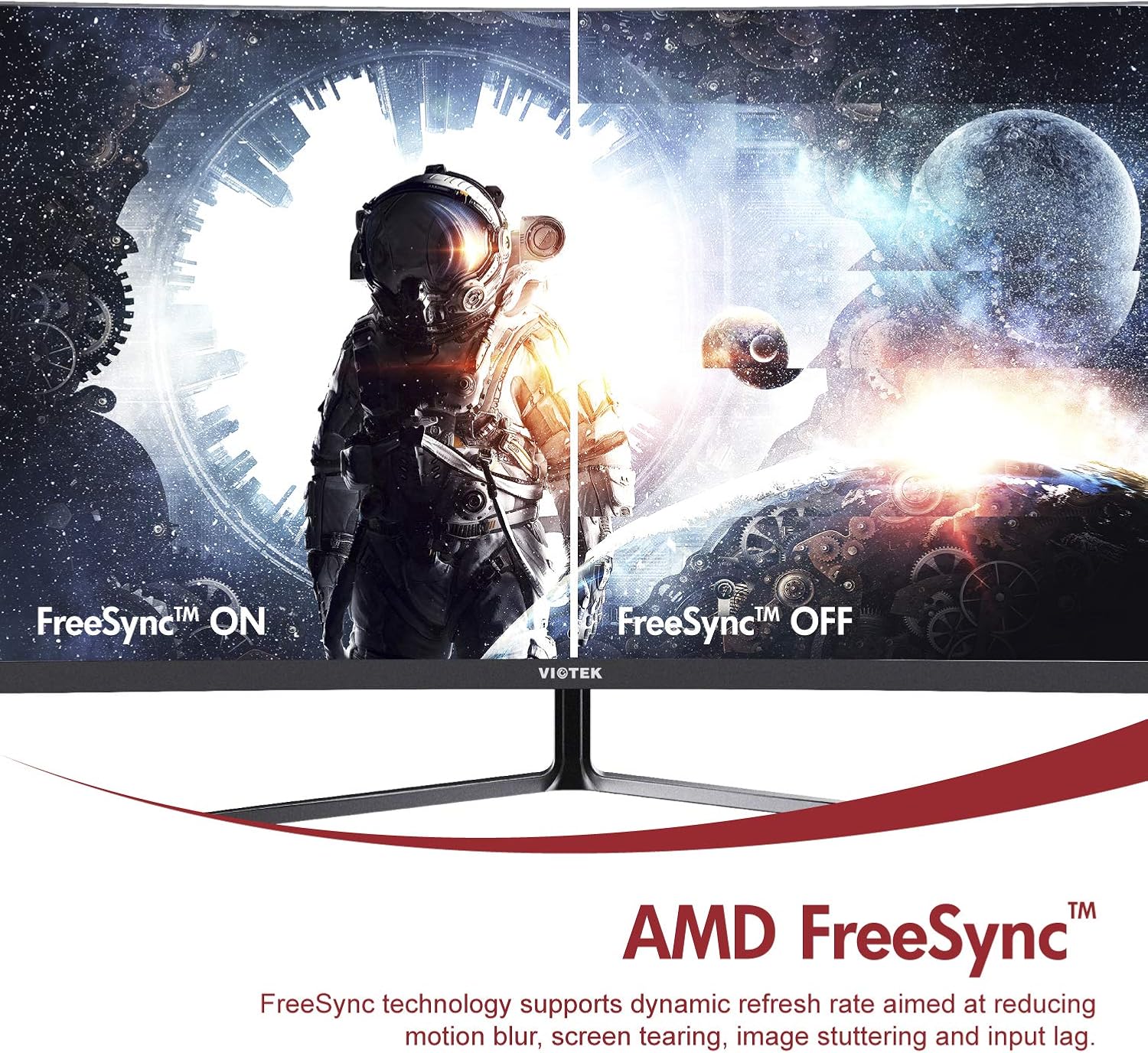
- AMD FreeSync™: Activate FreeSync to synchronize the monitor's refresh rate with your graphics card's frame rate, reducing screen tearing and stuttering for a seamless gaming experience.
- Low Blue Light: Reduce eye strain during prolonged use by enabling the Low Blue Light setting in the OSD menu. This filters out harmful blue light emissions.
- GamePlus Crosshair Functionality: For competitive gaming, activate the GamePlus crosshair overlay to improve aiming accuracy in FPS/RTS games.
- Vakavakwa-Vatauri: The monitor includes integrated speakers for audio output.



4. Kuchengeta
Kugadzirisa kwakaringana kunovimbisa hupenyu hurefu uye kuita kwakakwana kwemonitor yako.
- Kuchenesa Screen: pukuta skrini zvinyoro nyoro nemucheka wakapfava, usina lint. Kune akasindimara mamaki, shandisa monitor-yakananga yekuchenesa mhinduro yakaiswa pajira, kwete zvakananga kuchiratidziro.
- Kuchenesa iyo Casing: Shandisa jira rakapfava, rakaoma kuchenesa chemonitori casing. Dzivisa kushandisa abrasive cleaners kana solvents.
- Kufefetedza Ita shuwa kuti mavhuriro ekuvheneka kwemonitor haana kuvharwa kudzivirira kupisa.
- Kuchengeta: Kana ukachengeta chekutarisa kwenguva yakareba, shandisa iyo yekutanga kurongedza kuti uidzivirire kubva kuguruva uye kukuvara.
5. Kugadzirisa matambudziko
Kana ukasangana nematambudziko nemonitor yako, tarisa kune anotevera akajairika matambudziko uye mhinduro:
| Dambudziko | Zvinogona Kukonzera | Solution |
|---|---|---|
| Hapana mufananidzo pachiratidziri | Tambo yemagetsi yakabviswa; Vhidhiyo tambo yakabviswa; Mabviro asina kururama. | Ita shuwa kuti tambo dzemagetsi nemavhidhiyo dzakabatana zvakachengeteka. Sarudza iyo chaiyo yekuisa sosi kuburikidza neOSD menyu. |
| Mufananidzo hauna kujeka kana kukanganiswa | Kugadziriswa kusiri iko; Waya yevhidhiyo yakasununguka. | Isa resolution yekuratidzira pa1920x1080. Tarisa kubatana kwetambo yevhidhiyo. |
| Hapana ruzha kubva kumatauri | Volume too low; Audio output not set to monitor; Faulty cable. | Increase monitor volume. Ensure your computer's audio output is set to the monitor. Check HDMI cable. |
| Screen flickering | FreeSync not enabled (if applicable); Graphics driver issues; Faulty cable. | Enable FreeSync in OSD and graphics card settings. Update graphics drivers. Try a different video cable. |
6. Zvinotsanangurwa
Detailed technical specifications for the Viotek NB27CB monitor:
| Feature | Tsanangudzo |
|---|---|
| Screen Size | 27 inches |
| Screen Resolution | 1920x1080 (Yakazara HD) |
| Max Screen Resolution | 1920 x 1080 |
| Refresh Rate | 75Hz Max. |
| Nguva Yekupindura | 5ms |
| Panel Type | VA Panel |
| Curvature | 1800R |
| Aspect ratio | 16:9 |
| Ratidza Mavara | 16.7M Mavara |
| Dynamic Contrast Ratio | 1000000:1 |
| VESA kuenderana | 75x75mm |
| Ports | 1x VGA / 1x HDMI 1.4 |
| Vatauri | Yes, 2x 4Ω/3W |
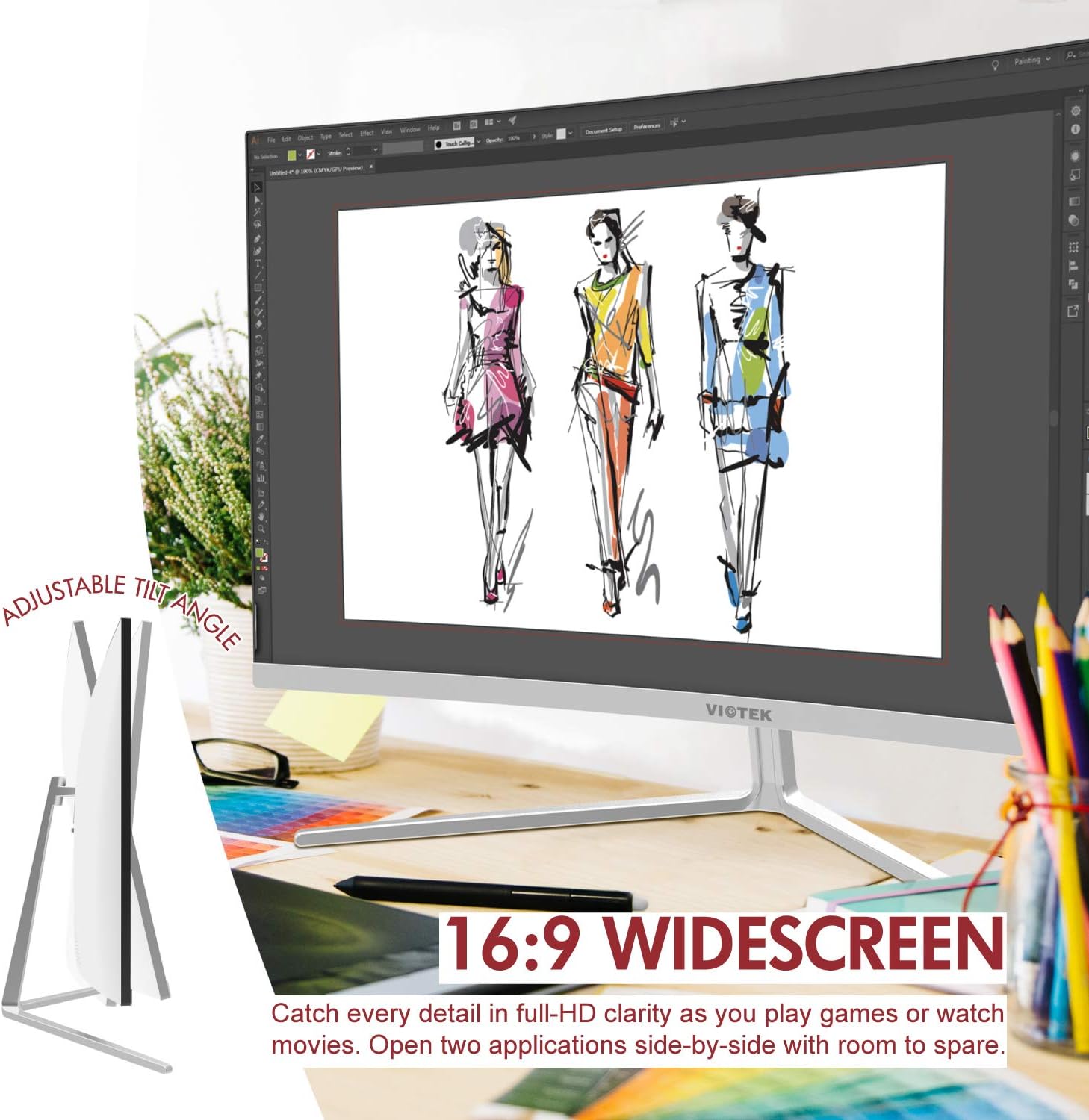
| Tilt Adjustable | Yes, -5° ~ 15° |
| Item Weight | 10.36 makirogiramu |
| Product Dimensions | 24.13 x 8.38 x 17.67 inches |
7. Warranty & Tsigiro
7.1. Product Warranty
The Viotek NB27CB monitor comes with a 3-Yegore Warranty covering parts and labor. This includes Viotek's industry-leading Zero-Tolerance Dead Pixel Policy, ensuring a high-quality display experience.

7.2. Mutengi Tsigiro
Viotek provides 100% U.S.-based customer support, available 7 days a week via live-chat, email, and social media. For assistance, please visit the official Viotek webtsvaga webhusaiti kana kuti tarisa ruzivo rwekuonana rwuri pamwe chete nemagwaro echigadzirwa chako.


