Nhanganyaya
This manual provides detailed instructions for the safe and efficient operation of your Coby True Wireless Bluetooth Speaker. Please read this manual thoroughly before using the device and retain it for future reference. This portable speaker offers high-definition sound, IPX5 water resistance, and true wireless stereo pairing capabilities.
Product Overview
Zvikamu uye Zvinodzora
Familiarize yourself with the speaker's components and control buttons.
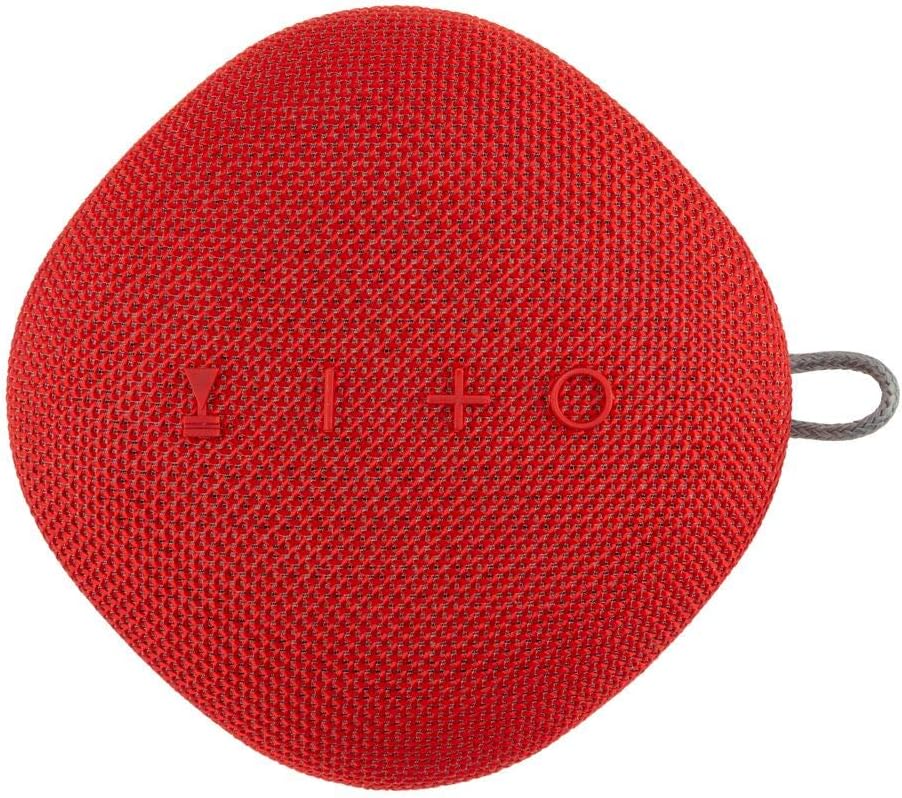
Tsanangudzo yemufananidzo Mberi view of the Coby True Wireless Bluetooth Speaker, showcasing its red fabric grille and control buttons (Power, Volume Down/Previous, Volume Up/Next, Play/Pause/Call, Mode).
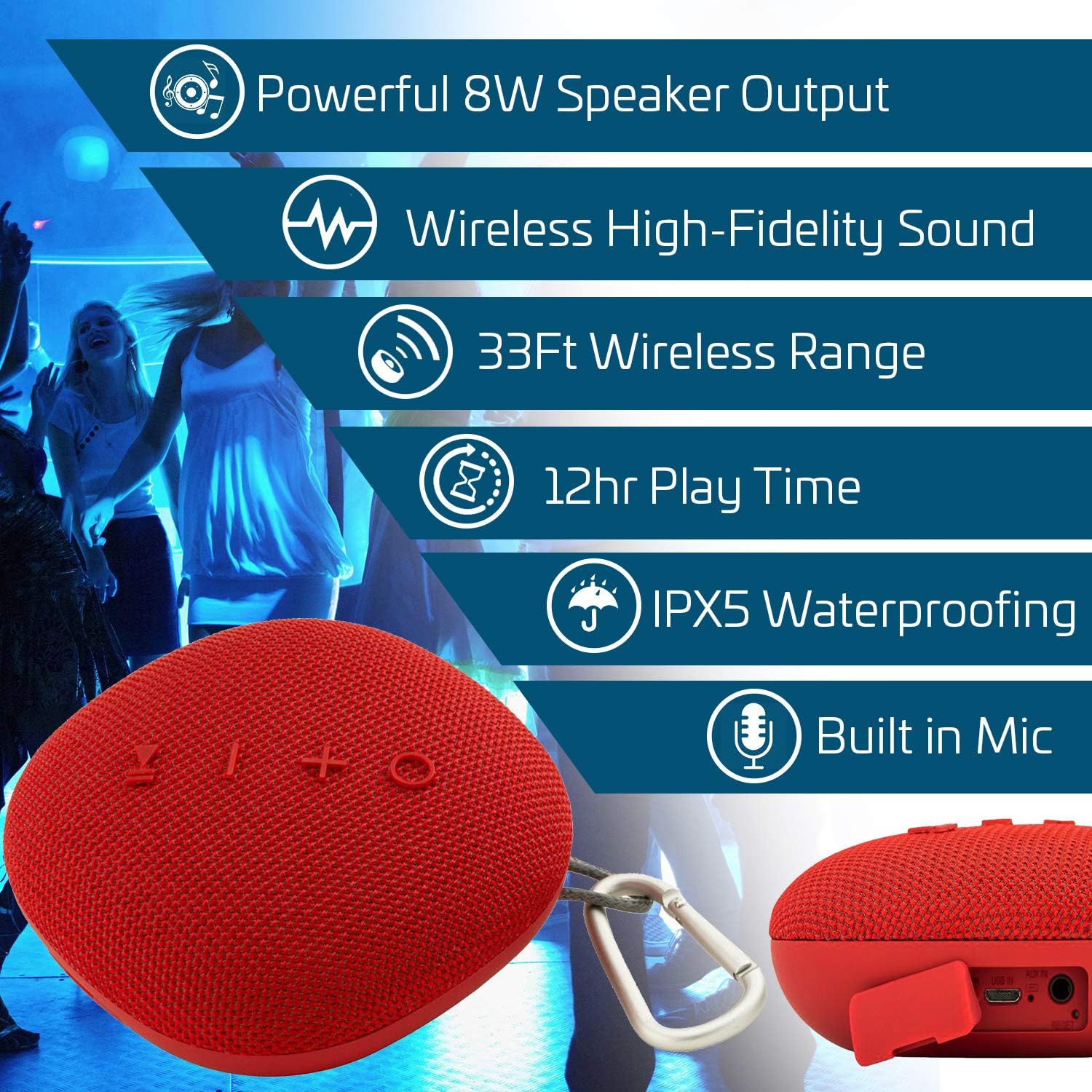
Tsanangudzo yemufananidzo An infographic highlighting key features of the Coby speaker, including 8W speaker output, wireless high-fidelity sound, 33ft wireless range, 12-hour play time, IPX5 waterproofing, and a built-in microphone. The speaker is shown in the foreground.
- Bhatani reSimba: Dzvanya uye ubate kuti ubatisise/kudzima.
- Bhatani reKuridza/Kumbomira/Kufona: Press to play/pause music, answer/end calls.
- Kukwidza Vhoriyamu (+) / Inotevera Rwiyo: Kudzvanya kupfupi kukwidza vhoriyamu, dzvanya kwenguva refu kune inotevera track.
- Kudzikiswa kweVhoriyamu (-) / Rwiyo Rwakapfuura: Dzvanya kwenguva pfupi kuti vhoriyamu ideredzwe, tinya kwenguva refu kuti uone rwiyo rwekare.
- Bhatani reModhi (M): Press to switch between Bluetooth, AUX, and USB input modes.
- Maikorofoni: Zvekufona pasina maoko.
- Kuchaja Port: USB-C or Micro USB (refer to specific model for type).
- AUX Input: Kune wired audio connection.
- USB Inzwa Zvinotaurwa: For playing music from a USB drive.
- Carabiner Loop: Kuti zvikwanise kutakurwa.
Gadzirira
Kuchaja Mutauriri
- Batanidza tambo yekuchaja yeUSB yakapihwa kune chinongedzo chekuchaja chespika.
- Batanidza imwe magumo etambo kune USB magetsi adapta (isina kuisirwa) kana komputa USB port.
- Chiedza chechiratidzo chekuchaja chichavhenekera panguva yekuchaja.
- Once fully charged (approximately 3 hours), the indicator light will change or turn off.
- Kuchaja kwakazara kunoita kuti mutambo ugare kwemaawa masere.
Kubatidza/Kudzima
- Kubatidza: Press and hold the Power button for approximately 3 seconds until you hear an audible prompt.
- Kudzima: Press and hold the Power button for approximately 3 seconds until you hear an audible prompt.
Operating Instruction
Bluetooth Kubatanidza
- Ensure the speaker is powered on and in Bluetooth pairing mode (indicated by a flashing LED). If not, press the 'M' (Mode) button to switch to Bluetooth mode.
- Panharembozha yako, shandisa Bluetooth uye tsvaga zvishandiso zviripo.
- Select "Coby Speaker" (or similar name) from the list of devices.
- Kana yabatanidzwa, mutauri achaburitsa ziviso inonzwika, uye chiratidzo che LED chichamira kupenya.
- Chinopakurira chinozoedza otomatiki kubatanidzazve nemudziyo wekupedzisira wakabatana kana chavhurwa.
Chokwadi Wireless Stereo (TWS) Kubatana
To achieve a stereo sound experience, you can pair two Coby True Wireless Bluetooth Speakers together.
- Ensure both speakers are powered on and in Bluetooth mode, but not yet paired to any device.
- On one of the speakers (this will be the primary speaker), double-press the Power button.
- The two speakers will attempt to connect to each other. Once connected, you will hear an audible confirmation.
- Now, pair your mobile device to the primary speaker as described in the "Bluetooth Pairing" section.
- Zvino odhiyo icharira mu stereo kuburikidza nemasipika ese ari maviri.
Call Mabasa
- Pindura Call: Press the Play/Pause/Call button once.
- Pedzisa Kufona: Dzvanya bhatani rekuti Play/Misa/Call kamwe chete panguva yekufona.
- Ramba Kufona: Press and hold the Play/Pause/Call button for 2 seconds.
- Dhonzazve Nhamba Yekupedzisira: Dzvanya kaviri bhatani rekuti Play/Misa/Call.
Audio Playback
- Tamba/Kumbomira: Press the Play/Pause/Call button.
- Vhoriyamu Kumusoro: Muchidimbu dzvanya bhatani re'+'.
- Vhoriyamu Pasi: Muchidimbu dzvanya bhatani re'-'.
- Next Track: Dzvanya kwenguva refu bhatani re'+'.
- Previous Track: Dzvanya kwenguva refu bhatani re'-'.
- Kuchinja kweModhi: Press the 'M' button to cycle through Bluetooth, AUX, and USB modes.
Maintenance
- Kuchenesa: Pukuta mutauri nemucheka wakapfava, wakaoma. Usashandise abrasive cleaners kana solvents.
- Kuramba Mvura: The speaker is IPX5 water-resistant, meaning it can withstand splashes and light rain. Do not submerge the speaker in water. Ensure the charging port cover is securely closed when exposed to water.
- Kuchengeta: Chengetedza mukurukuri munzvimbo inotonhorera, yakaoma kure nechiedza chezuva uye tembiricha yakanyanyisa.
- Battery Care: To prolong battery life, charge the speaker fully before long periods of storage and recharge it at least once every three months.
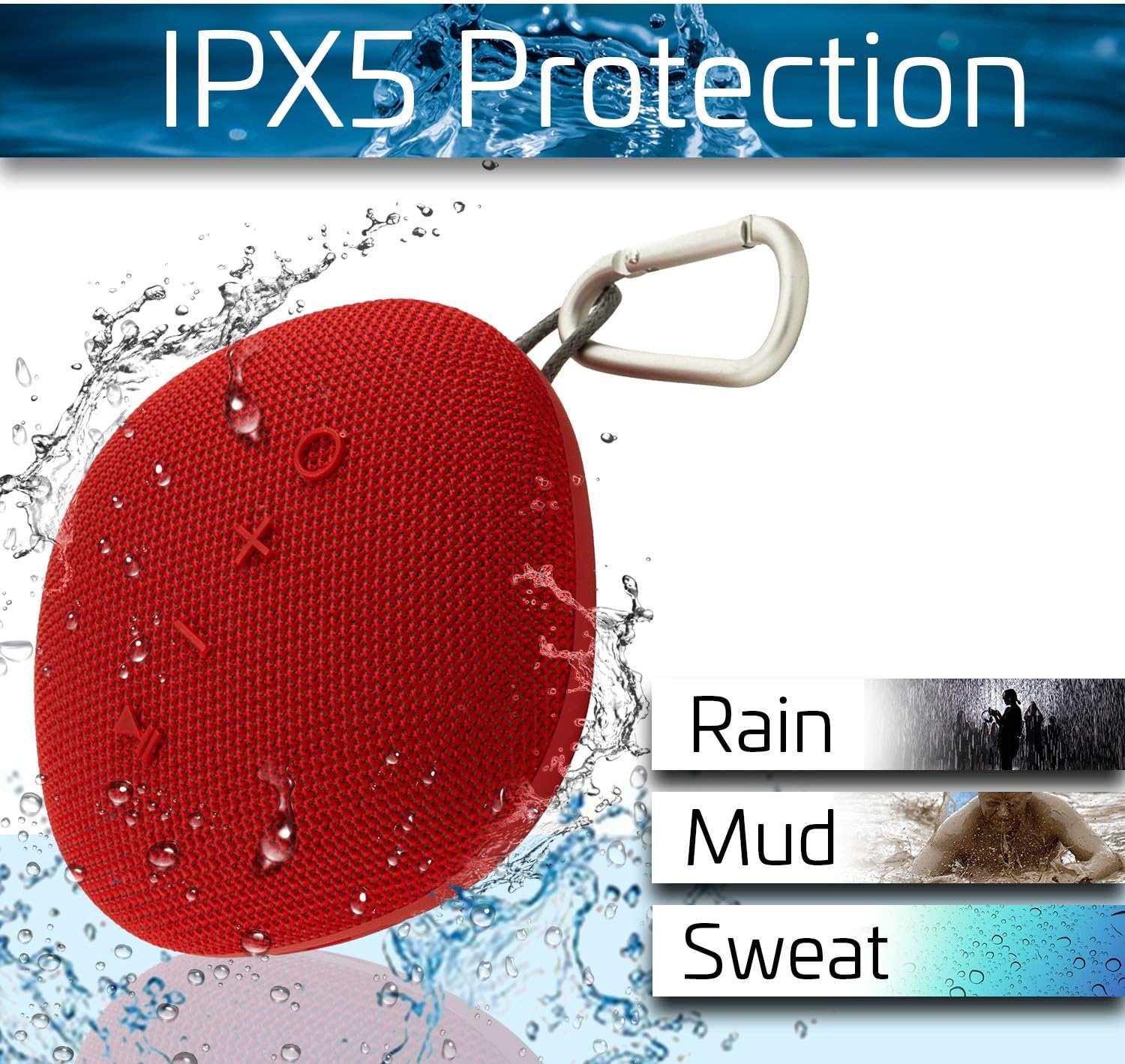
Tsanangudzo yemufananidzo The Coby speaker shown with water splashes, illustrating its IPX5 protection against rain, mud, and sweat.
Kugadzirisa matambudziko
| Dambudziko | Possible Solution |
|---|---|
| Mutauri haabati simba. | Iva nechokwadi chekuti bhatiri rachajwa. Batanidza sipika kune simba remagetsi woedza zvakare. |
| Haikwanise kubatanidza kuburikidza neBluetooth. |
|
| Hapana ruzha kana vhoriyamu yakaderera. |
|
| TWS pairing inotadza. |
|
Zvinotsanangurwa
- Brand: Coby
- Muenzaniso: Chokwadi Wireless Bluetooth Mutauri
- Mutauriri Wekubuda Simba: 8 Watts
- Audio Output Mode: Surround
- Mounting Type: Kusununguka
- Special Feature: Portable, IPX5 Waterproof, Built-in Microphone, True Wireless Stereo (TWS)
- Bhatiri: 1800 mAh Li-ion (Up to 12 hours playback, 55 hours standby)
- Nguva yekuchaja: Anenge maawa maviri
- Wireless Range: Kusvika 33 tsoka (10 metres)
Safety Information
- Usaisa mukurukuri pakupisa kwakanyanya, zuva rakananga, kana kuti mwando wakanyanya.
- Do not disassemble, repair, or modify the speaker. This will void the warranty.
- Chengeta sipika kure neminda ine simba remagineti.
- Shandisa chete tambo yekuchaja yakapihwa kana certified yakaenzana.
- Rasa sipika nebhatiri rayo zvine hungwaru zvichienderana nemitemo yemuno.
- Dzivisa kuteerera zvakanyanya kwenguva yakareba kudzivirira kukuvara kwekunzwa.
Warranty uye Support
For warranty information and technical support, please refer to the documentation included with your purchase or visit the official Coby website. Chengetedza humbowo hwako hwekutenga kune warranty claim.
Coby Official Websaiti: Visit the Coby Store on Amazon


