1. Nhanganyaya
This manual provides essential instructions for the safe and efficient use of your Herdio 4 Inch 200 Watt Outdoor Indoor Bluetooth Speakers, Model HOS-401WBT. Please read this manual thoroughly before installation and operation to ensure optimal performance and longevity of your speakers.
2. Package Zviri mukati
Tarisa kuti zvinhu zvese zvakanyorwa pazasi zvinosanganisirwa mupakeji yako:
- 2 x Herdio 4 Inch Speakers (1 Active, 1 Passive)
- 1 x 12V Power Adapter and Supply
- 1 x 16FT/5M Speaker Cable
- 1 x Chinyorwa cheMushandisi
- Mabhureki neSikuruu Zvekugadzika

3. Zvinotsanangurwa
| Feature | Detail |
|---|---|
| Model Name | HOS-401WBT |
| Mutauri Rudzi | Kunze / Indoor |
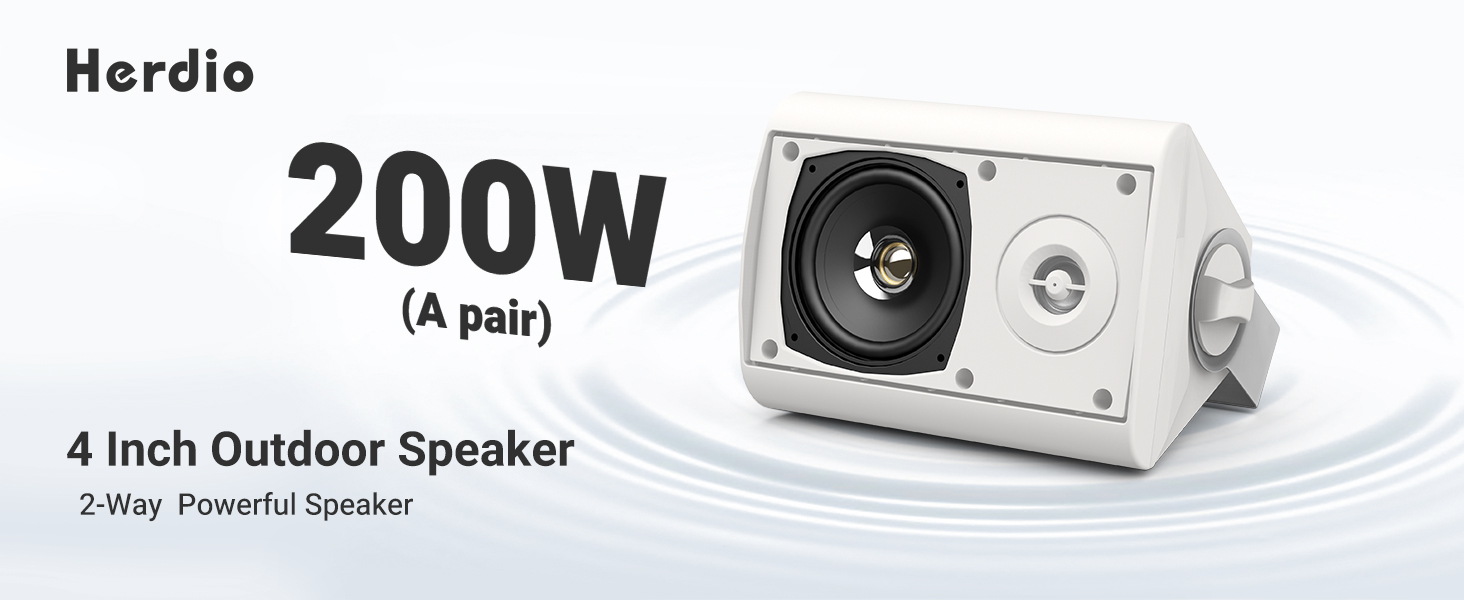
| Power Output | Mawati makumi matanhatu (100W paspika imwe neimwe) |
| Woofer Diameter | 4 inches |
| Sravana Sameeralu Serial 4th Tweeter Diameter | 1 inch |
| Kubatana | Bluetooth, Wired (Passive speaker connection) |
| Bluetooth Range | Kusvika kumamita gumi (20.12 tsoka) |
| Mvura Resistance Level | IP66 (Isingabvumirwe nemvura) |
| Material | Acrylonitrile Butadiene Styrene (ABS) |
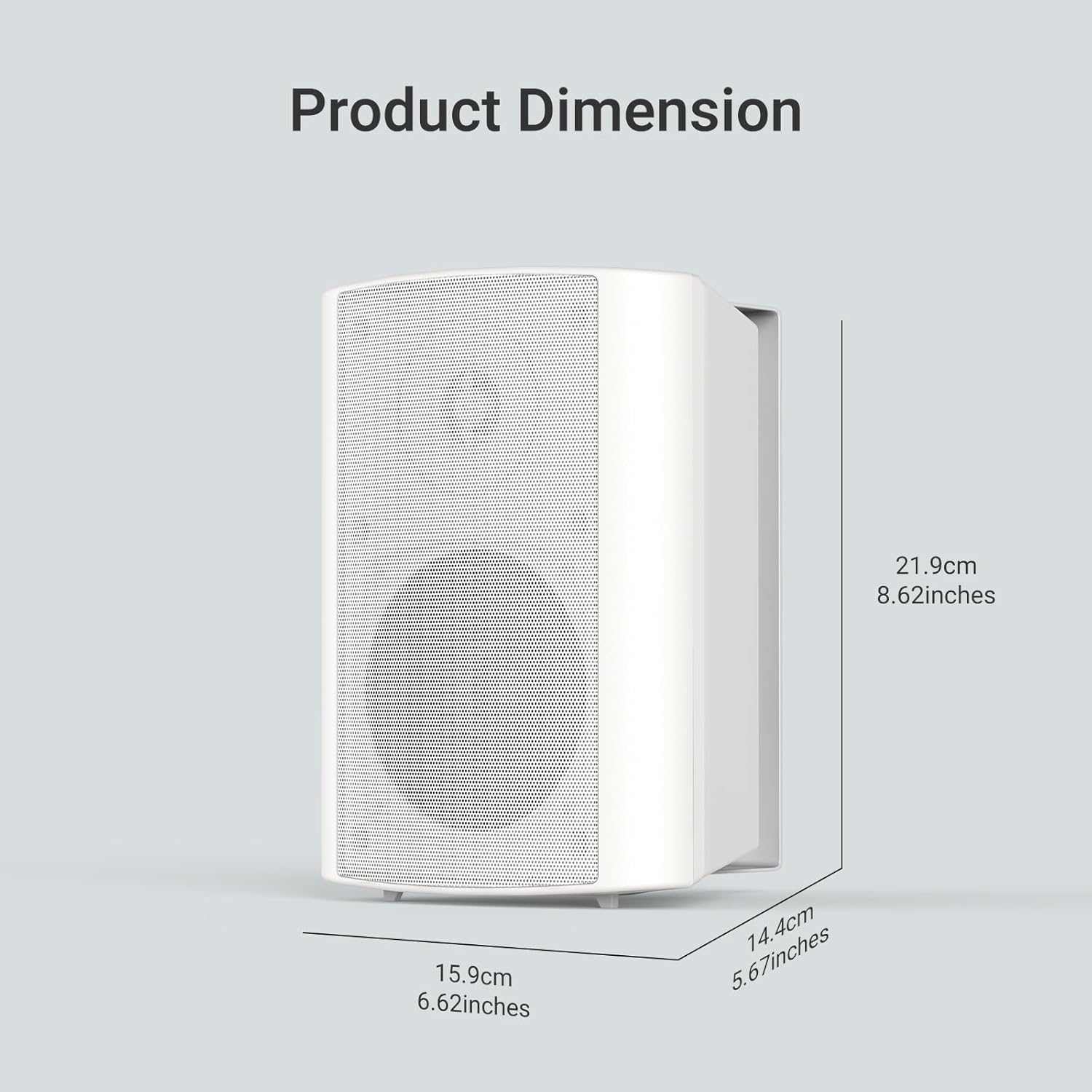
| Zviyero zveChigadzirwa (L x W x H) | 8.62" x 5.67" x 6.62" (219mm x 144mm x 159mm) |
| Chiyamuro Voltage | 12 Volts |
| Audio Output Mode | Stereo |
4. Setup
4.1 Kuisa maSpeaker
The Herdio speakers come with versatile swivel brackets for flexible placement. These brackets allow for a 90-120 degree range of motion, enabling you to direct sound as desired.
- Bvisa Mabhureki: Unscrew the knobs on the sides of the speakers to detach the mounting brackets.
- Mark Placement: Choose your desired location (e.g., patio, garage, living room wall). Use the detached bracket to mark the drill points for the screws.
- Isa Mabhureki: Securely attach the brackets to the wall or ceiling using appropriate screws (provided).
- Attach Speakers: Slide the speakers onto the installed brackets. Adjust the speaker angle and tighten the knobs to secure them in place.

4.2 Wiring the Speakers
The Herdio speaker system consists of one active speaker and one passive speaker. The active speaker contains the amplifier and Bluetooth module, while the passive speaker connects to the active one via the provided speaker cable.
- Connect Passive to Active: Locate the red (+) and black (-) terminals on the back of both speakers. Connect the red wire of the speaker cable to the red terminal on both speakers, and the black wire to the black terminal on both speakers. Ensure a secure connection by turning the terminal clockwise to tighten.
- Power Connection: Plug the 12V power adapter into the DC 12V input port on the active speaker. Then, plug the power adapter into a suitable electrical outlet.

5. Kushanda
5.1 Bluetooth Pairing
Once powered on, the active speaker will automatically enter Bluetooth pairing mode. The Bluetooth indicator light will flash, indicating it's ready to connect.
- Activate Bluetooth: Pafoni yako kana tablet, vhura Bluetooth.
- Tsvaga Mudziyo Look for "HOS-401WBT" in the list of available Bluetooth devices.
- Batanidza: Select "HOS-401WBT" to pair. A confirmation tone will sound from the speakers once successfully connected.

5.2 Audio Playback
After successful pairing, you can play audio from your connected device. The speakers will output stereo sound.
- Kudzora inzwi: Adjust the volume directly from your connected device.
- Hunhu Hwenzwi: The speakers are designed to deliver full-range sound with deep bass and clear highs.
6. Kuchengeta
- Kuchenesa: Shandisa jira rakapfava, rakaoma kuchenesa nzvimbo dzespika. Dzivisa zvinochenesa zvinogumbura kana zvinonyungudutsa.
- Kudzivirirwa Kwemamiriro ekunze: Although IP66 rated, it is recommended to protect the power adapter from direct exposure to rain or extreme weather conditions.
- Kuchengeta: Kana maspika akachengetwa kwenguva yakareba, abvise pamagetsi woachengeta munzvimbo inotonhorera, yakaoma.
7. Kugadzirisa matambudziko
| Dambudziko | Zvinogona Kukonzera | Solution |
|---|---|---|
| Hapana simba | Power adapta haina kubatana kana kukanganisa kubuda. | Ensure the power adapter is securely plugged into the active speaker and a working electrical outlet. |
| Hapana ruzha | Speakers not paired, volume too low, or incorrect wiring. | Verify Bluetooth connection, increase device volume, and check speaker cable connections between active and passive speakers. |
| Kubviswa kweBluetooth | Device out of range or interference. | Ensure the paired device is within 20 meters (66 feet) of the active speaker. Minimize obstacles and interference. |
| Inzwi rakakanganiswa | Volume too high or poor audio source. | Reduce the volume on your device. Try a different audio source or file. |
8. Warranty uye Tsigiro
All Herdio speaker products come with a 1-gore Limited Warranty against defects in materials and workmanship. Proof of purchase is required for all claims.
During the warranty period, Herdio will replace any defective part and correct any defect in workmanship without charge for either parts or labor.
The Technical Support Center at HERDIO is available from Monday to Friday, excluding holidays.
Kana muine mibvunzo kana rutsigiro, ndapota taurai nesu pa: support@herdiotech.com


