1. Nhanganyaya
The MARATHON 100 Hour Direct Entry Digital Tabletop Timer is designed to assist with precise time management for various tasks. Featuring a large, easy-to-read LCD display and a direct entry keypad, this timer offers both countdown and count-up functionalities, a clock mode, and memory presets for repetitive events. Its robust design includes a magnetic back and an integrated kickstand for versatile placement.
2. Chigadzirwa Pamusoroview
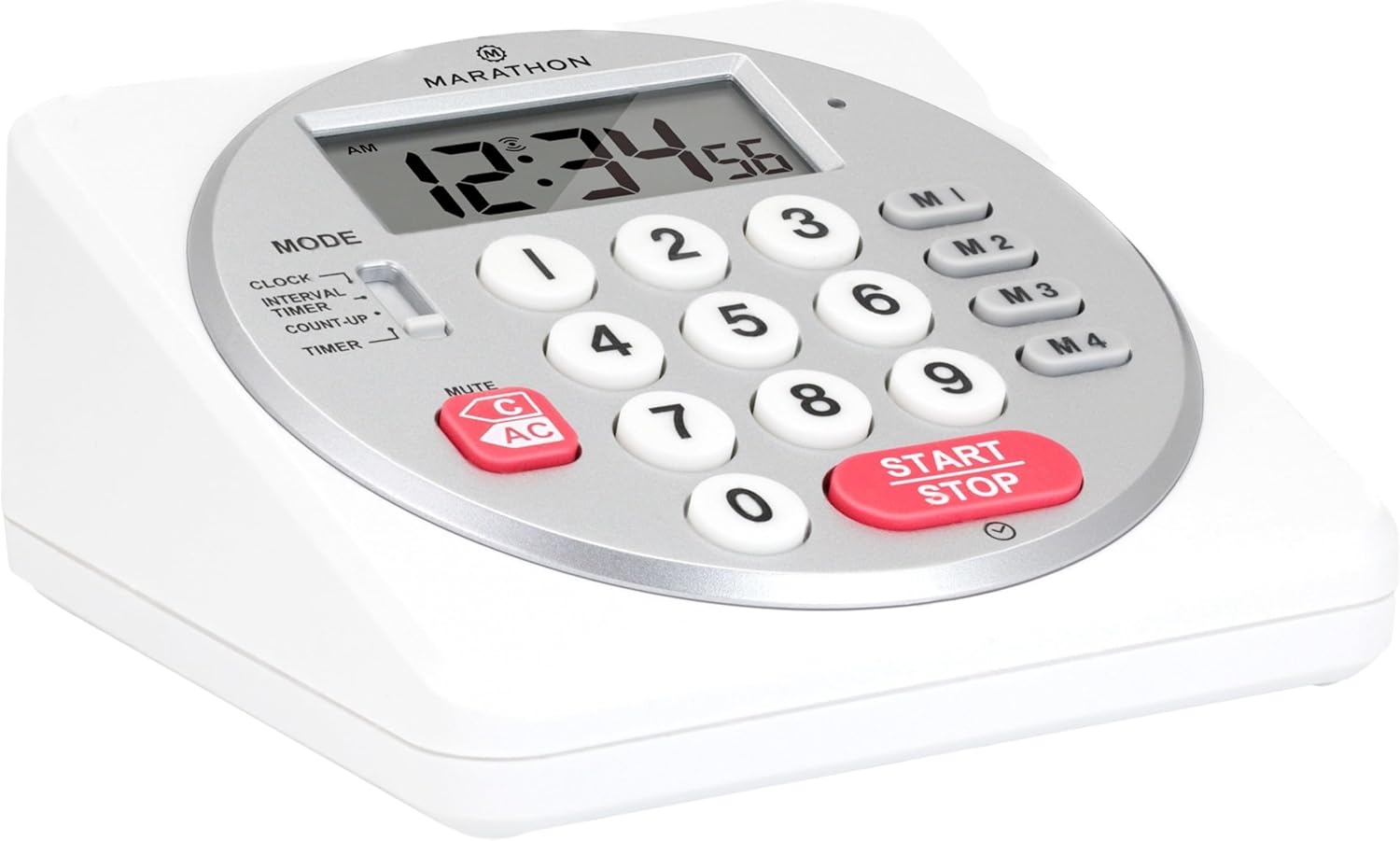
Mufananidzo 1: Mberi view of the Marathon Digital Timer.
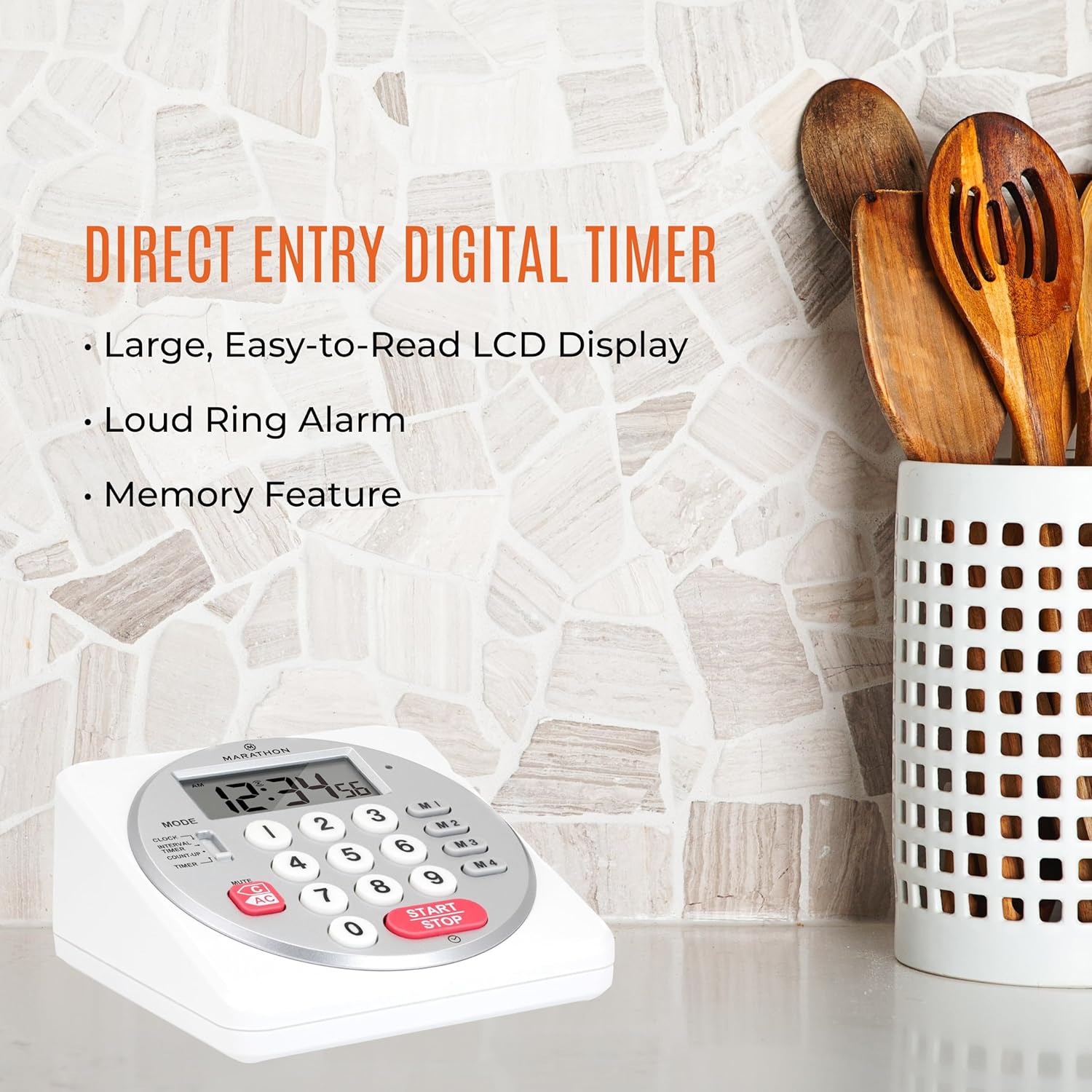
Figure 2: Timer on a kitchen counter, highlighting large display and loud alarm.

Figure 3: Timer showcasing dual function, included batteries, and versatile memory.
Zvinokosha:
- Direct Entry Keypad: For quick and precise time setting.
- Yakakura LCD Ratidza: Easy-to-read numbers for clear visibility.
- Dual Function Alarm: Supports both countdown and count-up timing up to 99 hours, 59 minutes, and 59 seconds.
- Loud Ring Alarm: Audible across a room.
- Chiratidzo che LED: Flashing light for silent alarm or hearing impairment assistance.
- Clock Feature: Displays time in 12-hour or 24-hour format when not in timer mode.
- Built-in Memory Function: Stores up to four consecutive times for interval timing and four memory presets for repetitive events.
- Kuiswa kwakasiyana-siyana: Integrated kickstand for tabletop use and magnetic back for attachment to metal surfaces.
- Mabhatiri Anosanganisira: Inouya ne2 AA mabhatiri.
3. Setup
3.1. Kuiswa kwebhatiri
- Tsvaga chifukidziro chebhatiri kumashure kwewachi.
- Svetedza chivharo chivhure.
- Insert two (2) AA batteries, ensuring correct polarity (+/-) as indicated inside the compartment. The timer comes with batteries included.
- Tsiva chivharo chebhatiri zvakachengeteka.

Mufananidzo 4: Kudzoka view with battery compartment and kickstand.
4. Operating Instructions
4.1. Mode Selection
Shandisa iyo MODE switch located on the side of the timer to select between different functions:
- WACHI: Inoratidza iyo yazvino nguva.
- INTERVAL TIMER: For setting multiple consecutive timers.
- COUNT-UP: Functions as a stopwatch.
- TIMER: For setting a single countdown timer.

Figure 5: MODE switch for function selection.
4.2. Kugadzirisa Clock
- Slide the MODE chinja ku WACHI.
- Dzvanya uye ubate iyo SET bhatani kusvika nhamba dzenguva dzatanga kupenya.
- Use the number keypad (0-9) to enter the desired time (HH:MM).
- Press SET again to confirm and exit clock setting mode.
- Kuti uchinje pakati pefomati yemaawa gumi nemaviri neawa makumi maviri nemana, tinya bhatani rekuti 12/24H button (if available, or refer to specific model instructions).
4.3. Setting a Countdown Timer (TIMER Mode)
- Slide the MODE chinja ku TIMER.
- Use the number keypad (0-9) to directly enter the desired countdown time (HH:MM:SS). The timer supports up to 99 hours, 59 minutes, 59 seconds.
- Press the TANGA/MIRA bhatani rekutanga kuverenga pasi.
- To pause the timer, press TANGA/MIRA zvakare. Dzvanya zvakare kuti utangezve.
- When the countdown reaches zero, the alarm will sound, and the LED indicator will flash. The timer will then automatically begin counting up to show elapsed time since the alarm.
- To stop the alarm and clear the display, press the ZVAKANAKA bhatani.
4.4. Using the Count-Up Timer (COUNT-UP Mode)
- Slide the MODE chinja ku COUNT-UP.
- Ensure the display shows 00:00:00. If not, press ZVAKANAKA.
- Press the TANGA/MIRA button to begin counting up.
- To pause the count-up, press TANGA/MIRA zvakare. Dzvanya zvakare kuti utangezve.
- To reset the count-up timer to zero, press ZVAKANAKA.
4.5. Using Memory Functions (M1-M4 Presets)
The timer features four memory buttons (M1, M2, M3, M4) for storing and recalling frequently used times or for interval timing.
- In TIMER mode, enter the desired time using the number keypad.
- Press and hold one of the memory buttons (M1-M4) until the display confirms the time has been saved.
- To recall a saved time, simply press the corresponding memory button (M1-M4). The saved time will appear on the display, ready to start.
- For interval timing, set the first interval, save it to M1. Then set the second interval, save it to M2, and so on. You can then cycle through these presets as needed.
4.6. Kugadzirisa Vhoriyamu yeAlarm
The timer features a volume switch, typically located on the side or back, allowing you to select between different alarm levels (e.g., High, Low, Mute) or a flashing LED indicator for silent operation.
5. Kuchengeta
- Geza timer nekanyoro, damp jira. Usashandise abrasive cleaners kana kunyudza iyo unit mumvura.
- Avoid exposing the timer to extreme temperatures or direct sunlight for prolonged periods.
- If the display becomes dim or the alarm weakens, replace the batteries promptly.
6. Kugadzirisa matambudziko
| Dambudziko | Zvinogona Kukonzera | Solution |
|---|---|---|
| Nguva haisi kushanda. | Mabhatiri akafa kana kuiswa zvisirizvo. | Tarisa bhatiri polarity kana kutsiva neAA mabhatiri matsva. |
| Kuratidzira kwakadzima. | Simba rebhatiri rakaderera. | Tsiva mabhatiri. |
| Alarm haisi kurira. | Alarm volume is set to mute or low. | Check the alarm volume switch and adjust as needed. |
| Timer not responding to button presses. | Unit may be in a locked state (if applicable) or requires a reset. | Remove and reinsert batteries to perform a hard reset. Check for any lock switches. |
7. Zvinotsanangurwa
- Muenzaniso: TI030018WH
- Brand: MARATONI
- Material: Plastiki
- Dimensions: 4.45 x 2.64 x 4.45 inches
- Chinhu Weight: 7.1 ounces
- Kunobva Simba: 2 x AA mabhatiri (akabatanidzwa)
- Max Timer Duration: 99 maawa, 59 maminitsi, 59 masekondi
- Features: Direct Entry, Dual Function (Count-up/Count-down), Clock, Memory Presets, LED Indicator, Magnetic Back, Kickstand
- UPC: 063442000342

Mufananidzo 6: Zviyero zvechigadzirwa.
8. Warranty uye Tsigiro
Kuti uwane ruzivo rwewarandi kana rutsigiro rwehunyanzvi, ndapota tarisa kune mukuru wemugadziri websaiti kana kubata dhipatimendi ravo rebasa revatengi. Chengeta risiti rako rekutenga seumboo hwekutenga.


