1. Nhanganyaya
Thank you for choosing the Hoco ES24 Wireless Sound Earphones. This manual provides detailed instructions on how to set up, operate, and maintain your earphones. Please read this manual carefully before use to ensure optimal performance and longevity of your device.
2. Package Zviri mukati
Ita shuwa kuti zvinhu zvese zvakanyorwa pazasi zviripo mupakeji yako:
- Hoco ES24 Wireless Earphones (Left and Right)
- Kuchaja Case
- USB Kuchaja Cable
- Mazano Akawanda Ezeve (S, M, L)
- User Manual

Image: The Hoco ES24 earphones, charging case, USB cable, and various ear tip sizes included in the package.
3. Chigadzirwa Pamusoroview
The Hoco ES24 earphones are designed for comfortable, wireless audio experience. They come with a compact charging case that not only protects the earphones but also recharges them on the go.

Image: The Hoco ES24 earphones resting inside their open charging case, showcasing yavo compact dhizaini.
4. Setup
4.1 Kutanga Kuchaja
- Usati watanga kushandisa, chaja zvizere maearphone nekesi yekuchaja.
- Isa maearphone ese ari maviri mukesi yekuchaja.
- Batanidza tambo yekuchaja yeUSB kune chinobatidza chiri pabhokisi uye panobva simba (semuenzaniso, adapta yemadziro eUSB, chinobatidza USB yekombuta).
- The LED indicator on the charging case will show the charging status. A full charge typically takes about 1 hour for fast charging.

Image: The Hoco ES24 charging case displaying the battery percentage via an LED screen, indicating charging status and capacity.
5. Operating Instructions
5.1 Kubatidza/Kudzima
- Power On: Open the charging case, and the earphones will automatically power on. Alternatively, press and hold the touch control area on both earphones for 3 seconds.
- Power Off: Place the earphones back into the charging case and close the lid. They will automatically power off and begin charging. Alternatively, press and hold the touch control area on both earphones for 5 seconds.
5.2 Bluetooth Pairing
- Kubatana Kwekutanga:
a. Ensure the earphones are charged.
b. Open the charging case. The earphones will automatically enter pairing mode, indicated by a flashing LED light on one of the earbuds.
c. On your device (smartphone, tablet, etc.), enable Bluetooth and search for available devices.
d. Select "Hoco ES24" from the list of devices. Once connected, the LED indicator on the earphone will stop flashing. - Kutevera Pairing:
Once paired, the earphones will automatically connect to the last paired device when taken out of the charging case, provided Bluetooth is enabled on your device.
5.3 Kubata Kudzora
The Hoco ES24 earphones feature touch-sensitive controls for easy management of music and calls.
- Tamba/Kumbomira: Kungobata kamwe chete pane imwe earphone.
- Next Track: Double tap on the right earphone.
- Previous Track: Double tap on the left earphone.
- Pindura/Pedzisa Kufona: Tepi kamwechete pane imwe earphone panguva yekupinda runhare kana inoshanda.
- Ramba Kufona: Dzvanya uye ubate chero earphone kwemasekonzi maviri panguva iri kuuya.
- Shandisa Izwi Mubatsiri: Triple tap on either earphone.

Image: A user wearing the Hoco ES24 earphones, illustrating their in-ear fit and highlighting features like Bluetooth 5.0 connectivity and clear call quality.
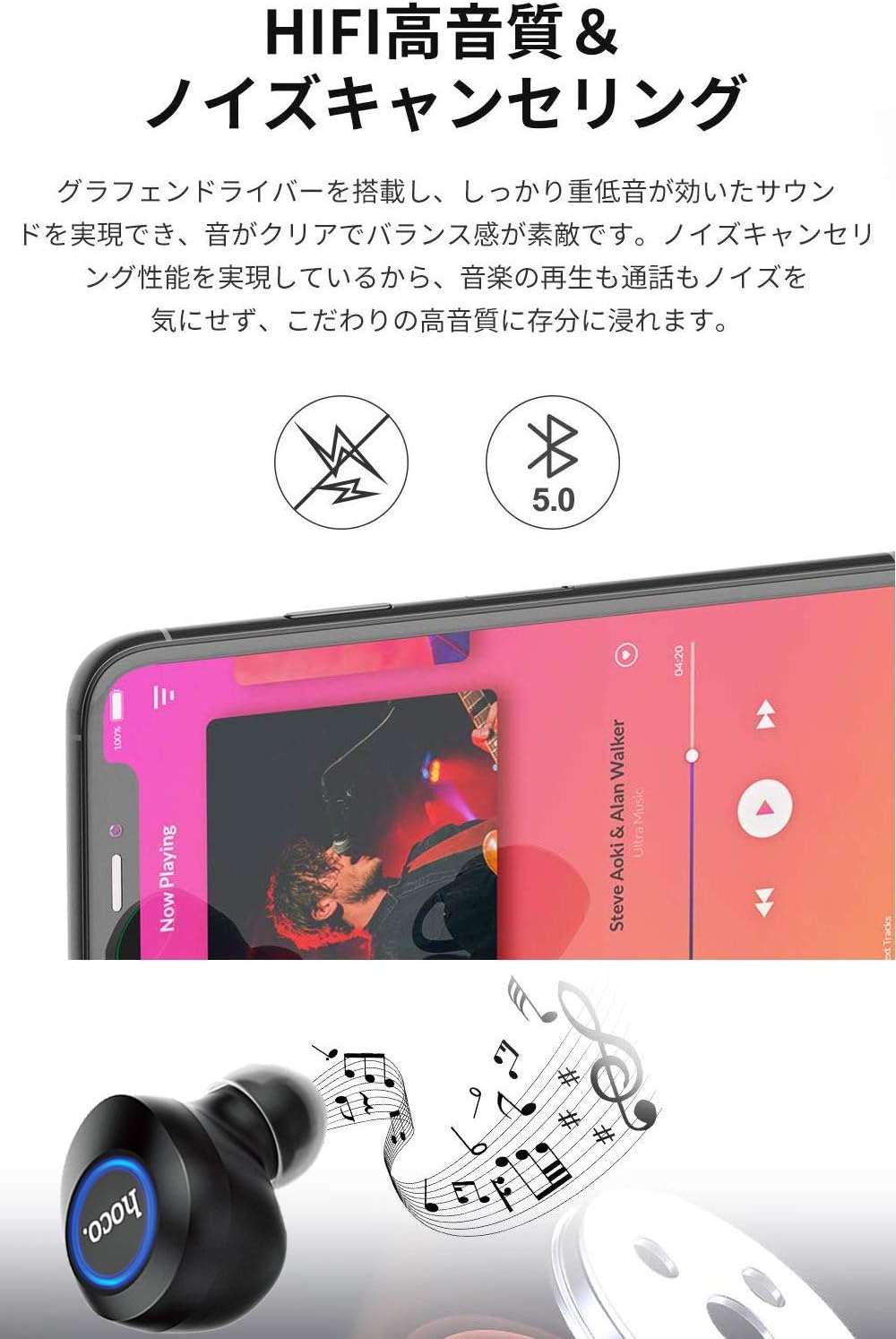
Image: A close-up of a Hoco ES24 earphone, with a smartphone screen in the background showing music playback, emphasizing HiFi sound quality and noise cancellation capabilities.
6. Kuchengeta
6.1 Kuchenesa
- Gara uchichenesa maearphone nekesi yekuchaja nejira rakapfava, rakaoma, risina lint.
- Usashandise abrasive cleaners, doro, kana makemikari zvinonyungudutsa.
- Bvisa zvinyoro nyoro chero wakisi yenzeve kana marara kubva kumatipi enzeve uye mesh yemutauri uchishandisa bhurashi diki, rakapfava kana donje swab.
6.2 Kuchengeta
- Kana isiri kushandiswa, chengeta maearphone mukesi yekuchaja kuti azvidzivirire kubva kuguruva nekukuvadzwa.
- Avoid storing the device in extreme temperatures (hot or cold) or in humid environments.
6.3 Kuchengeta Battery
- To prolong battery life, avoid fully discharging the earphones and charging case frequently.
- Chaja mudziyo nguva dzose, kunyangwe usingaushandise kakawanda.
7. Kugadzirisa matambudziko
If you encounter any issues with your Hoco ES24 earphones, refer to the following common problems and solutions:
| Dambudziko | Solution |
|---|---|
| Mahedhifoni haabatidzwe. | Iva nechokwadi chekuti mahedhifoni nebhokisi rekuchaja zvachajwa zvizere. Isa mahedhifoni mubhokisi wovhara chivharo, wozovhurazve. |
| Haikwanise kubatanidzwa nemudziyo. | Make sure Bluetooth is enabled on your device. Ensure earphones are in pairing mode (flashing LED). Turn off and on your device's Bluetooth. Forget "Hoco ES24" from your device's Bluetooth list and try pairing again. |
| Hapana ruzha kubva kune imwe kana maviri earphone. | Check device volume. Ensure earphones are properly connected. Try re-pairing. Clean any debris from the speaker mesh. |
| Kesi yekuchaja haichaji. | Iva nechokwadi chekuti tambo yeUSB yakabatana zvakanaka nekesi uye panobva magetsi. Edza imwe tambo yeUSB kana adapta yemagetsi yakasiyana. |
| Zvibatiso zvekubata hazviite. | Ensure your fingers are clean and dry. Restart the earphones by placing them in the case and taking them out again. |
8. Zvinotsanangurwa
Below are the technical specifications for the Hoco ES24 Wireless Sound Earphones:
- Muenzaniso: ES24
- Kubatana: Wireless (Bluetooth 5.0)
- Fomu Factor: Munzeve
- Material: Plastiki
- Kudzora nzira: Bata
- Maikorofoni: Ehe
- Kuchenesa Ruzha: No (Passive noise isolation may be present due to in-ear design)
- Zvishandiso Zvinoenderana: All devices with Bluetooth functionality
- Chinhu Weight: 55 grams (earphones + case)
- Zviyero zvechigadzirwa: 2.38 x 2.1 x 2.35 cm (earphone dimensions)
- Zvinosanganisirwa Zvikamu: Protective charging case
- Ruvara: Nhema
- Age Range: Mukuru
- Nguva yekuchaja: Approximately 1 hour (fast charge)
- Nguva Yekushandisa: Approximately 4-5 hours (single use)
9. Safety Information
Please observe the following safety guidelines to prevent damage to the device or injury to yourself:
- Usabvisa, kugadzirisa, kana kugadzirisa chigadzirwa.
- Chengetedza mudziyo kure nemvura, mwando, uye tembiricha yakanyanyisa.
- Dzivisa kuratidzwa kwenguva refu kune yakakwirira vhoriyamu kudzivirira kukuvara kwekunzwa.
- Chengetedza kure nevana nemhuka dzinovaraidza.
- Rasa chigadzirwa zvine hungwaru maererano nemitemo yenzvimbo.
10. Warranty uye Tsigiro
Hoco products are designed and manufactured to the highest quality standards. For warranty information, technical support, or customer service inquiries, please refer to the warranty card included in your package or contact your local retailer or Hoco customer support directly. Please retain your proof of purchase for any warranty claims.


