Nhanganyaya
The HyperGear RaveMini is a compact, portable wireless speaker designed to deliver powerful sound with an interactive, beat-driven LED light show. This speaker is suitable for both indoor and outdoor use, offering extended battery life and multiple playback options for a versatile audio experience.

The HyperGear RaveMini speaker and its packaging.
Chii chiri muBhokisi
- HyperGear RaveMini Portable Wireless LED Speaker
- Micro USB Kuchaja Cable
- 3.5mm Stereo Auxiliary Cable
Features
- Small Size, Big Sound: Engineered with a 40mm neodymium driver for room-filling sound.
- Beat-Driven LED Lightshow: Multi-colored LEDs flash to the beat of your music.
- Wireless Kubatana: Connects with any Bluetooth device within a 33-foot range.
- Hupenyu Hwebhatiri Hwakawedzerwa: Built-in rechargeable battery provides up to 3 hours of wireless playback on a single charge.
- Kutaurirana Pasina Maoko: Integrated microphone and intuitive controls for managing calls and playlists.
- Multiple Playback Options: Supports Bluetooth, Aux-in, Micro SD memory card, and USB flash drive audio playback.

The RaveMini combines HD sound with a vibrant LED lightshow.

The multi-colored LED lights dance to the beat of the music.
Gadzirira
Kuchaja Mutauriri
Before first use, fully charge your RaveMini speaker. Connect the included Micro USB charging cable to the speaker's charging port and the other end to a USB power source (e.g., wall adapter, computer USB port). The charging time is approximately 1 hour, providing up to 3 hours of playback.
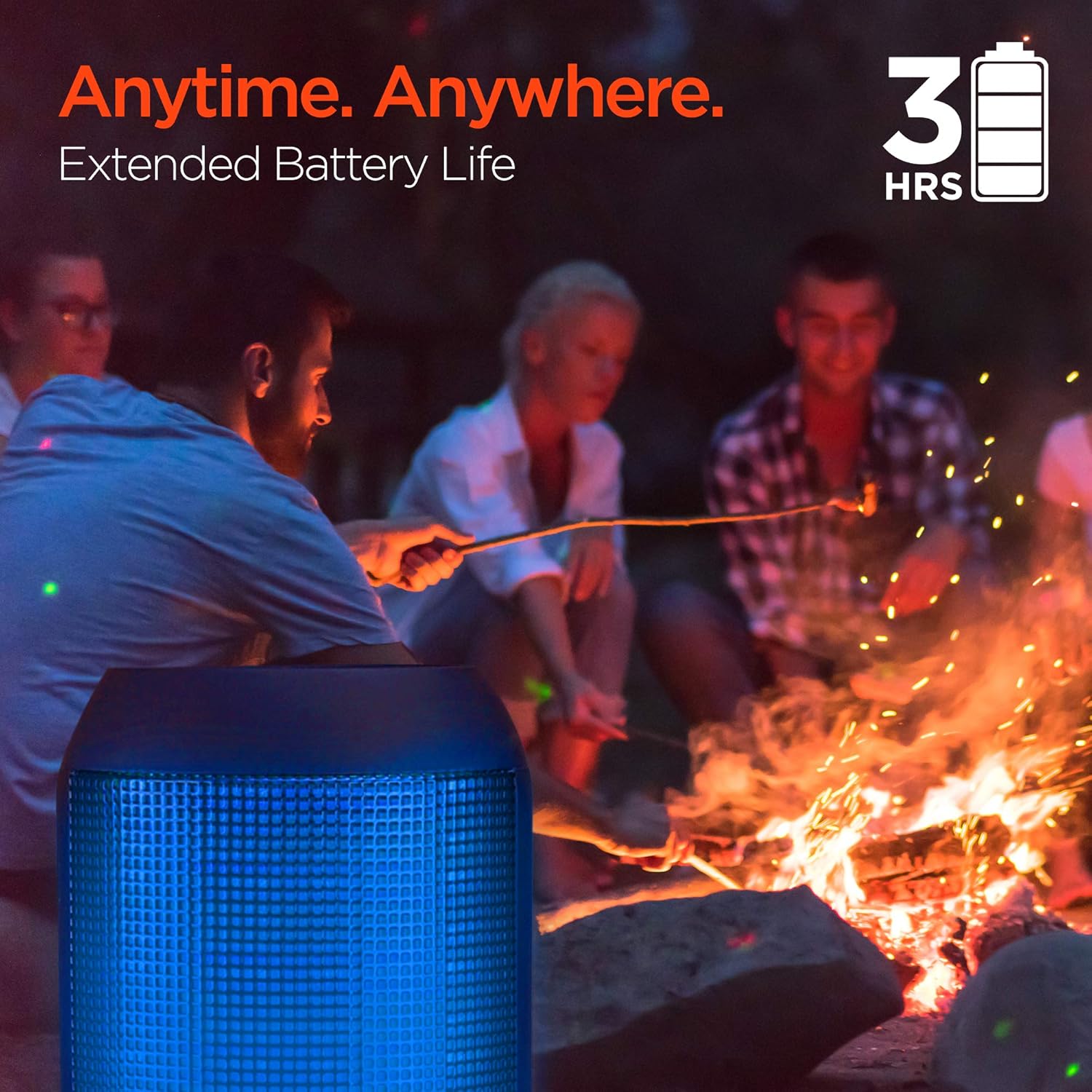
Enjoy up to 3 hours of music with the RaveMini's extended battery life.
Kubatidza/Kudzima
Locate the power button on the speaker. Press and hold the power button for a few seconds to turn the speaker on or off. An audible cue or LED indicator will confirm the power status.
Bluetooth Kubatanidza
- Ensure the RaveMini speaker is powered on and in pairing mode (usually indicated by a flashing LED light).
- Pamudziyo wako unoshanda neBluetooth (smartphone, tablet, nezvimwewo), enda kuzvirongwa zveBluetooth.
- Tsvaga available devices and select "HyperGear RaveMini" (or similar name) from the list.
- Once connected, the speaker will provide an audible confirmation, and the LED light may change to a solid color.
- The speaker has a wireless range of up to 33 feet.
Kushandisa Mutauriri
Zvidzore uye Mabasa
The RaveMini features intuitive controls for managing your audio and calls directly from the speaker. Refer to the specific button layout on your device for functions such as:
- Ridza/Misa mimhanzi
- Adjust Volume (Volume Up/Down)
- Skip Tracks (Next/Previous)
- Pindura/ Pedzisa Macalls
- Activate Voice Assistant (if supported)
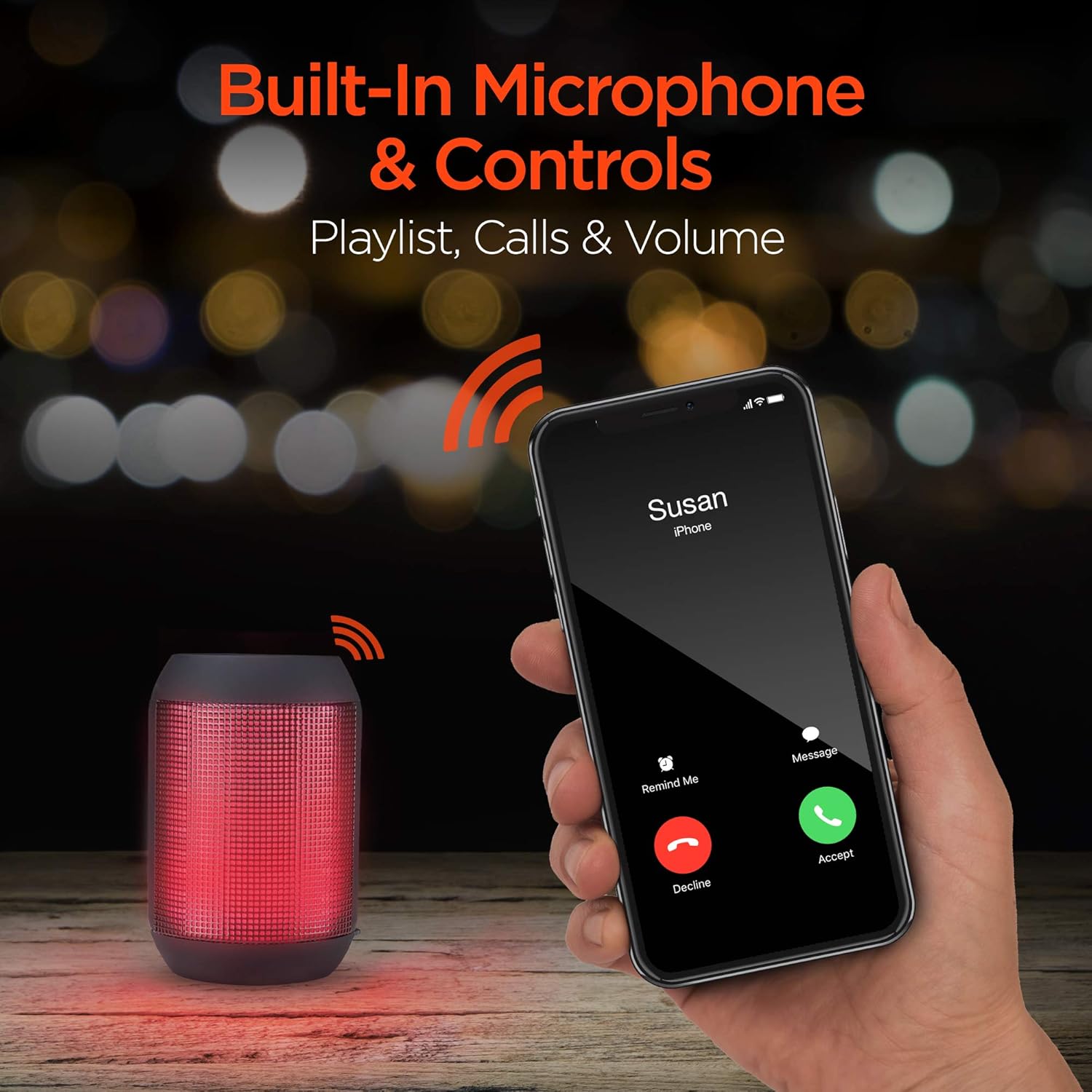
Built-in microphone and controls allow for hands-free calls and playlist navigation.
Playback Modes
The RaveMini offers four ways to play your audio:
- Bluetooth: Batanidza nefoni yako, tablet, kana mimwe midziyo inobatidzwa neBluetooth pasina waya.
- Aux-in: Use the included 3.5mm stereo auxiliary cable to connect to non-Bluetooth devices.
- Micro SD Kadhi: Insert a Micro SD memory card with audio files munzvimbo yakatarwa.
- USB Flash Drive: Connect a USB flash drive containing audio files kuchiteshi che USB.

The RaveMini supports four versatile playback options.
Maintenance
- Keep the speaker dry. Do not expose it to excessive moisture or liquids.
- Clean the speaker with a soft, dry cloth. Avoid using harsh chemicals or abrasive cleaners.
- Chengeta mukurukuri munzvimbo inotonhorera, yakaoma kana isiri kushandiswa.
- Dzivisa kudonhedza kana kuita kuti mukurukuri apedzisire akasimba.
Kugadzirisa matambudziko
| Dambudziko | Possible Solution |
|---|---|
| Mutauri habatiki. | Ensure the speaker is fully charged. Connect it to a power source using the Micro USB cable. |
| Haikwanise kubatanidzwa neBluetooth mudziyo. |
|
| Hapana ruzha kana vhoriyamu yakaderera. |
|
| Mwenje ye LED haisi kushanda. | Check if the light show feature is enabled (if there's a dedicated button). Ensure the speaker has sufficient battery charge. |
Zvinotsanangurwa
| Feature | Detail |
|---|---|
| Model Name | 15077 |
| Mutauri Rudzi | Kunze |
| Special Feature | Wireless Music + Calls, HD Stereo Sound, Beat-Driven LED Lightshow, Aux-in, Micro SD & USB compatible |
| Zvinokurudzirwa Zvishandiso Zvechigadzirwa | ZveMumhanzi Players |
| Controller Type | Battery Powered |
| Color | Nhema |
| Hupenyu hwebhatiri | 3 Maawa |
| Kuchaja Nguva | 1 Maawa |
| Inodzivirira Mvura | NHEMA |
| Kudzora Nzira | App |
| Wireless Communication Technology | Bluetooth |
| Mutauri Mukuru | 40 mamirimita |
| Simba Source | Battery Powered |
| Nhamba Yemabhatiri | 2 AAA mabhatiri anodiwa. (inosanganisirwa) |
| Audio Driver Type | Dynamic Driver |
| Bluetooth Range | 33 Tsoka |
| Audio Driver Size | 40 mamirimita |
| Kubatana Protocol | Bluetooth |
| Nhamba ye USB 2 Ports | 1 |
| UPC | 633755150777 |
| Mugadziri | HYPERGEAR |
| Item Weight | 10.9 ounces |
| ASIN | B07VHTZHJ4 |
| Zuva Rokutanga Kuwanikwa | Chikunguru 18, 2019 |
| Brand | HyperGear |
| Mutauri Mukuru Wekubuda Simba | 5 Watts |
| Kubatana Technology | Bluetooth, yekubatsira, USB |
| Audio Output Mode | Stereo |
| Mounting Type | Tabletop Mount |
Warranty
The HyperGear RaveMini Portable Wireless LED Speaker comes with a Limited Warranty. For detailed information regarding warranty coverage, terms, and conditions, please refer to the official HyperGear websaiti kana kubata tsigiro yavo yevatengi zvakananga. Chengetedza humbowo hwako hwekutenga kune warranty claim.
Support
Kuti uwane rumwe rubatsiro, kunyoreswa kwechigadzirwa, kana kuti view frequently asked questions, please visit the official HyperGear websaiti:
Visit the HyperGear Store on Amazon
You may also contact HyperGear customer service for direct support.


