Nhanganyaya
This manual provides detailed instructions for the installation, operation, and maintenance of your Supersonic SC-5000VD Smart WiFi Doorbell Camera. This device offers HD video recording, a smart motion security system, and two-way audio communication to enhance your home security.
The doorbell camera features 1080P high-definition video, infrared night vision, and remote monitoring capabilities, allowing you to see and communicate with visitors from anywhere using your smartphone or tablet. It is designed for wireless connectivity and includes a built-in SD card for local storage of recordings.
Package Zviri mukati
Ndokumbira utarise kuti zvinhu zvese zviripo mupakeji:
- Supersonic SC-5000VD Smart WiFi Doorbell Camera
- Chaja Cable
- Installation Kit (screws, anchors, mounting bracket)
- Mushandisi Chinyorwa (gwaro iri)
Setup uye Installation
The Supersonic SC-5000VD Smart WiFi Doorbell Camera is designed for easy, wire-free installation. Follow these steps to set up your device:
- Chaja Chishandiso: Before installation, fully charge the doorbell camera using the provided charging cable. The built-in lithium-ion rechargeable battery ensures efficient and long-lasting operation.
- Dhaunirodha App: Tsvaga the official Supersonic doorbell app on your smartphone's app store (iOS or Android) and install it.
- Pair with WiFi: Open the app and follow the on-screen instructions to connect your doorbell camera to your home's 2.4GHz Wi-Fi network (802.11 b/g/n). Ensure a stable connection for optimal performance.
- Sarudza Nzvimbo Yekukwirisa: Choose an outdoor location near your door that provides a clear view of your entrance. The doorbell is rated IP65 for outdoor usage.
- Isa Bhero reMusuwo: Use the included installation kit (screws and anchors) to securely mount the doorbell camera to the wall. Ensure it is positioned at an appropriate height for clear video capture.
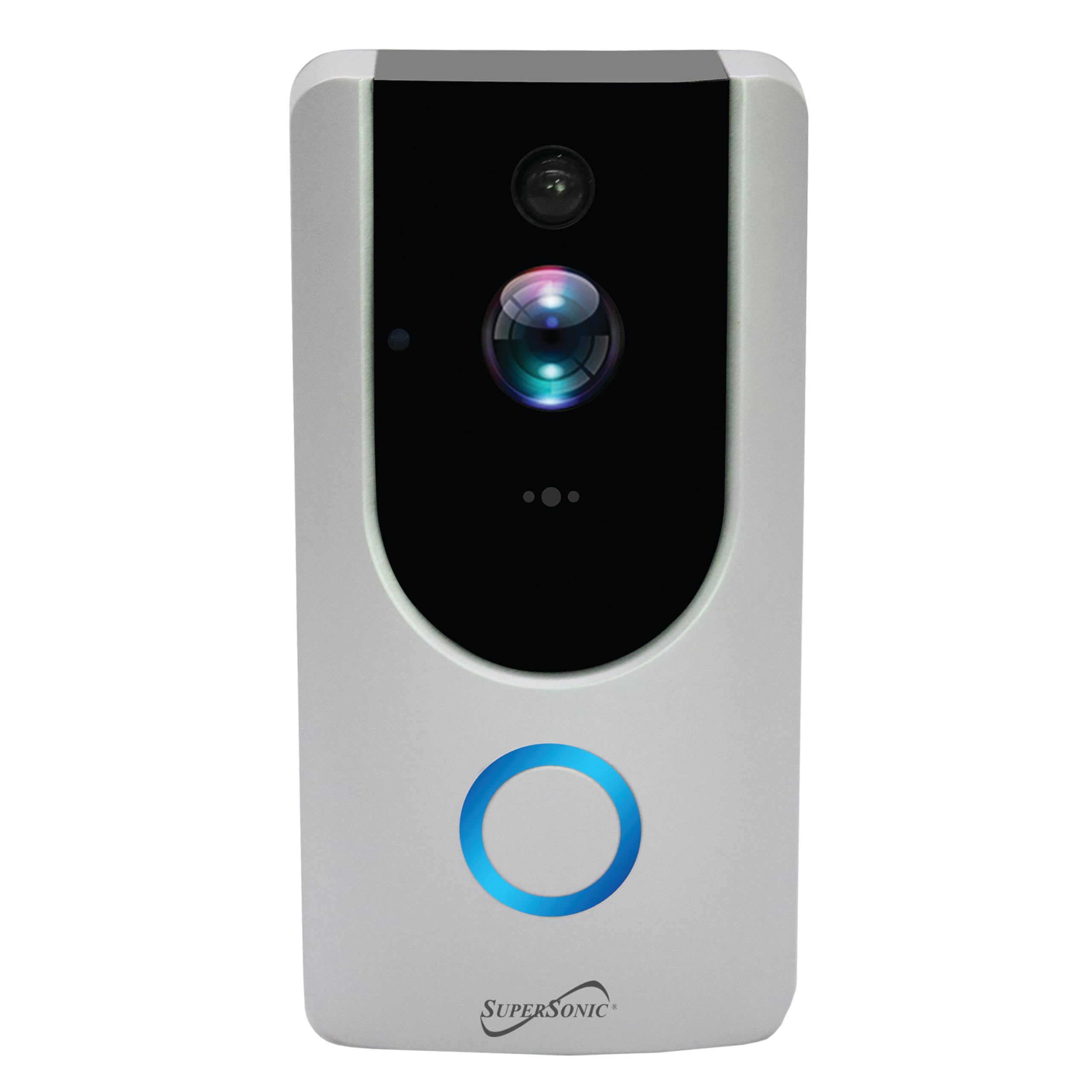
Image: Supersonic SC-5000VD Smart WiFi Doorbell Camera mounted next to a door.
Operating Instruction
Key Features
- Kurekodha Vhidhiyo yeHD: Captures clear, high-definition footage with 1080P resolution and a 2.0 MP camera. Internet connection is required for full functionality.
- Smart Motion Security System: The PIR sensor accurately detects motion within a 166° video angle, triggering alerts and recordings.
- Two-Way Voice Intercom: Allows for real-time communication with visitors through the doorbell and your connected device.
- Infrared Night Vision: Provides clear visibility in low-light conditions, ensuring monitoring around the clock.
- Remote Monitoring & Control: Access live video, receive alerts, and trigger actions remotely via the mobile application.
- Yakavakwa-mukati SD Card: Stores recordings locally, ensuring you have access to captured events.
Kushandisa Doorbell
- Visitor Notification: When a visitor presses the doorbell button, you will receive a notification on your paired smartphone or tablet.
- Kukurukurirana kweNzira mbiri: Tinya chiziviso ku view live video and engage in a voice call with the visitor.
- Motion Yekuzivisa: The doorbell will automatically detect motion and send alerts to your device. Recordings of these events will be saved to the built-in SD card.
- Remote Live View: Open the app at any time to view a live feed from your doorbell camera, even if no one has pressed the button or triggered motion.
- Kurekodha Playback: Access recorded video clips through the app to review zviitiko zvakapfuura.
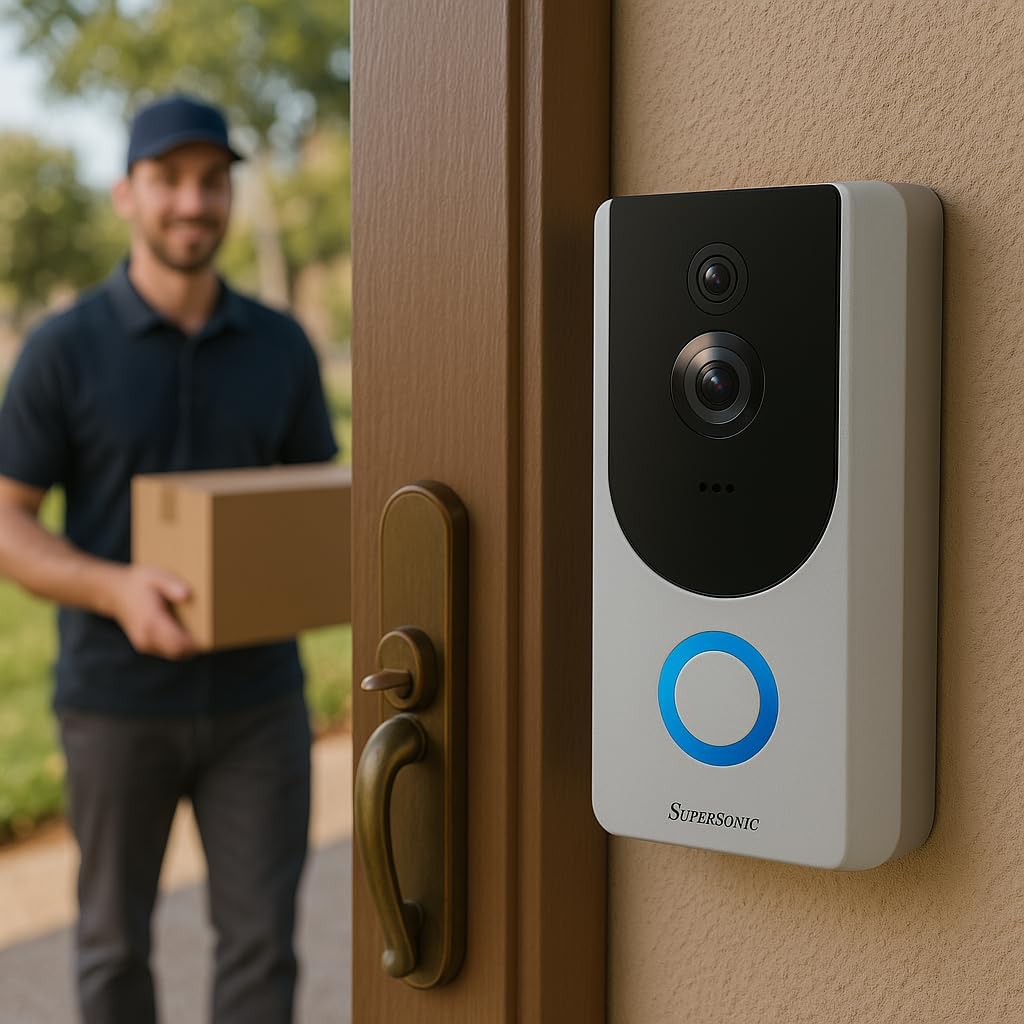
Image: Supersonic SC-5000VD Smart WiFi Doorbell Camera detecting a person at the door.

Image: Smartphone displaying a live video call from the Supersonic SC-5000VD Smart WiFi Doorbell Camera, showing a person at the door.
Maintenance
To ensure optimal performance and longevity of your doorbell camera, follow these maintenance guidelines:
- Kuchaja bhatiri: Recharge the doorbell's built-in battery as needed. The app will typically notify you when the battery level is low. Charging can be done via micro USB (5V) or AC/DC (110-220V) input.
- Kuchenesa Lens: Periodically clean the camera lens with a soft, dry cloth to remove dust or smudges that may affect video quality. Avoid abrasive cleaners.
- Firmware Dzokorora: Check the mobile app regularly for any available firmware updates. Keeping your device's firmware up-to-date ensures you have the latest features and security enhancements.
- Environmental Protection: While the doorbell is IP65 rated for outdoor use, extreme weather conditions may affect performance. Ensure it is securely mounted and protected from direct, prolonged exposure to heavy rain or snow if possible.
Kugadzirisa matambudziko
- Problem: Doorbell frequently triggers motion alerts with no one present.
- Solution: Adjust the motion detection sensitivity settings within the mobile application. You may need to reduce the sensitivity or define specific motion zones to minimize false alerts caused by passing vehicles, pets, or environmental factors.
- Problem: Unable to connect the doorbell to Wi-Fi or frequent disconnections.
- Solution: Ensure your Wi-Fi router is within range and broadcasting a 2.4GHz network. The doorbell does not support 5GHz Wi-Fi. Check your Wi-Fi password for accuracy. If issues persist, try restarting your router and the doorbell camera.
- Problem: Poor video quality or blurry images.
- Solution: Clean the camera lens with a soft cloth. Ensure there is adequate Wi-Fi signal strength at the doorbell's location. If the issue occurs at night, verify that the infrared night vision is active and unobstructed.
- Problem: No audio or poor audio quality during two-way communication.
- Solution: Check the microphone and speaker settings in the mobile app. Ensure your phone's volume is up. Verify that there are no obstructions covering the doorbell's microphone or speaker. A strong Wi-Fi connection is crucial for clear audio.
Zvinotsanangurwa

Mufananidzo: Mberi view of the Supersonic SC-5000VD Smart WiFi Doorbell Camera.
| Model Number | SC-5000VD |
| Indoor / Outdoor Kushandiswa | Kunze |
| Simba Source | Battery Powered (Built-in Lithium-ion rechargeable) |
| Kubatana Technology | Wi-Fi (802.11 b/g/n, 2.4GHz) |
| Vhidhiyo Capture Resolution | 1080p |
| Video Angle | 166° |
| Special Feature | Motion Detection, Infrared Night Vision, Two-Way Intercom |
| Low Light Technology | Night Color |
| Alert Type | Motion Chete |
| International Protection Rating | IP65 |
| Smart Imba Kuenderana | Smart Home Compatible |
| Zviyero (L x W x H) | 3 x 3 x 0.5 inches |
| Item Weight | 0.01 Onzi |
| Inosanganisirwa Zvikamu | Charging Cable, Installation Kit, Manual |
Safety Information
YAMBIRO: Chigadzirwa ichi chine makemikari anozivikanwa neHurumende yeCalifornia kuti anokonzera kenza uye matambudziko ekuzvarwa nawo kana kumwe kukuvadza kubereka. Ndapota bata nekungwarira uye tarisa mitemo yemuno yekurasa.
Gara uchitevera chenjedzo dzekuchengetedza paunenge uchishandisa chigadzirwa ichi kuderedza njodzi yemoto, kuvhunduka kwemagetsi, uye kukuvara kwevanhu.
- Usaisa mudziyo kune tembiricha yakanyanyisa kana hunyoro.
- Usaedze kuparadzanisa kana kugadzirisa mudziyo.
- Use only the provided charging cable and recommended power sources.


