Nhanganyaya
Thank you for choosing the QCY A1 Bluetooth 5.0 Headset. This manual will guide you through the setup, operation, and maintenance of your new wireless headset. Please read these instructions carefully before use to ensure optimal performance and longevity of your device.
Product Overview
Package Zviri mukati
- QCY A1 Bluetooth Headset
- Ear Cushions
- Chaja Cable
- User Manual
Musoro weheadset

Image: The QCY A1 Bluetooth Headset, showing the earbud, ear hook, and main body with control buttons.
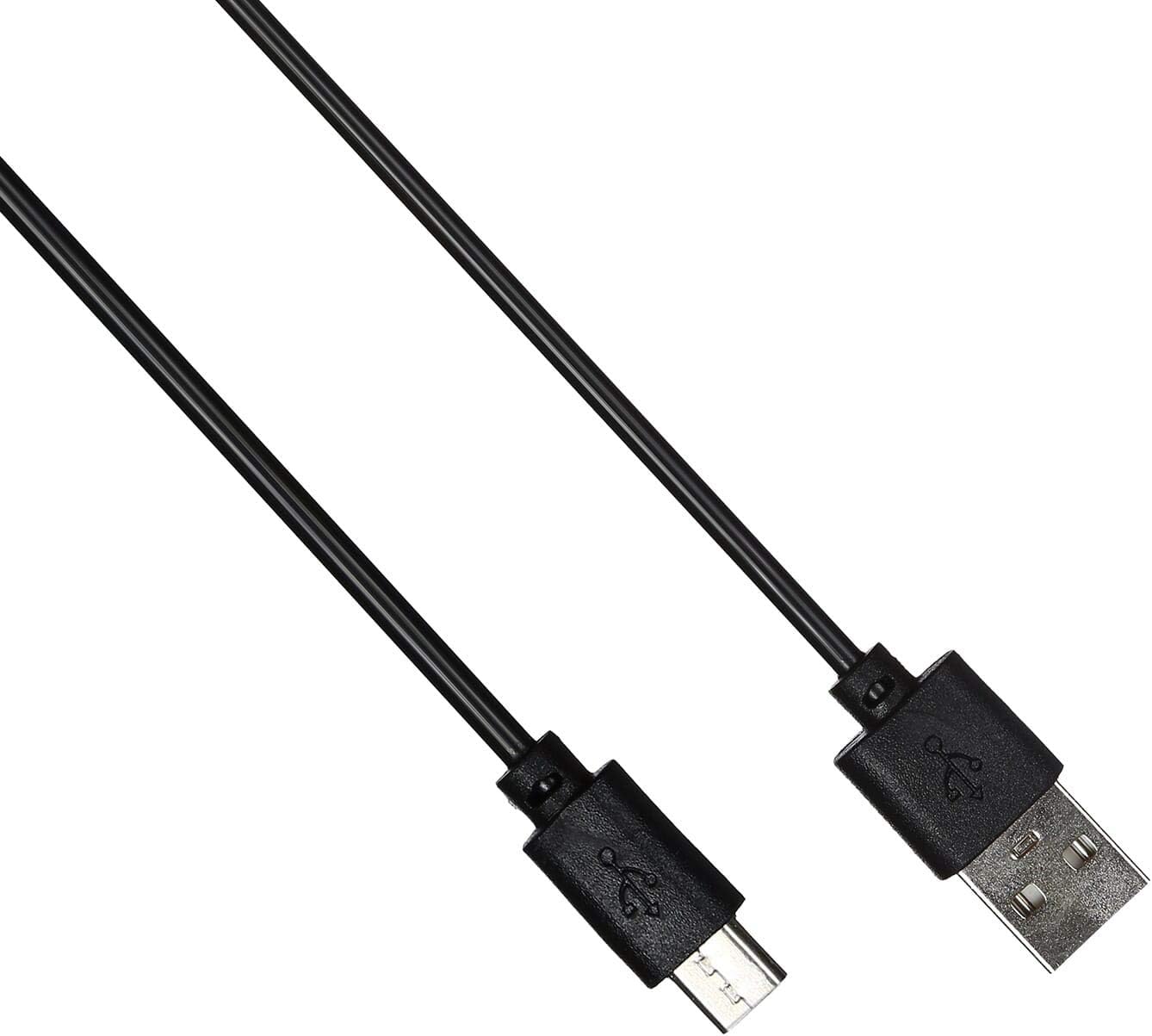
Image: The USB charging cable for the QCY A1 headset.
Gadzirira
1. Kuchaja Headset
- Connect the charging cable to the headset's charging port.
- Batanidza imwe mugumo wetambo mu USB sosi yemagetsi (semuenzaniso, komputa, madziro adapta).
- The indicator light will show charging status. A full charge typically takes approximately 1-2 hours.
- Kana wanyatsochajiswa, bvisa tambo yekuchaja.
2. Kubatanidza neChishandiso
- Ita shuwa kuti headset yadzimwa.
- Press and hold the Multi-function button until the indicator light flashes red and blue alternately, indicating pairing mode.
- On your mobile phone or Bluetooth-enabled device, enable Bluetooth and search for available devices.
- Select "QCY A1" from the list of found devices.
- Once connected, the indicator light will flash blue slowly, and you will hear a confirmation tone.
- If pairing fails, turn off the headset and repeat the steps.
Operating Instruction
Simba On/Kudzima
- Power On: Press and hold the Multi-function button for 3 seconds. The blue indicator light will flash.
- Power Off: Press and hold the Multi-function button for 5 seconds. The red indicator light will flash briefly before turning off.
Fonera Management
- Pindura Call: Dzvanya bhatani reMulti-function kwenguva pfupi.
- Pedzisa Kufona: Short press the Multi-function button during a call.
- Ramba Kufona: Dzvanya uye bata bhatani reMulti-function kwemasekonzi maviri.
- Dhonzazve Nhamba Yekupedzisira: Dzvanya kaviri bhatani reMulti-function kana usiri parunhare.
Music Playback
- Tamba/Kumbomira: Dzvanya bhatani reMulti-function kwenguva pfupi.
- Next Track: Dzvanya uye bata Volume Up bhatani.
- Previous Track: Dzvanya uye bata Volume Down bhatani.
- Vhoriyamu Kumusoro: Dzvanya pfupi bhatani reVolume Up.
- Vhoriyamu Pasi: Dzvanya pfupi bhatani reVolume Down.
Voice Assistant
- Shandisa Izwi Mubatsiri: Triple-press the Multi-function button (functionality depends on your connected device).
Maintenance
- Geza mahedhifoni nguva dzose nejira rakapfava, rakaoma.
- Dzivisa kushandisa makemikari ane hasha kana abrasive zvinhu.
- Chengetedza mahedhifoni munzvimbo inotonhorera, yakaoma kure nechiedza chezuva uye tembiricha yakanyanyisa.
- Do not immerse the headset in water or expose it to excessive moisture.
- Chengetedza pasingasvikirwi nevana.
Kugadzirisa matambudziko
| Dambudziko | Solution |
|---|---|
| Headset haibatike. | Ita shuwa kuti headset yakachajwa zvizere. |
| Haikwanise kubatanidzwa nemudziyo. | Ensure the headset is in pairing mode (red and blue lights flashing). Turn off and on your device's Bluetooth. Try pairing again. |
| Hapana ruzha kana kuti ruzha rwakaipa. | Check the volume levels on both the headset and your connected device. Ensure the headset is within the 10-meter operating range of your device. |
| Mahedhifoni anodzima nguva nenguva. | Ensure there are no obstacles between the headset and your device. Move closer to your device. |
Zvinotsanangurwa
| Feature | Detail |
|---|---|
| Model | A1 |
| Brand | QCY |
| Kubatana Technology | Wireless (Bluetooth 5.0) |
| Makaralı Profiles Inotsigirwa | HFP, A2DP, HSP |
| Wireless Range | Kusvika 10 metres |
| Kudzora Nzira | Bata/Bhatani |
| Headphone Form Factor | Munzeve |
| Inowirirana Devices | Mobile Phones |
| Color | Chena |
| Item Weight | 80 magiramu |
| Inosanganisirwa Zvikamu | Ear Cushions |
Safety Information
- Usabvisa kana kushandura mahedhifoni.
- Dzivisa kufumura mahedhifoni kune tembiricha yakanyanyisa kana humidity.
- Shandisa chete tambo yekuchaja yakapihwa kana certified yakaenzana.
- Do not use the headset at high volume for extended periods to prevent hearing damage.
- Be aware of your surroundings when using the headset, especially in traffic or other potentially dangerous situations.


