1. Nhanganyaya
Thank you for choosing the Tribit FlyBuds C1 True Wireless Earbuds (Model BTH91). This manual provides essential information for setting up, operating, and maintaining your new earbuds. Please read it thoroughly to ensure optimal performance and longevity of your device.

Image: Tribit FlyBuds C1 Wireless Earbuds and Charging Case.
2. Safety Information
To prevent damage to your earbuds or injury to yourself, please observe the following safety precautions:
- Usabvisa kana kugadzirisa ma earbuds kana bhokisi rekuchaja.
- Chengetedza mudziyo kure nekupisa kwakanyanya, kupenya kwezuva, uye kuvhurika marimi.
- Avoid exposing the earbuds to water for prolonged periods, despite their IPX8 rating. Ensure the charging port cover is securely closed before exposure to liquids.
- Usashandise mishonga inokwesha kana mishonga ine simba kuchenesa mudziyo.
- Teererai pahuwandu huri pakati nepakati kuti musakanganiswe nekunzwa.
- Chengetedza kure nevana nemhuka dzinovaraidza.
3. Package Zviri mukati
The Tribit FlyBuds C1 package includes:
- Tribit FlyBuds C1 Earbuds (Model BTH91)
- Kuchaja Case
- USB-C Kuchaja Cable
- Lanyard
- 6 Pairs of Silicone Ear Tips (various sizes)
- User Manual
- 18-Mwedzi Warranty Card
Image: All items included in the Tribit FlyBuds C1 retail package.
4. Setup
4.1. Kuchaja maEarbuds uye Case
Usati watanga kushandisa, chaja zvizere maearbud nekesi yekuchaja.
- Isa maearbuds muchesi yekuchaja. Ita shuwa kuti vakagariswa zvakanaka munzvimbo dzavo dzakasiyana.
- Connect the USB-C charging cable to the charging port on the case and to a power source. The LED indicators on the case will show charging status. A full charge takes approximately 1.5 hours.
- The charging case also supports wireless charging. Simply place the case on a compatible wireless charging pad.
The earbuds provide up to 5 hours of playback on a single charge, and the charging case extends total playtime to up to 100 hours.
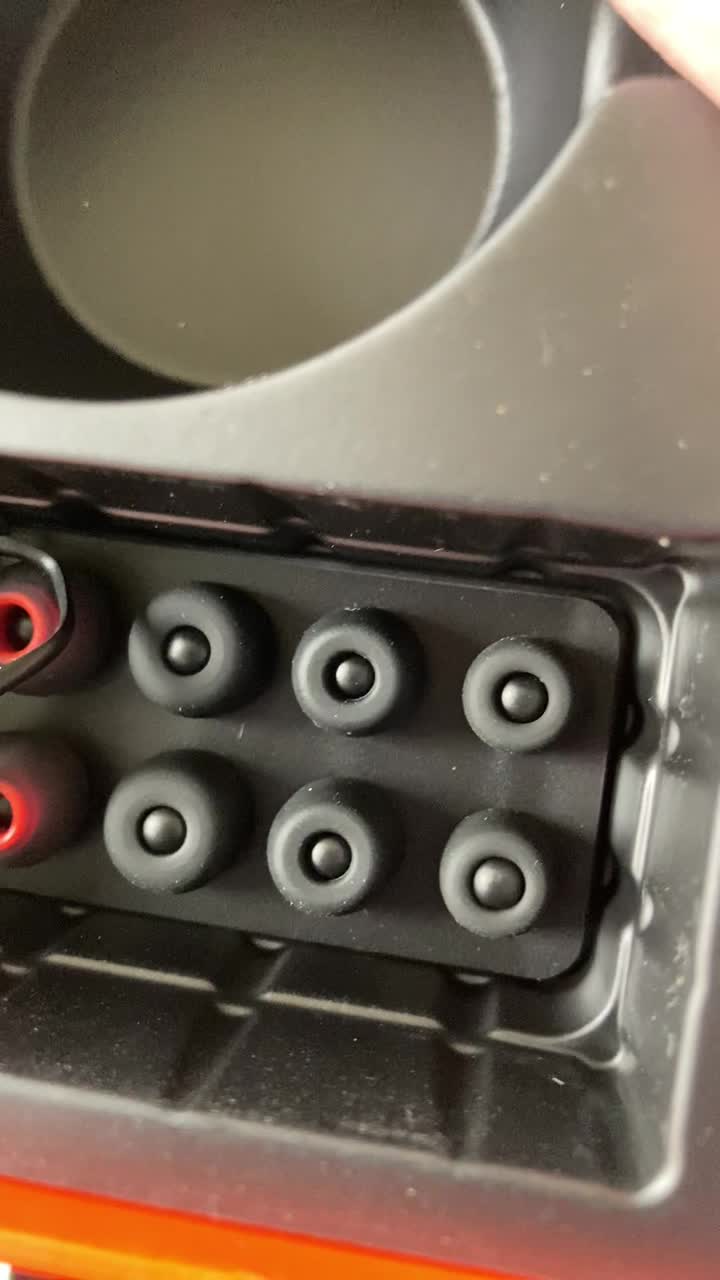
Image: Tribit FlyBuds C1 earbuds charging inside their case, with battery indicator lights visible.
4.2. Kubatanidza neChishandiso Chako
The Tribit FlyBuds C1 feature one-step pairing for convenience.
- Vhura kesi yekuchaja. Maearbuds anozopinda otomatiki maitiro ekubatanidza.
- Pamudziyo wako (smartphone, piritsi, laptop), shandisa Bluetooth uye tsvaga zvishandiso zviripo.
- Select "Tribit FlyBuds C1" from the list of devices. Once connected, a voice prompt will confirm successful pairing.
- The earbuds will automatically connect to the last paired device when the case is opened. To unpair, press and hold the button on the charging case.
4.3. Kuisa maEarbuds
For optimal sound quality and comfort, choose the correct size ear tips.
- Experiment with the 6 included pairs of silicone ear tips to find the best fit for your ears. A snug fit ensures better bass response and noise isolation.
- Isa zvinyoro nyoro maearbuds munzeve yako woatenderedza zvishoma kuti anyatsobatirira.
Image: Selection of silicone ear tips for personalized fit.
5. Operating Instructions
5.1. Simba On / Off
- Power On: Vhura kesi yekuchaja, uye maearbuds anozobatidza otomatiki.
- Power Off: Isa maearbuds kumashure muchesi yekuchaja wovhara chivharo. Vanodzima votanga kuchaja.
5.2. Mumhanzi Playback
The Tribit FlyBuds C1 feature physical buttons for control:
- Tamba/Kumbomira: Dzvanya bhatani riri pama earbud ese kamwe chete.
- Next Track: Dzvanya bhatani riri pa earbud yekurudyi kaviri.
- Previous Track: Dzvanya bhatani riri pa earbud yekuruboshwe kaviri.
Note: Volume control is not directly available on the earbuds. Please adjust volume via your connected device.
5.3. Call Management
- Pindura/Pedzisa Kufona: Dzvanya bhatani riri pama earbud ese kamwe chete.
- Ramba Kufona: Press and hold the button on either earbud for 2 seconds.
- Activate Voice Assistant (Siri, Google Assistant): Triple-press the button on either earbud.
The earbuds feature 4 microphones with CVC 8.0 Call Noise Reduction for clear calls.
5.4. Modhi yeEarbud Imwe Chete
Either earbud can be used independently. Simply take one earbud out of the case, and it will automatically connect to your device. The other earbud can remain in the case or be used later.
5.5. IPX8 Waterproofing
The Tribit FlyBuds C1 are IPX8 rated, offering protection against sweat, splashes, and submersion in water up to 1 meter for 30 minutes. This makes them suitable for sports and exercise in various weather conditions.
- Ensure the USB-C charging port cover is securely closed before exposing the earbuds to water.
- Do not charge the earbuds if they are wet. Dry them thoroughly before placing them back in the charging case.
6. Kuchengeta
Proper maintenance ensures the longevity and performance of your Tribit FlyBuds C1.
- Kuchenesa: Regularly clean the earbuds and charging case with a soft, dry, lint-free cloth. For ear tips, remove them and wash with mild soap and water, then dry completely before reattaching.
- Kuchengeta: Kana isiri kushandiswa, chengeta maearbuds mukesi yavo yekuchaja kuti uzvidzivirire uye ugare wakachajwa. Chengetedza munzvimbo inotonhorera, yakaoma kure nekupisa kwakanyanya.
- Dzivisa Kukuvara: Do not drop, puncture, or expose the device to strong impacts.
7. Kugadzirisa matambudziko
If you encounter issues with your Tribit FlyBuds C1, try the following solutions:
| Dambudziko | Solution |
|---|---|
| Maearbuds haasi kubatanidza |
|
| Hapana ruzha kana yakaderera vhoriyamu |
|
| Maearbuds haasi kuchaja |
|
| Kubatana kwepakati |
|
8. Zvinotsanangurwa
| Feature | Detail |
|---|---|
| Model Name | BTH91 (FlyBuds C1) |
| Kubatana Technology | Wireless (Bluetooth) |
| Bluetooth Version | 5.2 |
| Bluetooth Range | 10 Mamita |
| Hupenyu hwebhatiri (Earbuds) | Kusvika kumaawa matanhatu pamutengo wega wega |
| Yese Yekutamba (ine Kesi yekuchaja) | Kusvikira kumaawa makumi maviri nemashanu |
| Kuchaja Nguva | Approx. 1.5 hours (case) |
| Mvura Resistance Level | IPX8 (Isingapindi mvura) |
| Zvinhu Zvinodzora Ruzha | CVC 8.0 Call Noise Reduction, Sound Isolation |
| Kudzora Nzira | Bhatani reKunyama |
| Kuchaja Port | USB-C, Wireless Charging (Qi-compatible) |
| Item Weight | 2.4 ounces |
| Product Dimensions | 2.4 x 2.4 x 1.2 inches |
9. Warranty & Tsigiro
Tribit provides an 18-month warranty for the FlyBuds C1 (Model BTH91) from the date of purchase. This warranty covers manufacturing defects and ensures your product is free from material and workmanship flaws under normal use.
For warranty claims, technical support, or any questions regarding your product, please contact Tribit customer service:
- Email: support@tribitaudio.com
- Tiketi rekutsigira: Visit tribitaudio.com/support
- Runhare: 1-888-232-3138 (Mon-Fri, 9:00-6:00 PST [US])
Please have your purchase receipt and product model number (BTH91) ready when contacting support.


