Nhanganyaya
The Trust Primo Touch Bluetooth True Wireless Earphones offer a truly wireless audio experience with intuitive touch controls. Designed for freedom and convenience, these earphones provide up to 10 hours of playtime on the go, thanks to their compact charging case.
- Truly wireless earphones for ultimate freedom (10 meter range).
- Stylish and on-trend design.
- Comfort fit ear shell pods that keep you alert for nearby sounds.
Product Overview

The Trust Primo Touch True Wireless Earbuds are shown in their open charging case, with both earbuds upright and ready for use or charging.

A detailed close-up of the Trust Primo Touch True Wireless Earbuds, showcasing their sleek design and the subtle Trust branding.

A user enjoying music outdoors with the Trust Primo Touch Earbuds, demonstrating the freedom of movement provided by the wireless design.
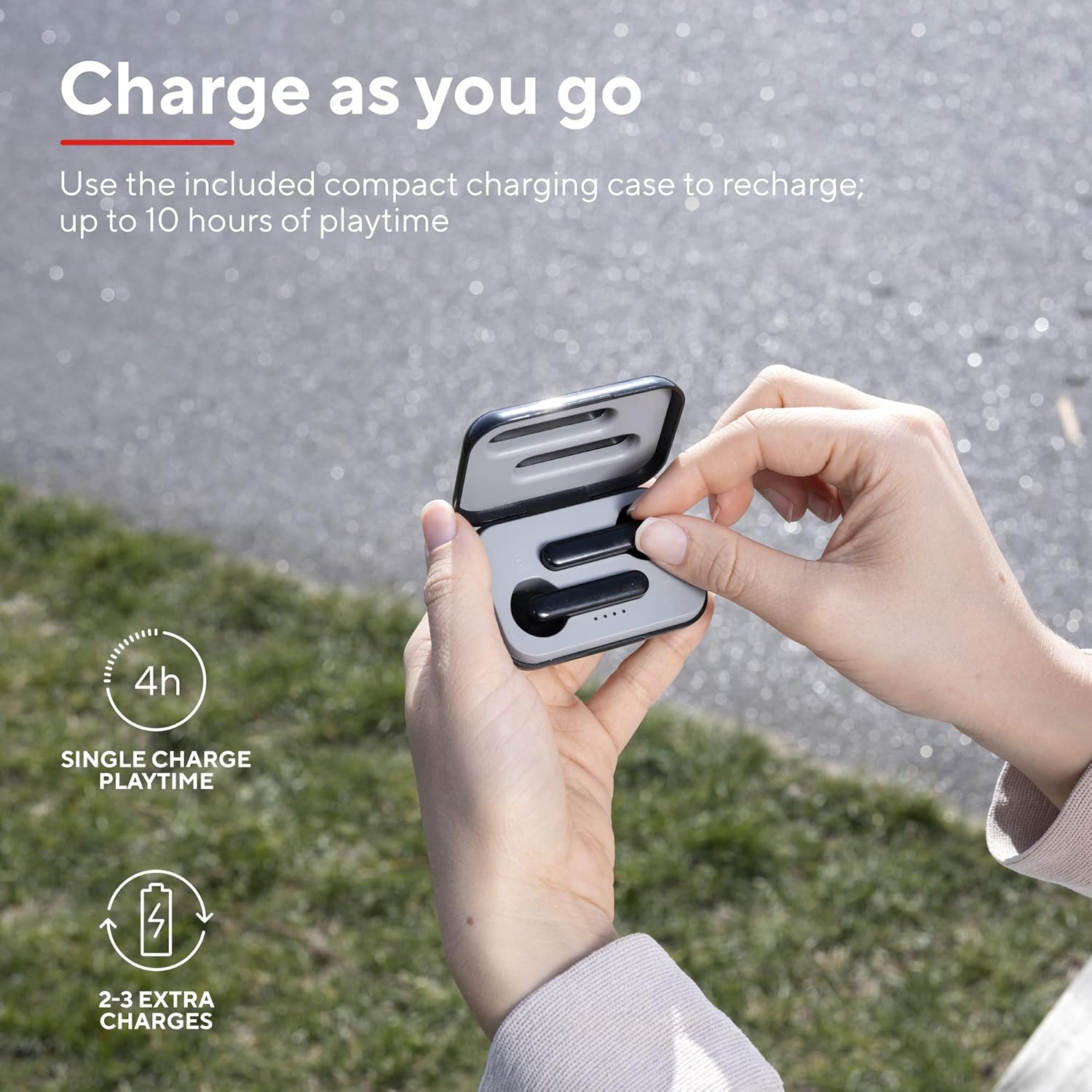
A user placing an earbud into the compact charging case, highlighting the convenience of recharging on the go for extended playtime.

A pedyo-up view of the earbuds, showcasing their modern, minimalist design and emphasizing their clear sound quality.

A user interacting with the touch controls on an earbud, illustrating the ease of managing audio playback and calls without reaching for a device.

Nyanzvi yedivifile of a person wearing one of the earbuds, demonstrating its ergonomic design for a comfortable and secure fit.
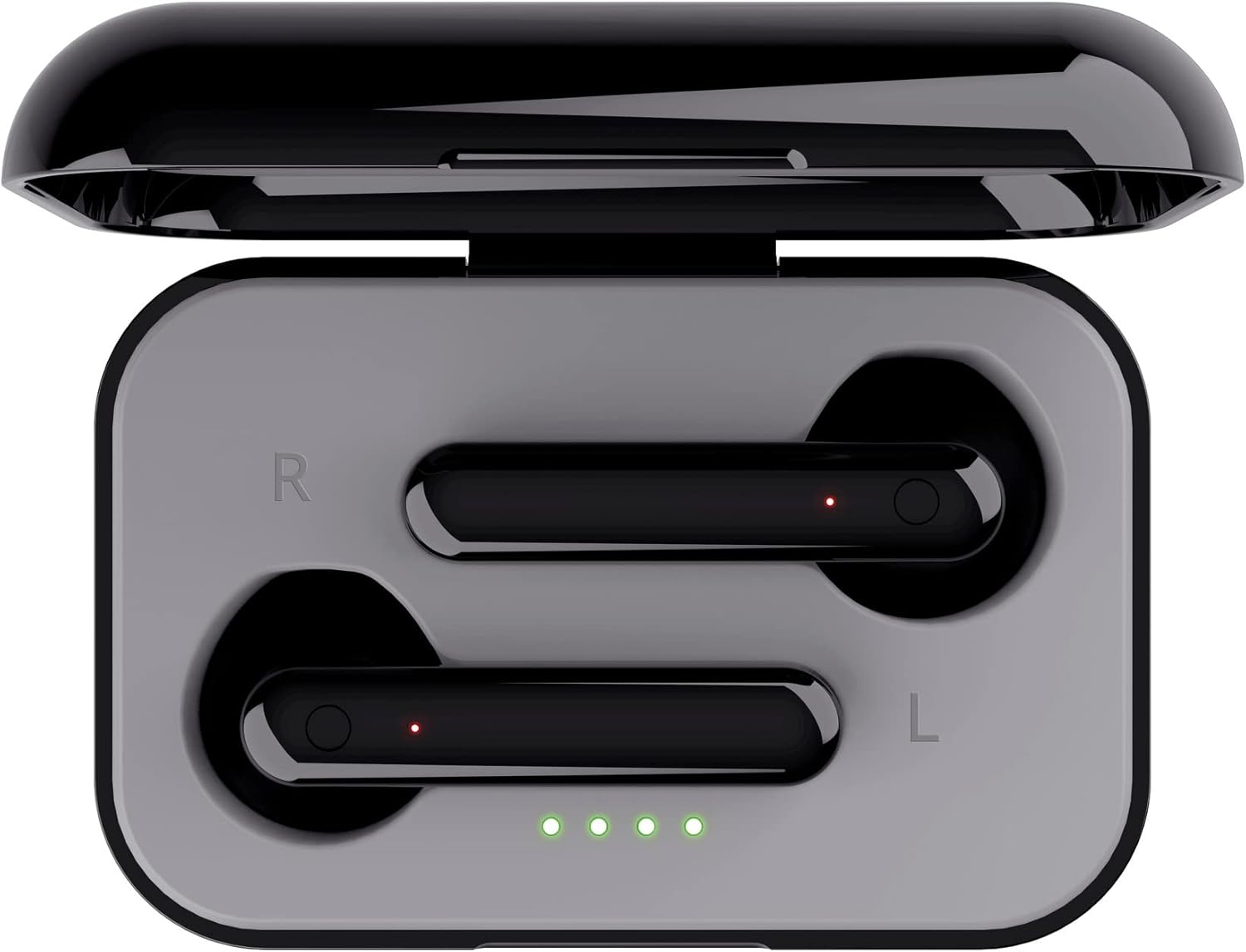
A kumusoro-pasi view of the open charging case with the earbuds inside, clearly showing the LED charging indicators.

A kumusoro-pasi view of the closed charging case, featuring the Trust brand logo on its sleek black surface.

The Trust Primo Touch Earbuds are displayed alongside their open charging case, providing a complete view yezvikamu zvechigadzirwa.
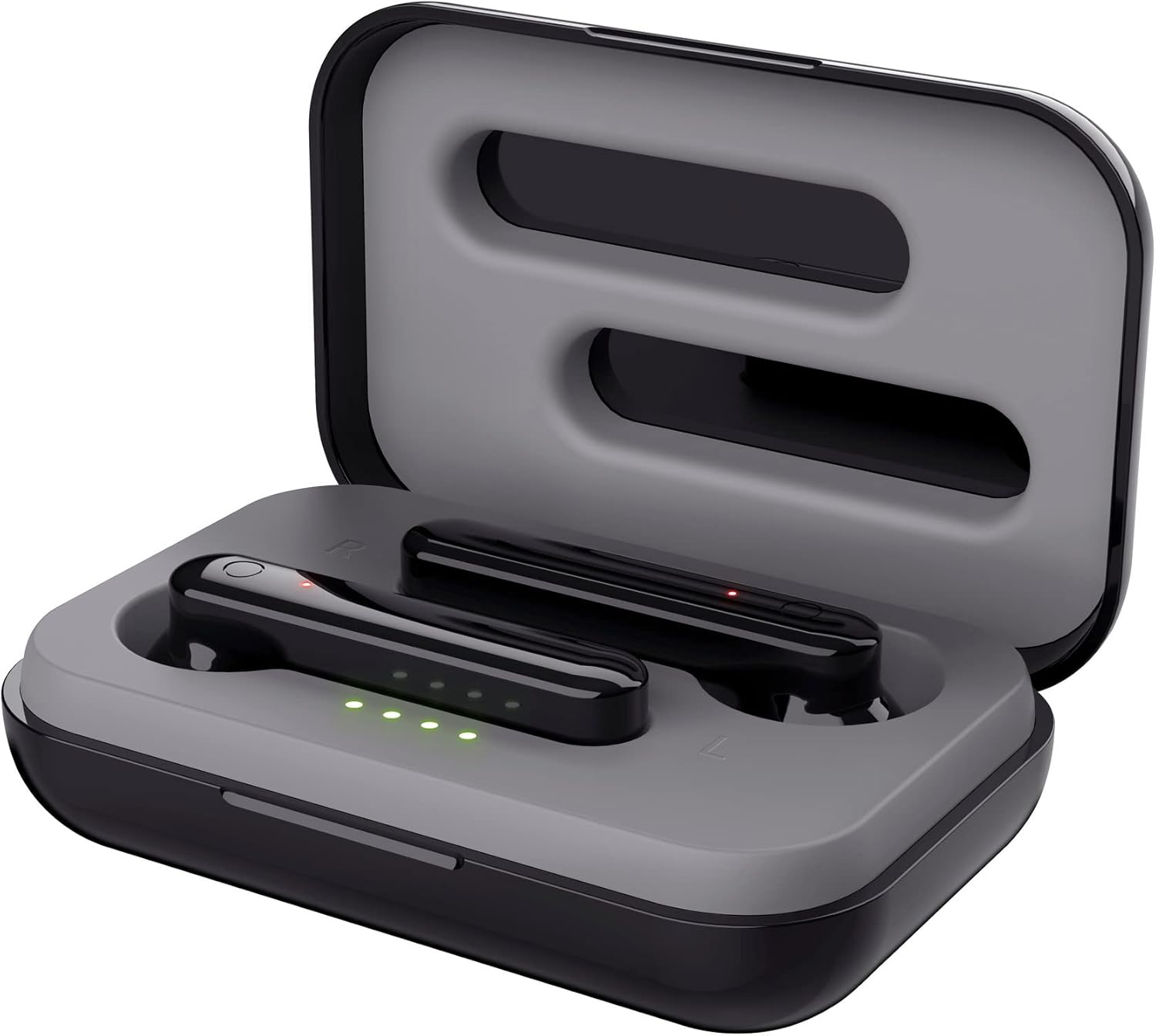
An angled top view of the earbuds nestled within their open charging case, showing the precise fit and charging contacts.

The retail packaging for the Trust Primo Touch Wireless Earphones, showcasing zvinhu zvikuru uye zvinhu zvekugadzira.
Gadzirira
1. Kuchaja maEarphone neCase
Before first use, fully charge the earphones and the charging case. Place the earbuds into the charging case. Connect the charging case to a USB power source using the provided cable. The LED indicators on the case will show the charging status. A full charge provides up to 4 hours of playtime for the earbuds, with the case offering 2-3 additional charges.
2. Kubatanidza neChishandiso Chako
- Ita shuwa kuti maearphone akachajwa.
- Open the charging case. The earphones will automatically enter pairing mode (indicated by flashing LEDs on the earbuds).
- Pamudziyo wako (smartphone, piritsi, nezvimwewo), enda kuBluetooth marongero uye wobatidza Bluetooth.
- Tsvaga available devices and select "Trust Primo Touch" from the list.
- Once connected, the earbud LEDs will stop flashing, indicating successful pairing.
Kushanda
Touch Controls
The Trust Primo Touch earphones feature intuitive touch controls on each earbud. Refer to the following for common functions:
| Chiito | Function |
|---|---|
| Tap Imwechete (Kuruboshwe/Kurudyi Earbud) | Tamba/Misa Mimhanzi, Pindura/ Pedzisa Kufona |
| Tokonya Kaviri (Nyeve yekurudyi) | Next Track |
| Tokonya Kaviri (Nzeve Yeruboshwe) | Previous Track |
| Dzvanya Yakareba (Kuruboshwe/Kurudyi Earbud) | Activate Voice Assistant (Siri, Google Assistant) |
| Kudzvanya kwenguva refu (panguva yekufona) | Ramba Kufona |
Simba On/Kudzima
- Power On: Open the charging case, or long-press the touch area on both earbuds for a few seconds if they are out of the case and off.
- Power Off: Place the earbuds back into the charging case and close the lid, or long-press the touch area on both earbuds for a few seconds until the indicator light turns off.
Maintenance
Kuchenesa
- Garai kuchenesa maearbud nekesi yekuchaja nejira rakapfava, rakaoma, risina lint.
- Usashandise abrasive cleaners, doro, kana makemikari zvinonyungudutsa.
- Chenesa zvinyoro nyoro zvinochaja maearbuds uye kese kuti uone kuchaja kwayo.
Storage
Kana isiri kushandiswa, chengeta maearphone mukesi yekuchaja kuti azvidzivirire kubva kuguruva nekukuvadzwa. Chengetedza munzvimbo inotonhorera, yakaoma kure nekupisa kwakanyanya.
Kugadzirisa matambudziko
Earbuds Not Pairing with Each Other or Device
- Ita shuwa kuti ese maearbud akachajwa.
- Isa maearbud ese ari maviri muchesi yekuchaja, vhara chivharo, mirira mashoma mashoma, wozovhura zvakare.
- On your device, forget or unpair "Trust Primo Touch" from your Bluetooth settings.
- Tangazve mudziyo wako woedzazve kusanganisa.
Hapana Ruzha kana Low Volume
- Tarisa huwandu hwevhoriyamu pane zvese mudziyo wako uye munzeve.
- Ita shuwa kuti maearbuds akabatana nemazvo kumudziyo wako.
- Chenesa tsvina yese kubva pamagrilles espika dzeearbud.
Maikorofoni Nyaya
- Ensure the earbuds are properly connected and selected as the audio input device on your phone.
- Check for any obstructions near the microphone opening on the earbuds.
Zvinotsanangurwa
| Feature | Detail |
|---|---|
| Brand | Vimba |
| Model Number | 23712 |
| Color | Nhema |
| Kuiswa Nzeve | Munzeve |
| Fomu Factor | Munzeve |
| Noise Control | Kuzviparadzanisa nevamwe |
| Product Dimensions | 150 x 5 x 5cm; 40g |
| Mabhatiri | 1 A mabhatiri anodiwa (akabatanidzwa) |
| Mugadziri | Vimba |
| Kutanga Kuwanikwa Zuva | 14 Chikunguru 2020 |
Warranty uye Support
Kuti uwane ruzivo rwewarandi uye rutsigiro rwehunyanzvi, ndapota tarisa kuTrust yepamutemo website or contact Trust customer service directly. Keep your proof of purchase for any warranty claims.
You can typically find support resources, FAQs, and contact details on the manufacturer's official websaiti:


