Nhanganyaya
This manual provides detailed instructions for the operation and maintenance of your TOZO G1 Wireless Gaming Earbuds. Please read thoroughly before use to ensure optimal performance and longevity of your device.
Chii chiri muBhokisi
- TOZO G1 Wireless Earbuds
- Wireless Charging Case
- Eartips (multiple sizes for comfortable fit)
- USB A kune USB C yekuchaja Cable
- Mushandisi Chinyorwa (gwaro iri)
Gadzirira
1. Kuchaja maEarbuds uye Case
Before first use, fully charge the earbuds and charging case to ensure maximum battery life.
Image: The TOZO G1 charging case connected via a USB-C cable, indicating charging status with an illuminated logo.
- Connect the USB A to USB C charging cable to the charging port on the case.
- Connect the other end to a compatible USB power source.
- The LED indicator on the case will show the charging status. A full charge provides up to 6 hours of playback for the earbuds and an additional 30 hours with the charging case.
2. Kubatanidza neChishandiso Chako
Tevedzera matanho aya kuti ubatanidze maearbud ako nemudziyo unobatidzwa neBluetooth.
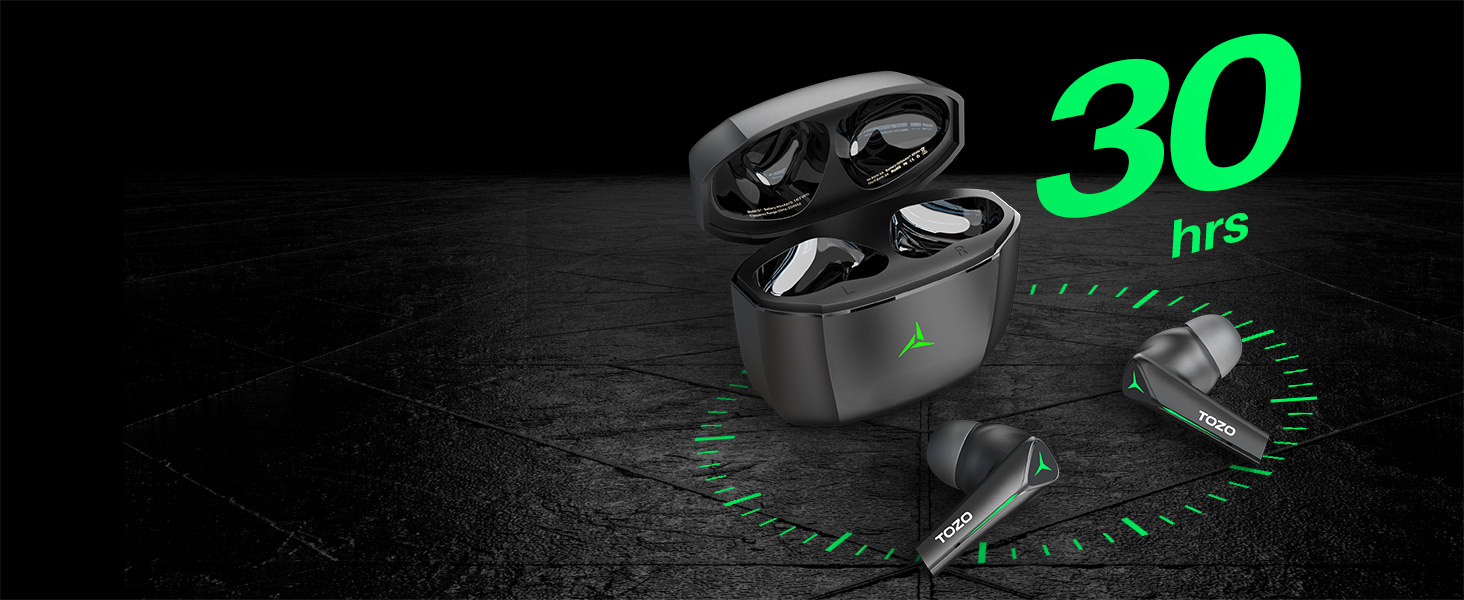
Image: TOZO G1 earbuds shown next to a smartphone displaying Bluetooth pairing options, with the earbuds emitting a green light.
- Open the charging case. The earbuds will automatically enter pairing mode (indicated by flashing LED lights).
- On your device (smartphone, tablet, laptop, gaming console), enable Bluetooth.
- Tsvaga "TOZO G1" in the list of available devices and select it to connect.
- Once connected, the earbud LED lights will turn off or show a steady light.
Operating Instruction
1. Game & Music Dual Mode
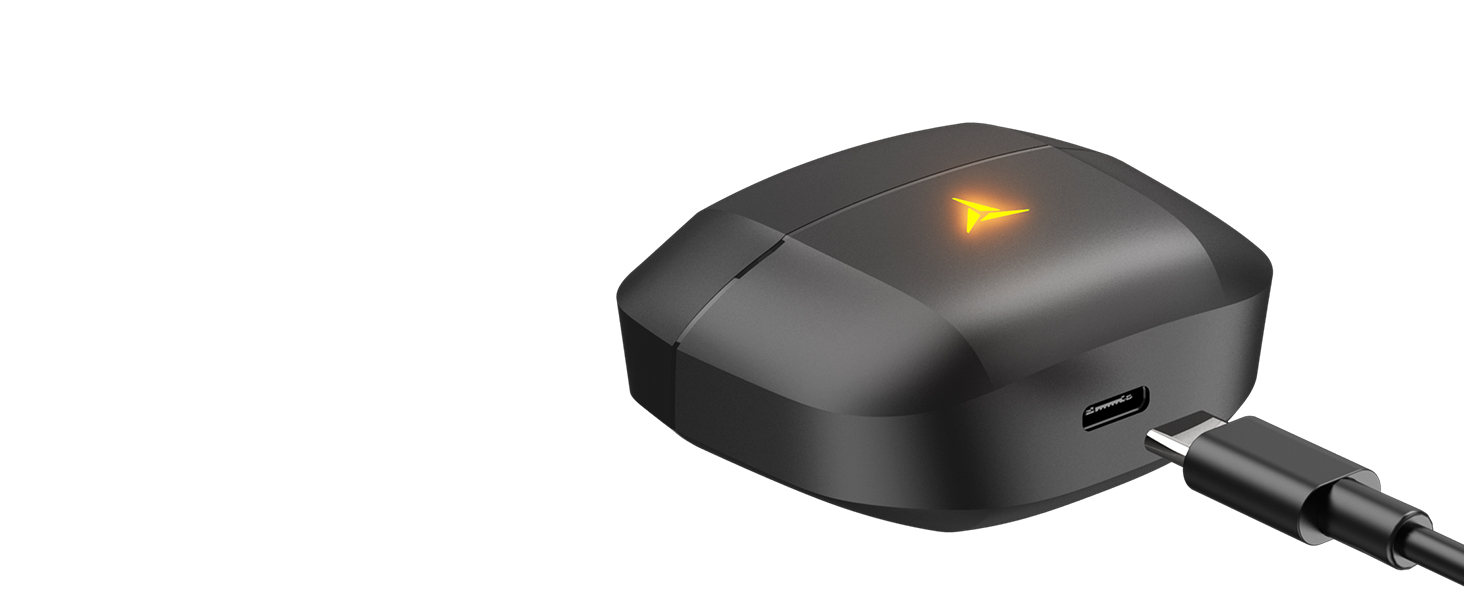
Image: A split image showing the TOZO G1 earbuds in "Game Mode" with a gaming scene and "Music Mode" with a person playing guitar, highlighting the dual functionality.
The TOZO G1 earbuds feature a dual mode for optimized audio performance:
- Game Mode: Provides 45ms ultra-low latency for synchronized audio and video, enhancing gaming with accurate sound detection (footsteps, gunfire).
- Mumhanzi Mode: Delivers high-fidelity sound with powerful bass (16Hz-20kHz), mellow midrange, and clear treble for an immersive listening experience.
2. Smart Touch Control

Image: A diagram illustrating the touch control functions for the left and right TOZO G1 earbuds, including play/pause, track skipping, volume control, call management, and voice assistant/game mode activation.
Control your earbuds with simple touch gestures:
| Chiito | Left Earbud | Right Earbud |
|---|---|---|
| Tamba/Misa | Single Tap (X1) | Single Tap (X1) |
| Rwiyo rwekutanga / unotevera | Double Tap (X2) - Previous | Double Tap (X2) - Next |
| Pindura/Dura Kufona | Single Tap (X1) | Single Tap (X1) |
| Ramba Kufona | Bata kwemasekonzi maviri | Bata kwemasekonzi maviri |
| Vhoriyamu Pasi / Kumusoro | Hold for 2 seconds - Volume Down | Hold for 2 seconds - Volume Up |
| Voice Assistant/Game Mode | Triple Tap (X3) - Voice Assistant | Triple Tap (X3) - Game Mode |
Maintenance
- Gara uchichenesa maearbud nebhokisi rekuchaja nejira rakapfava, rakaoma.
- Avoid exposing the earbuds to extreme temperatures or liquids. While waterproof, prolonged submersion is not recommended.
- Store in the charging case when not in use to protect and keep them charged.
Kugadzirisa matambudziko
- Maearbuds haana kubatanidza:
- Ensure both earbuds are in the charging case and the case is open. Check your device's Bluetooth settings and try reconnecting. If issues persist, reset the earbuds (refer to the full user manual for specific reset instructions).
- Hapana ruzha kana vhoriyamu yakaderera:
- Check the volume levels on both your device and the earbuds. Ensure earbuds are properly seated in your ears. Verify the earbuds are connected to the correct device.
- Kuchaja nyaya:
- Ita shuwa kuti tambo yekuchaja yakabatana zvakachengeteka kune ese ari maviri kesi uye sosi yemagetsi. Edza imwe USB-C tambo kana adapta yemagetsi. Chenesa macontacts ekuchaja pamaearbuds uye mukati mekesi.
Zvinotsanangurwa
| Feature | Detail |
|---|---|
| Model Name | G1 |
| Kubatana Technology | Wireless (Bluetooth 5.3) |
| Sravana Sameeralu Serial XNUMXth Audio Latency | 45 Milliseconds (Game Mode) |
| Hupenyu hwebhatiri (Earbuds) | Kusvikira kuMaawa mashanu |
| Yese Yekutamba (ine Kesi yekuchaja) | Kusvikira kuMaawa mashanu |
| Mvura Resistance Level | Isingapindi mvura (IPX5) |
| Kudzora Nzira | Bata |
| Inosanganisirwa Zvikamu | TOZO G1 Wireless Earbuds, Wireless Charging Case, Eartips, USB A to USB C Charging Cable, User Manual |
Official Product Video
Vhidhiyo: Yepamutemo chigadzirwa vhidhiyo showcasing the TOZO G1 Wireless Gaming Earbuds and their features.
Warranty & Support
TOZO products come with a standard manufacturer's warranty. For detailed warranty information, product support, or to contact customer service, please visit the official TOZO websaiti kana tarisa kune waranti kadhi inosanganisirwa mune yako chigadzirwa kurongedza.
Official Websaiti: www.tozostore.com


