1. Kutanga
1.1 Package Zviri mukati
Ndokumbira utarise pasuru yezvinhu zvinotevera:
- WENKEY E2 Wireless Earbuds (Left and Right)
- Kuchaja Case
- USB Kuchaja Cable
- Multiple Sizes of Ear Tips (XS, S, M, L, XL)
- User Manual
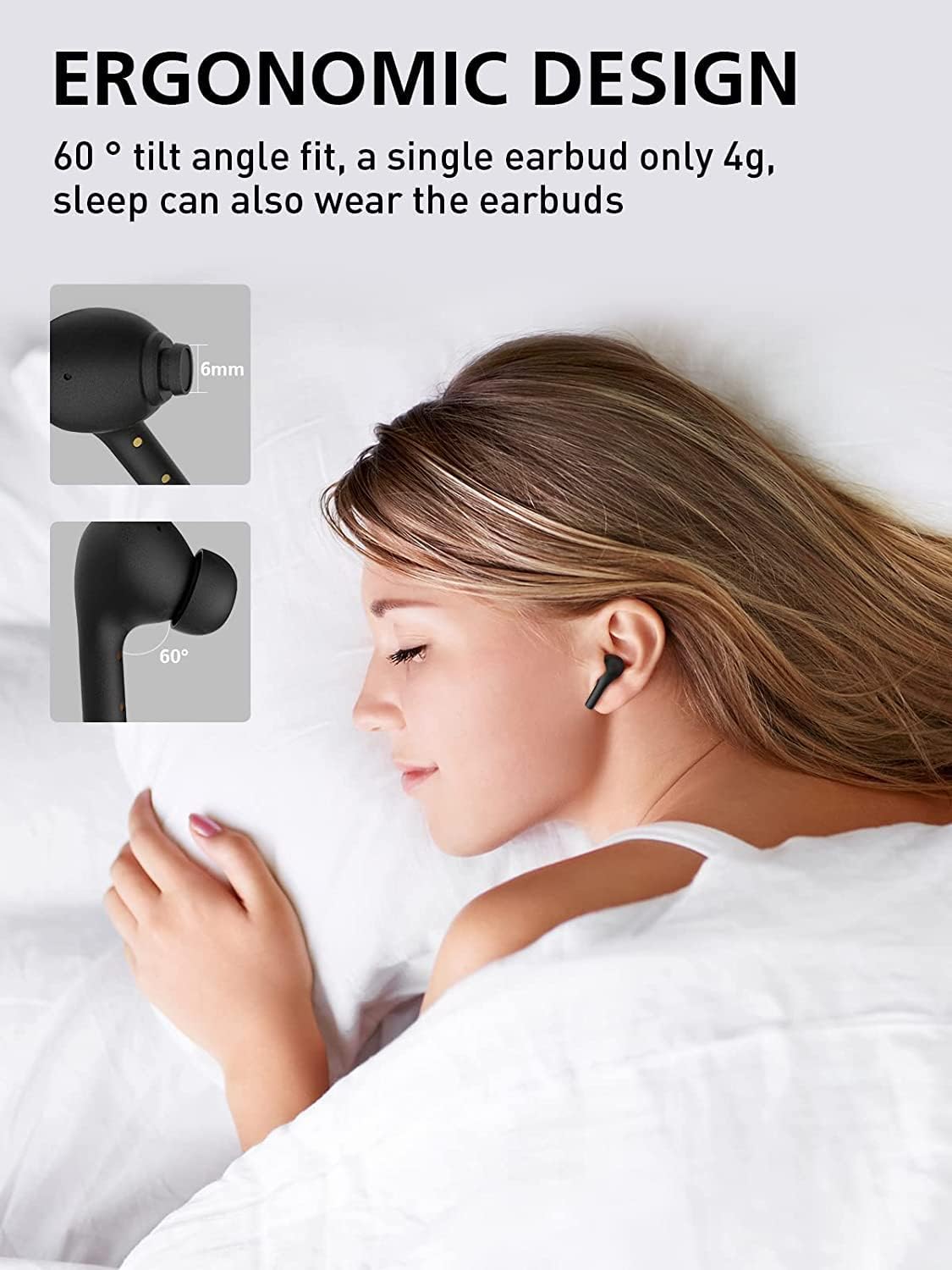
Image: All components included in the WENKEY E2 Earbuds package.
1.2 Kuchaja maEarbuds uye Case
Before first use, fully charge the earbuds and the charging case. The charging case provides up to 5 full charges for the earbuds, extending total listening time to 30 hours.
- Place the earbuds into the charging case. Ensure they are correctly seated; the indicator lights on the earbuds will illuminate.
- Batanidza bhokisi rekuchaja kune simba reUSB uchishandisa tambo yeUSB yakapihwa.
- The LED indicators on the charging case will show the charging status. Four lights indicate a full charge.

Image: WENKEY E2 Earbuds seated in their charging case, ready for charging.

Image: Visual representation of the charging case's LED indicators and their battery level meanings.
1.3 Kubatanidza neChishandiso Chako
Maearbuds ane nhanho imwe chete kuti zvive nyore.
- Vhura kesi yekuchaja. Maearbuds anozobatidza otomatiki uye opinda papairing mode.
- Pamudziyo wako (smartphone, piritsi, laptop), shandisa Bluetooth.
- Tsvaga "WENKEY E2" in the list of available Bluetooth devices and select it to connect.
- Kana yangobatanidzwa, unonzwa toni yekusimbisa, uye maearbuds anenge agadzirira kushandiswa.
The advanced Bluetooth 5.1 technology ensures a fast, stable connection with a range of up to 15 meters.
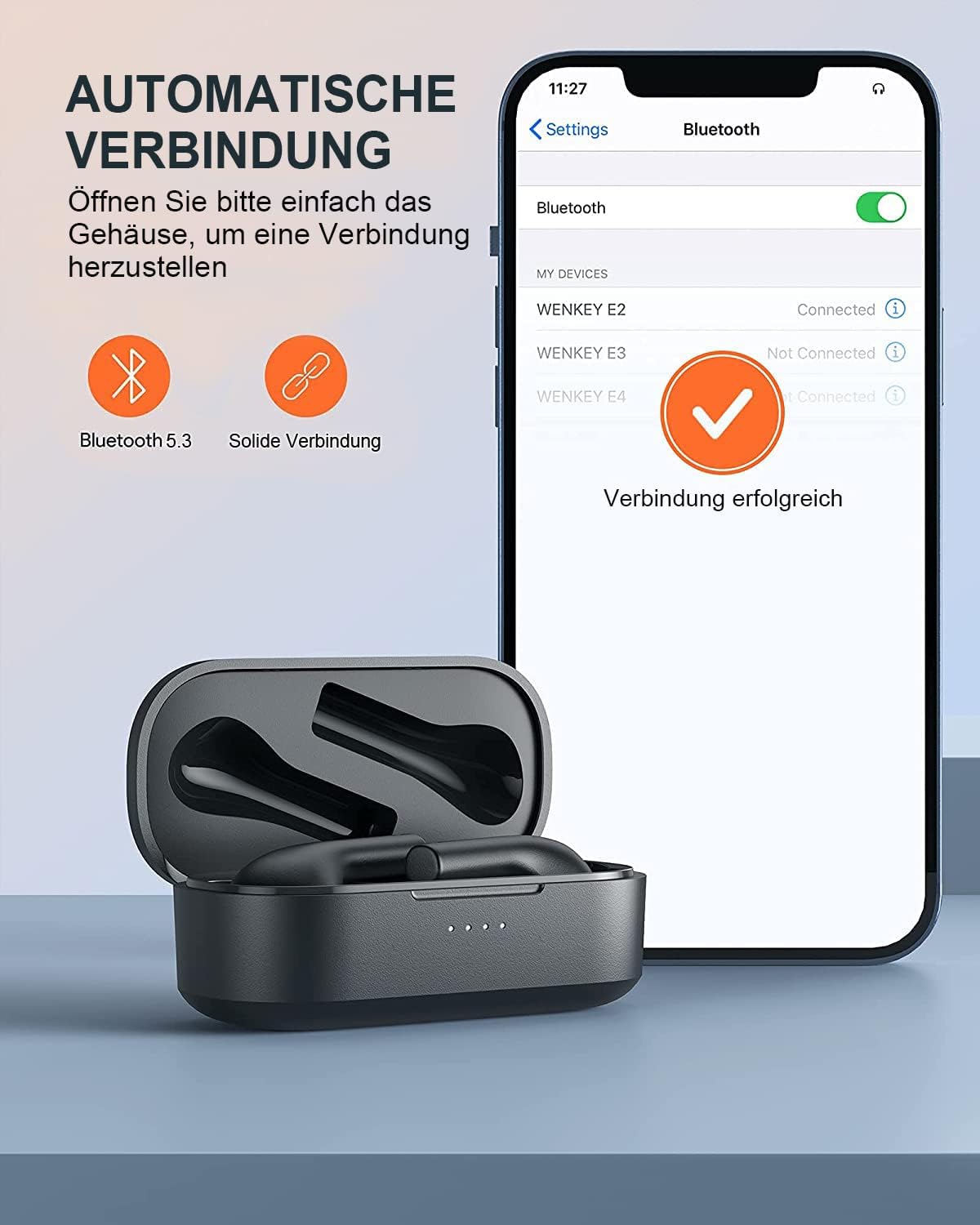
Image: Automatic pairing process shown on a smartphone's Bluetooth settings.
2. Kushandisa maEarbuds
2.1 Kupfeka maEarbuds
The WENKEY E2 earbuds are designed with an ergonomic 60-degree tilt angle for a secure and comfortable fit. Choose the ear tips that best fit your ear canal for optimal sound quality and noise isolation.

Image: Ergonomic design of the earbuds for comfortable and secure wear.

Image: Selection of ear tip sizes for a customized and comfortable fit.
2.2 Kubata Kudzora
The earbuds feature intuitive touch controls for managing media playback and calls.
| Function | Chiito |
|---|---|
| Tamba/Misa | Tokonya kaviri chero earbud |
| Next Track | Bata uye ubate earbud yekurudyi kwemasekonzi maviri |
| Previous Track | Touch and hold the left earbud for 2 seconds |
| Pindura/Pedzisa Kufona | Tokonya kaviri chero earbud |
| Ramba Kufona | Bata uye ubate chero earbud kwemasekonzi maviri |
| Voice Assistant | Dzvanya katatu chero earbud ipi zvayo |

Image: Visual guide to the touch control functions on the earbuds.
2.3 Call Functions and Audio Quality
The earbuds feature ENC (Environmental Noise Cancellation) microphones, ensuring clear calls even in noisy environments. Experience Hi-Fi stereo sound with enhanced bass for an immersive audio experience.

Image: Explanation of the noise-canceling microphone technology for clear calls.

Image: Internal structure of the earbud driver, emphasizing high-fidelity audio.
2.4 Kushandisa Earbud Imwe Chete
Either earbud can be used independently as a mono Bluetooth headset, allowing you to stay aware of your surroundings while enjoying audio or making calls.

Image: Demonstrating the flexibility of using a single earbud.
3. Kuchengeta
3.1 Kuchenesa
Kuti urambe uchishanda zvakanaka uye uine hutsanana, gara uchichenesa mahedhifoni ako nebhokisi rekuchaja.
- Shandisa jira rakapfava, rakaoma, risina lint kupukuta maearbud nekesi yekuchaja.
- Bvisa zvinyoro nyoro chero chero wakisi kana marara kubva munzeve matipi uye mutauri mesh uchishandisa diki, rakachena bhurasho kana donje swab.
- Usashandise abrasive cleaners, doro, kana makemikari zvinonyungudutsa.
3.2 Kuramba Mvura (IPX6)
The WENKEY E2 earbuds are IPX6 waterproof, meaning they are resistant to sweat, water splashes, and rain. They are suitable for sports and outdoor activities.
Note: The charging case is not waterproof. Do not expose the charging case to liquids.

Image: Visual representation of the earbuds' IPX6 water resistance.
3.3 Kuchengeta
Kana isiri kushandiswa, chengetedza maearbuds mukesi yavo yekuchaja kuti uzvidzivirire uye uone kuti inoramba yakachajiwa.
4. Kugadzirisa matambudziko
If you encounter any issues with your WENKEY E2 earbuds, please refer to the following common solutions:
| Dambudziko | Possible Solution |
|---|---|
| Maearbuds haasi kubatanidza/kubatanidza |
|
| Hapana ruzha kana yakaderera vhoriyamu |
|
| Intermittent connection/sound flickering |
|
| Maearbuds haasi kuchaja |
|
5. Zvinotsanangurwa
| Feature | Detail |
|---|---|
| Model Number | E2 |
| Brand | WENKEY |
| Kubatana Technology | Wireless (Bluetooth 5.1) |
| Wireless Communication Technology | Bluetooth |
| Mvura Resistance Level | IPX6 (Sweatproof, Water-resistant) |
| Hupenyu hwebhatiri (Earbuds) | Kusvika maawa mashanu pamutengo mumwe chete |
| Total Playtime with Charging Case | Kusvikira kumaawa makumi maviri nemashanu |
| Special Features | Fast Charging, ENC Noise Cancellation, Hi-Fi Stereo Sound |
| Color | Nhema |
| Fomu Factor | Munzeve |
| Material | Plastiki |

Image: Illustration of the extended battery life with the charging case.

Image: Compatibility of WENKEY E2 earbuds with various operating systems.
6. Warranty uye Tsigiro
6.1 Ruzivo rweWaranti
Specific warranty details for the WENKEY E2 earbuds are not provided in the product data. Please refer to the warranty card included in your product packaging or contact the retailer/manufacturer directly for warranty terms and conditions.
6.2 Mutengi Tsigiro
For further assistance, technical support, or inquiries, please contact WENKEY customer service. Contact information is typically found on the product packaging, the official WENKEY webwebhusaiti, kana kuburikidza nepuratifomu yako yekutenga.
7. Official Product Videos
Hapana mavhidhiyo echigadzirwa chepamutemo kubva kumutengesi akawanikwa mudata rakapihwa.


