Nhanganyaya
This manual provides comprehensive instructions for the proper use, setup, and maintenance of your BlueParrott B650-XT Mono Bluetooth Wireless Headset. Please read this guide thoroughly to ensure optimal performance and longevity of your device. The B650-XT is designed for clear communication in high-noise environments, offering advanced noise cancellation and robust features for professional use.
Chii chiri muBhokisi
Tarisa kuti zvinhu zvese zviripo mupakeji yechigadzirwa chako:
- B650-XT Headset
- Leatherette cushion nzeve
- USB tambo
- Motokari charger
- Two mic windscreens
- Kurumidza-kutanga gwara

Gadzirira
1. Kuchaja Headset
Before initial use, fully charge your B650-XT headset. Use the provided USB cable and vehicle charger. A full charge provides up to 36 hours of talk time and 90 hours of standby time.
2. Kupfeka Headset
The B650-XT features an over-ear design for comfort during extended use. Adjust the headband and microphone boom for a secure and optimal fit. The microphone should be positioned approximately two finger-widths from the corner of your mouth.

3. Kubatanidza neChishandiso
- Ita shuwa kuti headset yachajwa uye yakadzimwa.
- Dzvanya wobata bhatani rekudzima kwemasekondi angangoita gumi kusvika chiratidzo che LED chapenya bhuruu netsvuku, zvichiratidza nzira yekuwiriranisa.
- Panharembozha yako, shandisa Bluetooth uye tsvaga zvishandiso zviripo.
- Select 'BlueParrott B650-XT' from the list. If prompted, enter '0000' for the PIN.
- Once paired, the LED will show a solid blue light. The headset can pair with up to 7 devices and connect to 2 devices simultaneously.
Operating Instruction
1. Controls Overview
The B650-XT features intuitive controls for managing calls and audio:
- Bhatani reSimba: On/Off, Pairing mode.
- Mabhatani Evhorumu (+/-): Rongedza vhoriyamu yekuteerera.
- BlueParrott Button: Customizable for various functions (mute, speed dial, Push-to-Talk).

2. Kuita uye kugamuchira mafoni
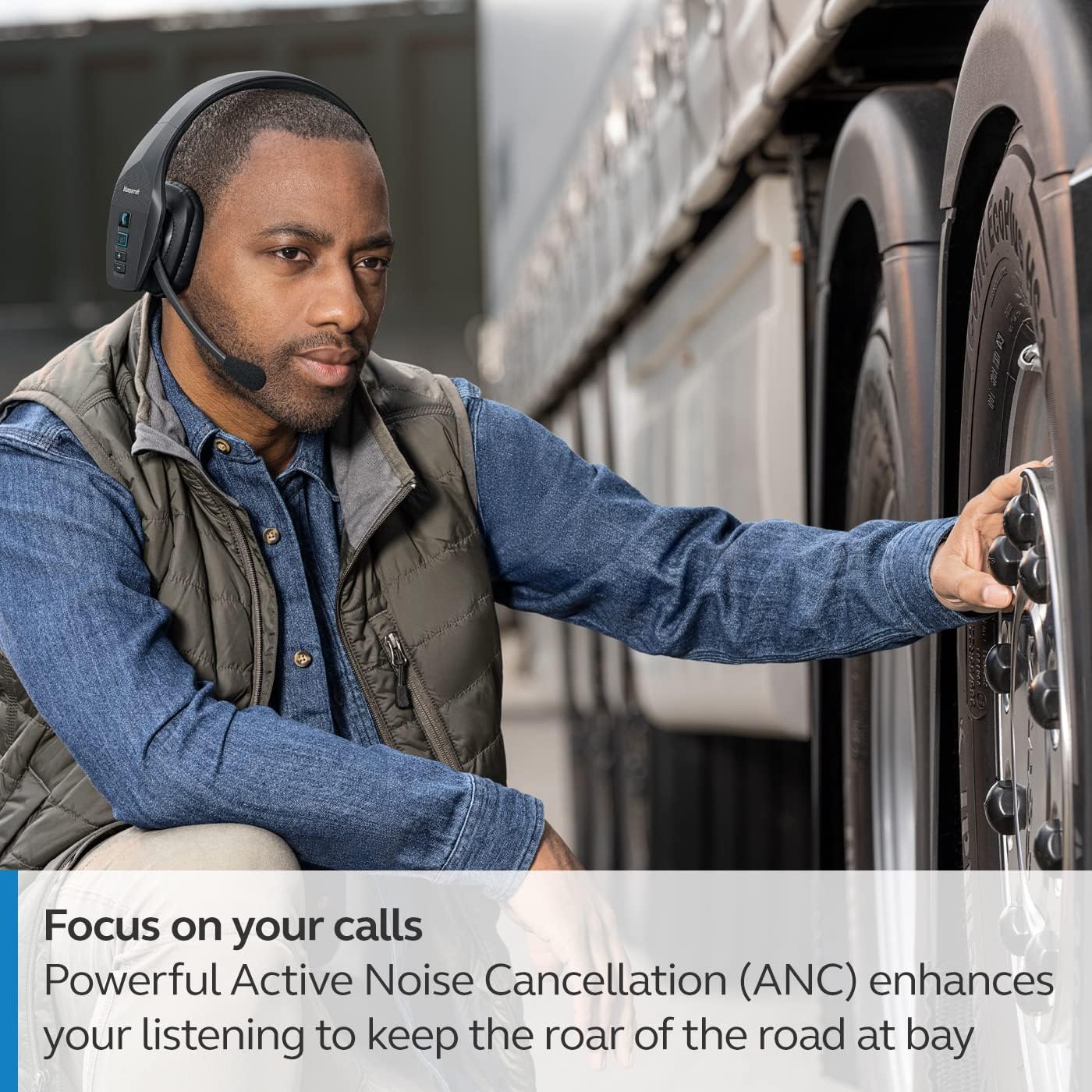
The headset's microphone features 96% noise cancellation, ensuring your voice is clear even in loud environments. Active Noise Cancellation (ANC) in the earcup reduces ambient noise for improved listening.

3. Kudzora Izwi
The B650-XT supports 100% hands-free voice control for managing calls, GPS directions, music, and voice assistants. This feature allows you to operate the headset without taking your hands off the wheel or your eyes off the task.

4. BlueParrott Button Customization
The BlueParrott Button can be programmed for quick access to your most-used functions, such as mute, speed dial, or Push-to-Talk. Customize this feature via the BlueParrott app on your smartphone.

Maintenance
1. Kuchenesa
Regularly wipe the headset with a soft, dry cloth. For deeper cleaning, use a slightly damp cloth. Avoid using harsh chemicals or abrasive materials. Ensure the charging port is free of dust and debris.
2. Kuchengeta
Store the headset in a cool, dry place away from extreme temperatures and direct sunlight. The B650-XT is IP54-rated for protection against dust and water, but proper storage helps maintain its condition.

Kugadzirisa matambudziko
If you encounter issues with your BlueParrott B650-XT headset, try the following steps:
- Hapana Simba: Ita shuwa kuti headset yakachajwa zvizere.
- Haikwanise Kubatanidza: Make sure the headset is in pairing mode (flashing blue/red LED) and your device's Bluetooth is enabled. Try restarting both devices.
- Hunhu Hwekunzwika Husina kunaka: Check microphone positioning. Ensure there are no obstructions between the headset and your connected device.
- Matambudziko Ekudzora Izwi: Verify that voice control is enabled and configured correctly through the BlueParrott app.
For persistent issues, refer to the official BlueParrott support websaiti kana kubata basa revatengi.
Zvinotsanangurwa
| Feature | Detail |
|---|---|
| Model Name | B650-XT |
| Item Model Number | 204330 |
| Kubatana Technology | Bluetooth 5.1 |
| Wireless Range | Kusvika kumamita gumi (100 tsoka) |
| Nguva Yekutaura | Kusvikira kumaawa makumi maviri nemashanu |
| Standby Time | 90 maawa |
| Maikorofoni Noise Cancellation | 96% |
| Noise Control | Active Noise Cancellation (ANC) |
| IP Rating | IP54 (Dust and Water Resistant) |
| Kuiswa Nzeve | Over Ear |
| Audio Driver Size | 40 mamirimita |
| Item Weight | 7.5 ounces (0.47 pounds) |
| Product Dimensions | 6.4 x 2.5 x 6.4 inches |
| UPC | 615822015981 |
Warranty uye Support
For warranty information and detailed support, please visit the official BlueParrott websaiti kana kubata dhipatimendi ravo rebasa revatengi. Chengetedza humbowo hwako hwekutenga kune chero vimbiso yewaranti.
Rutsigiro rwepamhepo: www.blueparrott.com/support


