1. Nhanganyaya
Ndatenda nekutengaasing the Edifier X3s True Wireless Stereo Earbuds. This manual provides detailed instructions on how to set up, operate, and maintain your earbuds to ensure optimal performance and longevity. Please read this manual thoroughly before use.

Image: The Edifier X3s earbuds, one removed from the open charging case, showcasing yavo compact dhizaini.
2. Package Zviri mukati
- Edifier X3s True Wireless Earbuds (Left and Right)
- Kuchaja Case
- USB Kuchaja Cable
- Nzeve Mazano (masaizi akasiyana)
- User Manual
3. Setup
3.1 Kuchaja maEarbuds uye Case
Usati watanga kushandisa, chaja zvizere maearbud nekesi yekuchaja.
- Place the earbuds into the charging case. Ensure they are correctly seated; the indicator lights on the earbuds will illuminate.
- Connect the charging case to a power source using the provided USB cable. The indicator light on the charging case will show charging status.
- A full charge for the charging case typically takes approximately 8 hours. The earbuds will charge automatically when placed in the case.
3.2 Bluetooth Pairing
Follow these steps to pair your Edifier X3s earbuds with your device:
- Ita shuwa kuti maearbuds akachajwa.
- Vhura kesi yekuchaja. Maearbuds anozopinda otomatiki maitiro, anoratidzwa nemwenje unopenya pamaearbuds.
- Pamudziyo wako (smartphone, tablet, nezvimwewo), vhura Bluetooth wotsvaga michina mitsva.
- Select "EDIFIER X3s" from the list of available devices.
- Once connected, a voice prompt will confirm successful pairing, and the earbud indicator lights will turn off.
Mahedhifoni anotsigira TrueWireless Mirroring, allowing seamless switching between single and dual earbud use.
4. Operating Instructions
4.1 Kubata Kudzora
The Edifier X3s earbuds feature intuitive touch controls on each earbud. Refer to the diagram below for specific functions:

Image: A diagram illustrating the touch control functions for the left and right Edifier X3s earbuds.
- Single Tap (L/R): Play/Pause music, Answer an Incoming Call
- Double Tap (L): Previous Song
- Double Tap (R): Next Song
- Triple Tap (L): Switch On Game Mode
- Triple Tap (R): Activate Voice Assistant
- Long Press for 2-3 Seconds (L/R): Hang Up/Reject a Call
- Long Press (L): Volume Down
- Long Press (R): Volume Up
4.2 Game Mode
To enhance your gaming experience, the Edifier X3s features a dedicated Game Mode. Triple-tap the ruboshwe earbud to activate or deactivate Game Mode. This mode optimizes audio-visual synchronization for gaming.
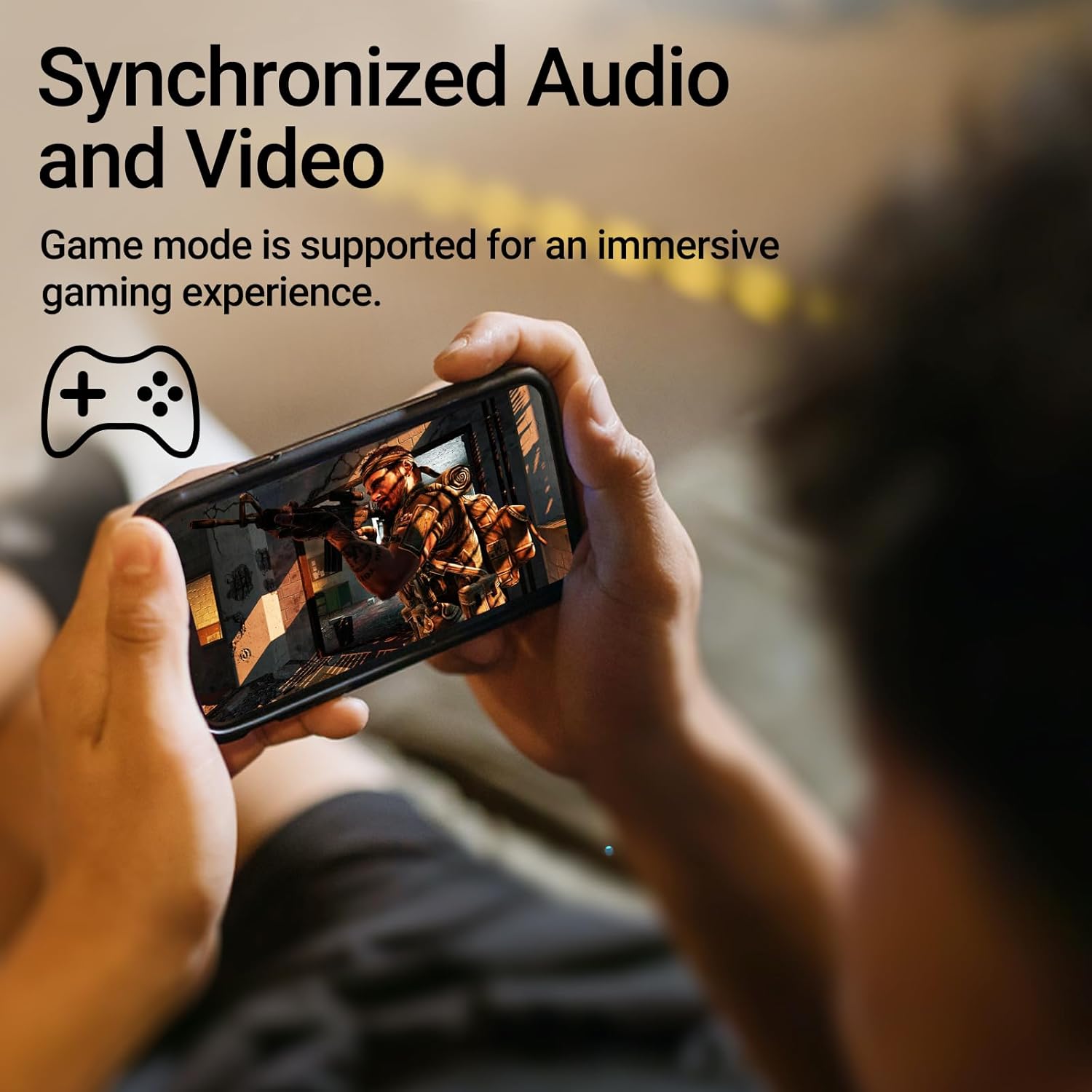
Image: A person holding a smartphone, playing a game, with the text "Synchronized Audio and Video. Game mode is supported for an immersive gaming experience."
5. Key Features
- Chiitiko Chechokwadi Chekushandisa Wireless: Bluetooth V5.2 with Qualcomm aptX audio decoding for high-fidelity sound and stable connections.
- Yakawedzerwa Nguva Yekutamba: Up to 28 hours of total playtime, with 8 hours from the earbuds and an additional 20 hours from the charging case.
- Superior Call Clarity: Equipped with Qualcomm cVc 8.0 noise cancellation technology for crystal clear calls.
- IP55 Rated Protection: Dust and water resistance make these earbuds suitable for outdoor activities and various weather conditions.
- Yakagadzikana & Yakareruka Dhizaini: Weighing only 62g, these earbuds provide a secure and comfortable fit for extended wear.

Image: A close-up of the Qualcomm aptX QCC3040 chip, highlighting Bluetooth V5.2 with aptX audio decoding for lossless audio transmission.

Image: Hands holding the Edifier X3s charging case, with an overlay indicating "Up to 28 hours of playback in total: 8 hours (earbuds), 20 hours (charging case)".

Image: A graphic illustrating cVc 8.0 noise reduction, showing how ambient noise is reduced while voice remains clear during calls.

Image: A woman exercising, with an overlay indicating "Dust and water resistant. Feel free to use them at the gym or on a rainy day. IP55-Rated."
6. Kuchengeta
6.1 Kuchenesa
- Garai kuchenesa maearbud nekesi yekuchaja nejira rakapfava, rakaoma, risina lint.
- Bvisa matipi nzeve woachenesa nesipo yakapfava nemvura kana zvichidikanwa. Ita shuwa kuti dzaoma zvachose usati wabatanidza zvakare.
- Shandisa donje rekuchenesa zvinyoro nyoro nzvimbo dzekuchaja dziri pama earbuds nekesi.
6.2 Kuchengeta
- Kana isiri kushandiswa, chengeta maearbuds mukesi yavo yekuchaja kuti uzvidzivirire uye ugare wakachajwa.
- Chengetedza munzvimbo inotonhorera, yakaoma kure nekupisa kwakanyanya uye zuva rakananga.
6.3 Mvura uye Dust Resistance
The earbuds are IP55 rated, meaning they are protected against dust ingress and low-pressure water jets from any direction. While they can withstand sweat and light rain, they are not designed for submersion in water. Do not use them while swimming or showering.
7. Kugadzirisa matambudziko
- Maearbuds haana kubatanidza: Iva nechokwadi chekuti mahedhifoni ese ari mubhokisi rekuchaja, wobva wavhura chivharo kuti utange kuenderana. Tarisa magadzirirwo eBluetooth emudziyo wako woedza kubatanidzazve.
- Imwe chete earbud inoshanda: Isa maearbud ese ari maviri muchesi yekuchaja, vhara chivharo, mirira mashoma mashoma, wozovhura zvakare. Izvi zvinowanzovabatanidza zvakare.
- Hapana ruzha: Check the volume level on both your device and the earbuds. Ensure the earbuds are properly paired and connected.
- Kuchaja nyaya: Verify that the charging cable is securely connected and the power source is active. Clean the charging contacts on the earbuds and case.
- Hunhu hwekufona husina kunaka: Ensure the earbuds are clean and positioned correctly in your ears. Check for any obstructions to the microphone.
8. Zvinotsanangurwa
- Muenzaniso: EDIFIER X3S
- Kubatana: Wireless (Bluetooth V5.2)
- Kudhirodha Audio: Qualcomm aptX
- Kuchenesa Ruzha: Qualcomm cVc 8.0 (for calls)
- Nguva yekutamba: Earbuds: 8 hours, Total with Charging Case: 28 hours
- Nguva yekuchaja (Nyaya): Anenge maawa maviri
- Mvura/Dust Resistance: IP55 Yakayerwa
- Kudzora nzira: Bata
- Kurema 62 magiramu (zvese)
- Material: Polycarbonate (PC), Thermoplastic Elastomer (TPE)
- Zvishandiso Zvinoenderana: Smartphones, Gaming Devices, Tablets
9. Warranty uye Tsigiro
For warranty information and customer support, please refer to the warranty card included with your product or visit the official Edifier website. Chengetedza humbowo hwako hwekutenga kune chero vimbiso yewaranti.


