Nhanganyaya
Thank you for choosing the Hoco CW31 15W Wireless Fast Charger. This device is designed to provide efficient and convenient wireless charging for compatible mobile phones and TWS earphones. Please read this manual carefully before use to ensure proper operation and to maximize the lifespan of your product.
Safety Information
- Usaisa charger kumvura, mwando, kana tembiricha yakanyanyisa.
- Dzivisa kudonhedza kana kuisa charger kune zvinokanganisa zvakasimba.
- Do not disassemble, modify, or attempt to repair the charger yourself. This will void the warranty and may cause damage or injury.
- Chengetedza charger kure nevana nezvipfuyo.
- Use only compatible power adapters (PD/QC charger recommended) to ensure optimal performance and safety.
- Do not place metal objects, credit cards, or other foreign objects between the charging pad and your device, as this may interfere with charging or cause overheating.
- If the charger emits smoke, unusual odors, or makes strange noises, immediately disconnect it from the power source.
Package Zviri mukati
Ndokumbira utarise pasuru yezvinhu zvinotevera:
- Hoco CW31 Wireless Fast Charger
- USB-A kune Type-C yekuchaja Cable
- Chinyorwa Chirairo (gwaro iri)
Product Overview
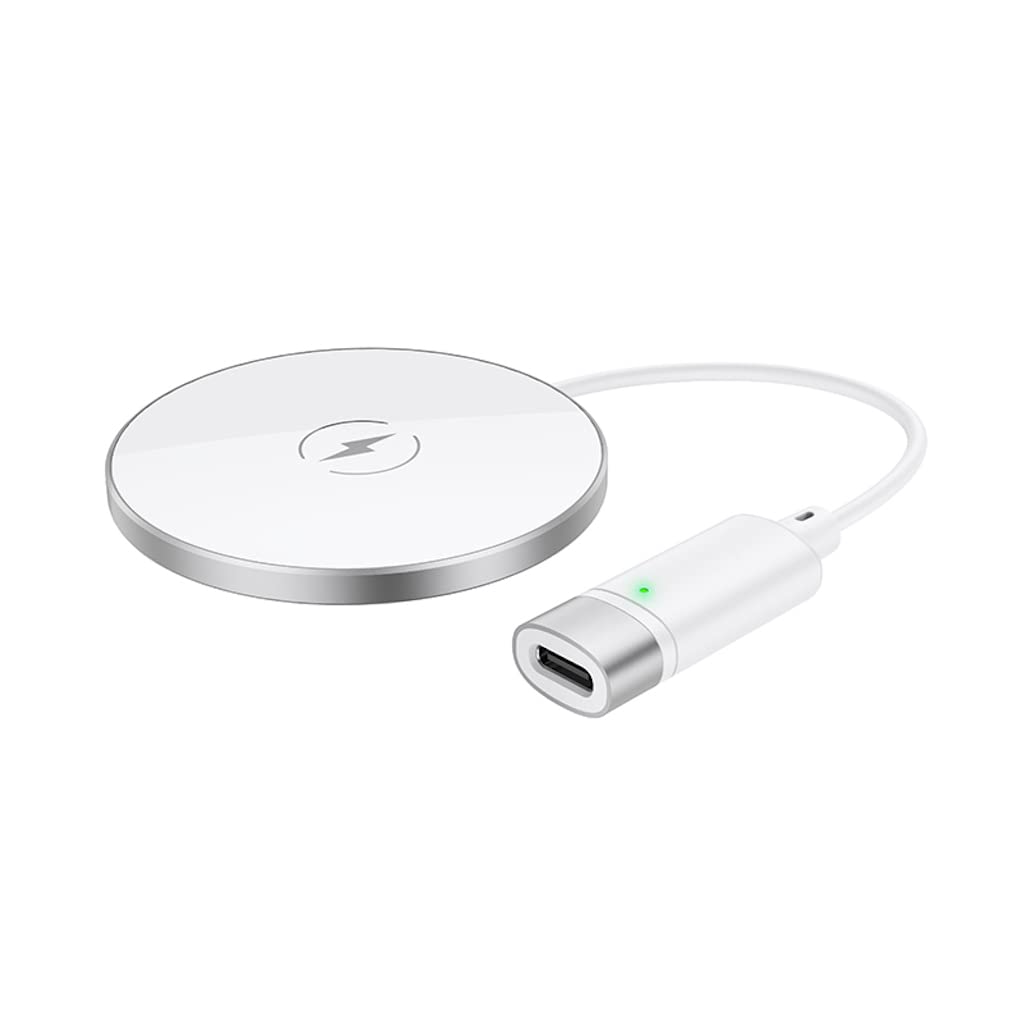
The Hoco CW31 features a sleek design with a tempered glass surface and aluminum alloy base, providing a stable and efficient charging platform.

The Hoco CW31 wireless charging pad is shown alongside its included USB-A to Type-C charging cable, highlighting the compact design of the charger.
This image shows a smartphone placed on the Hoco CW31 wireless charging pad, indicating active charging with a battery icon displaying 57% charged.
Zvinotsanangurwa
| Model Number | CW31 |
| Kupinza (Type-C) | 5V-2A, 9V-2A, 12V-1.5A |
| Wireless Output | 5W / 7.5W / 10W / 15W |
| MagSafe Wireless Output | 7.5W |
| Material | Tempered Glass + Aluminum Alloy |
| Dimensions | 204 x 60 x 5 mm |
| Kurema | 37 g |
| Connector Type | USB |
| Inowirirana Devices | Cellular Phones, Qi-compatible TWS Earphones |
| Special Features | Pfupi Kudzivirirwa Kwedunhu, Kukurumidza Kuchaja |
| Color | Sirivha |
| Chiyamuro Voltage | 5V |
| Total USB Ports | 1 |
| Simba | 15W |
| Output Current | 3A |
Gadzirira
- Unganidza kune Simba Simba: Connect the provided USB-A to Type-C charging cable to the Type-C input port on the Hoco CW31 charger.
- Plug into Adapter: Connect the USB-A end of the cable to a compatible power adapter (a PD/QC fast charger is required for optimal 15W charging speeds, not included).
- Power On: Once connected to a power source, the charger is ready for use.

The Hoco CW31 wireless charger is depicted connected to a wall power adapter via its cable, with a smartphone placed on the charging pad.
Operating Instruction
- Nzvimbo Chishandiso: Place your Qi-compatible mobile phone or TWS earphones directly onto the center of the Hoco CW31 wireless charging pad.
- Confirm Charge: Ensure the device is properly aligned. Charging will begin automatically, and your device's screen or indicator light should confirm that it is charging.
- Bvisa Mudziyo: Once your device is fully charged or you wish to stop charging, simply lift it from the charging pad.
For MagSafe compatible devices, the charger will magnetically align for optimal charging at 7.5W.
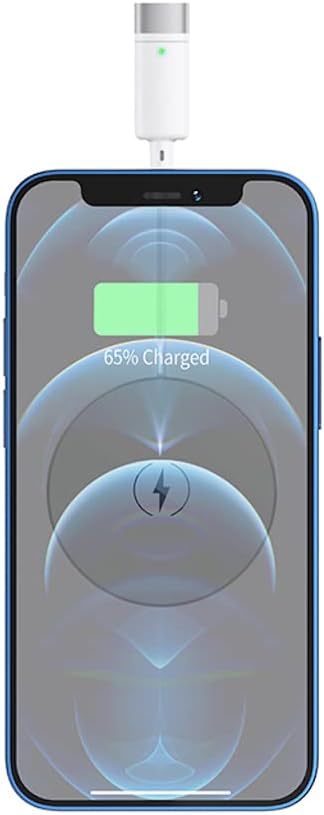
A pedyo-up view of a smartphone receiving a wireless charge from the Hoco CW31 pad, with the screen showing 65% battery.
Maintenance
- Kuchenesa: Bvisa charger kubva pachitubu chemagetsi usati wachenesa. Shandisa jira rakapfava, rakaoma kupukuta pamusoro. Usashandise mvura yekuchenesa kana aerosols.
- Kuchengeta: Chengeta charger munzvimbo inotonhorera, yakaoma kure nezuva rakananga uye tembiricha yakanyanya kana isiri kushandiswa.
- Cable Care: Avoid bending or twisting the charging cable excessively to prevent damage.
Kugadzirisa matambudziko
| Dambudziko | Possible Solution |
|---|---|
| Mudziyo hauchaji |
|
| Kuchaja zvishoma nezvishoma |
|
| Charger indicator light not working |
|
Warranty uye Support
For warranty information and customer support, please refer to the documentation included with your purchase or contact Hoco customer service directly. Keep your proof of purchase for warranty claims.


