1. Nhanganyaya
This manual provides detailed instructions for the setup, operation, and maintenance of your HEAD LOS Angeles H160305 Smartwatch. Please read this manual thoroughly to ensure proper use and to maximize the benefits of your device.
The HEAD LOS Angeles H160305 is a versatile smartwatch designed for both men and women, featuring a 1.78-inch color display, health monitoring capabilities, and smart notifications. It is compatible with iOS and Android devices.
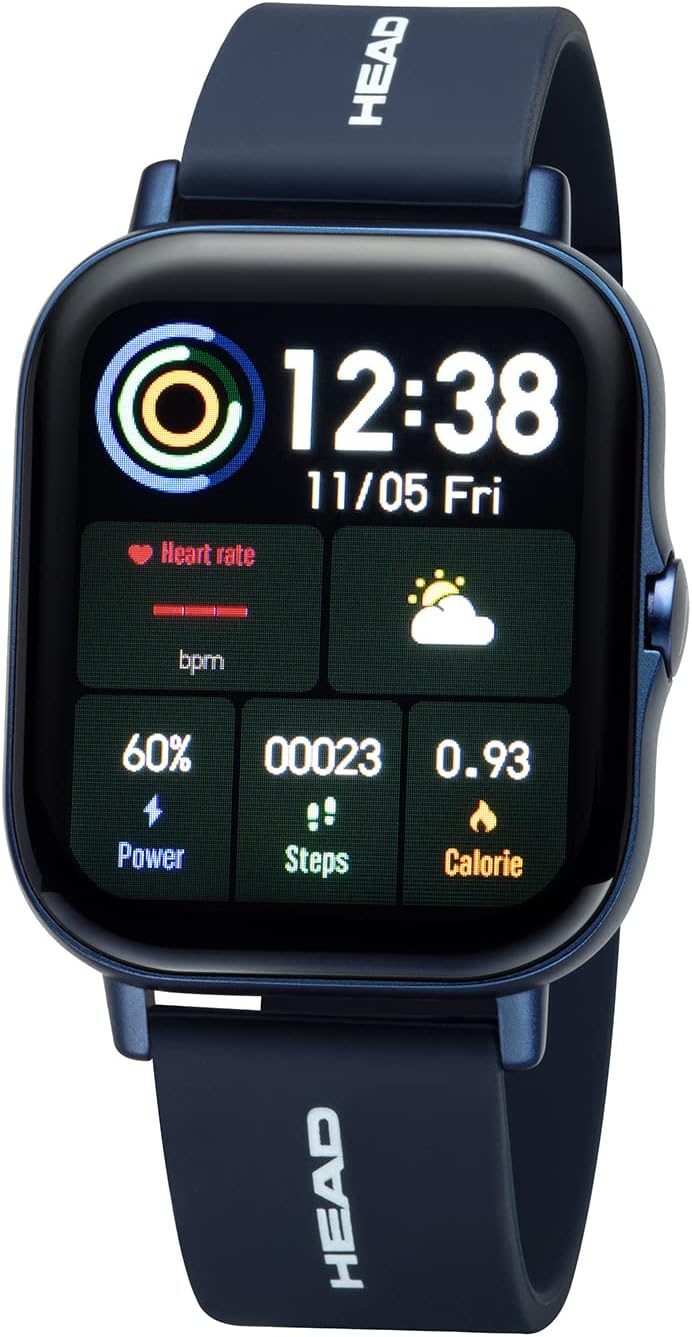
Mufananidzo 1.1: Mberi view of the HEAD LOS Angeles H160305 Smartwatch, displaying time, heart rate, power, steps, and calorie data on its vibrant screen.
2. Package Zviri mukati
Pakuvhura pasuru, simbisa kuti zvinhu zvese zviripo:
- HEAD LOS Angeles H160305 Smartwatch
- Silicone Strap (pre-attached or separate)
- Chaja Cable
- Mushandisi Chinyorwa (gwaro iri)
3. Setup
3.1. Kuchaja Smartwatch
Before first use, fully charge your smartwatch. Connect the charging cable to the charging contacts on the back of the watch and to a USB power source. The watch has a 200 mAh battery, providing up to 3 days of normal use and up to 5 days of standby time.

Mufananidzo 3.1: Pedyo-up view of the back of the HEAD LOS Angeles H160305 Smartwatch, highlighting the optical sensors and magnetic charging contacts.
3.2. Kuiswa kweApp
To unlock the full functionality of your smartwatch, download and install the companion application on your smartphone. The app is compatible with Android 4.4 and above, and iOS 8.0 and above. Tsvaga the official HEAD Smartwatch app in your device's app store.
3.3. Kubatanidza Device
Once the app is installed and your smartwatch is charged:
- Gonesa Bluetooth pane yako smartphone.
- Open the HEAD Smartwatch app.
- Follow the on-screen instructions within the app to search for and pair with your H160305 smartwatch. Ensure the smartwatch is powered on and within Bluetooth range (Bluetooth 4.0).
4. Operating Instructions
4.1. Display uye Navigation
The smartwatch features a 1.78-inch color display. You can customize watch faces and adjust screen brightness to suit different environments.
- Bata Sikirini: Svetera kuruboshwe, kurudyi, kumusoro, kana pasi kuti ufambe mumamenyu uye maficha. Dzvanya kuti usarudze sarudzo.
- Side Button: Typically used to return to the home screen, power on/off, or activate specific functions.
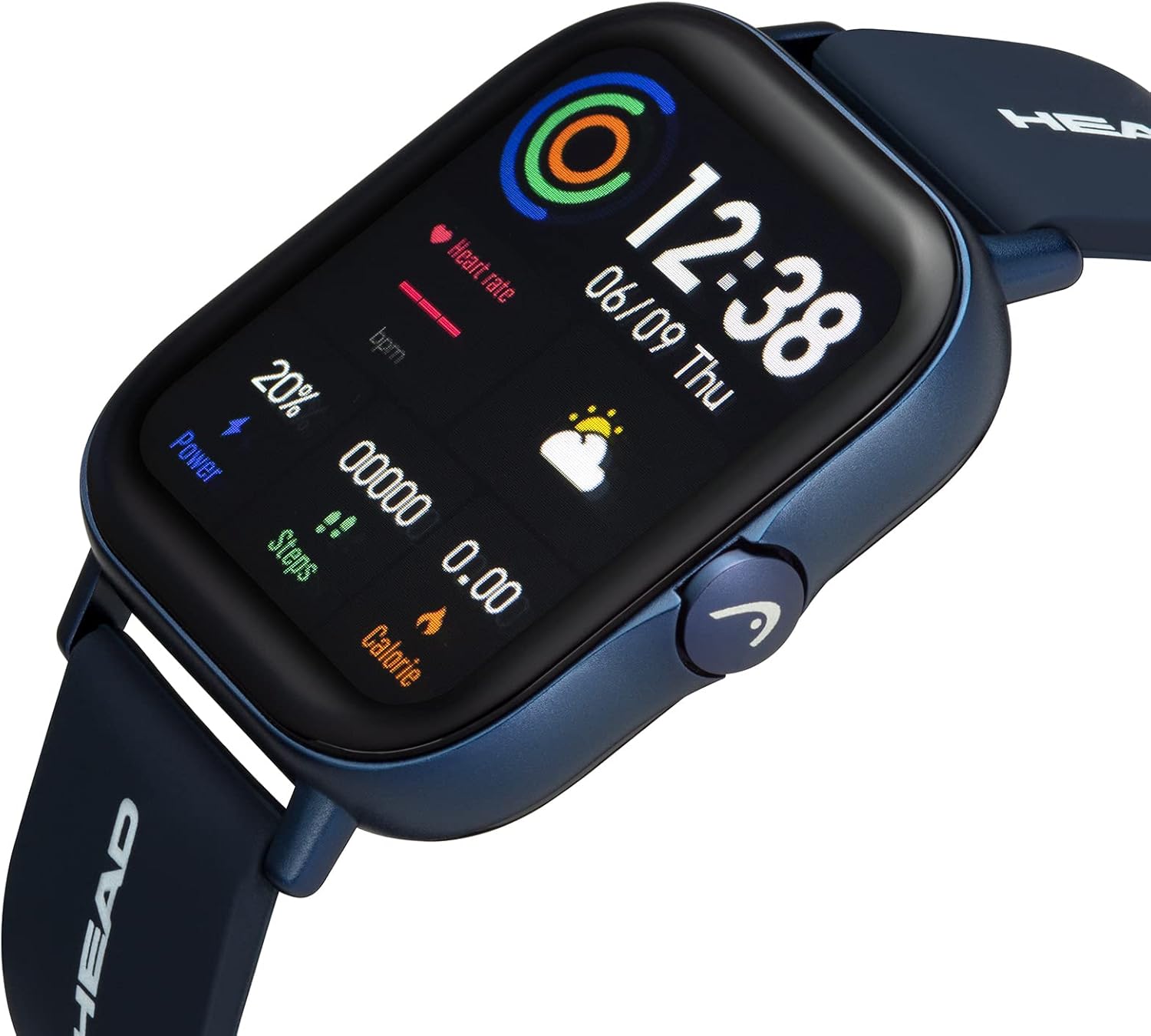
Mufananidzo 4.1: Angled view of the smartwatch, showcasing its display and the functional side button.
4.2. Customizing Watch Faces
The smartwatch supports interchangeable watch faces. You can change them directly on the watch or through the companion app to personalize your device's appearance.

Mufananidzo 4.2: A smartphone screen displaying a selection of customizable watch faces available through the companion application.
5. Utano uye Fitness Features
The HEAD LOS Angeles H160305 Smartwatch offers a comprehensive suite of health and fitness tracking features:
- YeMoyo Rate Kuongorora: Ramba uchitevera kurova kwemoyo wako zuva rese.
- ECG: Electrocardiogram function for heart health assessment.
- Blood Pressure: Monitor your blood pressure levels.
- Oxygen Saturation (SpO2): Edza mwero weokisijeni muropa.
- Mutariri Wekurara: Analyze your sleep patterns and quality.
- Multi-Sport Mode: Track various activities with dedicated sport modes.
- Stopwatch: Zvekuita zvinhu nenguva.
- Kudzidziswa Kufema: Maekisesaizi ekufema anotungamirwa kuti uzorore.
- Basa remassage: Provides gentle vibrations.
- Female Cycle Monitor: Tevedzera uye fungidzira nguva yekuenda kumwedzi.
- Movement chiyeuchidzo: Inokuzivisa iwe kuti ufambe mushure menguva yekusaita basa.
- Mvura Chiyeuchidzo: Prompts you to drink water regularly.

Mufananidzo 5.1: An overview of the smartwatch's health and fitness features, including icons for heart rate, blood oxygen, ECG, blood pressure, sleep monitoring, and multi-sport modes.

Mufananidzo 5.2: The smartwatch and a smartphone screen illustrating detailed sleep tracking data, showing sleep duration and quality analysis.
6. Smart Features
Stay connected and manage your daily tasks with these smart functionalities:
- Push Notifications: Receive alerts from your smartphone apps directly on your watch.
- Kufona kweBluetooth: Make and receive calls directly from your smartwatch.
- Messages & SMS Notifications: View incoming messages and SMS alerts.
- Contact Favorites: Access your most frequent contacts.
- Music App Remote Control: Dzora mimhanzi kutamba pane yako smartphone.
- Mamiriro ekunze: Wana real-time mamiriro ekunze.
- Find Smartphone/Smartwatch: Locate your paired devices.
- Kamera Mode: Dzora kamera yefoni yako uri kure.
- Maaramu: Set various alarms, including movement alarms.

Mufananidzo 6.1: The smartwatch screen showing an incoming message notification, alongside a smartphone displaying multiple app notifications.
7. Kuchengeta
7.1. Kuramba Mvura
The HEAD LOS Angeles H160305 Smartwatch is IP67 water-resistant. This means it is protected against dust ingress and can withstand immersion in water up to 1 meter for up to 30 minutes. It is suitable for daily use, such as hand washing or rain exposure, but not recommended for swimming or showering with hot water.
7.2. Kuchenesa
To maintain the appearance and functionality of your smartwatch:
- Pukuta sikirini nemuviri nekanyoro, damp jira.
- Dzivisa kushandisa makemikari ane hasha kana abrasive zvinhu.
- Ita shuwa kuti macontacts ekuchaja akachena uye akaoma usati wachaja.
8. Kugadzirisa matambudziko
Kana ukasangana nematambudziko newachi yako yekuchenjera, edza matanho anotevera:
- Mudziyo Haubatike: Ita shuwa kuti wachi yachajiwa zvizere.
- Kubatanidza Matambudziko: Check if Bluetooth is enabled on your phone and the watch is within range. Restart both devices and try pairing again.
- Kuverenga Kusina Kurongeka: Ensure the watch is worn snugly on your wrist, and the sensors are clean.
- Zviziviso Zvisiri Kuoneka: Verify notification permissions are granted to the app on your smartphone.
For further assistance, refer to the support section of the companion app or contact customer service.
9. Zvinotsanangurwa
| Feature | Tsanangudzo |
|---|---|
| Brand | MUSORO |
| Model Name | LOS ANGELES |
| Model Number | H160305 |
| Color | Bhuruu |
| Screen Size | 1.78 inches |
| Kubatana | Bluetooth 4.0 |
| Kugarisana | Android 4.4+, iOS 8.0+ |
| Kuramba Mvura | IP67 |
| Battery Capacity | 200 mAh |
| Special Features | Time Display, Calendar, Activity Tracker, Heart Rate, ECG, Blood Pressure, SpO2, Sleep Monitor, Multi-Sport Mode, Notifications, Bluetooth Calls |
10. Warranty uye Tsigiro
For information regarding warranty coverage and customer support, please refer to the documentation included with your purchase or visit the official HEAD Watches website. You can also find support resources within the companion smartphone application.


