Nhanganyaya
This manual provides detailed instructions for the operation and maintenance of your Retekess TR621 CD and Cassette Boombox and the Retekess TR606 Cassette Player. Please read this manual thoroughly before using the devices to ensure proper function and longevity.
Product Overview

Mufananidzo: The Retekess TR621 CD and Cassette Boombox, a portable unit with CD, cassette, AM/FM radio, USB, and TF card playback capabilities. It features dual stereo speakers and a clear display.

Mufananidzo: The Retekess TR606 Cassette Player and Recorder, a compact device for playing and recording standard size tapes, featuring an AM/FM radio and a telescopic antenna.
Gadzirira
1. Power Supply for TR621 Boombox
- AC Simba: Connect the included AC power cable to the AC input jack on the back of the TR621 and then to a standard 110V AC outlet.
- Battery Power: For portable use, open the battery compartment on the bottom of the TR621 and insert 6 x D size batteries (not included), ensuring correct polarity.
Mufananidzo: Illustration showing the two power supply methods for the TR621: AC cable connection and battery compartment for D-size batteries.
2. Power Supply for TR606 Cassette Player
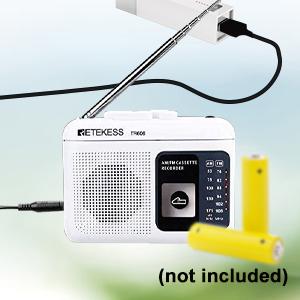
- Battery Power: Open the battery compartment on the back of the TR606 and insert 2 x AA batteries (not included), ensuring correct polarity.
- DC 4.5V Power: The TR606 can also be powered by a DC 4.5V adapter (not included). Connect the adapter to the DC input jack.

Mufananidzo: The Retekess TR606 showing its battery compartment for AA batteries and the DC 4.5V input port for external power.
3. Antenna Setup
- For optimal FM reception on both TR621 and TR606, extend the telescopic antenna fully.
- For AM reception, rotate the unit for the best signal.
Operating the Retekess TR621 CD and Cassette Boombox
1. CD Playback
- Gently press the 'OPEN' button on the CD compartment lid to open it.
- Place a CD (CD/CDR/CDRW/MP3/WMA format) onto the spindle with the label side facing up.
- Vhara iyo CD compartment lid.
- Dzvanya bhatani rekuti 'PLAY/PAUSE' kuti utange kutamba.
- Use 'SKIP+' or 'SKIP-' to navigate tracks.
- Press 'STOP' to end playback.
- The 'REPEAT' button allows for single track or all track repeat.

Mufananidzo: The Retekess TR621 with its CD compartment open, showing where to place a CD, and the cassette deck below it.
2. Cassette Playback
- Press the 'STOP/EJ' button to open the cassette compartment.
- Insert a standard size tape into the compartment.
- Vhara nzvimbo yekaseti.
- Press the 'PLAY' button to start playback.
- Use 'F.FW' for fast forward and 'REW' for rewind.
- Press 'STOP/EJ' to stop playback and eject the tape.
3. Kushanda kweRedhiyo yeAM/FM
- Select 'RADIO' mode using the function switch.
- Turn the 'TUNING' knob to select your desired AM or FM station.
- Adjust the volume using the 'VOLUME' knob.
4. USB/TF Card Playback
- Insert a USB drive or TF card (up to 128GB, not included) into the respective slot.
- Select 'USB' or 'TF' mode using the function switch.
- Chishandiso ichi chinozoona otomatiki uye chinoridza odhiyo yeMP3/WMA files.
- Use 'PLAY/PAUSE', 'SKIP+', 'SKIP-', and 'STOP' buttons for control.

Mufananidzo: Close-up of the Retekess TR621 showing the USB port and TF card slot, indicating support for MP3/WMA audio formats.
5. Recording to Cassette (TR621)
The TR621 can record from the radio or external sources to a cassette tape. It does not record onto CDs.
- Isa tepi isina chinhu muchikamu chekaseti.
- Select the desired input source (AM/FM radio or AUX input).
- Press the 'RECORD' button to begin recording.
- Press 'STOP/EJ' to end recording.

Mufananidzo: The Retekess TR621 boombox on a table, illustrating its capability to record sounds from the environment or radio stations onto a cassette tape.
6. Remote Control Usage (TR621)
The TR621 comes with a remote control for CD and USB playback. It cannot control cassette or radio functions. The maximum effective distance for the remote control is 32 feet.

Mufananidzo: The Retekess TR621 boombox shown with its remote control, highlighting the convenience of remote operation for CD and USB playback.
Operating the Retekess TR606 Cassette Player/Recorder
1. Cassette Playback
- Vhura imba yekaseti.
- Insert a standard size tape.
- Close the compartment and press 'PLAY'.
- Use fast forward or fast rewind functions as needed. Note: This unit does not have an automatic reverse function.
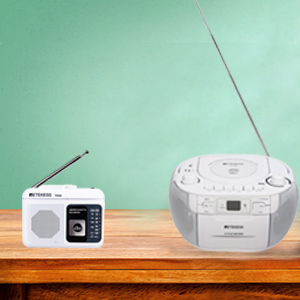
Mufananidzo: Close-up of the Retekess TR606 cassette player, showing the cassette compartment and controls for tape playback.
2. Kushanda kweRedhiyo yeAM/FM
- Switch to 'RADIO' mode.
- Use the tuning dial to find your preferred AM or FM station.
- Rongedza inzwi.
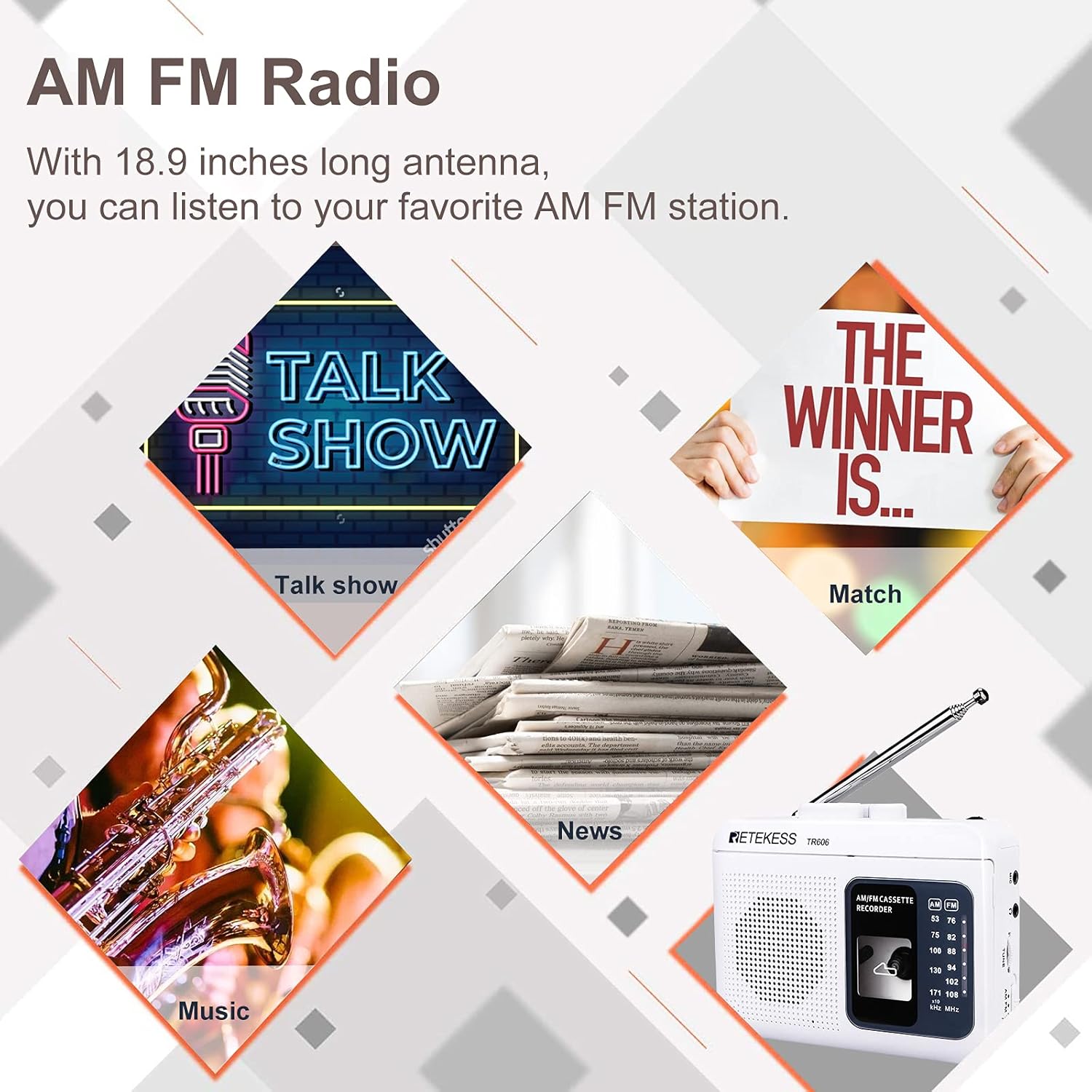
Mufananidzo: The Retekess TR606 cassette player displaying its AM/FM radio functionality, with icons representing different types of radio content like talk shows, news, and music.
3. Recording to Cassette (TR606)
The TR606 can record external voice or radio sound onto a cassette tape.
- Insert a blank tape.
- Press the 'RECORD' button to start recording.
- Use the built-in microphone for voice recording or select radio as the source.
- A 3.5mm AUX jack is available for connecting an external microphone or AUX cable for recording.

Mufananidzo: The Retekess TR606 cassette recorder, illustrating its ability to record audio, with a microphone icon and a cat yawning in the background, suggesting voice recording.
Maintenance
- Kuchenesa: Use a soft, dry cloth to clean the exterior of the units. Do not use liquid cleaners or abrasive materials.
- CD/Cassette Compartments: Keep these areas free of dust and debris to ensure smooth operation.
- Kutsiva Bhatiri: Replace batteries promptly when power is low to prevent leakage and damage.
- Kuchengeta: Store the units in a cool, dry place away from direct sunlight and extreme temperatures.
Kugadzirisa matambudziko
| Dambudziko | Zvinogona Kukonzera | Solution |
|---|---|---|
| Hapana simba | AC cable not connected, batteries drained/incorrectly inserted | Check AC connection, replace/reinsert batteries correctly |
| CD/Kaseti haisi kutamba | Disc/tape inserted incorrectly, dirty disc/tape, wrong mode selected | Reinsert media, clean media, select correct function mode |
| Kugamuchirwa kweredhiyo kusina kunaka | Antenna not extended, weak signal area | Extend antenna, reposition unit for better signal |
| Kudzora kure hakusi kushanda (TR621) | Batteries drained, obstruction, out of range | Replace remote batteries, remove obstructions, move closer to unit |
Zvinotsanangurwa
| Feature | Tsanangudzo |
|---|---|
| Brand | Retekess |
| Model | TR621 (Boombox), TR606 (Cassette Player) |
| Kubatana Technology | Mubatsiri, USB |
| Mutauri Rudzi | Stereo (TR621), Mono (TR606) |
| Simba Source | TR621: AC 110V or 6 x D size batteries; TR606: 2 x AA batteries or DC4.5V |
| Inotsigirwa Audio Format | CD, MP3, WMA (TR621); Standard Tapes (TR621, TR606) |
| Frequency Response (CD) | 50Hz-18KHz |
| Frequency Response (Tape) | 100Hz-8KHz |
| Remote Control | Yes (TR621, for CD/USB playback only) |
| Kurekodha Basa | Yes (to cassette from radio/external sources) |
Chigadzirwa Vhidhiyo Pamusoroview
Vhidhiyo An overview of the Retekess TR621 boombox, demonstrating its various functions including CD, cassette, USB, TF card playback, and AM/FM radio. It highlights the stereo sound and ease of use for both home and outdoor environments.
Warranty uye Support
For warranty information, technical support, or service inquiries, please refer to the official Retekess websaiti kana kubata basa ravo revatengi zvakananga. Chengetedza risiti yako yekutenga sehumbowo hwekutenga kwezvichemo zvewaranti.


