Nhanganyaya
This manual provides comprehensive instructions for the iFLYTEK Translator 2.0 easytrans 800. It covers device setup, operation, maintenance, and troubleshooting to ensure optimal performance and user experience. The iFLYTEK Translator 2.0 is designed for seamless communication across language barriers, offering advanced voice and camera translation capabilities.
Package Zviri mukati
Tarisa uone kuti zvinhu zvese zviripo mupakeji:
- iFLYTEK Translator 2.0 easytrans 800 Device
- USB Kuchaja Cable
- Kurumidza Kutungamira
- Chinyorwa Chirairo (gwaro iri)
- Lanyard/Strap

Image: The iFLYTEK Translator 2.0 easytrans 800 device, its charging cable, and documentation laid out next to the product box.
Product Overview
The iFLYTEK Translator 2.0 easytrans 800 features a compact design with a user-friendly interface.

Mufananidzo: Mberi view of the iFLYTEK Translator 2.0 easytrans 800 showing the screen, navigation buttons, and speaker. Rear view shows the camera lens and SOS button.
Midziyo yeMidziyo:
- Front Panel: Touchscreen display, navigation buttons (ABC, O, 中文), speaker.
- Rear Panel: Camera lens, SOS button.
- Side Buttons: Power button, volume controls.
- Zviteshi: USB charging port, 3.5mm headphone jack.
Gadzirira
1. Kuchaja Chishandiso
Before first use, fully charge the translator. Connect the provided USB cable to the device's charging port and a compatible USB power adapter (not included).
- Kuchaja kwakazara kunowanzo kunotora maawa angangoita 2-3.
- Chiratidzo chebhatiri pachiratidziri chicharatidza mamiriro ekuchaja.
2. Powering On / Off
- Kubatidza: Press and hold the Power button (usually on the side) until the screen illuminates.
- Kudzima: Press and hold the Power button, then select "Power Off" on the screen.
3. Initial Language Selection
Upon first power-on, you will be prompted to select the device's interface language. Follow the on-screen instructions.
4. Network Connection
The iFLYTEK Translator requires an internet connection for optimal translation accuracy. Connect to a Wi-Fi network or utilize the built-in global communication feature.
- Wi-Fi: Navigate to Settings > Wi-Fi, select your network, and enter the password.
- Global Communication: The device includes 2 years of global communication coverage in 98 countries. This feature activates automatically when a Wi-Fi connection is not available.
Operating Instruction
The iFLYTEK Translator 2.0 easytrans 800 offers two primary translation modes: Voice Translation and Camera Translation.
1. Voice Translation (59 Languages)
This mode allows for real-time spoken language translation.
- Select the source and target languages on the device screen.
- Press and hold the designated voice input button (e.g., "ABC" for language A, "中文" for language B).
- Speak clearly into the device's microphone.
- Release the button. The device will process your speech and provide the translation audibly and on-screen.
The device features advanced noise reduction technology and four microphones for high accuracy even in noisy environments, with a response time of approximately 0.5 seconds.

Image: The iFLYTEK Translator 2.0 device screen showing a Japanese phrase and its translation, demonstrating voice translation functionality.
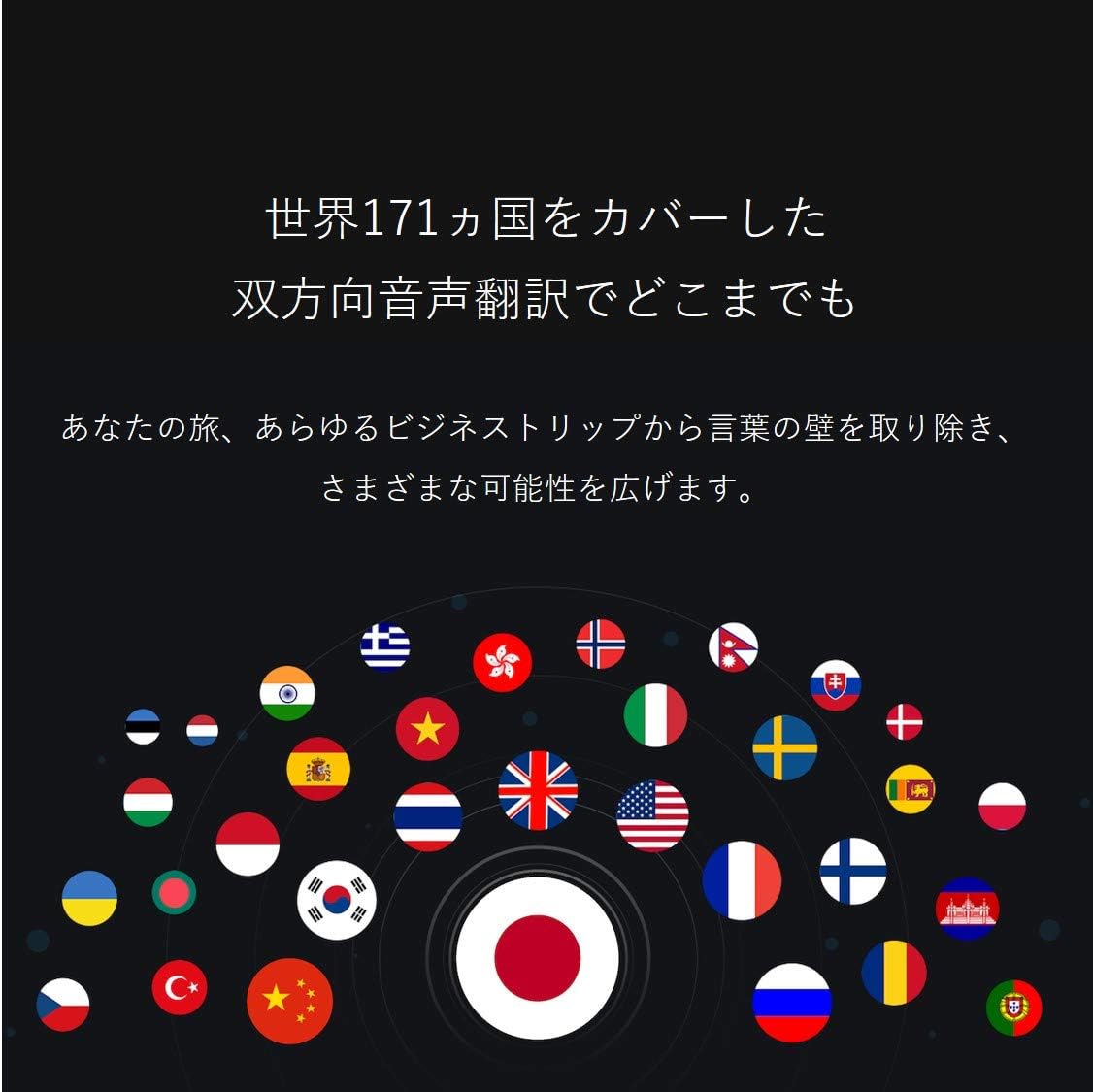
Image: A collection of national flags, symbolizing the extensive language support of the iFLYTEK Translator 2.0 across 171 countries.
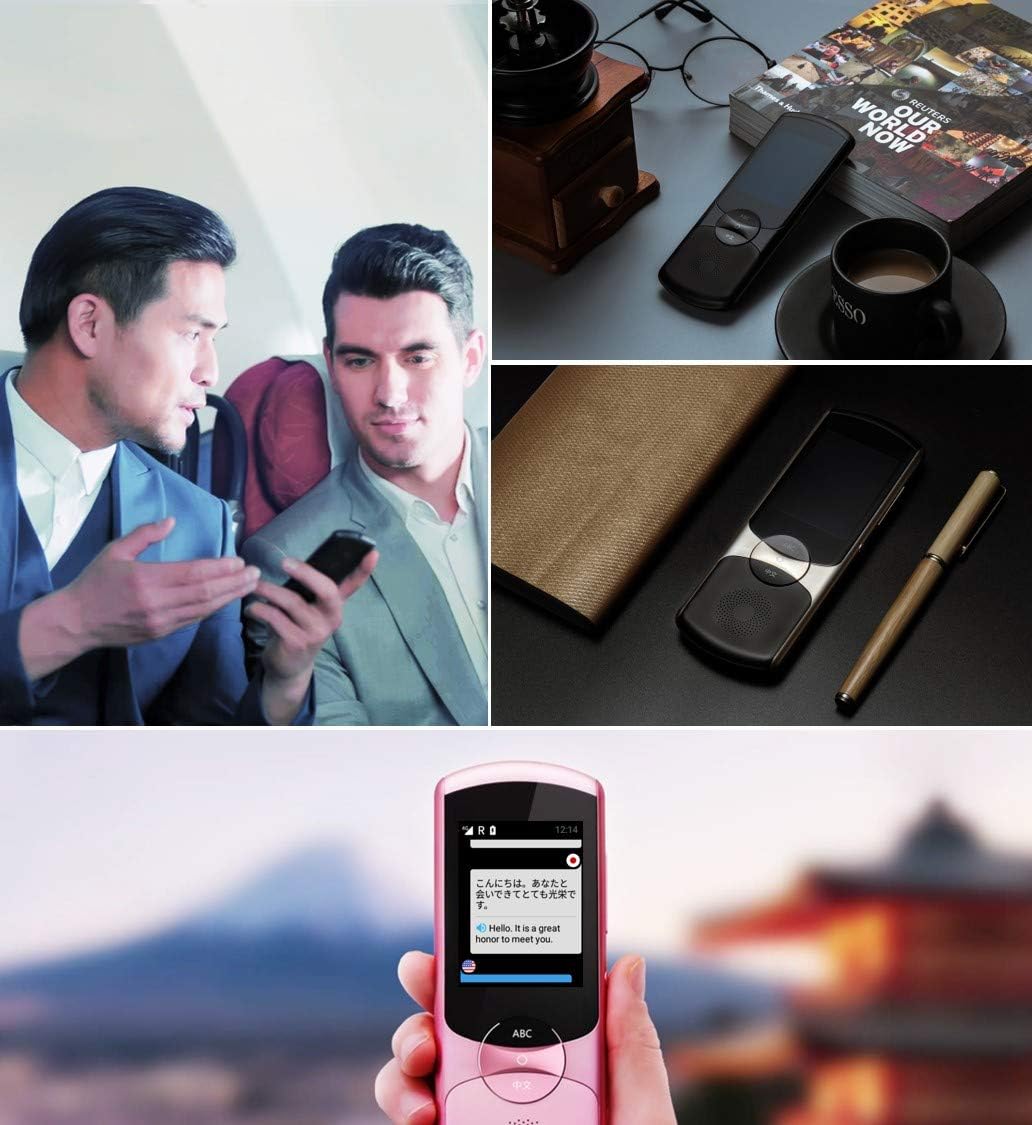
Image: A collage showing the iFLYTEK Translator 2.0 being used in different scenarios, including a business meeting and a travel setting, highlighting its versatility.
2. Camera Translation (11 Languages)
This mode translates text captured by the device's camera.
- Select Camera Translation mode from the main menu.
- Point the device's camera at the text you wish to translate (e.g., signs, menus, documents).
- Ensure the text is well-lit and within the camera's frame.
- Tap the capture button on the screen. The device will process the image and display the translated text.

Image: A user holding the iFLYTEK Translator 2.0 to translate text on a map, demonstrating the camera translation feature.
3. Pronunciation Scoring and Accent Check
The device includes an AI-powered feature to help users improve their pronunciation and check accents.
- Access the Pronunciation Scoring feature from the menu.
- Select the language for practice.
- Speak the displayed phrases or words into the microphone.
- The device will provide feedback on your pronunciation and accent.

Image: An adult and a child interacting with the iFLYTEK Translator 2.0, illustrating its use for pronunciation scoring and language learning.
Maintenance
- Kuchenesa: Shandisa jira rakapfava, rakaoma kuchenesa mudziyo. Usashandise mvura yekuchenesa kana aerosols.
- Kuchengeta: Chengetedza mudziyo munzvimbo inotonhorera, yakaoma kure nechiedza chezuva uye tembiricha yakanyanyisa.
- Battery Care: Kurebesa bhatiri, dzivisa kuburitsa bhatiri zvakazara nguva zhinji. Chaja mudziyo nguva nenguva, kunyangwe usiri kushandiswa kwenguva yakareba.
- Zvigadziriso zveSoftware: Nguva nenguva tarisa uye isa software itsva kuti uve nechokwadi chekuti inoshanda zvakanaka uye kuti uwane zvinhu zvitsva.
Kugadzirisa matambudziko
| Dambudziko | Zvinogona Kukonzera | Solution |
|---|---|---|
| Mudziyo haubatike. | Bhatiri rakaderera; mudziyo wakaoma. | Charge the device for at least 30 minutes. Perform a force restart by holding the power button for 10-15 seconds. |
| Kushandura hakuna kururama kana kuti kunononoka. | Poor internet connection; unclear speech; incorrect language selection. | Ensure a stable Wi-Fi or cellular connection. Speak clearly and directly into the microphone. Verify that the correct source and target languages are selected. |
| Camera translation not working. | Insufficient lighting; blurry image; text too small. | Ensure adequate lighting. Hold the device steady to avoid blur. Position the device closer to the text if it's too small. |
| Hapana ruzha kubva kumutauri. | Volume too low; speaker obstructed. | Increase the volume using the side buttons. Check if the speaker is blocked by debris. |
Zvinotsanangurwa
| Feature | Detail |
|---|---|
| Brand | iFLYTEK |
| Model Number | EASYTRANS 800 |
| Voice Translation Support | 59 Mitauro |
| Camera Translation Support | 11 Mitauro |
| Noise Reduction Technology | Yes, with 4 microphones |
| Kukurukurirana Kwepasi Pose | 2 years coverage in 98 countries |
| Nguva Yekupindura | Anenge 0.5 seconds |
| Inowirirana Devices | Laptop, Personal Computer (for data transfer/updates) |
| Hardware inowanikwa | 802.11 b/g/n (Wi-Fi) |
| Sravana Sameeralu Serial 4th Audio Format | WAV |
| Headphone Jack | 3.5 millimeters |
| Bhatiri Type | 1 Lithium Ion bhatiri (inosanganisirwa) |
| Item Weight | 120 magiramu |
| Screen Size | 5.8 inches |
| Hupenyu hwebhatiri | Kusvikira kuMaawa mashanu |
| Digital Kurekodha Nguva | 120 kwemaminitsi |
Warranty uye Support
For warranty information and technical support, please refer to the official iFLYTEK websaiti kana kubata basa ravo revatengi. Chengetedza risiti yako yekutenga sehumbowo hwekutenga kwezvichemo zvewaranti.
The device includes 2 years of global communication, which is a service feature rather than a warranty.


