Nhanganyaya
The Timex Expedition Trailblazer+ is a robust 43mm smartwatch designed for outdoor enthusiasts. It features daily activity tracking, on-wrist heart rate monitoring, a countdown timer, chronograph, customizable alarm, and the signature INDIGLO backlight. With a water resistance rating of up to 50 meters and a durable Italian leather strap, this watch is built for adventure and everyday use. Its functional battery hatch allows for user-friendly battery replacement.
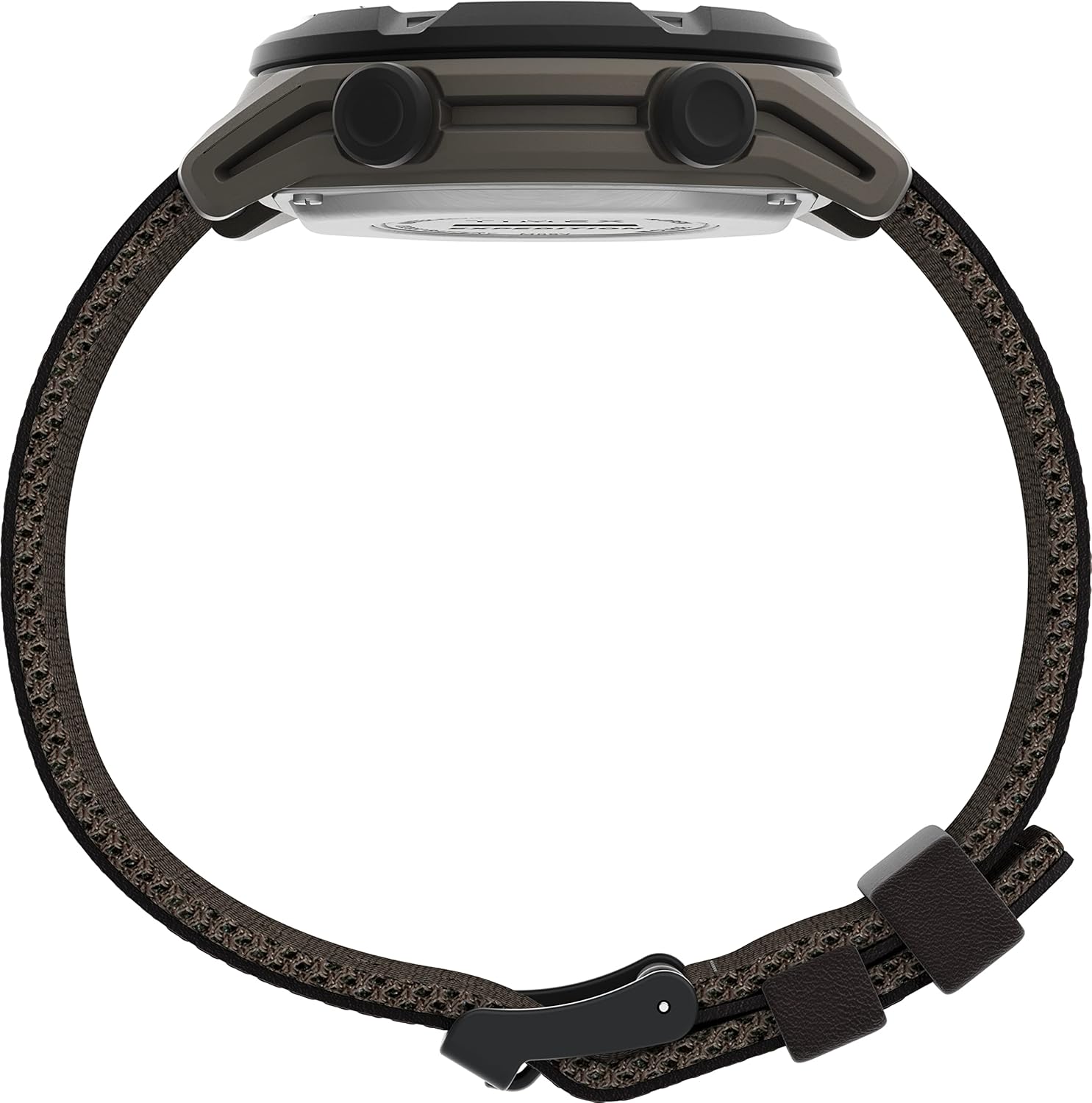
Mufananidzo: Side profile of the Timex Expedition Trailblazer+ watch, showcasing its 43mm case and brown fabric/leather strap.
Kutanga: Setup
Upon first use or after a battery change, you will need to set up your watch. This involves configuring the time, date, and personal metrics for accurate activity tracking.
- Kutanga Kubatidza Dzvanya uye ubate iyo MODE button (usually bottom left) until the display activates.
- Kuisa Nguva uye Zuva:
- Press the SET button (usually top left) to enter setup mode.
- Shandisa iyo TANGA/MIRA (kumusoro kurudyi) uye RESET (bottom right) buttons to adjust values (hours, minutes, seconds, month, day, year).
- Press MODE kutenderera nemaseting.
- Press SET again to confirm and exit setup.
- Personal Information Setup: For accurate activity and heart rate tracking, input your gender, age, weight, and height. Refer to the on-screen prompts during initial setup or access this via the settings menu.
- Smartphone Pairing (if applicable): If your model supports Bluetooth connectivity, enable Bluetooth on your smartphone and follow the watch's on-screen instructions to pair with the Timex Connect app.

Mufananidzo: Mberi view of the Timex Expedition Trailblazer+ watch, showing the digital display with time and date, and the control buttons.
Operating Instruction
Your Timex Expedition Trailblazer+ watch offers various functions accessible through its buttons.
Basic Timekeeping and Display
- Nguva uye Zuva: The default display shows the current time and date.
- INDIGLO Night-Light: Press the INDIGLO button (usually the center button below the display) to illuminate the watch face for easy viewing in low-light conditions. The light is designed to be subtle and not overly bright.
Activity Tracking
- Chiitiko cheZuva Nezuva: The watch automatically tracks steps, distance, and estimated calories burned throughout the day. View these metrics by cycling through modes using the MODE bhatani.
- YeMoyo Rate Kuongorora: To measure your heart rate, ensure the watch is snugly fitted on your wrist. Navigate to the Heart Rate mode (if available) and follow the on-screen instructions. The watch uses an optical sensor for on-wrist heart rate monitoring.
Specialized Functions
- Chronograph (Stopwatch):
- Pinda muChronograph mode uchishandisa MODE bhatani.
- Press TANGA/MIRA to begin and end timing.
- Press RESET kubvisa timer.
- Kuverenga Nguva:
- Pinda muCountdown Timer mode uchishandisa MODE bhatani.
- Shandisa SET to configure the desired countdown duration.
- Press TANGA/MIRA to begin and pause the countdown.
- An audible alert will sound when the timer reaches zero.
- Alamu:
- Pinda muAlarm mode uchishandisa MODE bhatani.
- Shandisa SET kugadzirisa nguva yealarm.
- Toggle the alarm ON/OFF using the TANGA/MIRA bhatani.
Maintenance
Proper care ensures the longevity and performance of your Timex Expedition Trailblazer+ watch.
- Kuchenesa: Pukuta wachi uye sunga netambo yakapfava, damp cloth. For the leather strap, avoid excessive moisture and harsh chemicals.
- Kuramba Mvura: This watch is water resistant up to 50 meters (164 feet). It is suitable for short periods of recreational swimming, but not for diving or snorkeling. Do not press any buttons while the watch is submerged.
- Kutsiva Bhatiri: The watch features a functional battery hatch, allowing for user replacement of the CR2032 Lithium Metal battery.
- Carefully open the battery hatch on the back of the watch using a suitable tool (e.g., a small coin or screwdriver).
- Bvisa bhatiri rekare reCR2032.
- Insert a new CR2032 Lithium Metal battery, ensuring correct polarity (+ side up).
- Securely close the battery hatch to maintain water resistance.
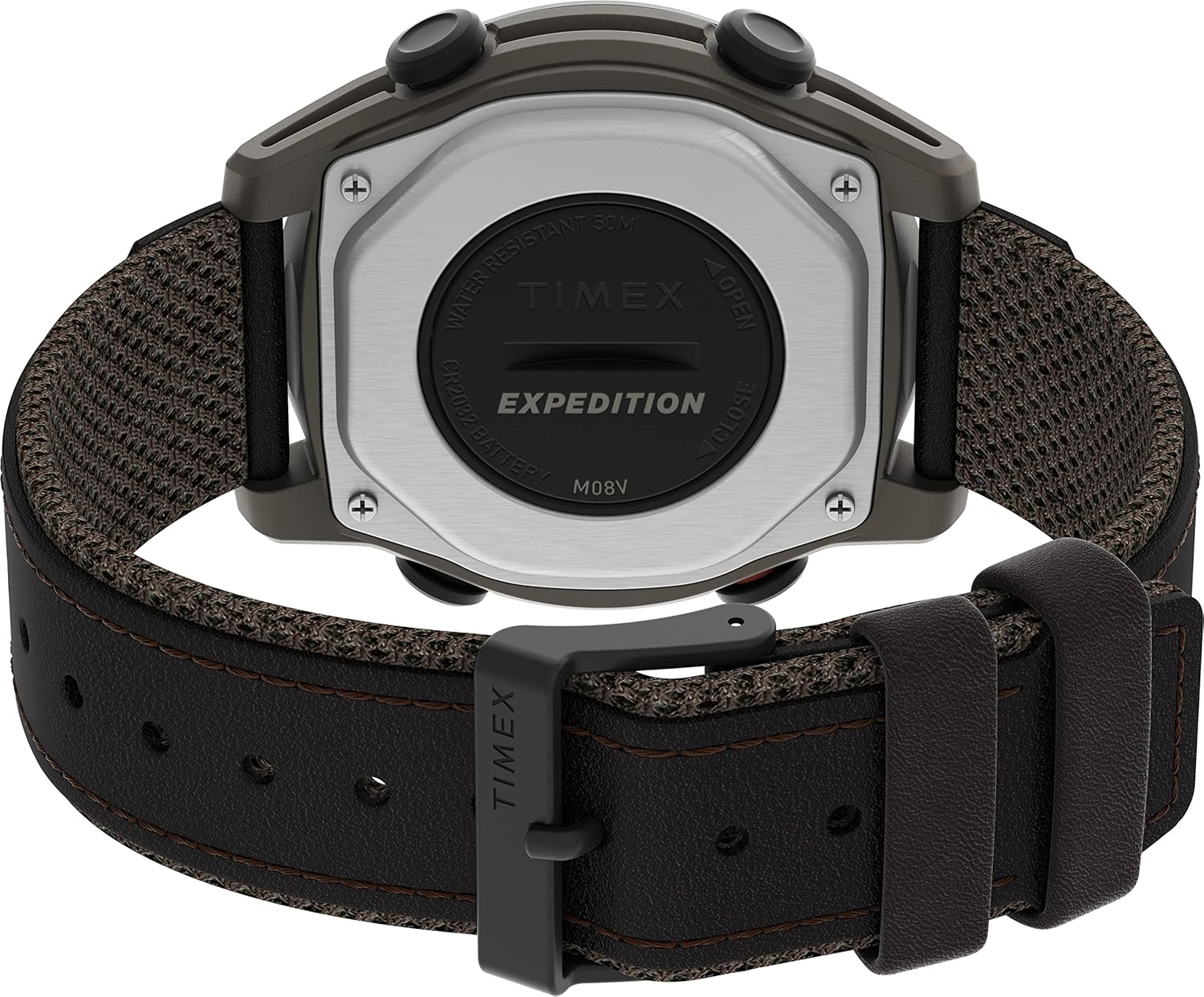
Mufananidzo: Zvakadzama view of the watch's rear casing, highlighting the user-serviceable battery hatch.
Kugadzirisa matambudziko
If you encounter issues with your watch, refer to the following common solutions:
- Display is Blank or Faint: The battery may be low or depleted. Replace the CR2032 battery as described in the Maintenance section.
- Nguva/Zuva risiri iro: Re-enter the setup mode and adjust the time and date settings. Ensure the correct year is set, as this affects day-of-week calculations.
- Alarm is Inaudible: Check if the alarm function is enabled in the Alarm mode. Ensure the watch is not in a silent mode (if applicable). Note that watch alarms are typically designed to be subtle and may not be loud.
- Activity Tracking Inaccurate: Ensure your personal information (age, weight, height, gender) is correctly entered in the watch settings. For heart rate monitoring, ensure the watch is worn snugly on your wrist.
- Watch Not Reponding: A soft reset may resolve minor software glitches. Press and hold all four side buttons simultaneously for a few seconds until the display resets. You may need to re-enter time and date after a reset.
Zvinotsanangurwa
| Feature | Detail |
|---|---|
| Model Name | TW4B27100GP |
| Brand | Timex |
| Case Size | 43 mamirimita |
| Band Material Type | Leather |
| Rudzi rweChinhu cheKesi | Resin |
| Mvura Kuramba Kudzika | 50 Meters (IPX7) |
| Bhatiri Type | 1 Lithium Metal battery (CR2032), included |
| Display Type | Dhijitari (LCD) |
| Resolution | 240 x 240 |
| Kubatana Technology | Bluetooth |
| Inotsigirwa Zvishandiso | Alarm, Fitness Tracker, Heart Rate Monitor |
| Metrics Akayerwa | Accelerometer, Optical Heart Rate Sensor |
| Human Interface Input | Touchscreen, Touch Control |
| Nyika Yekwakabva | Firipaini |
Warranty uye Support
Your Timex Expedition Trailblazer+ watch comes with a Waranti yemakore maviri yemugadziri. Iyi waranti inovhara kukanganisa mune zvigadzirwa uye magadzirirwo pasi pekushandiswa kwakajairwa.
For warranty claims, technical assistance, or further support, please visit the official Timex website or contact Timex customer service directly. Keep your proof of purchase for warranty validation.

Image: The Timex brand logo, emphasizing its heritage as watchmakers since 1854.