1. Chigadzirwa Pamusoroview
The Xiaomi Redmi Buds 4 Lite are True Wireless Stereo (TWS) earbuds designed for a comfortable audio experience. They feature Bluetooth 5.3 connectivity, AI Call Noise Cancelling, and an IP54 water resistance rating, making them suitable for various activities including gaming, calls, music, and exercise.

Image: Xiaomi Redmi Buds 4 Lite TWS Wireless Earbuds in their charging case.
2. Package Zviri mukati
Ita shuwa kuti zvinhu zvese zviripo mupakeji:
- Xiaomi Redmi Buds 4 Lite Earbuds (Left and Right)
- Kuchaja Case
- Mushandisi Chinyorwa (gwaro iri)
3. Setup
3.1. Kutanga Kuchaja
Before first use, fully charge the earbuds and the charging case. Connect the charging case to a power source using a compatible USB cable. The indicator light on the case will show charging status.

Image: The charging case connected to a power source for charging.
3.2. Kubatanidza neChishandiso
- Ita shuwa kuti maearbuds ari mucheji yekuchaja uye chivharo chekesi chakavhurika.
- Pamudziyo wako (smartphone, piritsi, nezvimwewo), shandisa Bluetooth.
- Tsvaga available Bluetooth devices and select "Redmi Buds 4 Lite" from the list.
- The earbuds will automatically connect. A voice prompt or indicator light will confirm successful pairing.
The Redmi Buds 4 Lite support Google Fast Pair for quick and seamless connection with compatible Android devices.

Image: Earbuds and case illustrating Google Fast Pair feature.
3.3. Kupfeka maEarbuds
Gently insert the earbuds into your ears. Adjust them for a snug and comfortable fit. The lightweight design and rounded tips ensure they stay securely in place during various activities.
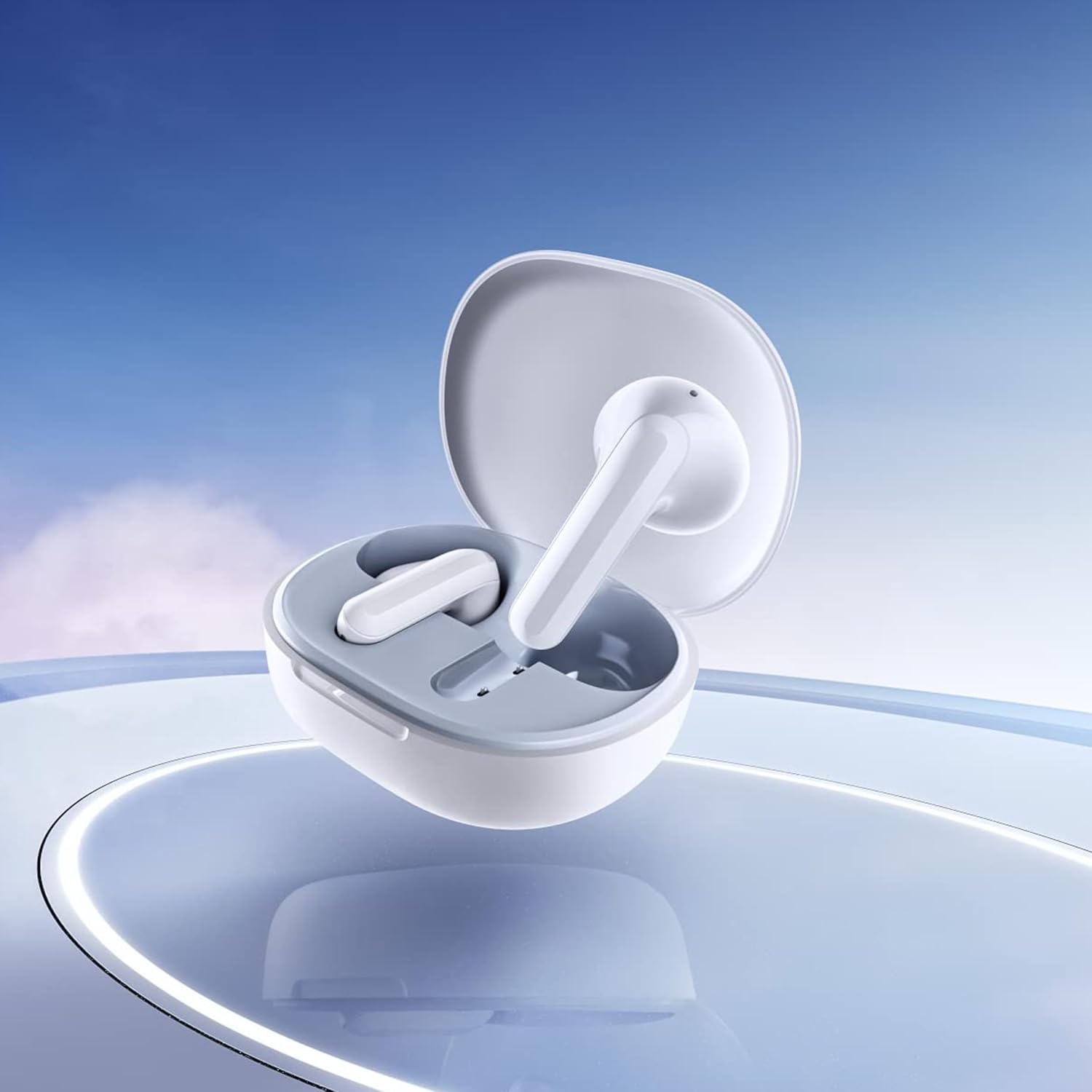
Image: Close-up of the individual earbuds, highlighting their design.
4. Operating Instructions
4.1. Kubata Kudzora
The Redmi Buds 4 Lite feature intuitive touch controls for media playback and call management. Specific touch gestures may vary slightly, but common functions include:
- Tamba/Kumbomira: Top kamwechete pane imwe earbud.
- Next Track: Tokonya kaviri pane earbud yekurudyi.
- Previous Track: Tokonya kaviri kuruboshwe rwenzeve.
- Pindura/Pedzisa Kufona: Top kamwechete pane imwe earbud.
- Ramba Kufona: Dzvanya uye ubate pane chero earbud.
- Shandisa Izwi Mubatsiri: Tokonya katatu pane imwe earbud.
4.2. AI Call Noise Cancelling
The earbuds are equipped with AI Call Noise Cancelling technology to enhance call clarity by reducing background noise during phone conversations.
4.3. Low-Latency Gaming Mode
For an optimized gaming experience, the earbuds offer a low-latency mode. Refer to your device's Bluetooth settings or the official Xiaomi app (if available) for activation instructions.
5. Kuchengeta
5.1. Kuchenesa
Regularly clean your earbuds and charging case to maintain optimal performance and hygiene. Use a soft, dry, lint-free cloth. Do not use abrasive cleaners or immerse the earbuds or case in water.
5.2. Kudzivirira Mvura (IP54)
The Redmi Buds 4 Lite have an IP54 rating, meaning they are protected against dust ingress and splashing water from any direction. This makes them suitable for workouts and light rain. However, they are not designed for swimming or showering. Avoid exposing them to high-pressure water or submerging them.

Image: Earbuds shown with an IP54 water resistance indicator.
5.3. Kuchengeta
Kana usiri kushandisa, chengeta ma earbuds mubhokisi rawo rekuchaja kuti uvadzivirire uye uve nechokwadi chekuti anoramba achichaja. Chengeta munzvimbo inotonhorera, yakaoma kure nezuva rakananga uye tembiricha yakanyanya.
6. Kugadzirisa matambudziko
6.1. Maearbuds Haabatanidzwe
- Ita shuwa kuti ese maearbud akachajwa.
- Place earbuds back in the case, close the lid, then open it again to reset.
- Dzima uye paBluetooth yemudziyo wako.
- Forget "Redmi Buds 4 Lite" from your device's Bluetooth list and try pairing again.
6.2. Hapana Ruzha kana Kuti Vhoriyamu Yakaderera
- Tarisa huwandu hwevhoriyamu pane zvese mudziyo wako uye munzeve.
- Ita shuwa kuti maearbuds akagara zvakanaka munzeve dzako.
- Chenesa chero tsvina kubva kumatauriri emunzeve.
- Batanidzazve maearbuds kumudziyo wako.
6.3. Matambudziko Emhando Yefoni
- Ita shuwa kuti maearbud akachajwa zvizere.
- Swedera pedyo nemudziyo wako wakabatana kuti usakanganiswa nemasaini.
- The AI Call Noise Cancelling feature helps, but extreme noisy environments may still affect clarity.
6.4. MaEarbuds Haachaji
- Tarisa kuti tambo yekuchaja yakabatana zvakachengeteka kune ese ari maviri kesi uye sosi yemagetsi.
- Ita shuwa kuti macontacts ekuchaja ari pamaearbuds uye mukati mekesi akachena uye haana tsvina.
- Edza tambo yekuchaja yakasiyana kana adapta yemagetsi.
7. Zvinotsanangurwa
| Feature | Detail |
|---|---|
| Model Name | Redmi Buds 4 Lite |
| Kubatana Technology | Wireless (Bluetooth 5.3) |
| Bluetooth Version | 5.3 |
| Bluetooth Range | 10 Mamita |
| Audio Driver Type | Dynamic Driver (12mm) |
| Hupenyu hwebhatiri | Kusvikira kumaawa makumi mana nemasere (ine kesi yekuchaja) |
| Kudzora Nzira | Bata, Media Control |
| Zvinhu Zvinodzora Ruzha | AI Call Noise Cancelling |
| Mvura Resistance Level | IP54 (Isingabvumirwe nemvura) |
| Item Weight | 39 Grams (total), 1.38 ounces (product) |
| Product Dimensions | 2.56 x 1.89 x 1.02 inches |
| Material | Plastic (earbuds and case) |
| Color | Chena |
| Kuiswa Nzeve | Munzeve |
| Inowirirana Devices | Devices with Bluetooth 5.3 and supporting A2DP, AVRCP, HFP profiles |

Mufananidzo: Mberi view of the Redmi Buds 4 Lite in their charging case.

Mufananidzo: Side view of the Redmi Buds 4 Lite in their charging case.
8. Warranty uye Tsigiro
8.1. Ruzivo rweWaranti
Warranty details for the Xiaomi Redmi Buds 4 Lite are typically provided with your purchase documentation. Please refer to the warranty card or contact your retailer for specific terms and conditions regarding your product's warranty coverage.
8.2. Mutengi Tsigiro
For further assistance, technical support, or inquiries, please visit the official XIAOMI website or contact their customer service department. You can often find support contact information on the product packaging or the brand's official online channels.
Chitoro chepamutemo cheXIAOMI: Chitoro cheXIAOMI paAmazon


