Nhanganyaya
This manual provides detailed instructions for the safe and efficient use of your LENRUE F13 Portable Bluetooth Speaker. Please read this manual thoroughly before operating the device and retain it for future reference.
Product Overview
Package Zviri mukati
- LENRUE F13 Portable Bluetooth Speaker
- USB Kuchaja Cable
- Detachable Lanyard
- User Manual
Zvikamu zveSipika uye Zvekudzora
Familiarize yourself with the various parts and controls of your LENRUE F13 speaker:

Mufananidzo 1: Mberi view of the LENRUE F13 speaker, showcasing its compact design and metal grille.

Mufananidzo 2: Top view of the speaker, highlighting the sound output grille.

Mufananidzo 3: Side view showing the control buttons for volume, track navigation, and power.
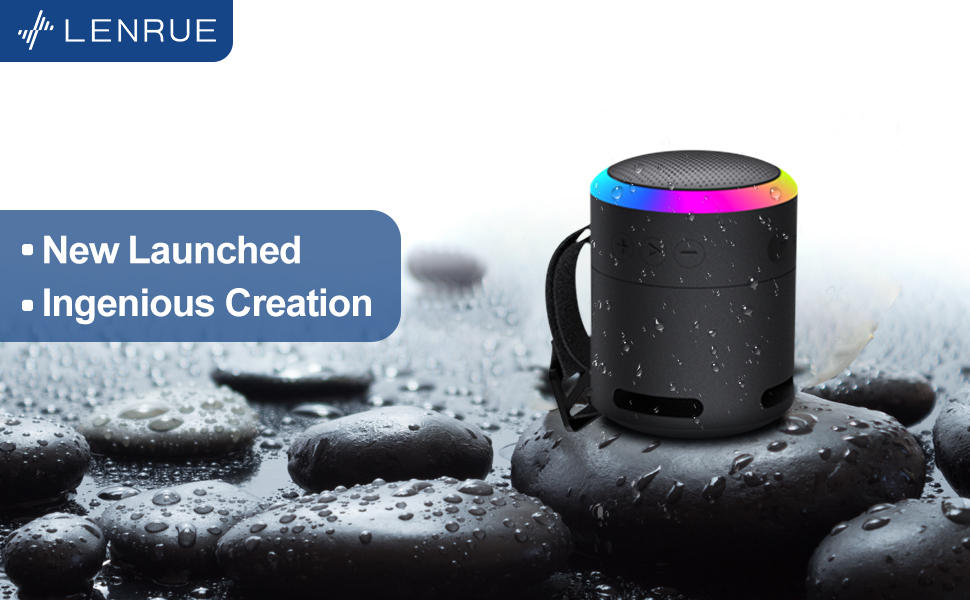
Mufananidzo 4: Yakaputika view illustrating the internal 5W high-performance driver and passive subwoofer for clear sound.
The speaker features a sleek metal design with a stainless steel line around its body. The top surface is metal, where the sound is emitted. On the bottom, you will find the main control buttons:
- Bhatani reSimba: Located in the center, used to power the device on/off.
- Bhatani reTamba/Kumbomira: Inodzora kurira kweaudio.
- Bhatani reKukwidza Vhoriyamu / Rinotevera: Increases volume or skips to the next song.
- Bhatani reKudzikisa Vhoriyamu / Bhatani reRwiyo Rwakapfuura: Decreases volume or goes to the previous song.
- Light Mode Bhatani: Changes the colorful LED light modes.
On the rear side of the speaker, you will find the charging input (USB-C) and an auxiliary input port. A small slot is also present for attaching the included lanyard, allowing for easy portability.
Gadzirira
Kuchaja Mutauriri
- Connect the provided USB charging cable to the speaker's USB-C port.
- Batanidza imwe magumo e USB tambo kune ino enderana USB magetsi adapta (isina kuisirwa) kana komputa USB port.
- The LED indicator will show charging status. Allow sufficient time for a full charge before first use.
Kubatidza/Kudzima
- Kubatidza: Press and hold the Power button (center button on the bottom) for a few seconds until the LED lights illuminate and an audible prompt is heard.
- Kudzima: Press and hold the Power button again for a few seconds until the LED lights turn off and an audible prompt is heard.
Operating Instruction
Bluetooth Kubatanidza
The LENRUE F13 speaker uses Bluetooth 5.0 for stable wireless connection up to 33 feet (10 meters).
- Ensure the speaker is powered on and in pairing mode (LED lights will typically flash).
- Pane yako smartphone kana piritsi, gonesa Bluetooth uye tsvaga zvishandiso zviripo.
- Select "LENRUE F13" (or similar name) from the list of devices.
- Once paired, the speaker will indicate a successful connection, and the LED lights may change to a steady pattern.
Audio Playback
- Tamba/Kumbomira: Dzvanya bhatani rePlay/Pause kamwe chete.
- Vhoriyamu Kumusoro: Dzvanya bhatani "+".
- Vhoriyamu Pasi: Dzvanya bhatani "-".
- Next Track: Dzvanya wobata bhatani rekuti "+".
- Previous Track: Dzvanya wobata bhatani rekuti "-".
Colorful Mwenje Modes
The speaker features colorful LED lights to enhance your listening experience.
- Shandura Modhi: Press the Light Mode button (located on the bottom, opposite the Power button) to cycle through different light patterns and colors.
- Dzima Mwenje: Press and hold the Light Mode button to turn off the LED lights.
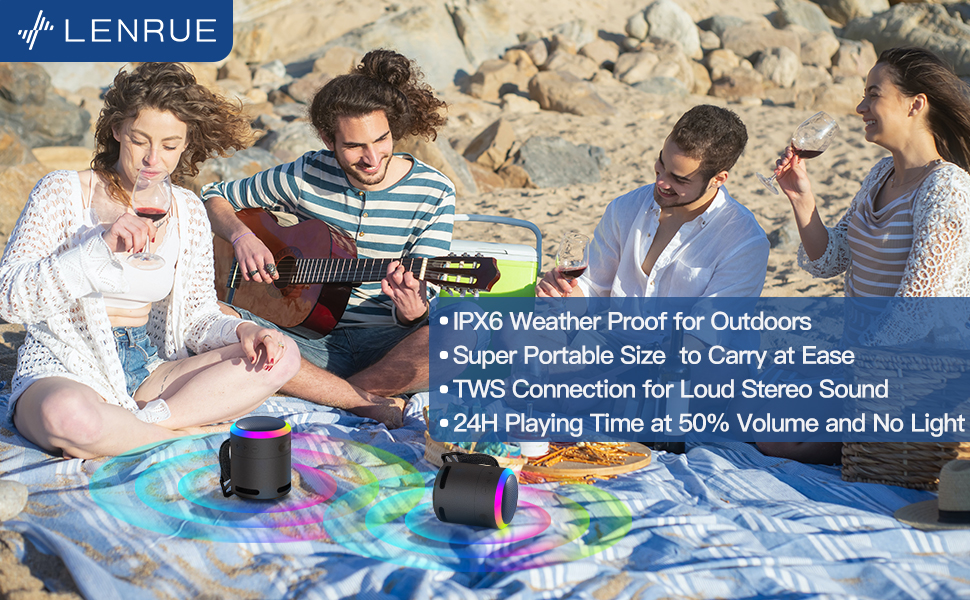
Mufananidzo 5: The speaker's colorful lights create an ambient atmosphere, ideal for relaxation or social gatherings.
Chokwadi Wireless Stereo (TWS) Kubatana
If you have two LENRUE F13 speakers, you can pair them together for a true wireless stereo experience.
- Ita shuwa kuti vese vatauri vakabatidzwa uye havana kubatana kune chero imwe Bluetooth mudziyo.
- On one speaker (the master speaker), press and hold the Light Mode button for 3 seconds to enter TWS pairing mode.
- Masipika anozobatana otomatiki. Kana angobatanidzwa, achaita se stereo pair.
- Connect your device to the master speaker via Bluetooth as described above.

Mufananidzo 6: Two speakers connected via TWS for an enhanced stereo audio experience.
Maintenance
Kuchenesa
- Pukuta sipika nejira rakapfava, rakaoma.
- Usashandise abrasive cleaners kana solvents.
Kuramba Mvura (IPX6)
The LENRUE F13 speaker is IPX6 waterproof, making it resistant to strong jets of water. It is suitable for use in environments like showers, by the pool, or during light rain.
- Ensure all port covers are securely closed to maintain water resistance.
- Usanyudza mukurukuri mumvura.
- Kana wapinda mumvura, pukuta sipika woiomesa usati wachaja.
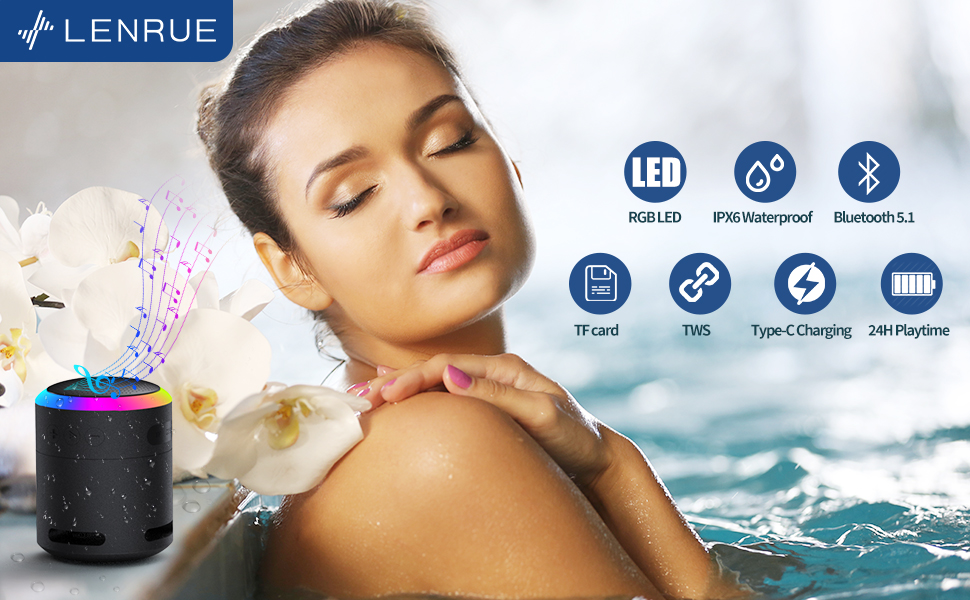
Mufananidzo 7: The IPX6 water resistance allows for worry-free use in various wet environments.
Kugadzirisa matambudziko
| Dambudziko | Zvinogona Kukonzera | Solution |
|---|---|---|
| Mutauri haabatike simba | Bhatiri rakaderera | Chaja mukurukuri zvizere. |
| Haikwanise kubatanidza kuburikidza neBluetooth | Speaker not in pairing mode / Device Bluetooth off / Too far from device | Ensure speaker is in pairing mode, Bluetooth is enabled on your device, and device is within 33 feet (10 meters). |
| Hapana ruzha panguva yekutamba | Volume too low / Paused / Not connected | Increase volume on both speaker and device, check if playback is paused, ensure successful Bluetooth connection. |
| TWS pairing inokundikana | Speakers already paired to other devices / Too far apart | Ensure both speakers are disconnected from other devices. Place them close together and retry TWS pairing. |
Zvinotsanangurwa
- Zita remuenzanisi: F13
- Rudzi rweMutauriri: Inotakurika Bluetooth Mutauri
- Mutauri Mukuru Wekubuda Simba: 5 Watts
- Kubatana Technology: Bluetooth 5.0
- Bluetooth Range: 10 metres (33 tsoka)
- Waterproof Rating: IPX6
- Nguva yekutamba: Up to 24 hours (at 50% volume, no LED light); 5 hours (typical use)
- Kuchaja Port: USB-C
- Special Features: Colorful LED Lights, Metal Construction, Detachable Lanyard, TWS Pairing
- Zviyero zvechigadzirwa: 2.8"D x 2.8"W x 3.6"H
- Chinhu Weight: 10.5 ounces
Warranty uye Support
For any questions, concerns, or support needs regarding your LENRUE F13 Portable Bluetooth Speaker, please contact LENRUE customer service through the retailer where the product was purchased. Keep your purchase receipt for warranty claims.


