Nhanganyaya
Thank you for choosing the Qubo Car Dashcam Pro X. This manual provides detailed instructions for the installation, operation, and maintenance of your dashcam. Please read this manual thoroughly before using the device to ensure proper functionality and safety. The Qubo Car Dashcam Pro X is designed to capture your drives in Full HD+ resolution, offering a wide-angle view and advanced features for a secure driving experience.
Chii chiri muBhokisi
Upon unboxing your Qubo Car Dashcam Pro X, please verify that all the following items are included:
- Dashcam 1N
- Car Charger 1N
- Double Sided Adhesive Tape 1N
- Power Cable 1N
- Pry Tool 1N
- Warranty Card 1N

Image: Contents of the Qubo Car Dashcam Pro X package.
Installation Guide
Follow these steps to properly install your Qubo Car Dashcam Pro X in your vehicle. For a visual guide, please refer to the installation video below.
- Clean the Windscreen: Ensure the area on your car's windscreen where the dashcam will be mounted is clean and dry.
- Shandisa Chinonamira cheElectrostatic: Peel the electrostatic sticker and carefully attach it to the clean windscreen. This provides a stable base for the dashcam.
- Mount the Dashcam: Remove the protective film from the adhesive on the dashcam mount. Attach the dashcam firmly to the electrostatic sticker on the windscreen.
- Route the Power Cable: Carefully remove the side cladding from the car's interior. Run the power cable through this space to conceal it. Use the provided pry tool to tuck any extra length of the power cable neatly along the edges of the car's interior trim.
- Batanidza Simba: Insert the 12V USB adapter (car charger) into your car's ACC port. Connect one end of the power cable to the USB adapter and the other end to the dashcam.
- Isa SD Card: Locate the SD card slot on the dashcam. Insert a compatible high-speed V30 SD card (not included) into the slot. Ensure it clicks into place.
Video: Step-by-step guide on how to install the Qubo Car Dashcam Pro X in your car.
Connecting to the QuboPro App
The QuboPro App allows you to access live footage, download recordings, and manage settings. Follow these steps to connect your dashcam to the app.
- Dhaunirodha App: Download the QuboPro App from the Google Play Store or Apple App Store.
- Sign In/Sign Up: Open the app and sign in with an existing account or sign up as a new user.
- Wedzera Mudziyo: Select "Dashcam Pro X" from the list of devices to add.
- Check Red Light: Confirm if the red light on your dashcam is continuously blinking. If yes, proceed by clicking 'YES' in the app.
- Batanidza kuWi-Fi: Go to your smartphone's Wi-Fi settings and connect to the hotspot created by the Dashcam (e.g., "Dashcam ProX_XXXXXX"). The default password is "12345678".
- Set Dashcam Name and Password: Return to the QuboPro App to set a custom name and password for your dashcam.
Once connected, your dashcam is commissioned and ready to record, with all features accessible via the app.
Video: Guide to connecting your Qubo Car Dashcam Pro X to the QuboPro mobile application.
Key Features uye Kushanda
The Qubo Car Dashcam Pro X is equipped with several advanced features to enhance your driving safety and recording experience.
- Full HD+ 3MP Camera: Captures video in stunning 1296P resolution at 30 frames per second, ensuring sharp and clear footage siku nesikati.
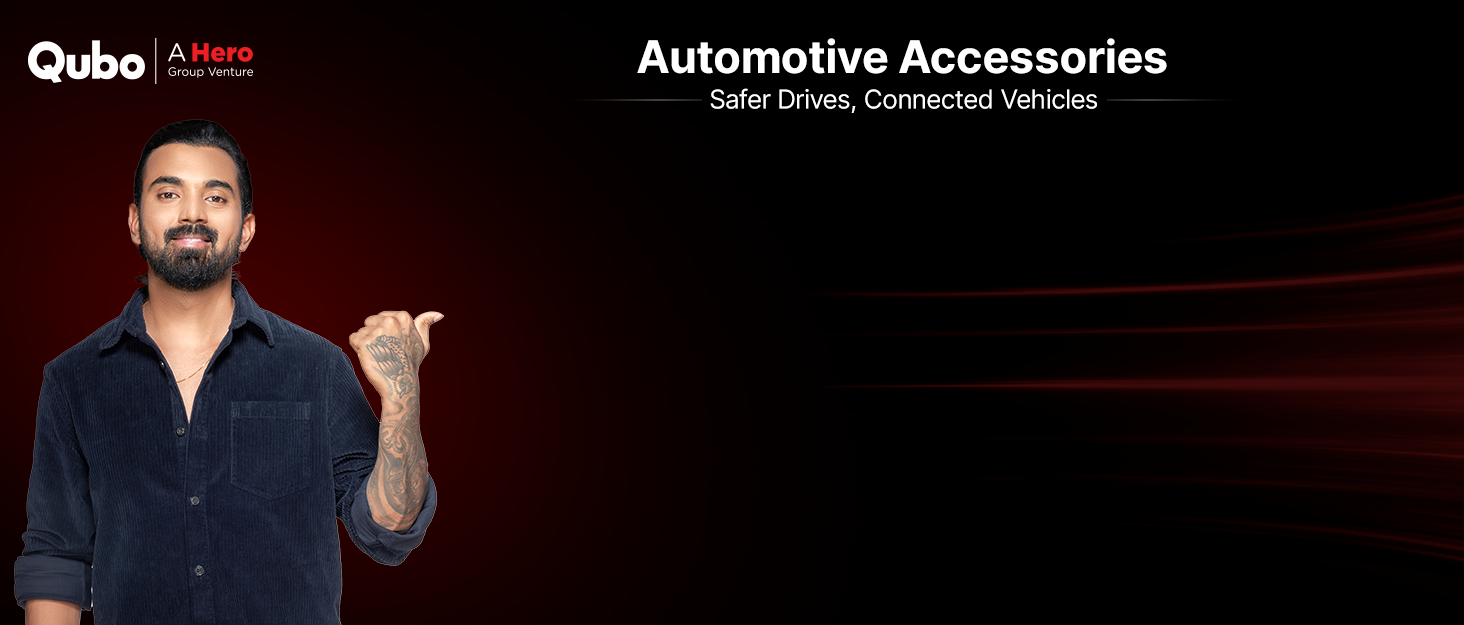
Image: Dashcam capturing video in Full HD+ resolution.
- 120° Ultra-Wide Angle: Provides extensive coverage of up to 4-6 lane highways, minimizing blind spots and capturing a broader view yemugwagwa.

Image: Illustration of the 120-degree ultra-wide angle field of view.
- NightPulse Vision: Features 3D DNR (Digital Noise Reduction) and Wide Dynamic Range (WDR) for superior low-light performance, ensuring clear and sharp recordings during nighttime or in dimly lit conditions.
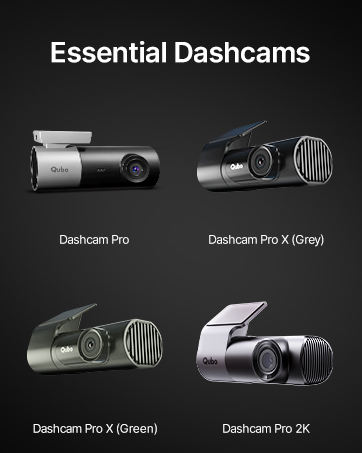
Image: Dashcam footage demonstrating NightPulse Vision clarity.
- Loop Recording: Anonyora otomatiki pane yekare footage when the SD card is full, ensuring continuous recording without manual deletion. Event files anodzivirirwa kubva pakunyorwa.
- Supercapacitor Powered: Utilizes a supercapacitor instead of a lithium battery, making it more durable and reliable in extreme temperatures ranging from -20°C to 85°C, preventing swelling or failure.
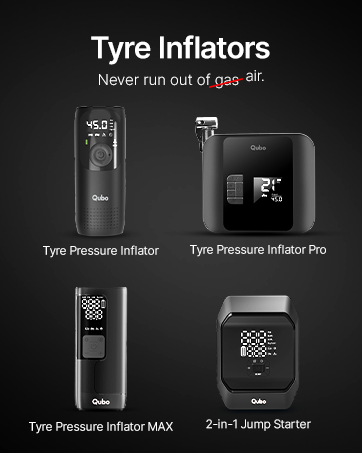
Image: Dashcam designed for Indian roads with supercapacitor technology.
- 360° Inotenderera Dhizaini: The detachable mount allows the dashcam to rotate 360 degrees, enabling it to function as an in-cabin camera for added flexibility.

Image: Dashcam showing its 360-degree rotatable design.
- Qubo Pro App Control: Seamlessly connect via built-in Wi-Fi to the Qubo Pro App (Android/iOS) for live feed viewing, video downloads, settings adjustments, and journey time-lapse creation.
Image: Screenshot of the Qubo Pro App interface.
- 1TB SD Card Support: Supports expandable storage up to 1TB (SD card not included), allowing for extensive recording archives. Use only high-speed V30 compatible SD cards for optimal performance.
Image: Information on compatible and non-compatible SD cards.
- Collision Detection G-Sensor: Equipped with a 3-axis accelerometer that automatically detects sudden shakes, jolts, or impacts. This triggers emergency recording and locks the footagkudzivirira kuti isanyorwezve, zvichiita kuti pave neuchapupu hwakakosha.
- Yakavakirwa-mukati Maikorofoni: Records audio inside and around your car. For privacy, this feature can be disabled through the Qubo Pro App.
Vhidhiyo: Pamusoroview of the Qubo Car Dashcam Pro X features and design.
Video: Visual demonstration of the Qubo Car Dashcam Pro X's recording capabilities and design.
Maintenance
- Chenesa Lenzi: Regularly clean the dashcam lens with a soft, lint-free cloth to ensure clear video quality.
- SD Kadhi Management: Format your SD card periodically (e.g., once a month) through the QuboPro App to maintain optimal recording performance and prevent data corruption. Always use a high-quality, compatible SD card (V30 speed class recommended).
- Firmware Dzokorora: Check the QuboPro App regularly for firmware updates to ensure your dashcam has the latest features and bug fixes.
- Secure Mounting: Periodically check that the dashcam is securely mounted to the windscreen to prevent it from falling during driving.
Kugadzirisa matambudziko
| Dambudziko | Zvinogona Kukonzera | Solution |
|---|---|---|
| Dashcam not powering on. | Loose power connection, faulty car charger, or car's ACC port issue. | Check all power connections. Ensure the car charger is properly inserted into the ACC port. Test the charger in another port or with another device if possible. |
| Matambudziko ekurekodha (semuenzaniso, akakanganisika files, stops recording). | Incompatible or faulty SD card, SD card full, or incorrect formatting. | Use a high-speed V30 compatible SD card. Format the SD card regularly via the QuboPro App. Replace the SD card if issues persist. |
| Wi-Fi connection problems with the app. | Incorrect Wi-Fi password, phone too far from dashcam, or app glitch. | Ensure you are using the correct Wi-Fi password ("12345678" by default). Keep your phone close to the dashcam. Restart both the dashcam and the app. |
| Hunhu hwevhidhiyo husina kunaka (hwakashama, husina kujeka). | Dirty lens, protective film still on lens, or low-light conditions without NightPulse Vision optimization. | Clean the dashcam lens. Ensure any protective films are removed. Verify NightPulse Vision is active in low-light settings. |
Zvinotsanangurwa
| Feature | Detail |
|---|---|
| Brand | Qubo |
| Model Name | Dashcam Pro X |
| Item Model Number | LN-HCAGR001 |
| Vhidhiyo Capture Resolution | 1296p |
| Munda we View | 120 madhigirii |
| Special Features | App Control, Built-In Microphone, Built-In WiFi, Loop Recording, Motion Sensing, Night Vision |
| Kubatana Technology | Wi-Fi |
| Mounting Type | Windshield Gomo |
| Color | Space grey |
| Item Weight | 80 g |
| Product Dimensions | 9.5 x 4 x 3.5 cm |
| Mugadziri | Hero Electronix Pvt. Ltd |
| Nyika Yekwakabva | India |
Warranty uye Support
The Qubo Car Dashcam Pro X comes with a standard warranty. Please refer to the included Warranty Card for specific terms and conditions.
For any technical assistance, installation support, or customer service inquiries, please contact:
- Mugadziri: Hero Electronix Pvt. Ltd
- Toll-free helpline number: 9319095757
- Kero Yekupinza Munyika: Hero Electronix Pvt. Ltd, 503, Rectangle 1, D4, Saket District Center, New Delhi - 110017
Dedicated on-call and field support is available across 70+ cities.


