Nhanganyaya
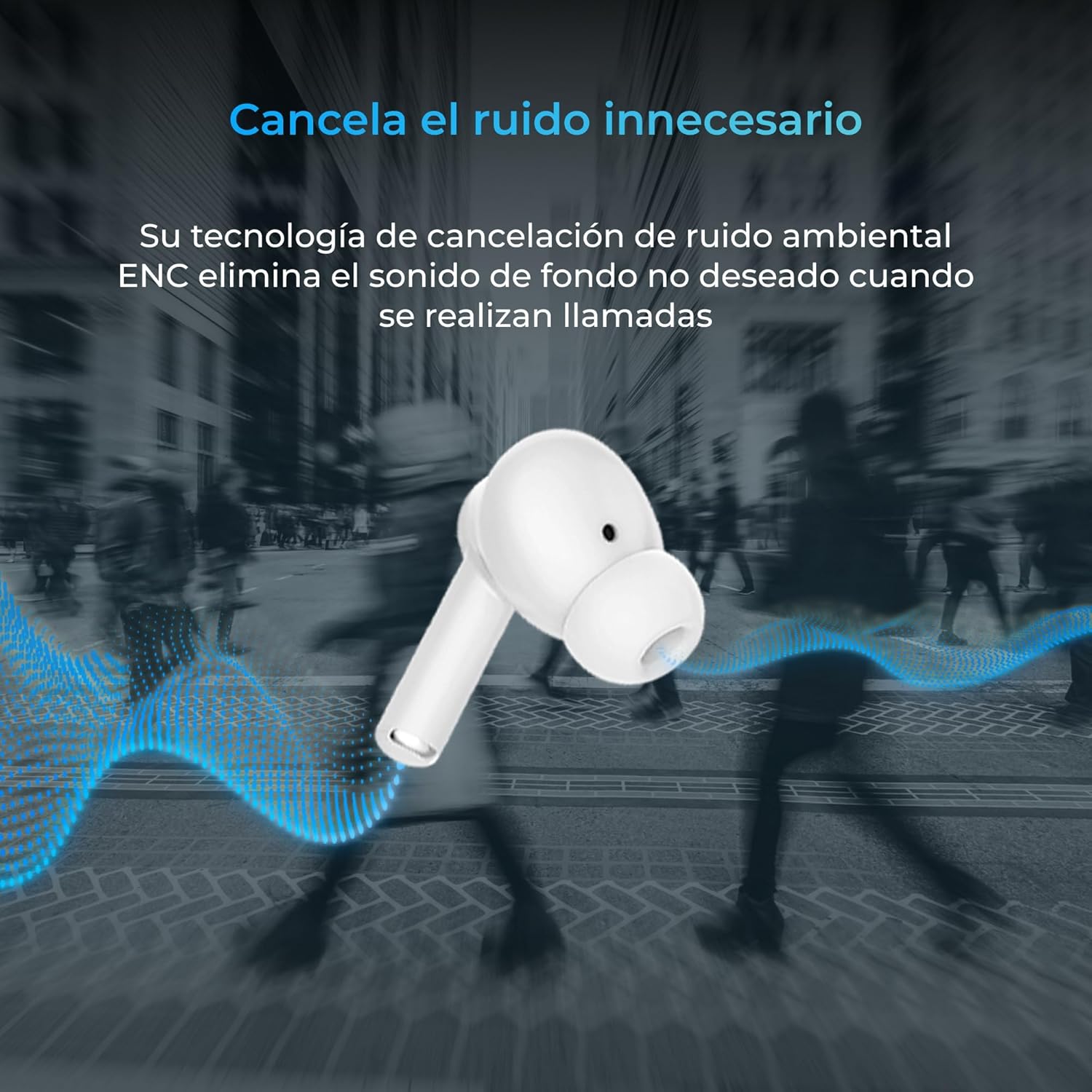
Thank you for choosing the KSIX Orion Wireless Earbuds. These earbuds are designed to provide a superior audio experience with features such as HD calls, Environmental Noise Cancellation (ENC), True Wireless Stereo (TWS), and intuitive touch controls. With up to 15 hours of total battery life and IPX4 water resistance, they are perfect for music, sports, and travel. This manual will guide you through the setup, operation, and maintenance of your new earbuds to ensure optimal performance and longevity.
Product Overview




Gadzirira
1. Kuchaja maEarbuds uye Case
Before first use, fully charge your KSIX Orion earbuds and charging case. The case and earbuds can be fully charged in approximately 1 hour. The earbuds provide up to 5 hours of playback, and the charging case provides an additional 10 hours, for a total of 15 hours of autonomy.
- Isa maearbuds muchesi yekuchaja.
- Batanidza bhokisi rekuchaja kune simba remagetsi uchishandisa tambo yeUSB-C inoenderana.
- Chiedza chemwenje pane iyo kesi icharatidza mamiriro ekuchaja.
2. Kubatanidza neChishandiso Chako
The KSIX Orion earbuds utilize Bluetooth 5.3 for a stable and uninterrupted connection.
- Ensure the earbuds are in the charging case and the case lid is open, or take them out of the case. They will automatically enter pairing mode.
- Pane yako smartphone, piritsi, kana imwe Bluetooth-inogonesa mudziyo, enda kumasetin'i eBluetooth.
- Tsvaga "KSIX Orion" in the list of available devices.
- Select "KSIX Orion" to connect. Once connected, you will hear a confirmation tone, and the earbuds will be ready for use.
- If pairing fails, place the earbuds back in the case, close the lid, wait a few seconds, then open the lid and try again.
Operating Instruction
The KSIX Orion earbuds feature intuitive touch controls for easy management of music and calls.
Touch Controls
| Chiito | Left Earbud | Right Earbud |
|---|---|---|
| Ridza/Misa Mimhanzi | Single tap | Single tap |
| Next Song | Katatu pombi | Katatu pombi |
| Previous Song | Top kaviri | Top kaviri |
| Volume Up | Long press (Right) | Long press (Right) |
| Volume Down | Long press (Left) | Long press (Left) |
| Pindura/Pedzisa Kufona | Single tap | Single tap |
| Ramba Kufona | Kudzvanya kwenguva refu | Kudzvanya kwenguva refu |
| Activate Voice Assistant | Tinya uye ubatisise kwemasekonzi maviri | Tinya uye ubatisise kwemasekonzi maviri |
Voice Assistant
The KSIX Orion earbuds are compatible with popular voice assistants such as Siri, Amazon Alexa, and Google Assistant. To activate your preferred voice assistant, use the designated touch control (tap and hold for 2 seconds). You can then issue commands for calls, music control, and more.
Maintenance
Proper maintenance ensures the longevity and optimal performance of your KSIX Orion earbuds.
- Kuchenesa: Regularly clean the earbuds, especially the ear tips and charging contacts, with a soft, dry, lint-free cloth. Do not use abrasive cleaners or solvents.
- Kuramba Mvura: The earbuds are IPX4 water resistant, meaning they are protected against splashing water from any direction. They are resistant to sweat and light rain. Do not submerge the earbuds in water or expose them to strong jets of water. Ensure the earbuds are dry before placing them back in the charging case to prevent damage.
- Kuchengeta: Kana isiri kushandiswa, chengetedza maearbuds mukesi yavo yekuchaja kuti uzvidzivirire kubva kuguruva nekukuvadzwa kwemuviri. Chengetedza munzvimbo inotonhorera, yakaoma kure nekupisa kwakanyanya.
- Battery Care: Kuti uchengetedze hupenyu hwebhatiri, dzivisa kuburitsa maearbuds nemakesi nguva zhinji. Vachajise nguva nenguva, kunyangwe isiri mukushandiswa nguva dzose.
Kugadzirisa matambudziko
If you encounter issues with your KSIX Orion earbuds, try the following solutions:
| Dambudziko | Possible Solution |
|---|---|
| Maearbuds haasi kubatanidza |
|
| Hapana ruzha kubva kune imwe kana ese maearbud |
|
| Maearbuds haasi kuchaja |
|
| Poor call quality / ENC not working |
|
Zvinotsanangurwa
| Feature | Detail |
|---|---|
| Model Number | BXTW09B |
| Brand | KSIX inyanzvi tekinoroji yako |
| Color | Chena |
| Kubatana Technology | Wireless (Bluetooth 5.3) |
| Kuiswa Nzeve | Munzeve |
| Fomu Factor | Munzeve |
| Inzwi Insulation | Environmental Ruzha Kanzura (ENC) |
| Mvura Resistance Level | IPX4 (Splash-proof) |
| Hupenyu hwebhatiri (Earbuds) | Kusvikira kumaawa makumi maviri nemashanu |
| Hupenyu Hwebhatiri Hwese (neCase) | Kusvikira kumaawa makumi maviri nemashanu |
| Kuchaja Nguva | Approx. 1 awa |
| Frequency Range | 20 Hz - 20,000 Hz |
| Control Type | Kubata Kudzora, Kudzora Izwi |
| Inowirirana Devices | Smartphones, tablets, laptops, desktops, smart speakers |
| Inokurudzirwa Zvishandiso | Calls, Music, Sport, Travel |
| Inosanganisirwa Zvikamu | Wireless kuchaja kesi |
Warranty uye Support
For detailed warranty information and customer support, please refer to the official KSIX website or contact their customer service directly. Information regarding spare parts availability and software update guarantees is not available in this manual.
Kuti uwane rumwe rubatsiro, ndapota shanya: www.ksix.com


