1. Nhanganyaya
Thank you for choosing the CRUA 30" Curved Gaming Monitor. This manual provides essential information for setting up, operating, and maintaining your monitor. Please read it thoroughly before use to ensure optimal performance and safety.
This monitor features a 30-inch WFHD (2560x1080) 1500R curved VA screen, offering a 21:9 aspect ratio for an immersive viewing experience. It supports a high refresh rate of up to 200Hz and AMD FreeSync technology for smooth, tear-free visuals. With 120% sRGB color gamut, 300 cd/m² brightness, and a 3000:1 contrast ratio, it delivers vibrant and true-to-life colors.
2. Safety Information
Please observe the following safety precautions to prevent damage to your monitor or injury to yourself:
- Usaise monitor pangoro isina kugadzikana, pachigadziko, kana patafura.
- Usadzivirire kuvhurika kwemhepo.
- Usashandise pedyo nemvura kana nzvimbo dzinopisa.
- Shandisa adapta yemagetsi chete yakapihwa nemugadziri.
- Bvisa cheki panguva yemadutu emheni kana kusashandiswa kwenguva refu.
- Tumira masevhisi ese kuvashandi vanokwanisa.
3. Package Zviri mukati
Ona kuti zvinhu zvese zviripo mupasuru yako:
- 29.5 Inch Gaming Monitor
- Power Adapter
- DP Cable
- Base and Support
- User Manual
4. Setup
4.1. Stand Assembly
Kuunganidza chigadziko chemonitor:
- Bvisa monitor yacho nokungwarira kubva mupakeji yayo, uchiichengetedza.
- Attach the stand base to the stand support using the provided screws.
- Gadzirisa chigadziko chakaungana nemapoinzi ekukwira kumashure kwemonitor.
- Secure the stand to the monitor using the provided screws.

Figure 1: Monitor rear view showing stand attachment points.

Figure 2: Monitor with stand fully assembled.
4.2. Wall Mount Installation
The monitor supports VESA wall mount installation (100x100mm). To install using a wall mount (sold separately):
- Bvisa chigadziko kubva pachitarisiko kana chatobatanidzwa.
- Attach your VESA-compatible wall mount bracket to the monitor's mounting holes.
- Follow the instructions provided with your wall mount for secure installation.

Figure 3: Monitor rear view highlighting VESA mount compatibility.
4.3. Kubatanidza kune Zvishandiso
Connect your monitor to your computer or other devices using the available ports:
- Dual HDMI Ports: Supports up to 120Hz refresh rate.
- Dual DisplayPort (DP) Ports: Supports up to 200Hz refresh rate.
- 3.5mm Audio Port: Yekubatanidza mahedhifoni kana vatauri vekunze.
- DC Power Input: Batanidza adapta yemagetsi yakapihwa pano.

Figure 4: Monitor connectivity ports.
5. Operating Instructions
5.1. Simba On / Off
To power on the monitor, press the power button located on the back or bottom of the monitor. Press it again to power off.
5.2. Kufamba paMenyu yeOn-Screen Display (OSD)
The OSD menu allows you to adjust various monitor settings. Buttons for navigation are typically located on the back or bottom of the monitor. Use these buttons to:
- Access the main OSD menu.
- Navigate through menu options (Up/Down, Left/Right).
- Select options and confirm settings.
- Buda iyo OSD menyu.
5.3. Ratidza Zvimiro
- Refresh Rate: Enjoy ultra-smooth visuals with a refresh rate of up to 200Hz (via DisplayPort) or 120Hz (via HDMI). Adjust this setting in your computer's display settings for optimal performance.
- AMD FreeSync: This technology synchronizes the monitor's refresh rate with your GPU's frame rate, eliminating screen tearing and stuttering for fluid gameplay. Ensure FreeSync is enabled in both your monitor's OSD and your graphics card's control panel.
- 1500R Curved Screen: The 1500R curvature provides an immersive viewing experience by wrapping the display around your field of vision, reducing eye strain during extended use.
- Color Gamut: With 120% sRGB color gamut, 300 cd/m² brightness, and a 3000:1 contrast ratio, the monitor delivers vibrant, accurate, and true-to-life colors.
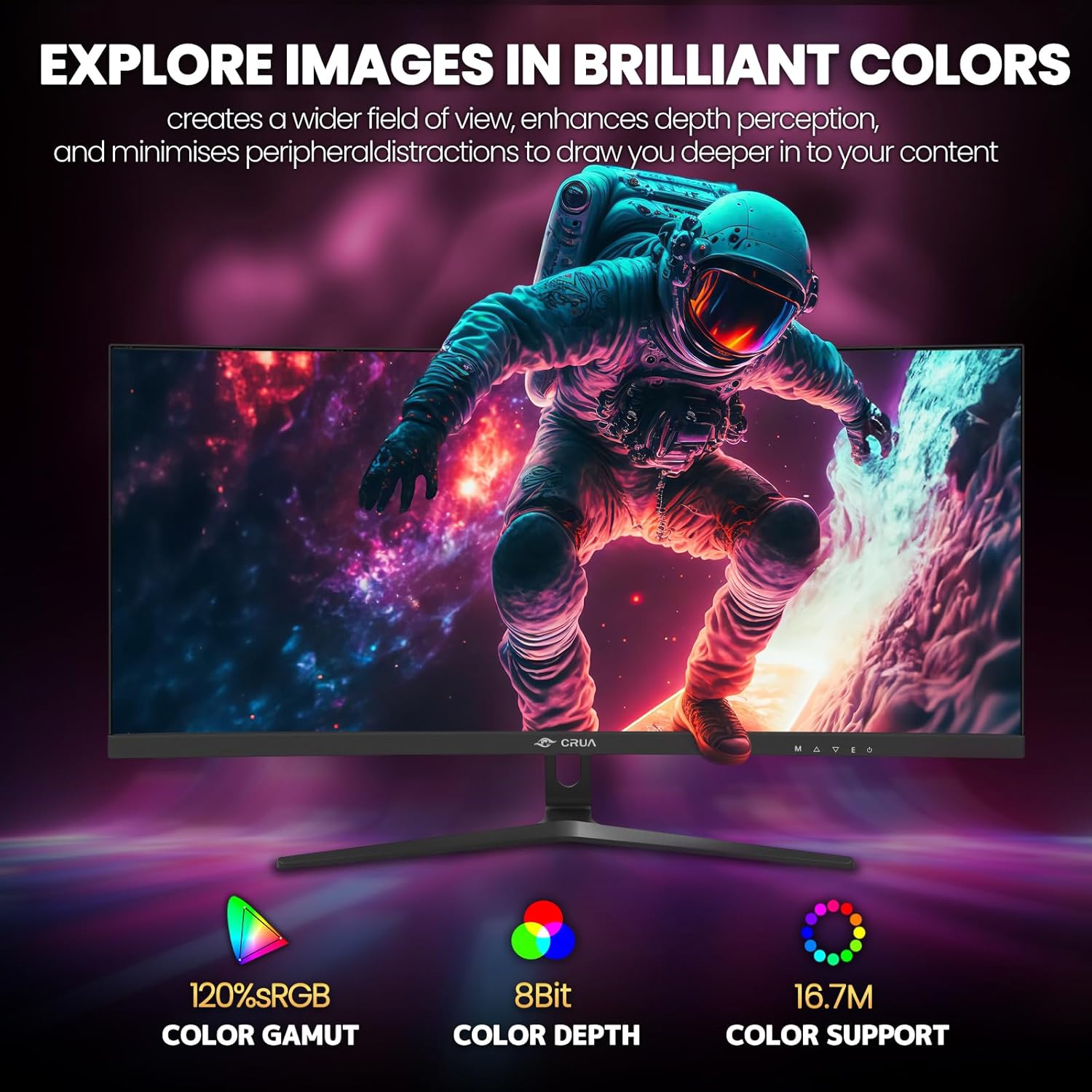
Figure 5: Immersive 1500R curved display.

Figure 6: Brilliant color reproduction with 120% sRGB.
6. Kuchengeta
Kuti uve nechokwadi chehupenyu hurefu uye nekuita kwakakwana kwemonitor yako:
- Kuchenesa: Gently wipe the screen with a soft, lint-free cloth. For stubborn marks, use a screen-cleaning solution applied to the cloth, not directly to the screen.
- Care: Avoid placing heavy objects on the monitor or its cables. Keep the monitor away from direct sunlight, excessive heat, and moisture.
- Kufefetedza Iva nechokwadi chekuti maburi emhepo ari kumashure kwemonitor haana kuvharwa kudzivirira kupisa zvakanyanya.
7. Kugadzirisa matambudziko
Kana ukasangana nematambudziko nemonitor yako, tarisa kune anotevera akajairika mhinduro:
- Hapana Simba: Ita shuwa kuti iyo adapta yemagetsi yakabatana zvakachengeteka kune ese ari maviri evhavha uye anoshanda simba rekubuda. Tarisa uone kana mwenje wemagetsi uripo.
- Hapana Chiratidzo: Verify that the video cable (HDMI or DisplayPort) is correctly connected to both the monitor and your computer. Ensure the correct input source is selected on the monitor (via the OSD menu).
- Flickering/Tearing: Ensure AMD FreeSync is enabled in both the monitor's OSD and your graphics card settings. Check your refresh rate settings in your computer's display options.
- Hunhu Hwakashata hweMufananidzo: Adjust brightness, contrast, and color settings via the OSD menu. Ensure your display resolution is set to the native 2560x1080.
8. Zvinotsanangurwa
| Feature | Detail |
|---|---|
| Yakamira skrini yekuratidzira saizi | 30 inches |
| Screen Resolution | 2560x1080 |
| Max Screen Resolution | 2560 x 1080 Pixels |
| Brand | CRUA |
| Series | CR300HD |
| Nhamba yemuenzaniso wechinhu | CR300HD |
| Item Weight | 11.3 makirogiramu |
| Product Dimensions | 27 x 3.3 x 16 inches |
| Color | Nhema |
| Simba Source | DC |
| Screen Size | 30 inches |
| Resolution | FHD 1080p Ultra Wide + |
| Aspect ratio | 21:9 |
| Screen Surface Tsananguro | Matt |
9. Warranty uye Tsigiro
CRUA is committed to providing high-quality computer monitors and premium services. If you have any questions or require assistance, please do not hesitate to contact us. We are here to serve you and solve all your problems.
For support, please refer to the contact information provided in your product packaging or visit the official CRUA website.


