1. Nhanganyaya
Thank you for choosing the Trust Halyx 5-in-1 USB-C Hub. This manual provides essential information for the proper setup, operation, and maintenance of your device. This hub is designed to expand the connectivity of your PC, laptop, or MacBook Pro by adding four USB-C data ports and one USB-C Power Delivery (PD) port.
2. Chigadzirwa Pamusoroview
The Trust Halyx 5-in-1 USB-C Hub (Model 25136) features a durable aluminum housing and a compact design. It connects to your host device via an integrated 10cm USB-C cable.
2.1 Mamiriro Akakosha
- 5-Port Connectivity: Adds 4 USB-C data ports and 1 USB-C Power Delivery port.
- 100W USB-C PD Power Port: Allows pass-through charging for your laptop (additional charger required).
- High-Speed Data Transfer: Supports data transfer speeds up to 5 Gbps.
- Durable Design: Constructed with an aluminum housing for enhanced durability.
- Plug uye Tamba: Hapana madhiraivha anodiwa kune akawanda masisitimu ekushanda.
2.2 Package Zviri mukati
- Trust Halyx 5-in-1 USB-C Hub
- Mushandisi Chinyorwa (gwaro iri)

Image: The Trust Halyx 5-in-1 USB-C Hub showing its five convenient ports and integrated USB-C cable.

Mufananidzo: Yakadzama view of the five USB-C ports on the Trust Halyx hub, including the Power Delivery port.
3. Setup Instructions
Follow these steps to set up your Trust Halyx 5-in-1 USB-C Hub:
- Batanidza kune Host Device: Plug the integrated USB-C cable of the hub into an available USB-C port on your PC, laptop, or MacBook Pro.
- Kubatanidza Simba (Sarudzo): If you wish to charge your laptop through the hub, connect your laptop's USB-C power adapter to the dedicated 100W USB-C PD port on the hub. Note: An additional charger is required for pass-through charging.
- Batanidza Peripherals: Plug your USB-C devices (e.g., external drives, keyboards, mice, other USB-C accessories) into the four USB-C data ports on the hub.
- Verify Connection: Your operating system should automatically detect the hub and connected devices. No additional drivers are typically needed.

Image: The Trust Halyx hub connected to a laptop, demonstrating how to plug in additional USB-C devices.

Image: The 100W USB-C Power Delivery port on the Trust Halyx hub, with a power cable connected for laptop charging.
4. Operating Instructions
Once connected, the Trust Halyx hub operates as a direct extension of your computer's USB-C capabilities.
4.1 Kubatanidza Zvishandiso
- Simply plug your USB-C peripherals into any of the four available USB-C data ports.
- The hub supports data transfer speeds of up to 5 Gbps, suitable for most external storage devices, keyboards, mice, and other accessories.
4.2 Power Delivery Functionality
- The dedicated USB-C PD port allows you to charge your laptop while using the hub. Connect your laptop's original USB-C power adapter to this port.
- The hub supports up to 100W pass-through power delivery. Ensure your power adapter is compatible with your laptop's charging requirements.

Image: A complete workstation setup utilizing the Trust Halyx hub to connect various peripherals to a laptop and external monitor.
5. Kuchengeta uye Kuchengeta
To ensure the longevity and optimal performance of your Trust Halyx USB-C Hub, follow these guidelines:
- Kuchenesa: Shandisa jira rakapfava, rakaoma kuchenesa hub. Dzivisa zvinochenesa mvura kana zvinhu zvinokwesha.
- Kuchengeta: Store the hub in a cool, dry place when not in use. Its compact size makes it suitable for travel.
- Kubata: Avoid dropping the hub or subjecting it to strong impacts. Do not bend the integrated cable excessively.
- Tembiricha: Operate the hub within normal room temperatures. Avoid extreme heat or cold.
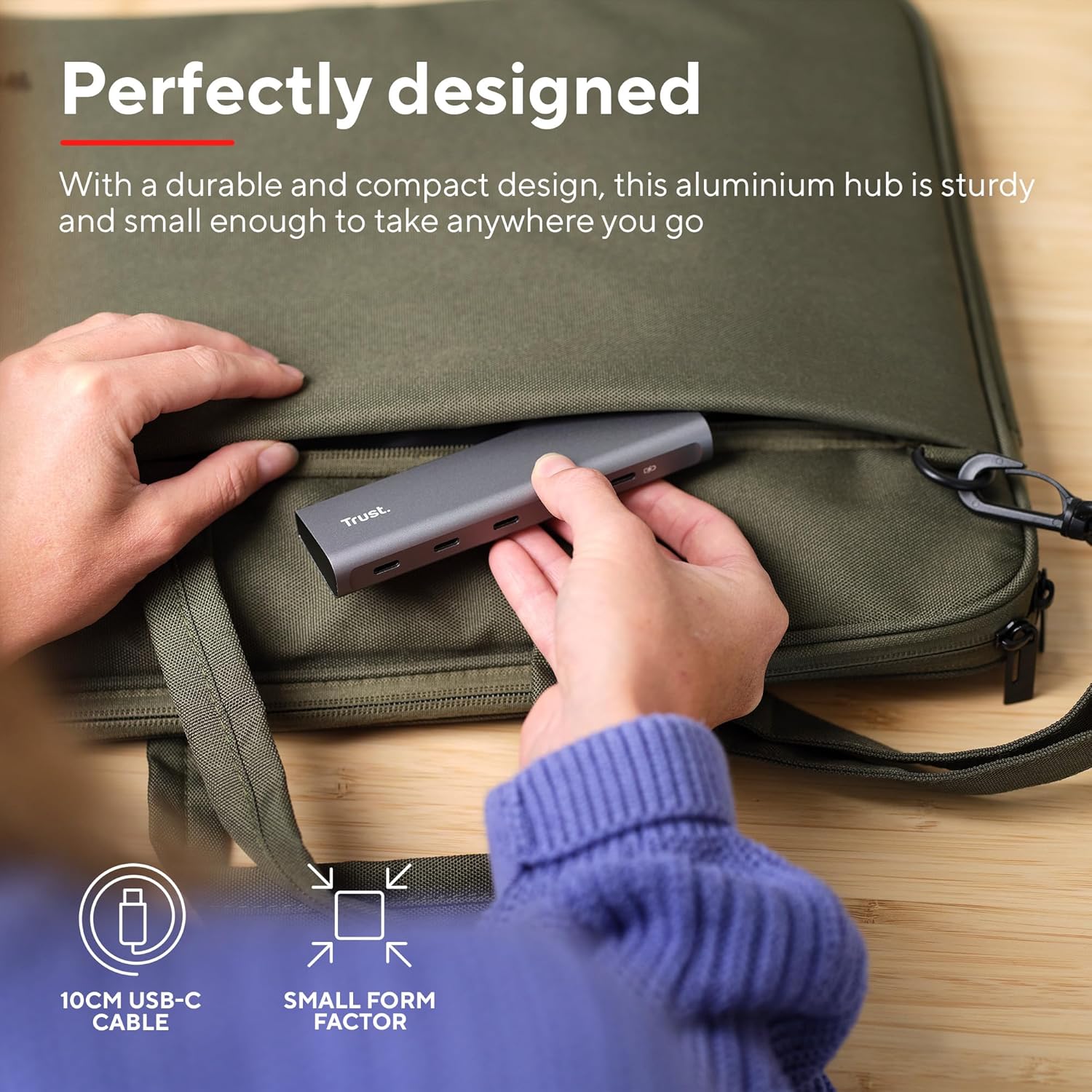
Image: The compact and durable design of the Trust Halyx hub, shown being placed into a laptop bag for portability.
6. Kugadzirisa matambudziko
If you encounter issues with your Trust Halyx USB-C Hub, refer to the following common solutions:
6.1 Devices Not Detected
- Tarisa Makabatana: Ensure the hub's USB-C cable is securely plugged into your host device and that peripherals are firmly connected to the hub.
- Restart Host Device: Sometimes, a simple restart of your computer can resolve detection issues.
- Test Peripherals Directly: Connect the peripheral directly to your computer's USB-C port (if available) to confirm it is functioning correctly.
- Try Different Port: If your computer has multiple USB-C ports, try connecting the hub to a different one.
6.2 Charging Not Working
- Simbisa Adapta yeMagetsi: Ensure your USB-C power adapter is correctly connected to the hub's PD port and is capable of providing sufficient power for your laptop.
- Check Laptop Compatibility: Confirm your laptop supports USB-C Power Delivery for charging.
- Cable Integrity: Ensure the USB-C cable from your power adapter to the hub is not damaged.
6.3 Kutamisa Data Zvishoma Nezvishoma
- Kuenderana Nemudziyo: Ensure the connected peripheral supports USB 3.0 (5 Gbps) speeds. Older USB 2.0 devices will operate at their native slower speeds.
- Host Port Speed: Verify that the USB-C port on your computer supports USB 3.0 or higher data transfer rates.
- Dzivisa kuwandisa: While the hub provides multiple ports, extremely demanding devices might perform better when connected directly to the host device if possible.
7. Zvinotsanangurwa
| Feature | Detail |
|---|---|
| Model Number | 25136 |
| Brand | Vimba |
| Kubatana | 1x USB-C Host Connector (integrated cable), 4x USB-C Data Ports, 1x USB-C Power Delivery Port |
| Data Kutamisa Speed | Kusvika ku5 Gbps (USB 3.0) |
| Power Delivery | Kusvikira ku100W kupfuura-nekuchaja |
| Housing Material | Aluminium |
| Cable Length | 10 cm |
| Dimensions (LxWxH) | 1.26 x 5 x 0.63 inches (32 x 127 x 16 mm) |
| Kurema | 2.86 ounces (81 gramu) |
| Inowirirana Operating Systems | Chrome OS, Windows 10 or 11, macOS 11, 12 or 13 |
8. Warranty uye Tsigiro
Kuti uwane ruzivo rwewarandi uye rutsigiro rwehunyanzvi, ndapota tarisa kuTrust yepamutemo websaiti kana kubata basa ravo revatengi zvakananga. Chengetedza humbowo hwako hwekutenga kune warranty claim.
Rutsigiro rwepamhepo: www.trust.com/support


