1. Nhanganyaya
The Promate Capsule-3 is a portable Bluetooth speaker designed to deliver high-definition audio with versatile connectivity options. This manual provides essential information for setting up, operating, and maintaining your speaker to ensure optimal performance.
2. Chii chiri muBhokisi
Carefully unpack your Promate Capsule-3 speaker. The package should contain the following items:
- 1 x Promate Capsule-3 Bluetooth Speaker
- 1 x Chinyorwa cheMushandisi
3. Chigadzirwa Pamusoroview
The Promate Capsule-3 speaker features a 5W audio output, True Wireless Stereo (TWS) technology for pairing two speakers, and integrated rainbow LED lights. It supports multiple playback modes including Bluetooth v5.3, TF Card, USB Media Port, and 3.5mm AUX input. The compact design includes a lanyard for portability, and it is powered by a built-in 500mAh rechargeable lithium battery providing up to 6 hours of playtime.
Video 1: Promate Capsule-3 Speaker Overview. This video provides a brief introduction to the Promate Capsule-3 Bluetooth Speaker, highlighting its key features and design.

Image 1: True Wireless Stereo Sound. The image displays the Promate Capsule-3 speaker, emphasizing its 5-watt output and True Wireless Stereo (TWS) capability for enhanced audio.

Image 2: Rainbow LED Lights. This image shows the speaker with its vibrant rainbow LED lights, illustrating its ability to enhance the ambiance of any environment.
4. Setup
4.1 Kuchaja Mutauriri
- Connect the charging cable to the DC 5V port on the speaker.
- Batanidza imwe magumo etambo kune USB magetsi adapta (isina kuisirwa) kana komputa USB port.
- The LED indicator will show charging status. Once fully charged, the indicator will change or turn off.
4.2 Kubatidza/Kudzima
- To power on, press and hold the Power button until the LED lights illuminate and an audible prompt is heard.
- To power off, press and hold the Power button again until the LED lights turn off and an audible prompt is heard.
5. Operating Instructions
5.1 Bluetooth Pairing
- Iva nechokwadi chekuti spika yakabatidzwa uye iri muBluetooth pairing mode (LED indicator ichapenya).
- Pamudziyo wako (smartphone, piritsi, laptop), shandisa Bluetooth uye tsvaga zvishandiso zviripo.
- Select "Promate Capsule-3" from the list.
- Kana yabatanidzwa, mutauri achaburitsa ziviso inonzwika, uye chiratidzo che LED chichamira kupenya.
5.2 Kubatanidza True Wireless Stereo (TWS)
To achieve stereo sound, you can pair two Promate Capsule-3 speakers together:
- Ensure both Capsule-3 speakers are powered on and not connected to any Bluetooth device.
- On one speaker (this will be the primary speaker), press and hold the TWS pairing button (refer to controls section for button identification).
- The speakers will search for each other and automatically pair. An audible prompt will confirm successful TWS connection.
- Now, connect your device to the primary speaker via Bluetooth as described in section 5.1. Audio will play in stereo through both speakers.

Image 3: Easy Music Navigation. This image highlights the speaker's control buttons, indicating simple navigation for music playback and call management.
5.3 Multi-Mode Playback
The speaker supports various audio input methods:
- Bluetooth: Connect wirelessly to your device (see 5.1).
- TF Card: Insert a TF (Micro SD) card loaded with audio files muTF card slot. Spika inozochinja yega kuenda kuTF card mode yotanga kutamba.
- USB Media Port: Isa USB flash drive ine audio files mu USB port. Sipika inozochinja yega kuenda ku USB mode yotanga kutamba.
- AUX Input: Connect an audio device using a 3.5mm AUX cable to the AUX port. The speaker will automatically switch to AUX mode.

Image 4: Multiple Connectivity Options. The image illustrates the various input ports available on the speaker, including Wireless BT, AUX Port, USB Drive, and TF Card slot.
6. Zvidzoro
The Promate Capsule-3 features intuitive touch controls and quick access buttons for managing your audio experience:
- Bhatani reSimba: Dzvanya uye ubate kuti ubatisise/kudzima.
- Bhatani reTamba/Kumbomira: Press to play or pause audio. During a call, press to answer/end.
- Kukwidza inzwi (+): Dzvanya kuti uwedzere vhoriyamu. Dzvanya wobata kuti utarise rwiyo runotevera.
- Vhoriyamu Pasi (-): Dzvanya kuti uderedze vhoriyamu. Dzvanya wobata rwiyo rwekare.
- Bhatani reModhi (M): Press to switch between Bluetooth, TF Card, USB, and AUX modes.
- Akatungamira Mwenje Kudzora: Specific button or combination (refer to speaker markings) to cycle through or turn off LED light modes.
7. Kuchengeta
- Kuchenesa: Shandisa jira rakapfava, rakaoma kuchenesa kunze kwemutauri. Usashandise zvinochenesa zvinogumbura kana zvinonyungudutsa.
- Kuchengeta: Chengetedza mukurukuri munzvimbo inotonhorera, yakaoma kure nechiedza chezuva uye tembiricha yakanyanyisa.
- Battery Care: To prolong battery life, fully charge the speaker before first use and recharge it regularly, even if not in use for extended periods. Avoid fully discharging the battery frequently.
- Kuramba Mvura: Chinopakurira ichi HACHINA mvura. Dzivisa kusviba nemvura kana hunyoro hwakawandisa.
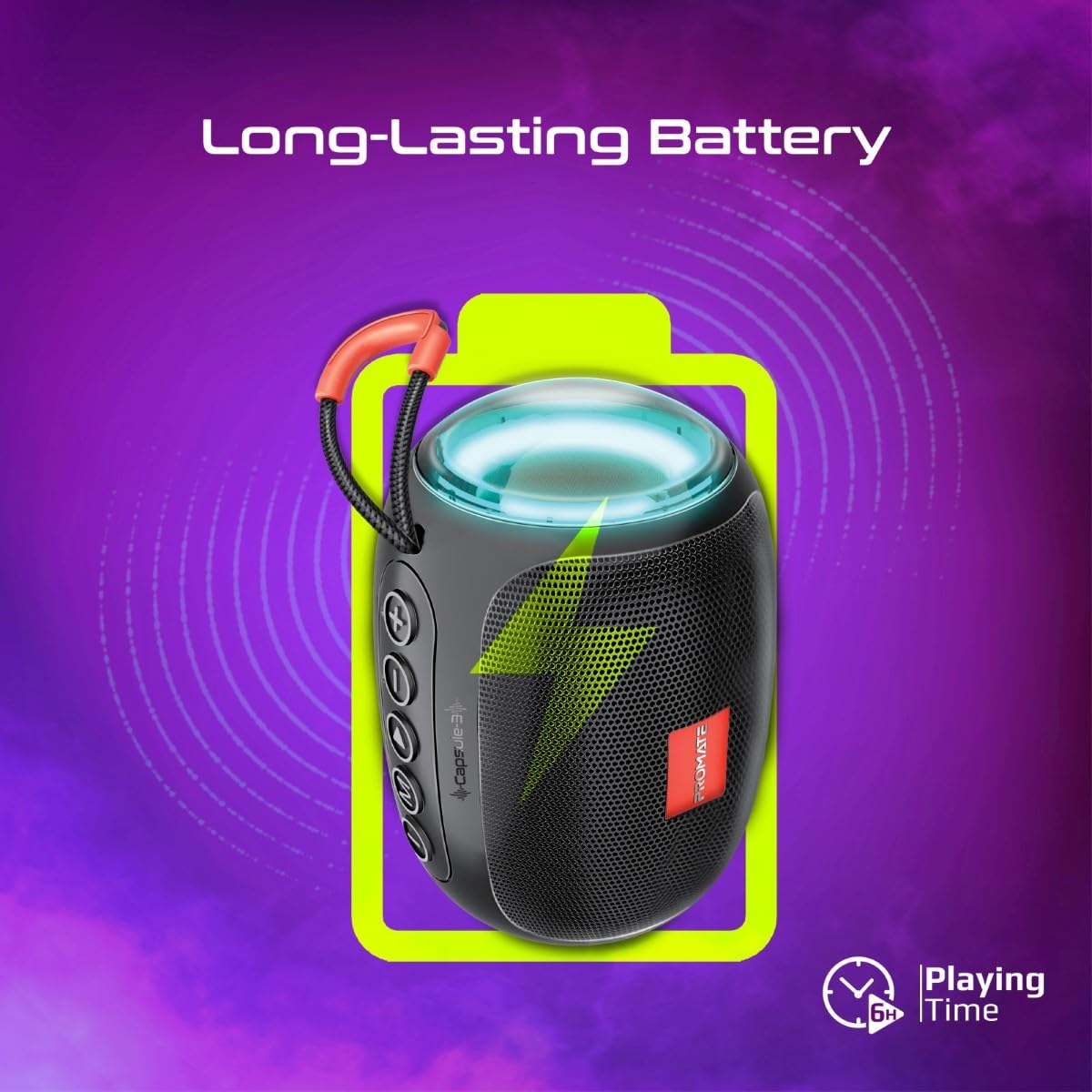
Image 5: Long-Lasting Battery. The image highlights the speaker's extended battery life, indicating over 6 hours of continuous playtime on a single charge.
8. Kugadzirisa matambudziko
| Dambudziko | Zvinogona Kukonzera | Solution |
|---|---|---|
| Mutauri haabati simba. | Bhatiri rakaderera. | Chaja mukurukuri zvizere. |
| Haikwanise kubatanidza kuburikidza neBluetooth. | Chipika hachisi muchimiro chekupairira; Bluetooth yemudziyo yakadzimwa; kure zvakanyanya nechipika. | Ensure speaker is in pairing mode. Turn device Bluetooth off/on. Move device closer to speaker (within 10 meters). |
| Hapana ruzha. | Volume too low; incorrect input mode; paused playback. | Increase volume. Check input mode (Bluetooth, AUX, TF, USB). Ensure music is playing. |
| TWS pairing inotadza. | Masipika atobatanidzwa kune chimwe chishandiso; kure zvakanyanya. | Disconnect speakers from any Bluetooth devices. Ensure speakers are close to each other. Try re-initiating TWS pairing. |
9. Zvinotsanangurwa
| Feature | Detail |
|---|---|
| Model Name | Capsule-3 |
| Material | Acrylonitrile Butadiene Styrene (ABS) |
| Mutauriri Kubuda | 5 Watts |
| Bluetooth Version | v5.3 |
| Wireless Range | Kusvika 10 metres |
| Battery Capacity | Yakavakwa-mukati 500mAh rechargeable lithium bhatiri |
| Nguva yekutamba | Kusvikira kumaawa makumi maviri nemashanu |
| Kuchaja Port | DC 5V (USB) |
| Kubatana Sarudzo | Bluetooth, 3.5mm AUX, USB Port, TF Card Slot |
| Kudzora Nzira | Bata mabhatani |
| Special Features | LED Lights, True Wireless Stereo (TWS) support, Portable design |
| Product Dimensions | 9D x 9W x 16H Masendimita |
| Item Weight | 410 magiramu |
| Kuramba Mvura | Kwete Kudzivirira Mvura |
10. Warranty uye Tsigiro
For warranty information, technical support, or service inquiries, please refer to the warranty card included with your product or visit the official Promate website. Chengeta risiti rako rekutenga seumboo hwekutenga.

Image 6: Music On-The-Go. This image depicts the speaker in an outdoor setting, highlighting its compact and portable design, suitable for travel and outdoor activities.


