Nhanganyaya
This manual provides essential information for the setup, operation, and maintenance of your STRONG SRT32HG6733C 32-inch HD Android Smart TV. Please read these instructions carefully before using the product to ensure proper functionality and safety.
Chii chiri muBhokisi
Upon unpacking, verify that all items listed below are present and in good condition:
- STRONG SRT32HG6733C TV Unit
- Remote control with voice recognition
- 2 x AAA mabhatiri
- Mushandisi Chinyorwa (gwaro iri)

Image: The STRONG SRT32HG6733C TV unit with its central stand, remote control, and included accessories.
Gadzirira
1. Kubatanidza Stand
Carefully place the TV screen-down on a soft, clean surface to prevent scratches. Align the central stand with the mounting holes on the bottom of the TV. Secure the stand using the provided screws. Ensure the stand is firmly attached before proceeding.

Mufananidzo: Rear view of the TV showing the central stand attachment points and various input ports.
2. Kubatanidza Simba
Batanidza tambo yemagetsi mu "power input" yeTV, wobva waisa mu "wall outlet". TV ichapinda mu "standby mode".
3. Yekutanga Setup uye Network Connection
Upon first power-on, the TV will guide you through the initial setup process. This includes language selection, country, and network connection. For optimal Smart TV functionality, connect to your Wi-Fi network. You can also connect via an Ethernet cable for a stable wired connection.

Image: The TV screen displaying connectivity options, highlighting Wi-Fi and Bluetooth symbols.
Operating Instruction
Basic Mabasa
- Batidza/Kudzima: Dzvanya bhatani remagetsi paremote control kana TV.
- Kusarudzwa kweChannel: Use the CH+/- buttons or the number pad on the remote.
- Kudzora inzwi: Use the VOL+/- buttons.
- Mabviro Press the SOURCE button to select between HDMI, AV, DVB-T/T2, DVB-C, DVB-S/S2 inputs.
Zvinhu zveTV Yakangwara (Google TV)
Your TV runs on Google TV, providing access to a wide range of applications and services.
- Sikirini Yemba: Access your favorite apps, movies, and shows directly from the customizable home screen.
- Streaming Applications: Pre-installed apps include Netflix, Prime Video, YouTube, and Disney+. Additional apps can be downloaded from the Google Play Store.
- Google Assistant: Use the voice recognition remote to control your TV, search for content, and get information by pressing the Google Assistant button and speaking your command.
- Google Cast: Stream content from your compatible smartphone or tablet directly to the TV.

Image: The TV screen showing the Google TV interface with icons for Netflix, YouTube, Prime Video, Disney+, and other streaming services.

Image: A user holding the voice-controlled remote, with a visual representation of Google Assistant responding to a voice command on the TV screen.
Kubatana
TV ine ma ports akasiyana-siyana ekubatanidza zvishandiso zvekunze:
- HDMI Ports (x2): Batanidza vatambi veBlu-ray, maconsole emitambo, kana zvimwe zvishandiso zvinoshandisa HDMI.
- Chiteshi che USB (x1): Tamba midhiya files (mifananidzo, mavhidhiyo, mimhanzi) kubva pamudziyo wekuchengetera USB.
- Chiteshi cheEthernet (RJ45): Kuti uve newaya yeinternet.
- Antenna (ANT in) / Satellite (SAT in) Inputs: Connect your terrestrial or satellite antenna for live TV.
- CI Slot: YeConditional Access Modules (CAM) yekudzima chiteshi chakavharidzirwa.
- SPDIF Output: Kuti mubudise odhiyo yedhijitari mu soundbar kana home theatre system.
- AV Mu: Kubatanidza zvishandiso zvekare uchishandisa vhidhiyo yakabatana uye odhiyo yestereo.
- Musoro Wekubuda: Zvekubatanidza mahedhifoni.

Mufananidzo: Kumashure kwakadzama view of the TV highlighting all available input and output ports, including AV in, HDMI, USB, Ethernet, S/PDIF, ANT in, SAT in, CI slot, and Headphone output.
Vhidhiyo: Nguva pfupi yapfuuraview demonstrating the TV's use in a mobile setting, such as a camper van, showing its compact size and clear display for entertainment on the go.
Maintenance
Kuchenesa TV
Kuti uchenese skrini, pukuta zvinyoro nyoro nemucheka wakapfava, usina lint. Pazvibodzwa zvakasindimara, zvishoma dampen the cloth with water or a screen-cleaning solution. Avoid using harsh chemicals or abrasive materials. Clean the TV casing with a dry, soft cloth.
Software Updates
Your Android TV may receive software updates periodically. Ensure your TV is connected to the internet to receive these updates. Updates can improve performance, add new features, and enhance security. You can check for updates manually in the TV's settings menu.
Kugadzirisa matambudziko
| Dambudziko | Possible Solution |
|---|---|
| Hapana simba | Check if the power cord is securely plugged into the TV and the wall outlet. Ensure the outlet is functional. |
| Hapana mufananidzo, asi inzwi riripo | Wona kuti mabviro akakodzera asarudzwa. Tarisa matambo ekubatanidza kune ekunze zvishandiso. |
| Hapana ruzha, asi mufananidzo uripo | Check the volume level and mute status. Ensure audio cables are correctly connected if using external speakers. |
| Remote control haisi kushanda | Dzorera mabhatiri. Ita shuwa kuti hapana zvipinganidzo pakati peremote neTV's IR sensor. |
| Haikwanisi kubatana neWi-Fi | Ensure your router is on and working. Re-enter the Wi-Fi password. Try restarting both the TV and the router. |
| Mapurogiramu eTV akangwara anononoka kana kuti haashande | Check your internet connection speed. Close unused applications. Restart the TV. |
Zvinotsanangurwa
| Feature | Detail |
|---|---|
| Model Number | SRT32HG6733C |
| Screen Size | 32 inches (81 cm) |
| Display Technology | LED |
| Resolution | HD Yakagadzirira (1366 x 768p) |
| Operating System | Google TV |
| Kubatana | Wi-Fi, Bluetooth, 2x HDMI, 1x USB, Ethernet (RJ45), AV In, SPDIF, ANT in, SAT in, CI Slot |
| Tuners | DVB-T/T2, DVB-C, DVB-S/S2 (HEVC 265 codec) |
| Special Features | Google Assistant, Google Cast, Dolby Audio |
| Zviyero (W x D x H) | 71.8 x 22.3 x 45.2 masendimita (pamwe nechigadziko) |
| Inosanganisirwa Zvikamu | TV, Voice Remote, 2x AAA Batteries, Manual |
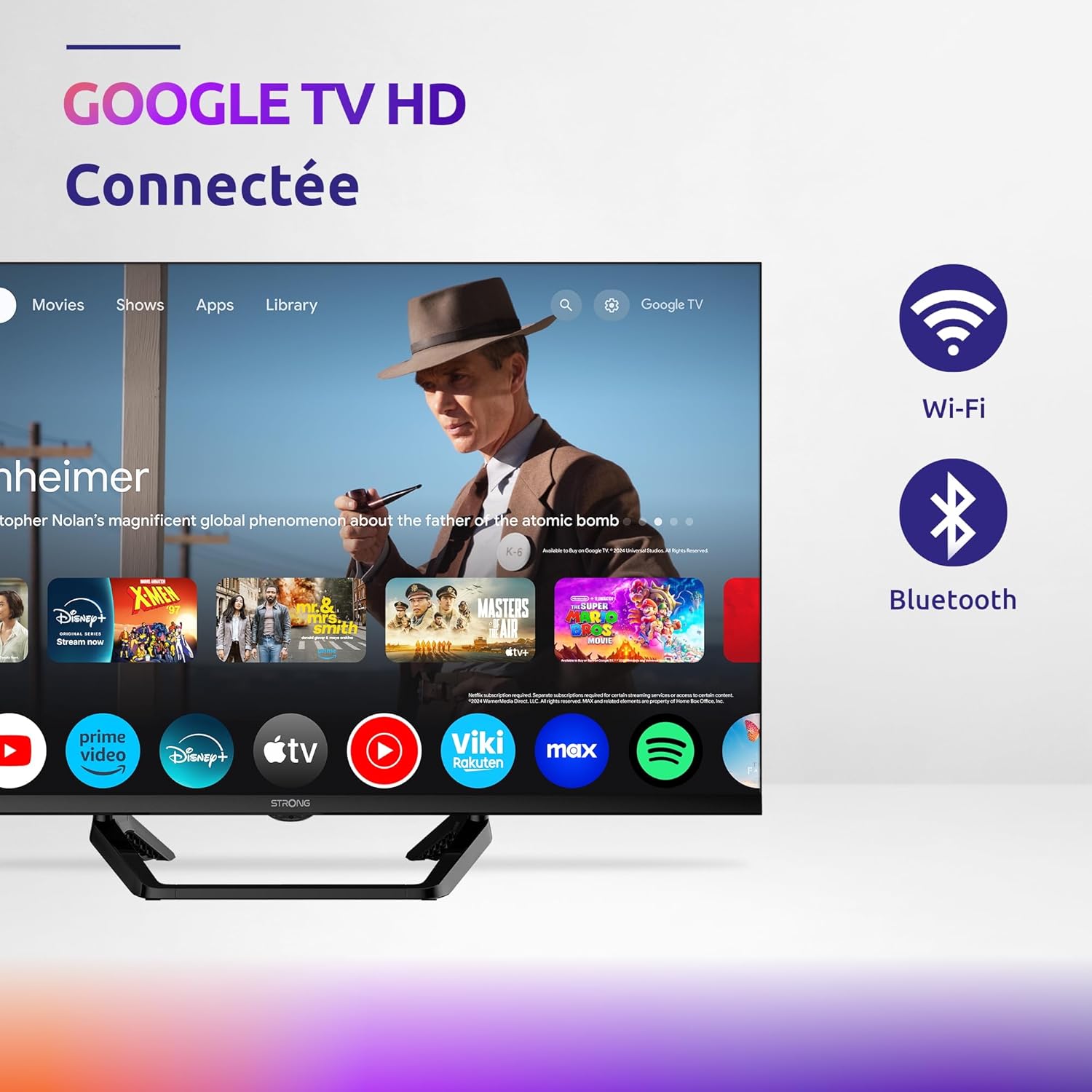
Image: Diagram showing the dimensions of the STRONG SRT32HG6733C TV, including width, height, and depth with the central stand.
Warranty uye Support
This product comes with a manufacturer's warranty of 24 months. For warranty claims or technical support, please refer to the contact information provided on the official STRONG websaiti kana magwaro ekutenga kwako.
For frequently asked questions and additional resources, visit the STRONG Brand Store.


Images: Icons representing warranty information and frequently asked questions.


