1. Nhanganyaya
Thank you for choosing the Aolon GT5 Pro Smart Watch. This manual provides essential information for setting up, operating, and maintaining your device. Please read it carefully to ensure optimal performance and longevity of your smart watch.
2. Package Zviri mukati
Upon opening the package, please verify that all items listed below are present:
- Aolon GT5 Pro Smart Watch (with one strap attached)
- Additional Strap (e.g., leather or silicone, depending on variant)
- Magnetic kuchaja Cable
- User Manual

Image: Contents of the Aolon GT5 Pro Smart Watch package, showing the watch, an extra strap, a magnetic charging cable, and the user manual.
3. Chigadzirwa Pamusoroview
The Aolon GT5 Pro Smart Watch features a robust design with a 1.6-inch HD display and multiple physical buttons for intuitive control, especially during outdoor activities.
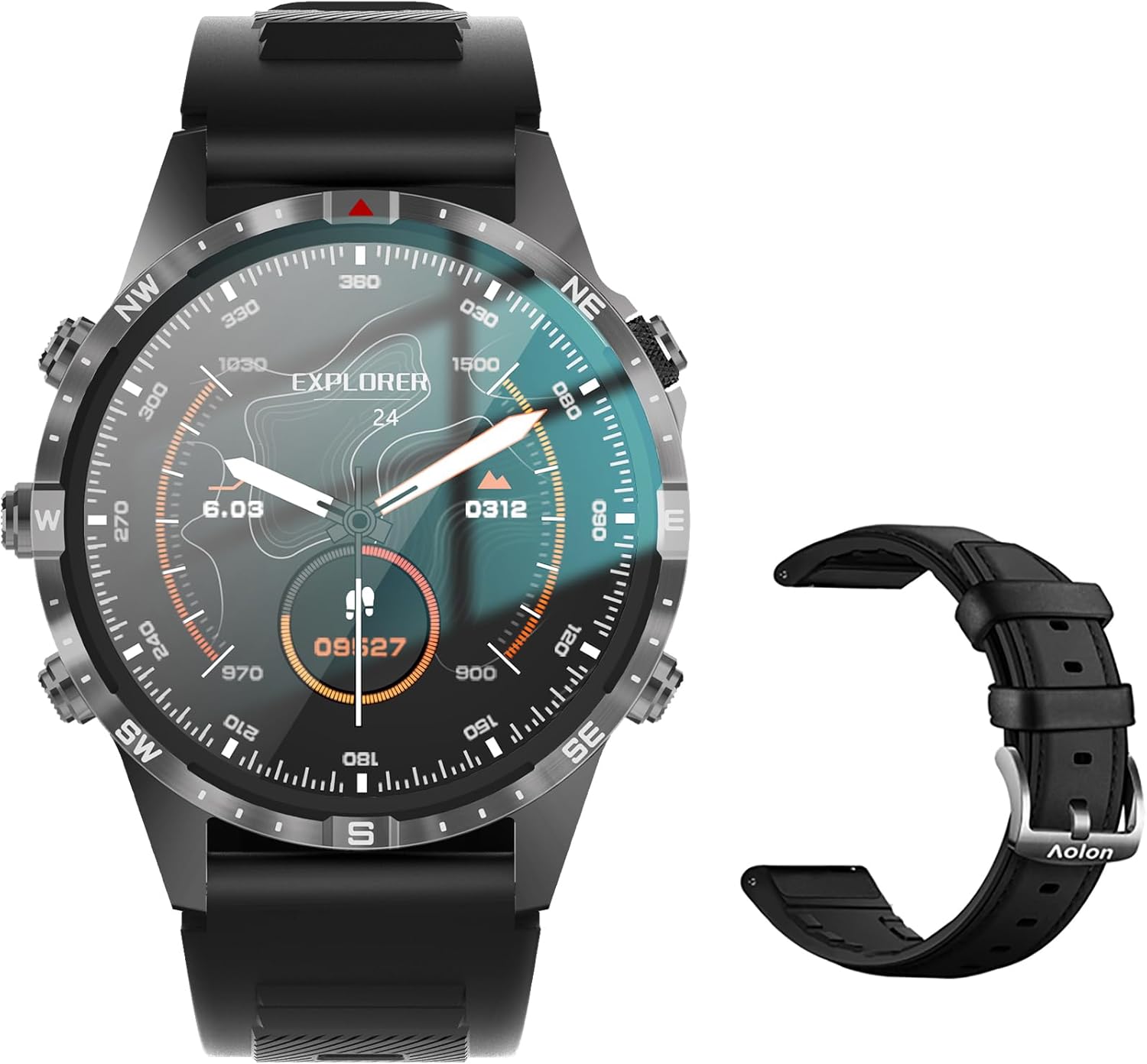
Image: The Aolon GT5 Pro Smart Watch displaying a compass-like watch face, alongside an additional black leather strap.
3.1. Zvikamu zveWachi
- Ratidza: 1.6-inch HD Large Screen (360x360 resolution IPS HD with ultra-narrow bezel).
- Mabhatani: 5 independent physical buttons for precise control and navigation.
- Sensors: Heart rate sensor, blood oxygen sensor, motion sensor.
- Sipika & Maikorofoni: For Bluetooth calling functionality.

Mufananidzo: Kuvhara view of the Aolon GT5 Pro Smart Watch screen, emphasizing its 1.6-inch HD display with 360x360 pixel resolution and narrow bezel.
4. Setup
4.1. Kuchaja Smart Watch
Before first use, fully charge your Aolon GT5 Pro Smart Watch. Connect the magnetic charging cable to the charging points on the back of the watch and plug the USB end into a power adapter (not included) or a computer's USB port.
- Nguva yekuchaja: Ingangoita maawa maviri ekuchaja yakazara.
- Battery Life: Up to 7-10 days with typical use, 30 days standby time.

Image: Visual representation of the Aolon GT5 Pro's battery performance, indicating 30 days standby, 7-10 days typical use, and 1.5 hours charging time.
4.2. Kuiswa kweApp uye Kubatanidza
To unlock the full potential of your smart watch, download the companion app on your smartphone.
- Dhaunirodha App: Scan the QR code in the manual or on the watch screen, or search for the app name (usually mentioned in the quick start guide) in your phone's app store (App Store for iOS, Google Play Store for Android).
- Nyoresa/Pinda: Vhura iyo app uye uteedzere mirairo iri pa-screen kugadzira account kana kupinda.
- Patanidza Watch: Ensure Bluetooth is enabled on your smartphone. In the app, navigate to the device pairing section and select your Aolon GT5 Pro from the list of available devices. Confirm the pairing request on both your phone and watch.
5. Operating Instructions
5.1. Basic Navigation
- Swipe Kumusoro/Kudzika: Dzvanya mumamenyu uye zviziviso.
- Swipe Kuruboshwe/Kurudyi: Access quick functions or different widgets.
- Dzvanya Mabhatani: Use the 5 independent buttons for specific functions like power on/off, back, or quick access to sports modes. Refer to the quick start guide for specific button assignments.
- Tap Screen: Select items or confirm actions.
5.2. Kufona kweBluetooth
The Aolon GT5 Pro supports Bluetooth calling, allowing you to make and receive calls directly from your wrist.
- Iva nechokwadi chekuti wachi yako yakabatana nefoni yako kuburikidza neBluetooth.
- Access the call function on your watch to dial numbers or answer incoming calls.
- Receive message notifications from your phone's apps directly on your watch.

Image: The Aolon GT5 Pro Smart Watch showing its Bluetooth calling feature, with icons representing call, music, and contact functions.
5.3. Mitambo Modes
The watch supports over 100 sports modes, including swimming, running, cycling, and yoga. Select your desired activity to track specific metrics.
- Navigate to the Sports section on your watch.
- Choose your activity. The watch will record data such as calories burned, steps, distance, and pace.
- Connect to your phone's GPS via the app for detailed route tracking.
5.4. Kuongorora Utano
The Aolon GT5 Pro continuously monitors various health metrics.
- Chiyero chemoyo: Dynamic heart rate measurement 24/7.
- Ropa Oxygen: Low power consumption blood oxygen level monitoring.
- Kutsvaga Kurara: Records your sleep status in real-time, providing data on deep, light, and awake times.

Image: The Aolon GT5 Pro Smart Watch screen showing health monitoring features, including heart rate, blood pressure, and blood oxygen levels.

Image: The Aolon GT5 Pro Smart Watch screen illustrating sleep quality monitoring, detailing sleep stages uye nguva.
5.5. Compass Navigation
Utilize the built-in guide needle navigation for accurate direction during outdoor activities.
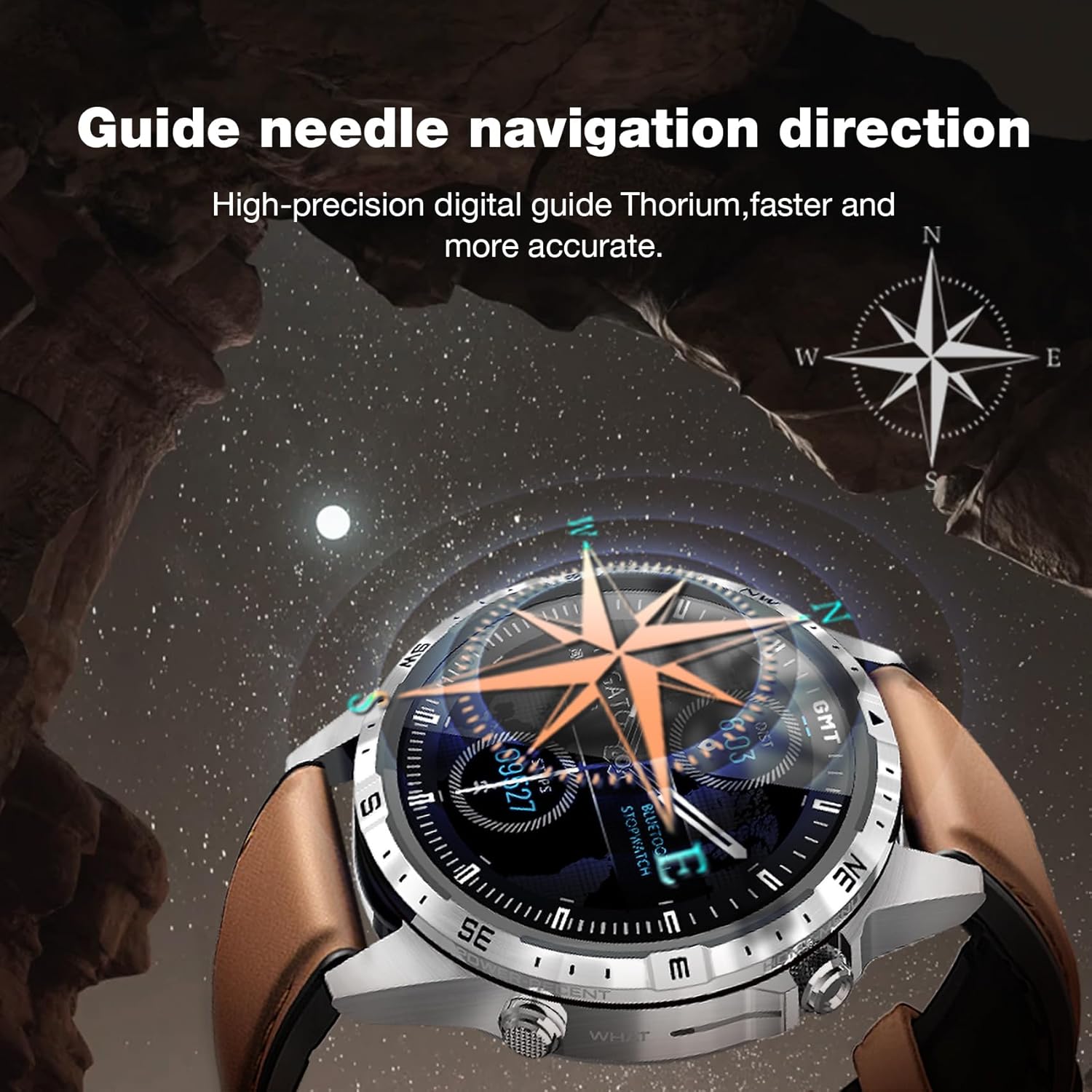
Image: The Aolon GT5 Pro Smart Watch showing its guide needle navigation feature, providing high-precision digital direction.
5.6. Mamwe Mabasa
The watch includes various other essential functions:
- Music Control
- Weather Forecast
- Stopwatch
- Remote Camera Control
- Ambient Sound Monitoring
- Tsvaga Runhare Rwangu
- Alarm Clock
- Sedentary Chiyeuchidzo
- Chiyeuchidzo cheMishonga
- Women's Menstrual Health Tips
5.7. Kuchinja Watch Faces
Personalize your watch by choosing from multiple types of dials available through the watch or the companion app.

Image: A selection of diverse watch faces for the Aolon GT5 Pro, demonstrating customization options.
6. Kuchengeta
6.1. Kuchenesa Watch
- Pukuta sikirini yewachi nemuviri wayo nejira rakapfava, risina kupfekwa.
- Patsvina yakasindimara, zvishoma dampen jira nemvura. Dzivisa kushandisa makemikari ane hasha kana abrasive zvinhu.
- Ita shuwa kuti macontacts ekuchaja akachena uye akaoma usati wachaja.
6.2. Kuramba Mvura
The Aolon GT5 Pro is IP67 waterproof. This means it is protected against dust and can withstand immersion in water up to 1 meter for 30 minutes.
- It is suitable for daily use, such as washing hands, face, or sweating during exercise.
- Avoid hot water, steam, or prolonged immersion in water.
- Usashandise mabhatani ari pasi pemvura.
6.3. Strap Care and Replacement
The watch comes with standard dual straps (silicone and leather). Clean straps regularly. The silicone strap is ideal for sports, while the leather strap offers a more formal look. Straps can be easily switched without tools.
7. Kugadzirisa matambudziko
If you encounter issues with your Aolon GT5 Pro Smart Watch, refer to the following common solutions:
| Dambudziko | Solution |
|---|---|
| Wachi haibatike | Iva nechokwadi chekuti wachi yakachajwa zvizere. Dzvanya wobata bhatani rekudzima kwemasekondi akati wandei. |
| Haikwanise kubatana ne smartphone | Ensure Bluetooth is enabled on your phone. Restart both the watch and phone. Make sure the watch is not already paired with another device. Check app permissions. |
| Mashoko ehutano asina kururama | Ensure the watch is worn snugly on your wrist, not too tight or too loose. Clean the sensor area on the back of the watch. |
| Zviziviso hazvina kugamuchirwa | Check app notification settings on your phone and within the watch app. Ensure the watch is connected via Bluetooth. |
| Hupenyu hupfupi hwebhatiri | Reduce screen brightness, turn off unnecessary features (e.g., continuous heart rate monitoring if not needed), and ensure proper charging. |
8. Zvinotsanangurwa
| Feature | Detail |
|---|---|
| Model | GT5 Pro |
| Display | 1.6-inch HD IPS, 360x360 Pixel Resolution |
| Battery Capacity | 340 mAh Lithium Polymer |
| Hupenyu hwebhatiri | Mazuva 7-10 (kushandiswa kwakajairika), mazuva gumi nemashanu (kumirira) |
| Kuchaja Nguva | Approx. 1.5 maawa |
| Kuramba Mvura | IP67 |
| Kubatana | Bluetooth |
| Kugarisana | Android & iOS |
| Dimensions | 16.3 x 10 x 2.5 cm (Package); Watch: 47.5mm diameter, 22mm strap width |
| Kurema | 180 g (Pakeji) |
9. Safety Information
- Usaedze kubvisa kana kushandura wachi.
- Chengetedza wachi kure nekupisa kwakanyanya uye zuva rakananga.
- Consult a medical professional before starting any new exercise regimen or if you have pre-existing health conditions. The health data provided by the watch is for reference only and should not be used for medical diagnosis or treatment.
- Chengetedza pasingasvikirwi nevana.
10. Warranty uye Tsigiro
For warranty information and customer support, please refer to the warranty card included in your package or visit the official AOLON website. If you encounter any issues not covered in this manual, please contact customer service for assistance.


