Nhanganyaya
Thank you for choosing RadioShack Stereo Earphones. These wired earbuds are designed to provide clear audio and convenient hands-free communication, featuring an inline microphone and volume control. This manual will guide you through the setup, operation, maintenance, and troubleshooting of your new earphones to ensure a satisfying listening experience.
Gadzirira
Setting up your RadioShack Stereo Earphones is straightforward. Follow these steps to begin using your earphones with your compatible device.
Kubatanidza kuMudziyo Wako
- Ziva Audio Jack: Locate the 3.5mm audio jack on your smartphone, tablet, laptop, or MP3 player. This is typically a small, circular port.
- Isa Plug: Gently insert the 3.5mm audio plug of your RadioShack earphones into the device's audio jack until it clicks into place. Ensure a secure connection.
- Verify Connection: Once connected, your device should automatically route audio through the earphones. If not, check your device's audio output settings.

Image: RadioShack Stereo Earphones connected to a smartphone, demonstrating proper plug insertion.

Mufananidzo: Zvakadzama view of the 3.5mm audio jack, ready for connection.
Operating Instruction
Your RadioShack Stereo Earphones feature an inline control unit for easy management of audio and calls.
Audio Control
- Kukwidza inzwi (+): Press the '+' button on the inline control to increase the audio volume.
- Vhoriyamu Pasi (-): Press the '-' button on the inline control to decrease the audio volume.
- Tamba/Kumbomira: Press the central multi-function button once to play or pause audio playback.
- Next Track: Double-press the central multi-function button to skip to the next track.
- Previous Track: Triple-press the central multi-function button to go back to the previous track.
Fonera Management
- Pindura/Pedzisa Kufona: Press the central multi-function button once to answer an incoming call or end an active call.
- Ramba Kufona: Press and hold the central multi-function button for approximately 2 seconds to reject an incoming call.
- Izwi Mubatsiri: Press and hold the central multi-function button for approximately 3 seconds to activate your device's voice assistant (e.g., Siri, Google Assistant).
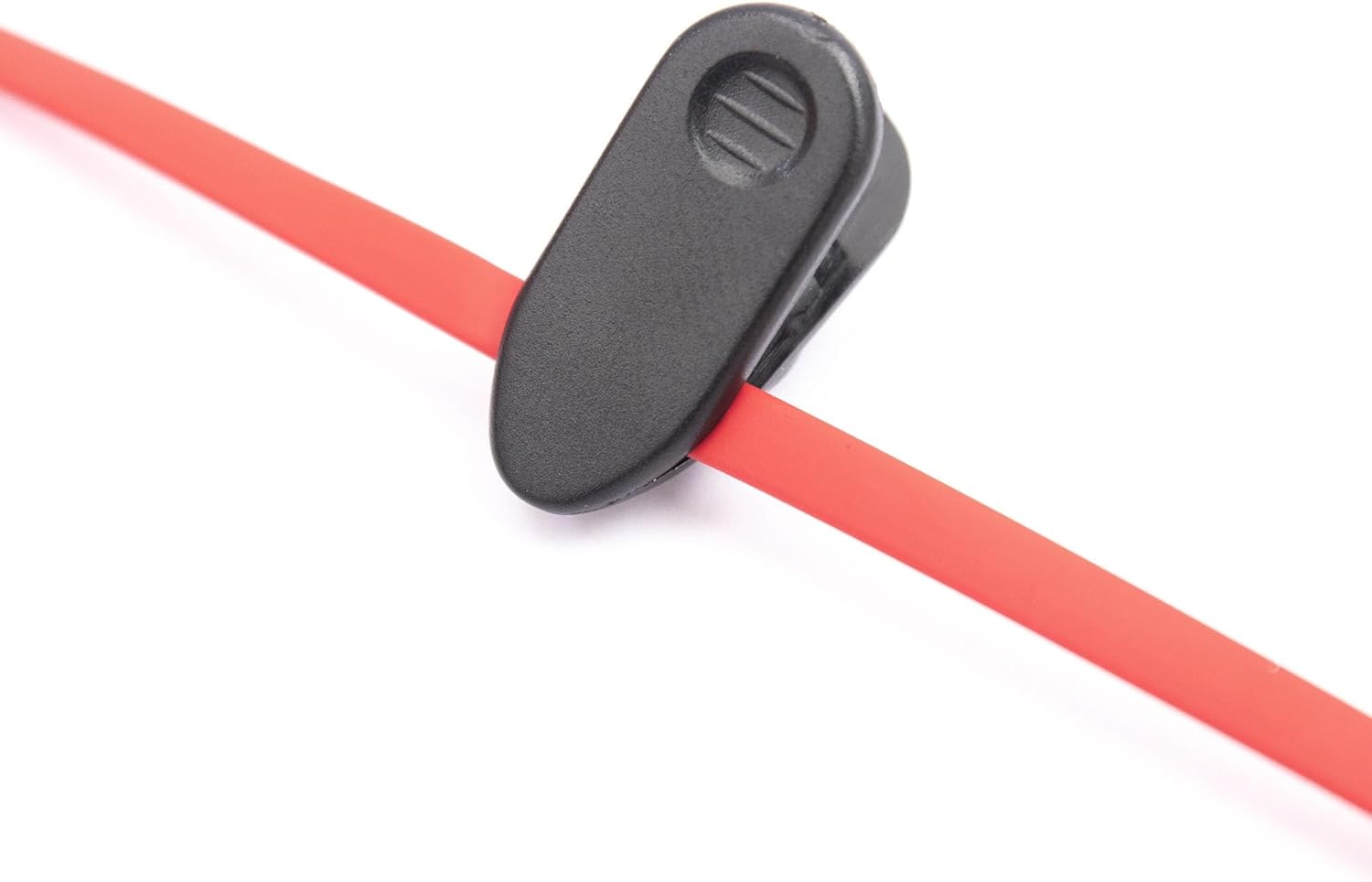
Image: Close-up of the inline control unit, showing volume and multi-function buttons.

Image: Feature diagram highlighting the various functions of the earphones.
Maintenance
Proper care and maintenance will extend the lifespan of your RadioShack Stereo Earphones and ensure consistent performance.
Kuchenesa
- Nzeve: Gently wipe the earbud tips with a soft, dry, lint-free cloth. Do not use harsh chemicals or abrasive materials.
- Cable: The tangle-free flat cable can be wiped clean with a slightly damp cloth if necessary, then immediately dried.
- Jack: Keep the 3.5mm audio jack clean and free of dust or debris.
Storage
- Store your earphones in a clean, dry place when not in use.
- Dzivisa kupisa kwakanyanya uye chiedza chezuva chakananga.
- Utilize the included cable clip to manage the cord and prevent tangling during storage or transport.

Image: Cable clip for convenient cable management and storage.
Kugadzirisa matambudziko
If you encounter issues with your RadioShack Stereo Earphones, refer to the following common problems and solutions.
| Dambudziko | Zvinogona Kukonzera | Solution |
|---|---|---|
| Hapana ruzha kana kurira kwakashata. | Loose connection, incorrect audio output setting, low device volume, damaged cable/jack. | Ensure the 3.5mm jack is fully inserted. Check your device's audio output settings. Increase device volume. Test with another device to rule out earphone damage. |
| Maikorofoni haisi kushanda. | Incorrect device settings, app permissions, microphone obstruction. | Verify microphone permissions in your device's settings for the app you are using. Ensure the microphone on the inline control is not obstructed. Test with another app or device. |
| Volume control buttons not responding. | Kusawirirana nemudziyo, zvikanganiso zvesoftware. | Some older devices may not fully support inline controls. Restart your device. Ensure the connection is secure. |
Zvinotsanangurwa
Detailed technical specifications for your RadioShack Stereo Earphones.
| Feature | Detail |
|---|---|
| Model Name | RadioShack Stereo Earphones With Microphone |
| Model Number | 3304244-PNT |
| Kubatana Technology | Wired |
| Maheadphone Jack | 3.5 mm Jack |
| Kuiswa Nzeve | Munzeve |
| Fomu Factor | Munzeve |
| Control Type | Volume Control |
| Cable Feature | Tangle Free |
| Item Weight | 1.44 ounces |
| Package Dimensions | 6.06 x 2.64 x 1.06 inches |
| Mugadziri | Radioshack |
| Nyika Yekwakabva | China |
Warranty uye Support
For warranty information and customer support, please refer to the official RadioShack website or contact the seller directly. Keep your purchase receipt for any warranty claims.
You can find more information and contact details on the official RadioShack store page: