1. Nhanganyaya
This manual provides essential instructions for the safe and efficient operation of your RadioShack IPX6 Waterproof Bluetooth Speaker. Please read this manual thoroughly before using the product and retain it for future reference.
The RadioShack IPX6 Waterproof Bluetooth Speaker is designed for portable audio playback, featuring Bluetooth connectivity, dynamic RGB lighting, and a built-in microphone for hands-free calls. Its IPX6 water-resistant rating makes it suitable for various indoor and outdoor environments.

Mufananidzo 1.1: Mberi view of the RadioShack IPX6 Waterproof Bluetooth Speaker.
2. Package Zviri mukati
Tarisa kuti zvinhu zvese zvakanyorwa pazasi zvinosanganisirwa mupakeji yako:
- RadioShack IPX6 Waterproof Bluetooth Speaker
- USB Kuchaja Cable
- AUX Audio Cable
- User Manual

Image 2.1: Visual representation of key speaker features and specifications.
3. Zvigadzirwa zveChigadzirwa
- Immersive Sound: Equipped with 8W of audio power and a 3600mAh battery, this speaker delivers clear highs and deep bass for an engaging listening experience.
- Dynamic RGB Mwenje: Enhance your audio experience with customizable RGB lighting, suitable for various moods and occasions.
- Dhizaini Inodzivirira Mamiriro ekunze: An IPX6 rating ensures the speaker can withstand splashes and minor water exposure, making it ideal for outdoor use.
- Chokwadi Wireless Stereo (TWS): Connect two identical speakers wirelessly to create a stereo sound system, expanding the audio output and soundstage.
- Yakavakirwa-mukati Maikorofoni: Facilitates hands-free calling directly through the speaker, allowing you to stay connected while enjoying music.

Image 3.1: The speaker showcasing its customizable RGB lighting feature.
4. Setup
4.1 Kutanga Kuchaja
- Before first use, fully charge the speaker. Connect the provided USB charging cable to the speaker's charging port and a compatible USB power adapter (not included).
- Chiedza chechiratidzo chekuchaja chinovhenekera panguva yekuchaja uye kudzima kana chazara chaji.
4.2 Kubatidza/Kudzima
- To power on, press and hold the Power button until the indicator light illuminates and an audible prompt is heard.
- To power off, press and hold the Power button again until the indicator light turns off and an audible prompt is heard.
4.3 Bluetooth Pairing
- Ensure the speaker is powered on and in Bluetooth pairing mode (the Bluetooth indicator light will flash).
- Pamudziyo wako (smartphone, piritsi, nezvimwewo), shandisa Bluetooth uye tsvaga zvishandiso zviripo.
- Select "RadioShack Speaker" from the list of devices.
- Once paired, the Bluetooth indicator light will become solid, and an audible confirmation will be heard.
4.4 Kubatanidza True Wireless Stereo (TWS)
To pair two RadioShack IPX6 Waterproof Bluetooth Speakers for TWS stereo sound:
- Ita shuwa kuti vese vatauri vakabatidzwa uye havana kubatana kune chero imwe Bluetooth mudziyo.
- On one speaker, press and hold the TWS button (refer to button layout in section 5.1) until an audible prompt indicates TWS pairing mode. This speaker will be the primary unit.
- The second speaker will automatically search for and connect to the primary speaker. An audible prompt will confirm successful TWS pairing.
- Once TWS paired, connect your device to the primary speaker via Bluetooth as described in section 4.3. Audio will now play in stereo through both speakers.
5. Operating Instructions
5.1 Bhatani Mabasa
The speaker features a control panel with several buttons:
- Bhatani reSimba: Dzvanya uye ubate kuti ubatisise/kudzima.
- Bhatani reTamba/Kumbomira: Dzvanya kuridza kana kumbomira odhiyo.
- Kukwidza inzwi (+): Dzvanya kuti uwedzere vhoriyamu. Dzvanya wobata kuti utarise rwiyo runotevera.
- Vhoriyamu Pasi (-): Dzvanya kuti uderedze vhoriyamu. Dzvanya wobata rwiyo rwekare.
- Bhatani reModhi (M): Press to switch between Bluetooth, AUX, and FM Radio modes.
- RGB Light Bhatani: Press to cycle through RGB lighting modes or turn off the lights.
- Bhatani rekufona: Press to answer/end calls. Press and hold to reject calls.
5.2 Audio Playback
- Makaralı Mode: After successful pairing, audio from your connected device will play through the speaker.
- AUX Input: Connect an external audio device using the provided 3.5mm AUX cable. The speaker will automatically switch to AUX mode or can be selected using the Mode button.
- FM Radio: In FM Radio mode, press the Play/Pause button to auto-scan and save available stations. Use the Volume Up/Down buttons (press and hold) to navigate between saved stations.

Image 5.1: The speaker's USB and AUX connectivity ports.
5.3 Kufona Kwemaoko Kwemahara
When connected via Bluetooth, incoming calls will pause music playback. Press the Call button to answer, and press again to end the call. Press and hold the Call button to reject an incoming call.
6. Kuchengeta
6.1 Kuchenesa
Pukuta mutauri nekanyoro, damp cloth. Do not use abrasive cleaners or solvents. Ensure the charging and AUX ports are dry before use or charging.
6.2 Kuramba Mvura (IPX6)
The speaker is rated IPX6, meaning it is protected against high-pressure water jets from any direction. It is not designed for submersion. Ensure the rubber flap covering the charging and AUX ports is securely closed to maintain water resistance.
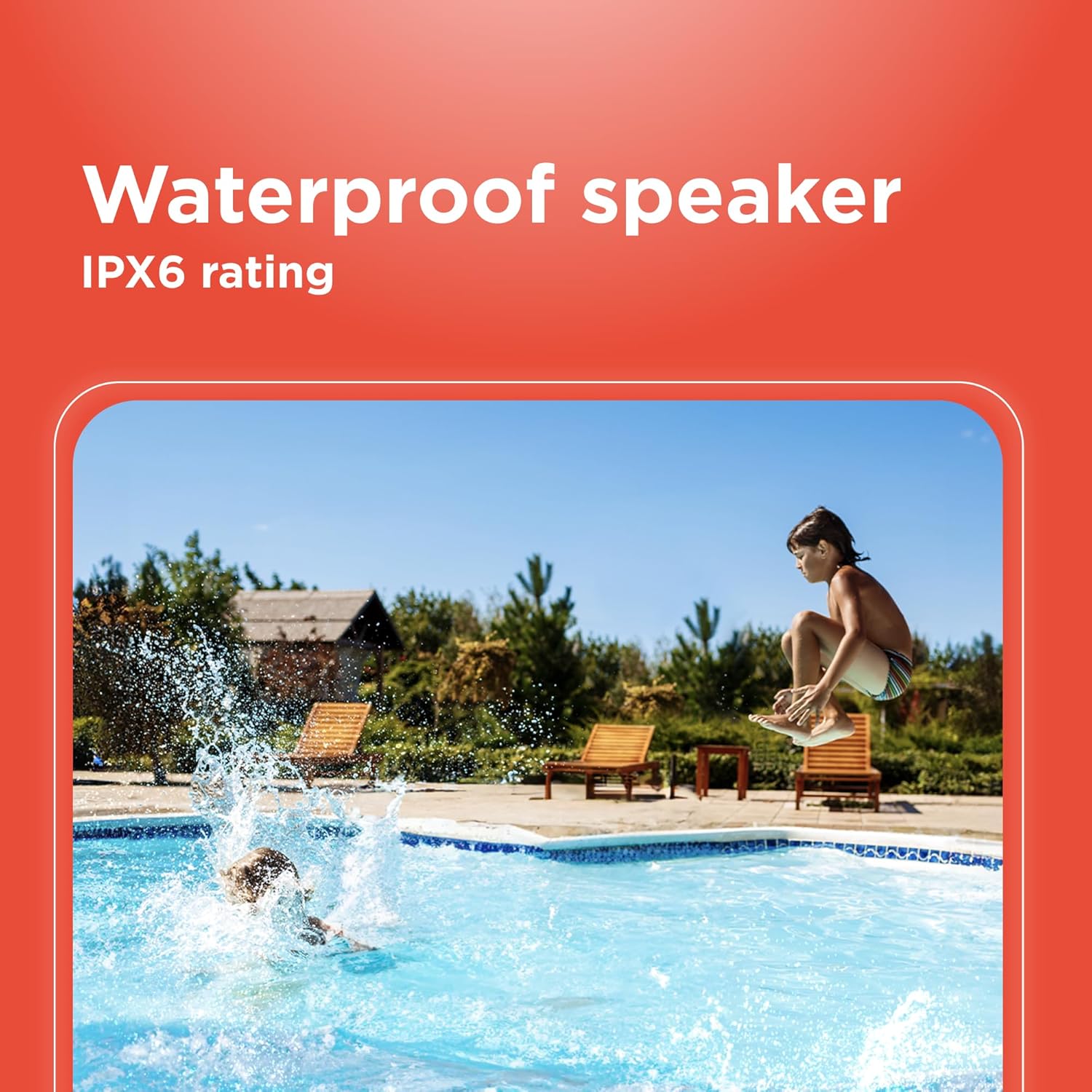
Image 6.1: The speaker's IPX6 water resistance allows for use near water.
6.3 Kuchengeta Battery
To prolong battery life, avoid fully discharging the speaker frequently. Charge the speaker regularly, even if not in use for extended periods.
7. Kugadzirisa matambudziko
- Sipika haizobatidzi: Ita shuwa kuti bhatiri rachajwa. Batanidza kune sosi yemagetsi uye edza zvakare.
- Haikwanise kubatanidza kuburikidza neBluetooth: Ensure the speaker is in pairing mode and within range of your device. Turn off and on both the speaker and your device's Bluetooth. Forget the device on your phone and re-pair.
- Hapana ruzha: Check the volume levels on both the speaker and your connected device. Ensure the correct input mode (Bluetooth, AUX) is selected.
- Hunhu husina kunaka: Tambanudza sipika pedyo neBluetooth device yako. Iva nechokwadi chekuti hapana zvipingamupinyi pakati pesipika nedevice.
- TWS pairing inotadza: Ensure both speakers are identical models and not connected to any other Bluetooth device before initiating TWS pairing.
8. Zvinotsanangurwa
| Feature | Tsanangudzo |
|---|---|
| Model Name | RadioShack Bluetooth Speaker RGB Light 14W |
| Item Model Number | 4001763-PRNT |
| Brand | RadioShack |
| Mutauri Rudzi | Portable |
| Kubatana Technology | Bluetooth |
| Wireless Communication Technology | Bluetooth |
| Mutauri Mukuru Wekubuda Simba | 8 Watts |
| Audio Output Mode | Stereo |
| Kutenderedza Inzwi Channel Configuration | 2.0 |
| Simba Source | Battery Powered |
| Bhatiri Type | 1 Lithium Ion bhatiri (inosanganisirwa) |
| Battery Capacity | 3600 mamiriyoniamp Maawa |
| Estimated Playtime | Kusvikira kumaawa makumi maviri nemashanu |
| Inodzivirira Mvura | True (IPX6 rating) |
| Kudzora Nzira | Bata |
| Material | Plastiki |
| Color | Bhuruu |
| Product Dimensions | 4.84"D x 11.14"W x 4.96"H |
| Item Weight | Mapaundi 4.43 (70.9 Ounces) |
| Mugadziri | RadioShack |
9. Warranty uye Tsigiro
This RadioShack product comes with a limited warranty. For detailed warranty information, please refer to the warranty card included in your package or contact RadioShack customer support.
For technical assistance, troubleshooting, or service inquiries, please visit the official RadioShack support websaiti kana kubata dhipatimendi ravo rebasa revatengi.


