Nhanganyaya
Welcome to the world of creative sewing and embroidery with your new Bernette B79 machine. This computerized sewing and embroidery machine is designed to offer precision, versatility, and ease of use for both beginners and experienced crafters. With its advanced features and the included Bernina Embroidery Software V9, you can bring intricate designs to life on various fabrics, from clothing to hats. This manual provides essential information for setting up, operating, maintaining, and troubleshooting your Bernette B79 to ensure optimal performance and longevity.
Gadzirira
1. Kusunungura uye Kuisa
Carefully remove the Bernette B79 machine and all accessories from the packaging. The machine weighs approximately 43 pounds and has dimensions of 20"D x 23"W x 22"H. Place the machine on a stable, flat surface with adequate space for operation and material handling. Ensure the area is well-lit and free from obstructions.
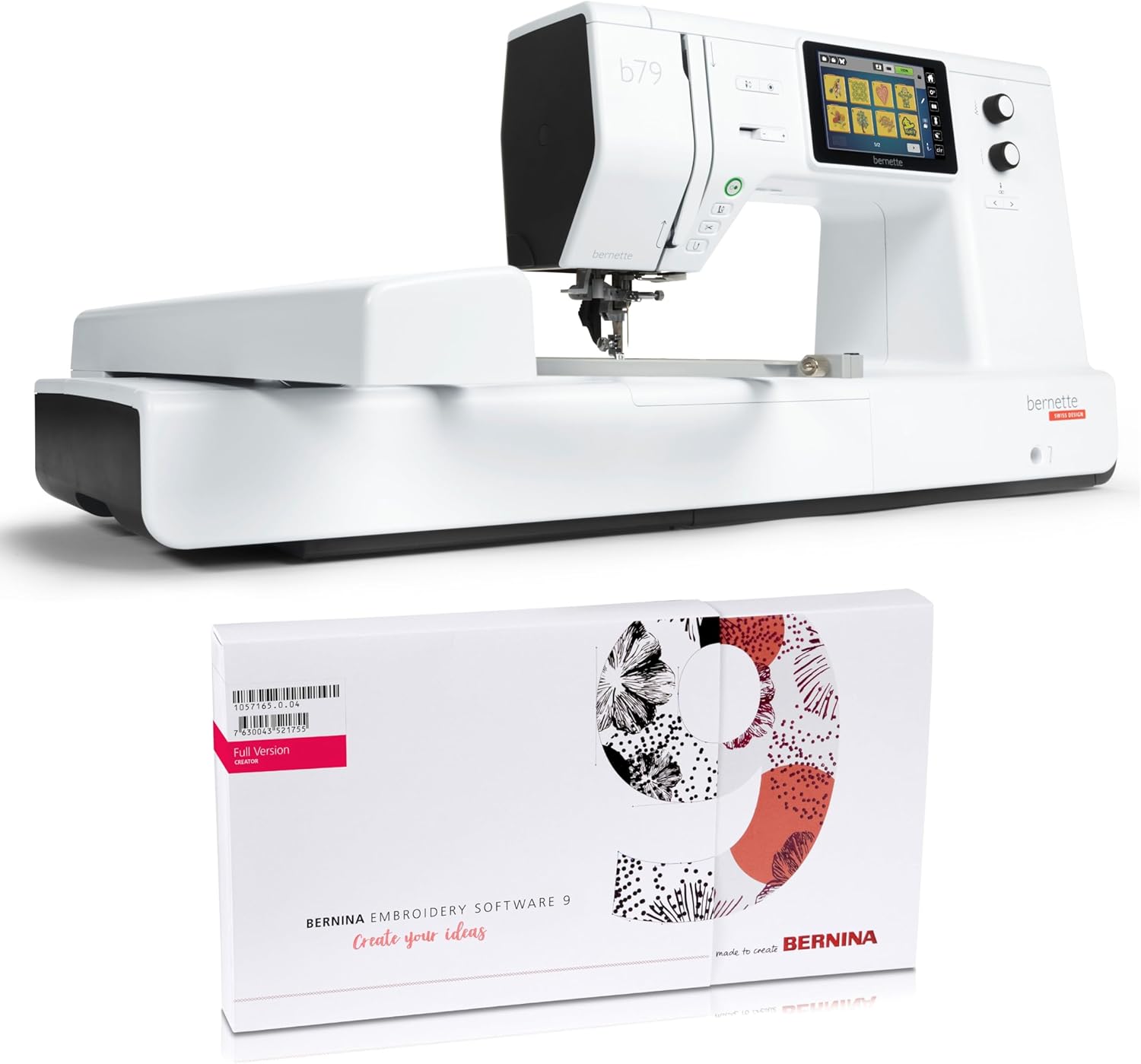
Image: The Bernette B79 sewing and embroidery machine displayed alongside the Bernina Embroidery Software V9 box, illustrating the complete product package.
2. Simba Connection
Connect the power cord securely to the machine's power input and then to a suitable electrical outlet. Ensure the power switch is in the "off" position before connecting.
3. Software Installation (Bernina Embroidery Software V9)
The Bernette B79 comes with free Bernina Embroidery Software V9. Install this software on your computer by following the instructions provided with the software package. This software is essential for creating and managing your embroidery designs before transferring them to the machine.
Operating the Bernette B79
1. Basic Controls uye Interface
The Bernette B79 features an intuitive touchscreen display and physical control dials for easy navigation and setting adjustments. Familiarize yourself with the main menu, stitch selection options, and machine settings accessible via the screen.

Mufananidzo: Kumberi view of the Bernette B79 machine, highlighting its sleek design and integrated touchscreen display for easy operation.
2. Kupinza Muchina
Follow the numbered threading path indicated on the machine for the upper thread. The Bernette B79 features a convenient drop-in bobbin system. Ensure the bobbin is wound correctly and inserted into its compartment as per the machine's instructions. Proper threading is crucial for preventing skipped stitches and thread breaks.
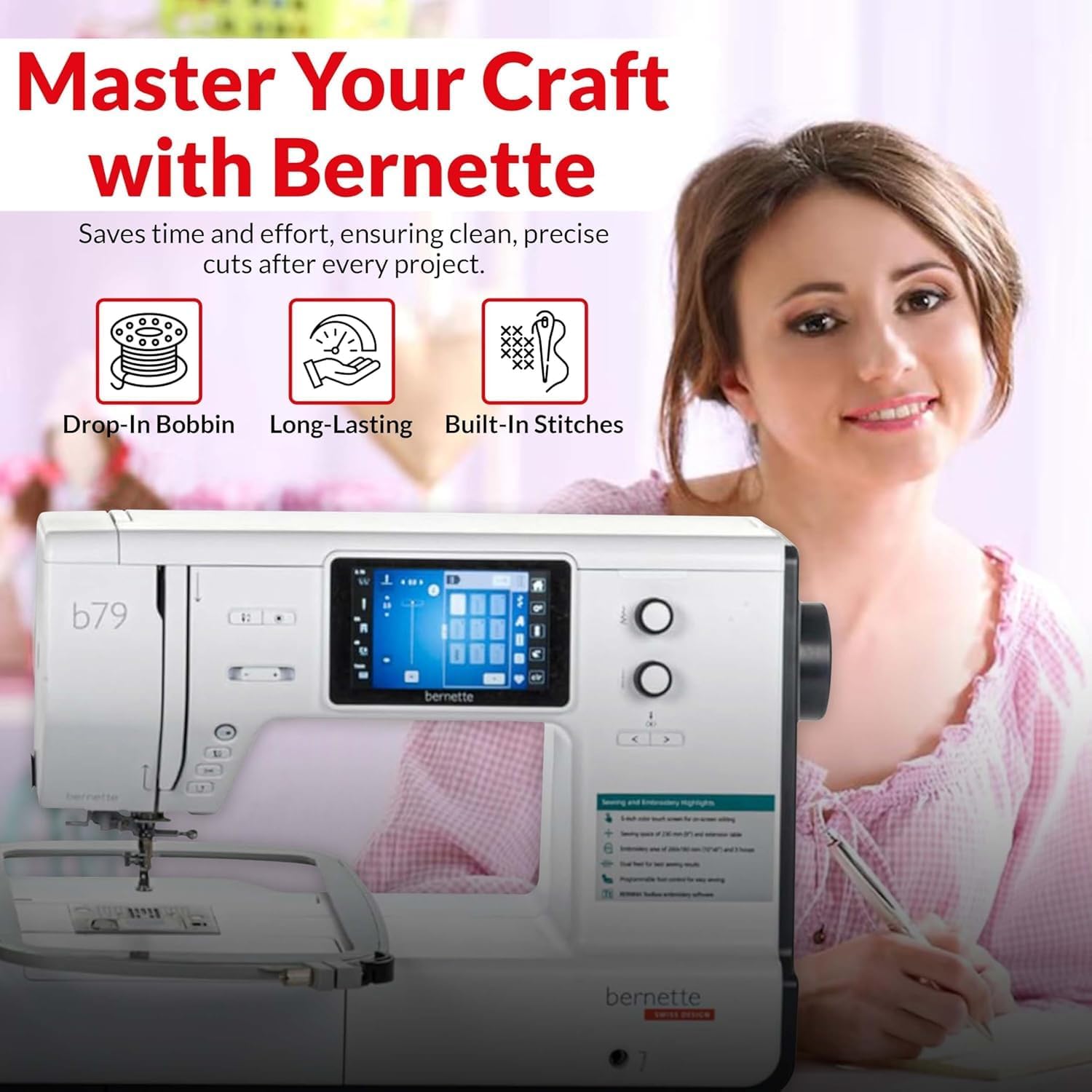
Image: A visual representation of key features including the drop-in bobbin system, emphasizing ease of use and durability, along with the variety of built-in stitches.
3. Selecting Stitches and Designs
The Bernette B79 offers over 200 built-in stitches for various sewing needs, from quilting to garment creation. Use the touchscreen to browse and select your desired stitch. For embroidery, load your designs from the Bernina Embroidery Software V9 onto the machine via USB or direct connection.
4. Embroidery Functionality
Attach the appropriate embroidery hoop to your fabric, ensuring it is taut and secure. Mount the hoop onto the machine's embroidery unit. Select your design on the touchscreen and follow the prompts to begin embroidering. The computerized system provides precision and control for detailed patterns.

Mufananidzo: Kuvhara view of the Bernette B79 actively embroidering a colorful design onto fabric, demonstrating its precision capabilities.
5. Using Different Presser Feet
The Bernette B79 is compatible with various presser feet, such as the Hemmer Foot, Overcast Foot, and Shirring Foot, to expand your sewing and embroidery capabilities. Refer to the accessory guide for proper attachment and use of each foot.

Mufananidzo: Kuratidzwa kwemifananidzo yakasanganiswaasing three different presser feet – Hemmer Foot, Overcast Foot, and Shirring Foot – highlighting their distinct designs and functions for various sewing tasks.
6. Customizable Settings
Adjust stitch length, width, and tension directly on the machine's interface to achieve optimal results for different fabrics and project requirements. Experiment with settings to gain complete control over your creative projects.
Maintenance
1. Kuchenesa Muchina
Regularly clean lint and dust from the bobbin area, feed dogs, and needle plate using a small brush or vacuum cleaner. Accumulation of lint can affect stitch quality and machine performance. Always disconnect the power before cleaning.
2. Kutsiviwa Netsono
Replace the needle frequently, especially when starting a new project or if you notice skipped stitches or fabric damage. Use the correct needle type and size for your fabric and thread.
3. Software Updates
Periodically check the Bernette website for software updates for your B79 machine. Keeping the firmware updated ensures optimal performance, new features, and compatibility.
Kugadzirisa matambudziko
This section addresses common issues you might encounter with your Bernette B79 machine.
- Kuputsa Thread: Check upper and bobbin threading, ensure correct tension, use quality thread, and replace bent or dull needles.
- Skipped Stitches: Verify needle insertion, replace the needle, ensure correct needle type for fabric, and check threading.
- Kugadzira Machira: Adjust tension settings, use a stabilizer for embroidery, and select the appropriate stitch length.
- Muchina Usingabatike: Ensure the power cord is securely connected to both the machine and the outlet. Check the power switch and the electrical outlet.
- Noisy Operation: Clean the machine thoroughly, especially the bobbin area. If noise persists, consult the support section.
For more detailed troubleshooting steps or issues not listed here, please refer to the comprehensive manual provided with your machine or contact Bernette customer support.
Zvinotsanangurwa
| Feature | Detail |
|---|---|
| Model Number | B79 |
| Brand | Bernette |
| Product Dimensions | 20"D x 23"W x 22"H |
| Item Weight | 43 makirogiramu |
| Color | Chena |
| Yakavakwa-mukati Stitches | Kupfuura 200 |
| Inosanganisirwa Software | Bernina Embroidery Software V9 |
Warranty uye Support
The Bernette B79 machine is covered by a manufacturer's warranty. Please refer to the warranty card included with your product for specific terms, conditions, and duration.
For technical assistance, service, or to inquire about replacement parts, please contact Bernette customer support. You can typically find contact information on the official Bernette website or in the documentation provided with your machine.
Zvekushandisa Pamhepo: For additional tips, tutorials, and frequently asked questions, visit the official Bernette support page.


