1. Nhanganyaya
The Moman CP-S Motorcycle Intercom System is designed to provide clear and reliable communication for motorcyclists. Featuring advanced Bluetooth 5.1 technology, noise reduction, and a robust waterproof design, it enhances your riding experience by allowing group communication, music sharing, and hands-free phone calls.

Figure 1: Moman CP-S Intercom Unit with key features.
2. Package Zviri mukati
The Moman CP-S package includes the following items:
- Moman CP-S Intercom Unit
- Headphone and Microphone Set
- Mounting Clip (for helmet edge)
- Adhesive Mount (for helmet surface)
- USB Kuchaja Cable
- Interchangeable Decorative Shells (3 colors)
- User Manual
- Installation Tools (screwdriver)
3. Kuisa Nongedzo
Proper installation ensures optimal performance and comfort. Follow these steps to install your Moman CP-S intercom system on your helmet.
3.1. Preparing the Helmet
- Remove the helmet's inner lining and cheek pads if they are removable. This provides easier access for speaker and microphone placement.
- Identify suitable locations for the speakers (near your ears) and the microphone (near your mouth).
3.2. Mounting the Intercom Unit
Choose between the clip mount or the adhesive mount based on your helmet type and preference.
Using the Clip Mount:
- Loosen the screws on the clip mount using the provided screwdriver.
- Slide the clip mount onto the bottom edge of your helmet, ensuring it is securely fastened.
- Tighten the screws to secure the clip mount in place.
Using the Adhesive Mount:
- Chenesa nzvimbo yaunoda yekuisira parutivi pengowani yako zvakanaka.
- Peel off the protective film from the adhesive mount and firmly press it onto the helmet surface for at least 30 seconds. Allow sufficient time for the adhesive to bond before attaching the intercom unit.
Attaching the Intercom Unit:
- Slide the Moman CP-S intercom unit onto the installed clip or adhesive mount until it clicks securely into place.
3.3. Kuisa maSpeaker neMaikrofoni
- Attach the adhesive pads to the back of the speakers.
- Carefully place the speakers inside the helmet, aligning them with your ears. Press firmly to secure.
- Attach the adhesive pad to the microphone.
- Position the microphone near your mouth, ensuring it is not obstructed by the helmet's padding.
- Connect the speaker and microphone cables to the appropriate ports on the intercom unit.
3.4. Cable Management
Tuck all excess cables neatly under the helmet's inner lining to prevent discomfort and ensure they do not interfere with helmet function. Reinstall any removed inner lining or cheek pads.
Video 1: Installation guide for Moman H2 Intercom (similar to CP-S).
4. Operating Instructions
4.1. Simba On / Off
- Power On: Press and hold the Power button for 3 seconds until the indicator light turns on.
- Power Off: Dzvanya uye bata bhatani reSimba kwemasekonzi mashanu kusvika chiratidzo chemwenje chadzima.
4.2. Bluetooth Kubatanidza
- With the device off, press and hold the Function button for 3 seconds. The red and blue indicator lights will flash, indicating pairing mode.
- On your mobile phone, enable Bluetooth and search for "FODSPORTS FX-S" (or similar device name). Select it to pair. The pairing is complete when the indicator light changes.
4.3. Mumhanzi Playback
- Tamba/Kumbomira: Muchidimbu dzvanya bhatani reFundo.
- Rwiyo Runotevera: Rotate the control knob forward once.
- Rwiyo Rwapfuura: Rotate the control knob backward once.
- Kugadziridza Vhoriyamu: Rotate the control knob forward or backward for 1 second to increase or decrease volume.

Figure 2: Music sharing feature between two riders.
4.4. Runhare Runhare
- Pindura/Pedzisa Kufona: Muchidimbu dzvanya bhatani reFundo.
- Ramba Kufona: Dzvanya bhatani reFunction kwenguva refu kwesekondi imwe chete.
- Izwi Mubatsiri: Single click to activate AI voice assistant (e.g., Siri, Google Assistant).
- Chinja Manyorero/Otomatiki Kupindura Mafoni: Long press the Function button and ON/OFF button for 3 seconds.

Figure 3: AI Voice Assistant and FM Radio features.
4.5. Kutaurirana paIntercom
- The Moman CP-S supports intercom communication for up to 8 riders within a 2000m range, and 2 riders within a 1000m range.
- It is compatible with other intercom brands.
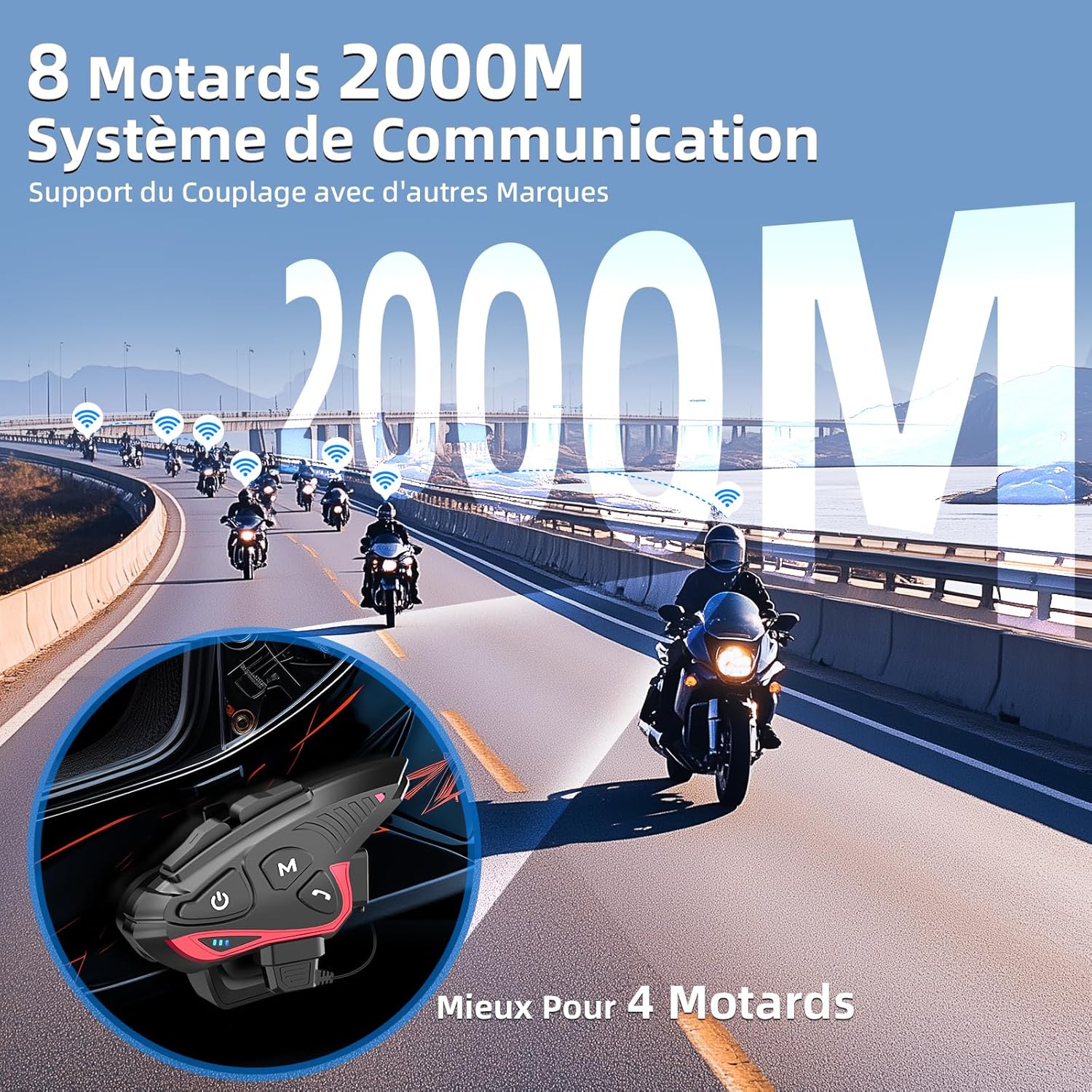
Figure 4: Group intercom communication range and capabilities.
4.6. FM Radio
- Activate the FM radio function to listen to broadcasts while riding.
Vhidhiyo 2: Pamusoroview of Moman H2S Intercom features (similar to CP-S).
5. Zvinotsanangurwa
| Feature | Tsanangudzo |
|---|---|
| Model Number | CP-S |
| Wireless Technology | Bluetooth 5.1 |
| Intercom Range | Up to 2000m (8 riders), 1000m (2 riders) |
| Battery Capacity | 900mAh |
| Kuchaja Nguva | 2 maawa |
| Intercom Nguva | Kusvikira kumaawa makumi maviri nemashanu |
| Mumhanzi Nguva Yekutamba | Kusvikira kumaawa makumi maviri nemashanu |
| Standby Time | Kusvikira kumaawa makumi maviri nemashanu |
| Kuramba Mvura | IP65 (isina mvura) |
| Noise Reduction | DSP and 12th Gen CVC |
| Mutauri Mukuru | 40mm Hi-Fi |
| Kudzora Nzira | Izwi, Mabhatani |
| Kurudziro yezwi | 8 languages (Chinese, English, Japanese, German, French, Italian, Spanish, Korean) |
| Material | Plastiki |
| Special Features | Noise cancellation, Water resistant, Music sharing, FM Radio, AI Voice Assistant, Interchangeable shells |

Mufananidzo 5: Hupenyu hwebhatiri uye zvinhu zvekuchaja.
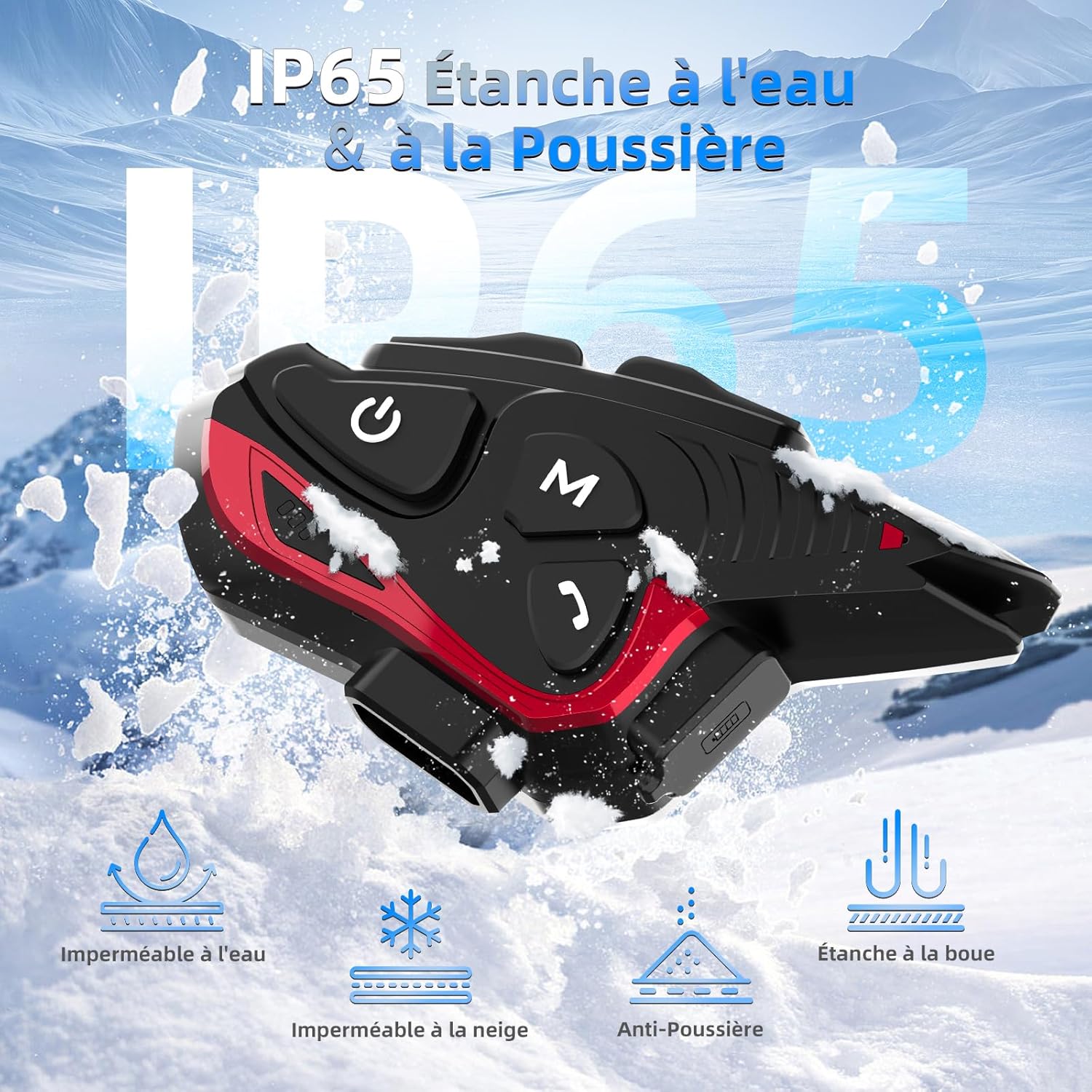
Figure 6: IP65 Water and Dust Resistance.
6. Kuchengeta
- Chengetedza mudziyo wakachena uye wakaoma. Pukuta nechinyoro, damp jira.
- Rega kuisa mudziyo kune tembiricha yakanyanyisa kana zuva rakananga kwenguva refu.
- Iva nechokwadi chekuti chifukidziro chechiteshi chekuchaja chakavharwa zvakanaka kana chisiri kuchaja kuti mvura isapinda.
- Chaja mudziyo nguva dzose, kunyangwe usiri kushandiswa, kuti bhatiri rirambe richishanda zvakanaka.
7. Kugadzirisa matambudziko
7.1. Hapana Simba
- Ensure the battery is charged. Connect the device to a power source using the provided USB cable.
- Check if the power button is being held for the correct duration (3 seconds).
7.2. Cannot Pair with Phone
- Ensure the device is in pairing mode (red and blue indicator lights flashing).
- Dzima uye paBluetooth yefoni yako.
- Ensure the device is within range of your phone.
- Forget previous Bluetooth connections on your phone and try pairing again.
7.3. Poor Audio Quality/Noise
- Ensure speakers are correctly positioned near your ears and the microphone is close to your mouth.
- Check for any obstructions around the microphone.
- Verify that the volume is adjusted appropriately.
- The device features DSP and CVC noise reduction, which should minimize ambient noise. If issues persist, ensure the microphone is not picking up excessive wind noise.
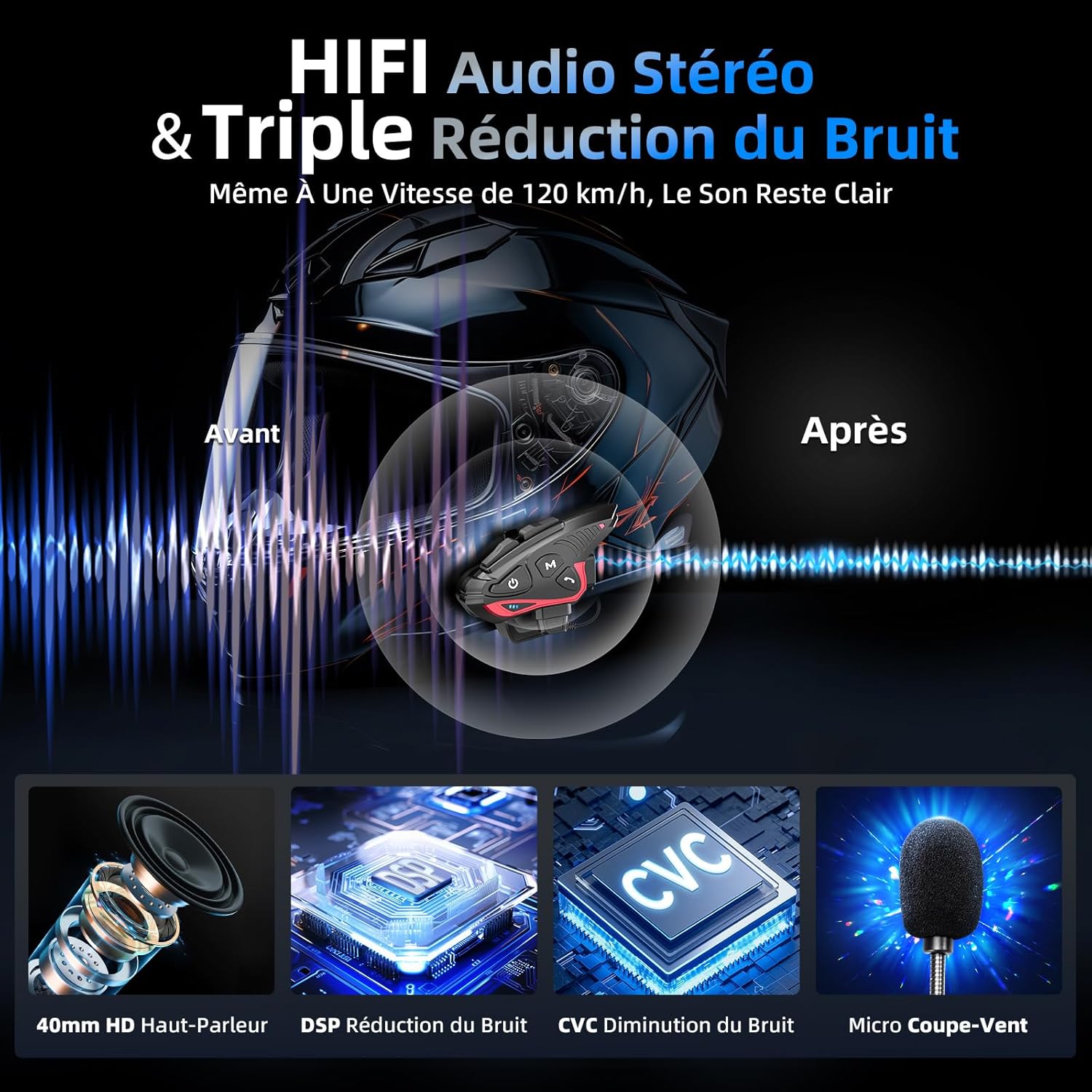
Figure 7: Audio quality and noise reduction technology.
8. Warranty uye Tsigiro
The Moman CP-S Motorcycle Intercom System comes with a 2-year manufacturer's warranty. For technical support, warranty claims, or any other inquiries, please contact Moman customer service through their official channels.


