Nhanganyaya
The Apple 240W USB-C Charge Cable (2m) is designed for efficient power delivery and data transfer between compatible USB-C devices. Featuring a durable braided design and USB-C connectors on both ends, this cable supports charging up to 240 watts and data transfer at USB 2 speeds. It is ideal for connecting your devices to a compatible USB-C power adapter for charging or for syncing data between devices.
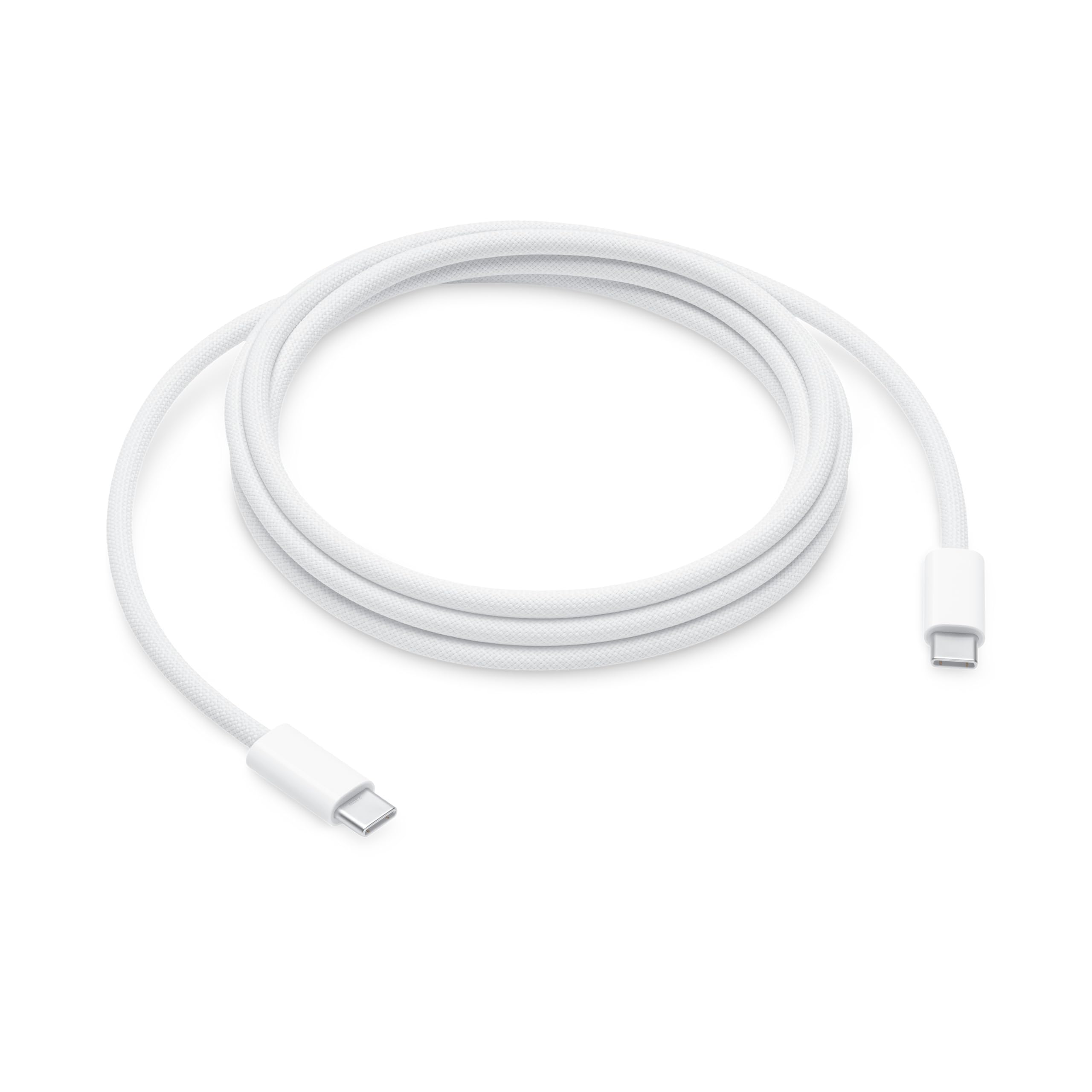
Image: The Apple 240W USB-C Charge Cable, showing its white braided exterior and USB-C connectors at each end.
Safety Information
- Do not expose the cable to liquids or extreme temperatures.
- Avoid bending or twisting the cable excessively, as this may damage internal wires.
- Chengetedza pasingasvikirwi nevana.
- If the cable appears damaged, discontinue use immediately.
- Use only with compatible and certified USB-C power adapters and devices.
Package Zviri mukati
Pasuru yacho ine:
- One (1) Apple 240W USB-C Charge Cable (2m)
Gadzirira
To set up your Apple 240W USB-C Charge Cable:
- Ensure you have a compatible USB-C power adapter (sold separately) and a device with a USB-C port.
- Connect one end of the Apple USB-C Charge Cable to the USB-C port on your power adapter.
- Connect the other end of the cable to the USB-C port on your device (e.g., laptop, tablet, smartphone).
- Plug the power adapter into a wall outlet. Your device should begin charging.
Cherechedza: A USB-C power adapter is required for charging and is sold separately. For optimal fast charging, use a power adapter that supports the wattage required by your device, up to 240W.
Kushanda
Kuchaja mudziyo wako
Once connected as described in the Setup section, the cable will facilitate power transfer from the USB-C power adapter to your device. This cable supports power delivery up to 240 watts, enabling fast charging for compatible devices.
Kuendesa Data
In addition to charging, this cable supports data transfer at USB 2 speeds. To transfer data:
- Batanidza mugumo mumwe wetambo kune USB-C port iri pakombuta yako.
- Connect the other end of the cable to the USB-C port on your compatible device.
- Your computer should recognize the connected device, allowing you to transfer files and synchronize data.
Maintenance
Kuchenesa
To clean the cable, gently wipe it with a soft, dry, lint-free cloth. Do not use abrasive cleaners, solvents, or aerosol sprays, as these can damage the cable.
Kuchengeta uye Kubata
- Chengeta waya yacho munzvimbo inotonhorera, yakaoma kana isiri kushandiswa.
- Avoid tightly coiling the cable, especially near the connectors, to prevent strain.
- Gara uchibata musoro wekubatanidza paunenge uchidhonza kana kuburitsa tambo, pane kudhonza tambo pachayo.
Kugadzirisa matambudziko
- Mudziyo hauchaji: Ensure both ends of the cable are securely connected. Verify that the power adapter is plugged into a working outlet and is compatible with your device's power requirements.
- Kuchaja kunononoka: Check if your power adapter supports fast charging and provides sufficient wattage for your device. Ensure your device also supports fast charging.
- Nyaya dzekutumira data: Confirm that both devices are powered on and that the cable is properly connected. Try restarting both devices. Ensure your computer's operating system and drivers are up to date.
- Cable appears damaged: If the cable shows signs of fraying, exposed wires, or bent connectors, discontinue use immediately and replace it.
Zvinotsanangurwa
| Feature | Detail |
|---|---|
| Brand | Apple |
| Connector Type | USB Type-C (on both ends) |
| Cable Type | USB |
| Cable Length | 2 metres (6.56 tsoka) |
| Power Delivery | Kusvika ku240 Watts |
| Data Kutamisa Speed | USB 2 speeds |
| Special Feature | Fast Charging, Braided Design |
Warranty Information
Apple products are covered by a limited warranty. For detailed information regarding the warranty period, coverage, and terms and conditions for your Apple 240W USB-C Charge Cable, please refer to the warranty documentation included with your purchase or visit the official Apple support website.
Support
Kuti uwane rumwe rubatsiro, rubatsiro rwehunyanzvi, kana kuti view frequently asked questions, please visit the official Apple Support websaiti:
You can also contact Apple customer service directly through their websaiti yerutsigiro rwemunhu oga.